Farming Simulator 25 mods
78,035 results- 15 per page
- 30 per page
- 45 per page
- 60 per page
-
See more per page
Bigger pages, fewer clicks - and no ads anywhere.
Go Pro
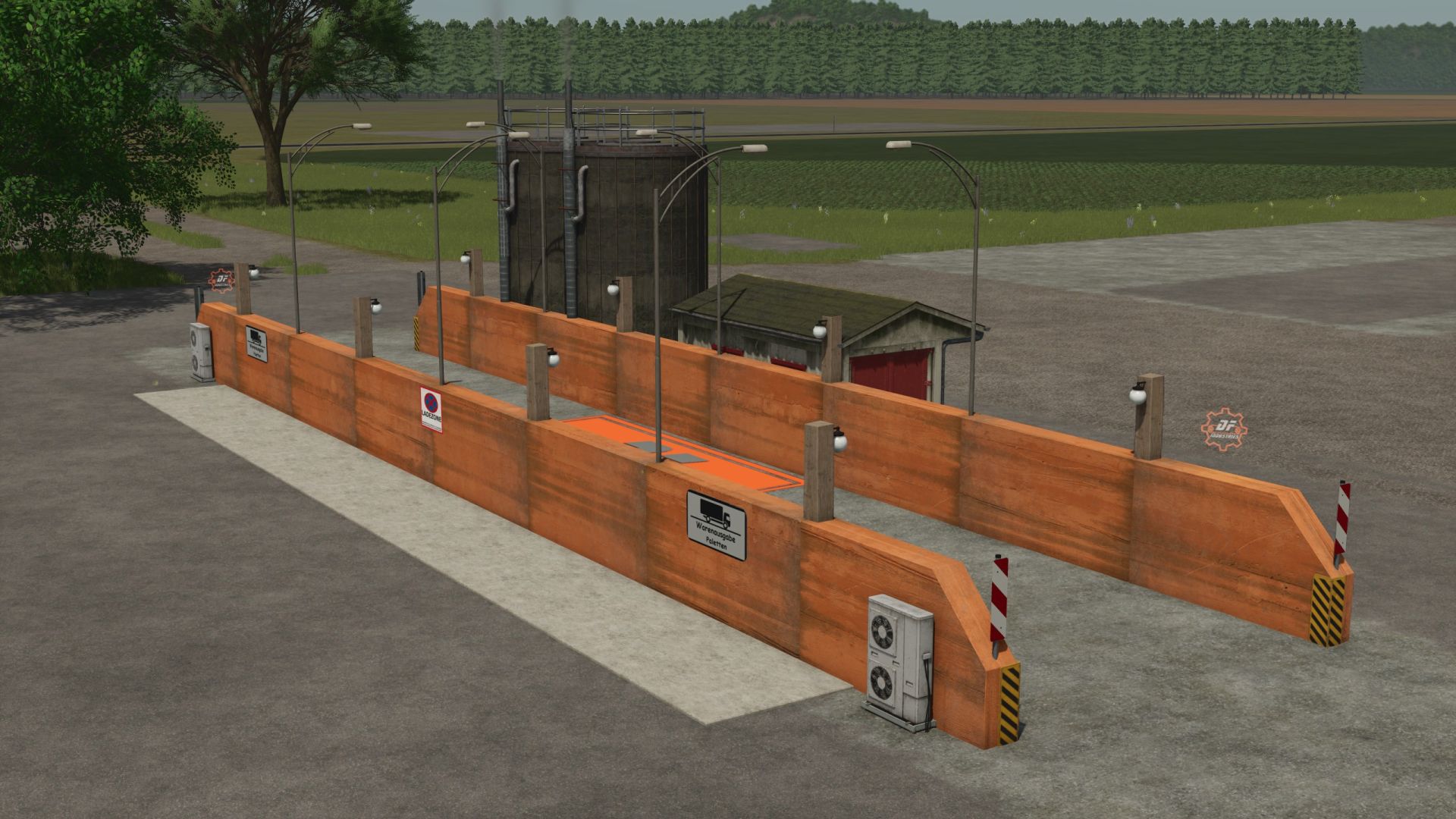
DF Cereal Drive M52 FS25
With the DF Cereal Drive M52, we are bringing the first highly efficient cereal factory with a true drive-in concept to Farming Simulator 25! The tedious and millimeter-precise maneuvering of large trucks at tight unloading points is a thing of the past: simply roll the grain train into the driveway, tip the raw materials onto the spacious weighing platform, and drive off immediately. The factory is perfectly optimized from the ground up for automated driving systems (like AutoDrive) – AI drivers navigate the lane guidance with ease. Visual highlights such as integrated lighting and a separate, clearly structured pallet spawning area complete the package. The plant's key facts: • Purchase price: €58,500 • Maintenance: €0/day • Category: Production Points • Incoming goods: Wheat, barley, oats, sorghum, raisins, chocolate, honey • Outgoing goods: Muesli / Cereals 🛠️ Changelog / version info Version 1.0.0.0 (Release) Drive-in concept: Integration of muesli production into a drive-through silo. Clean log: The mod runs absolutely flawlessly on the latest patch. Helper-friendly: Lanes and collisions explicitly adapted for AutoDrive. Final touches: Animated components ( dynamicallyLoadedParts) successfully calibrated for FS25.
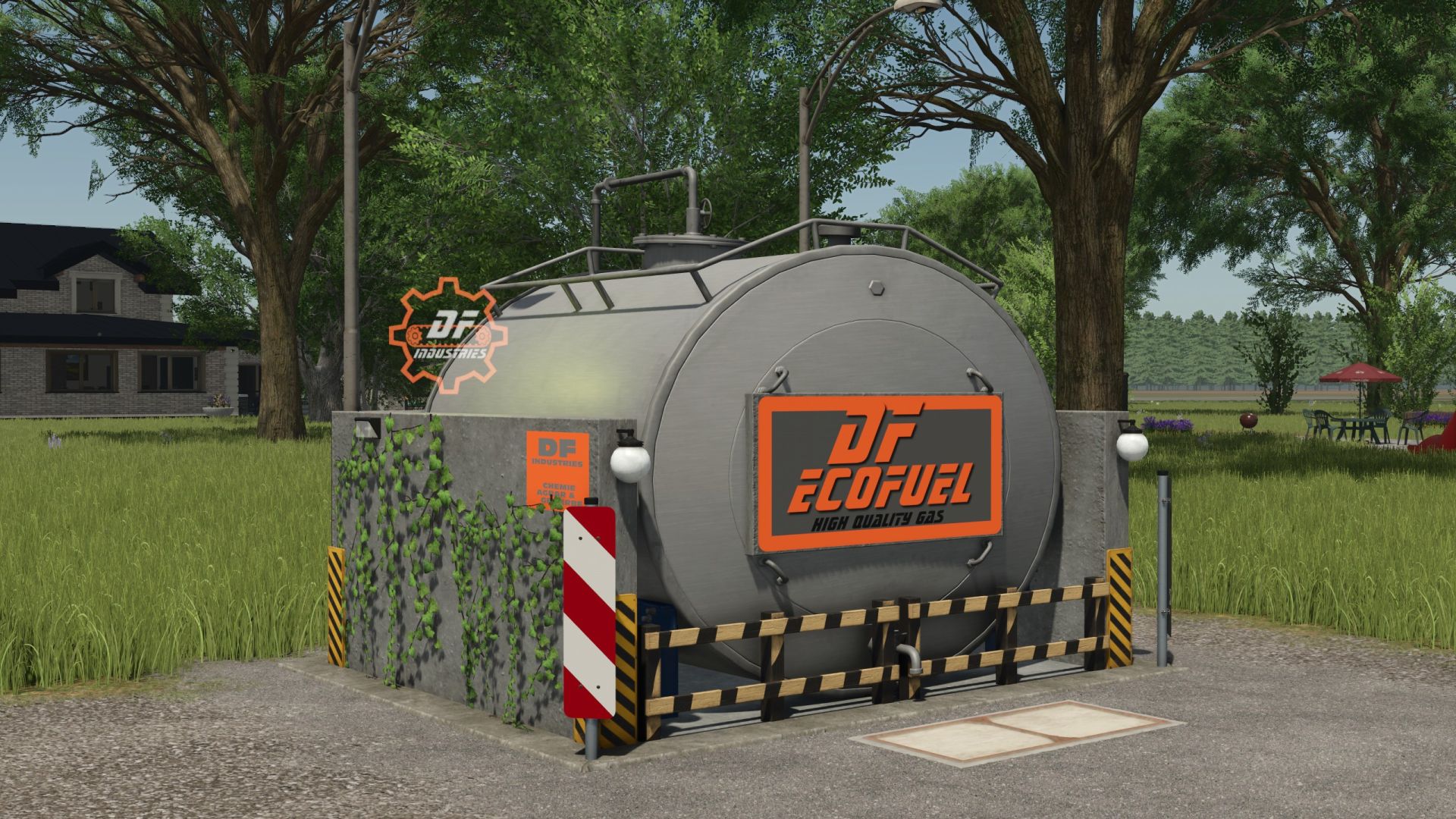
DF EcoFuel M50 FS25
The big anniversary has arrived! Mod number 50 in the successful DF series! The DF EcoFuel M50 is the ultimate farm fuel station for Farming Simulator 25. This compact and highly efficient masterpiece was developed specifically for modern farms looking for a space-saving and visually impressive refuelling solution for their fleet. Say goodbye to bulky, oversized tanks that detract from the appearance of your farm. The DF EcoFuel M50 offers maximum functionality in minimal space and, thanks to its realistic design, blends seamlessly into any farm layout. Equipped with state-of-the-art technology and the unmistakable custom symbols of DF Industries, this fuel pump truly shines when refuelling at night. ⛽ HIGHLIGHTS & FEATURES • 🌟 Anniversary Mod: The official 50th masterpiece – optimised down to the smallest detail! • 📦 Compact Design: Extremely space-saving construction with an integrated concrete spill containment tray, ideal for any corner of the farm. • 💡 Lighting for the Night Shift: Two perfectly positioned street lamps provide atmospheric and optimal illumination when refuelling at night. • 🏷️ Individual Branding: Large, eye-catching and brightly illuminated DF-ECOFUEL sign, plus glowing gear logos for an unmistakable brand presence. • 🤖 AutoDrive-friendly: Thanks to the clear access and compact dimensions, it is perfect for AI helpers and automated routes. • 🧼 100% Clean Log: Fully optimised for the LS25 engine. No errors, no warnings – the consistently first-class quality you have come to expect!
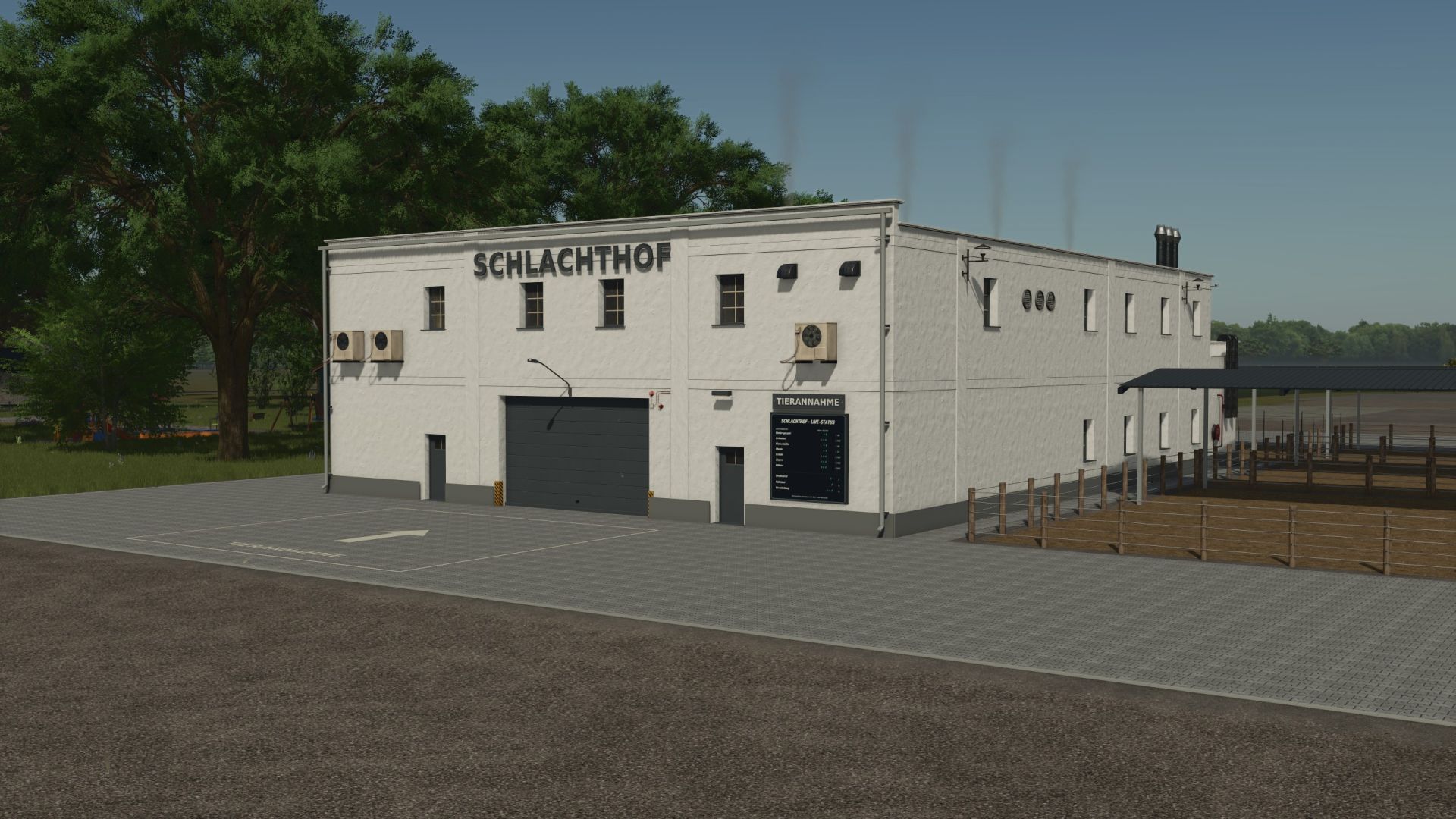
Slaughterhouse by Eiks FS25
With the slaughterhouse by Eiks, you process your animals into meat. Covered waiting pens, straw supply, manure slab, live display, and Eiksland's own meat pallets are included. For single-player and multiplayer. All information on how to use the game and the acceptance conditions can be found in the game help section under "Slaughterhouse". Have fun with the mod! 🚜

FS25 Ignition Key
FS25 Ignition Key Farming Simulator 25 mod: an ignition key on the keyboard, using the normal engine start key. https://github.com/etrigo1/FS25_Etrigo_IgnitionKey

FS25 Autodrive PGR BRUZDA
FS25 Autodrive PGR BRUZDA Everything available on the map has been connected and tested. Please send any errors you find here: https://discord.gg/hzhZ69dnA or here: https://t.me/utd6r2YqzuxhMTFi. You can see how it was created and tested here: https://www.youtube.com/playlist?list=PLYmRv-G44Aww
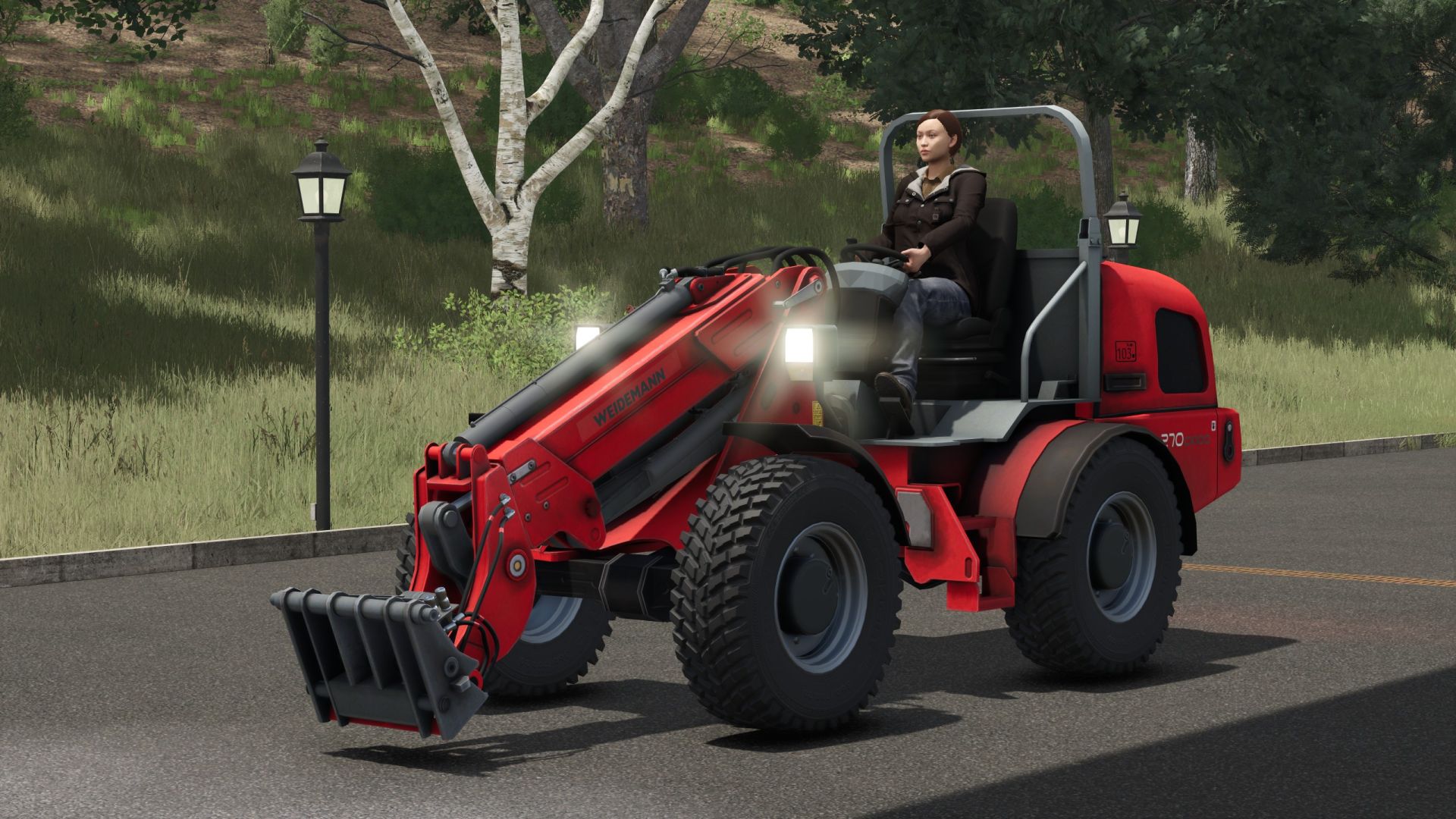
Weidemann 4270CX 100T FS25
After a long time, the Weidemann 4270 CX100 T is back – now for Farming Simulator 25. The basic model comes from FS13 and has been extensively revised and further modeled for FS25. Whether loading, stacking or transporting: The telescopic wheel loader is a versatile helper for your yard. Renovations and revisions: The number of polygons has been increased and numerous previously painted details have been modeled. The speedometer is detailed and animated. The joystick has been animated to match the arm and tool movements. The lighting has been completely rebuilt from the ground up and equipped with real light sources. The headlights are equipped with molded glass prisms, reflectors and luminous incandescent lamps. The glass materials of the rear, brake, indicator and reversing lights have been revised. The hydraulic cylinders feature rounder housings, chrome-plated piston rods, end caps, sealing rings and welds. The bearing eyes and bolts have been designed in greater detail. Valve blocks, rigid hydraulic lines and angled fittings have been added. Eight hydraulic lines have been equipped with refined couplings and revised hose routing. The hose movement connections for arm and steering movements have been revised. The materials and textures of the hydraulic fittings and hoses have been added and corrected. The wedge has been redesigned with a real handle hole, ribs and a detailed holder. The folding roll bar, with the original animation from LS17, has been linked to "unfold/fold vehicle" and can be used even when the engine is switched off. The arm and implement connection has been reworked, significantly reducing the amount of time attachments have to be dragged when starting a movement in the game. A new mod image and transparent shop image have been created from the current model and integrated. Technical specifications of the original: Engine: Perkins 4-cylinder turbodiesel with 4.4 liters displacement Power: 101 hp / 74.5 kW Drive: Hydrostatic all-wheel drive Maximum speed: 20 km/h, optionally 30 km/h Operating weight: approx. 7,000 kg Maximum bucket pivot point: 5.065 m Working hydraulics: 99 l/min at 235 bar Steering: Articulated steering Further updates will follow. The model is continuously being developed.
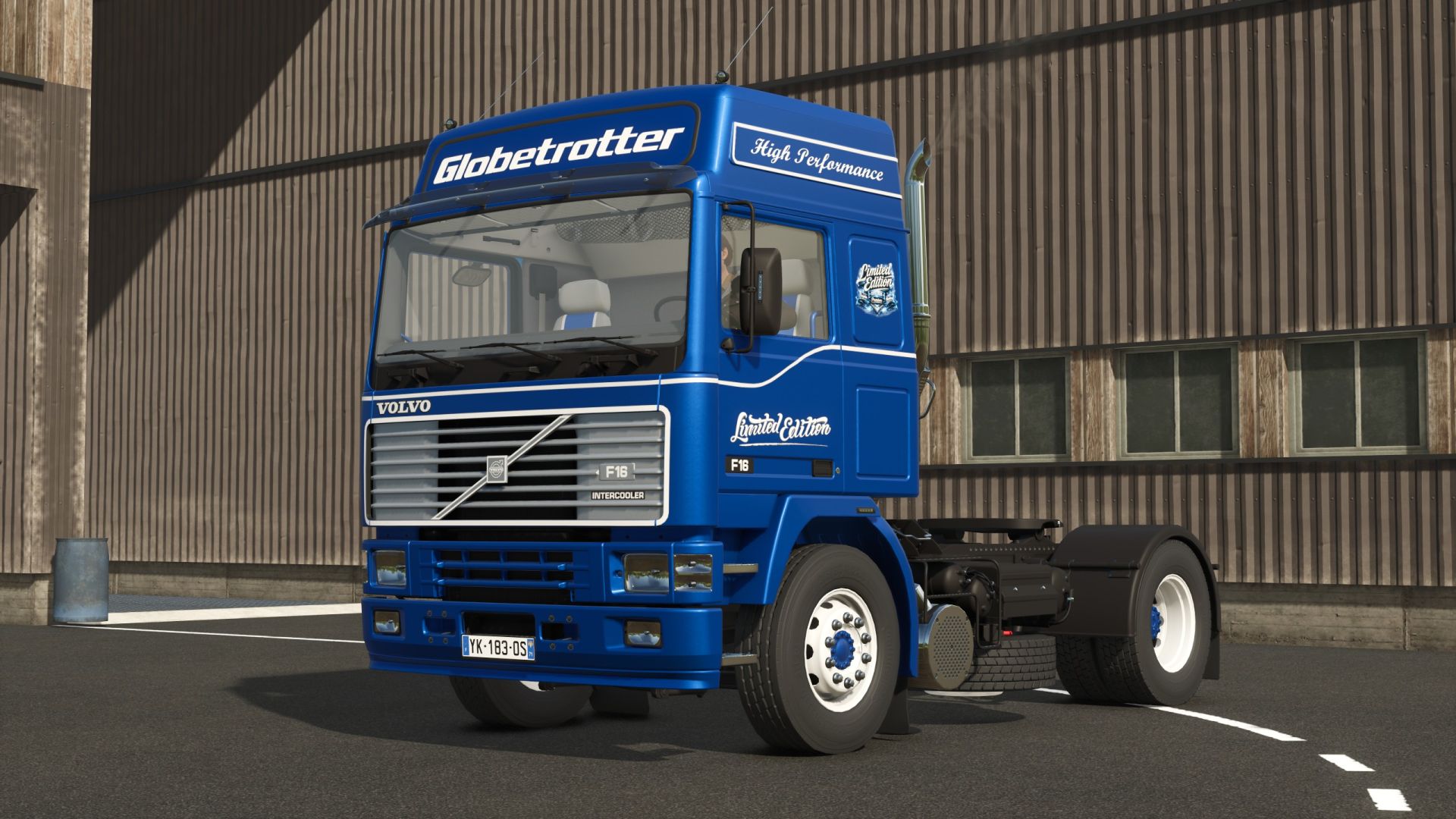
Volvo F16 Globetrotter Limited Edition FS25
Volvo F16 Globetrotter Limited Edition Configurations are free TestRunner public 0.9.23 checked Lighting renewed Marker lights renewed Headlight lenses darkened Beacons renewed Shop category: Truck Price 92200 Speed 90 km/h Engine size selection Lettering selection Logo selection Color selection for main color, frame, bumper, grille, decal, interior, interior 2, seat design, seat stripes, interior 3, lettering, Globetrotter decal and rim color Repair interval increased

FS25 Polish Farm Buildings with Cow Shed v1.0.0.1
FS25 Polish Farm Buildings with Cow Shed v1.0.0.1 Cow barn -price 50000 -dailyUpkeep 100 Buildings -price 150000 -dailyUpkeep 100 Converted from FS 19 V1.0.0.1 added missing building collision

FS25 Zetor Proxima 90-120 v1.1.0.0
FS25 Zetor Proxima 90-120 v1.1.0.0 Zetor Proxima: – Price: 65,000 – Power: 87-117hp Hp Configurations: – Front Attacher Configuration – Engine configuration – Wheel setup brand: Trelleborg – Rear fenders – Front fenders – Forest cage V1.1.0.0 – Increased modDesc version – Color corrected
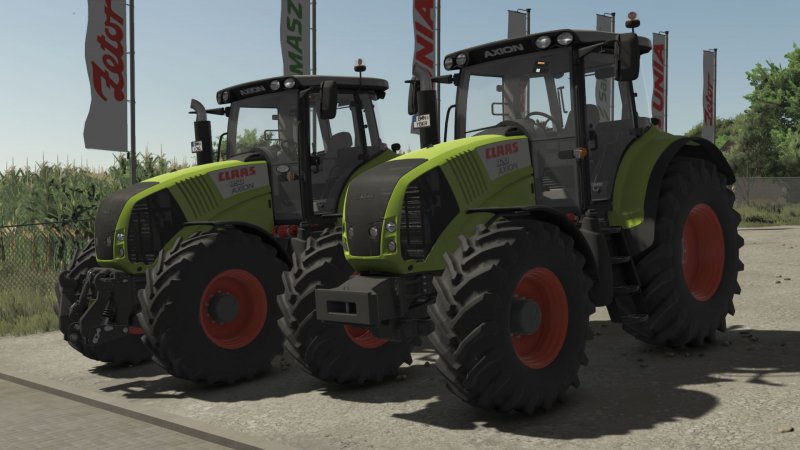
FS25 CLAAS Axion 800 Cebis v1.1.0.0
FS25 CLAAS Axion 800 Cebis v1.1.0.0 Price: 122400 $ Manufacturer: CLAAS Model: 800 Axion Production: 2006 – 2016 Standard engine: DPS 6,87 litres Max speed: 50 km/h Configurations: – Models: From Axion 820 – 197HP to Axion 850 264HP – Wheels: TRELLEBORG NOKIAN MICHELIN MITAS CONTINENTAL BKT VREDESTEIN – light configuration – beacon lights configuration – configuration of side signs – front weight and front hydraulic configuration – work lights configuration – Precision Farming configuration – front fender configuration – back fender configuration – Interactive control V1.1.0.0 – Increased modDesc version – Color corrected V1.0.0.1 – Fixed colors – Increased modDesc version
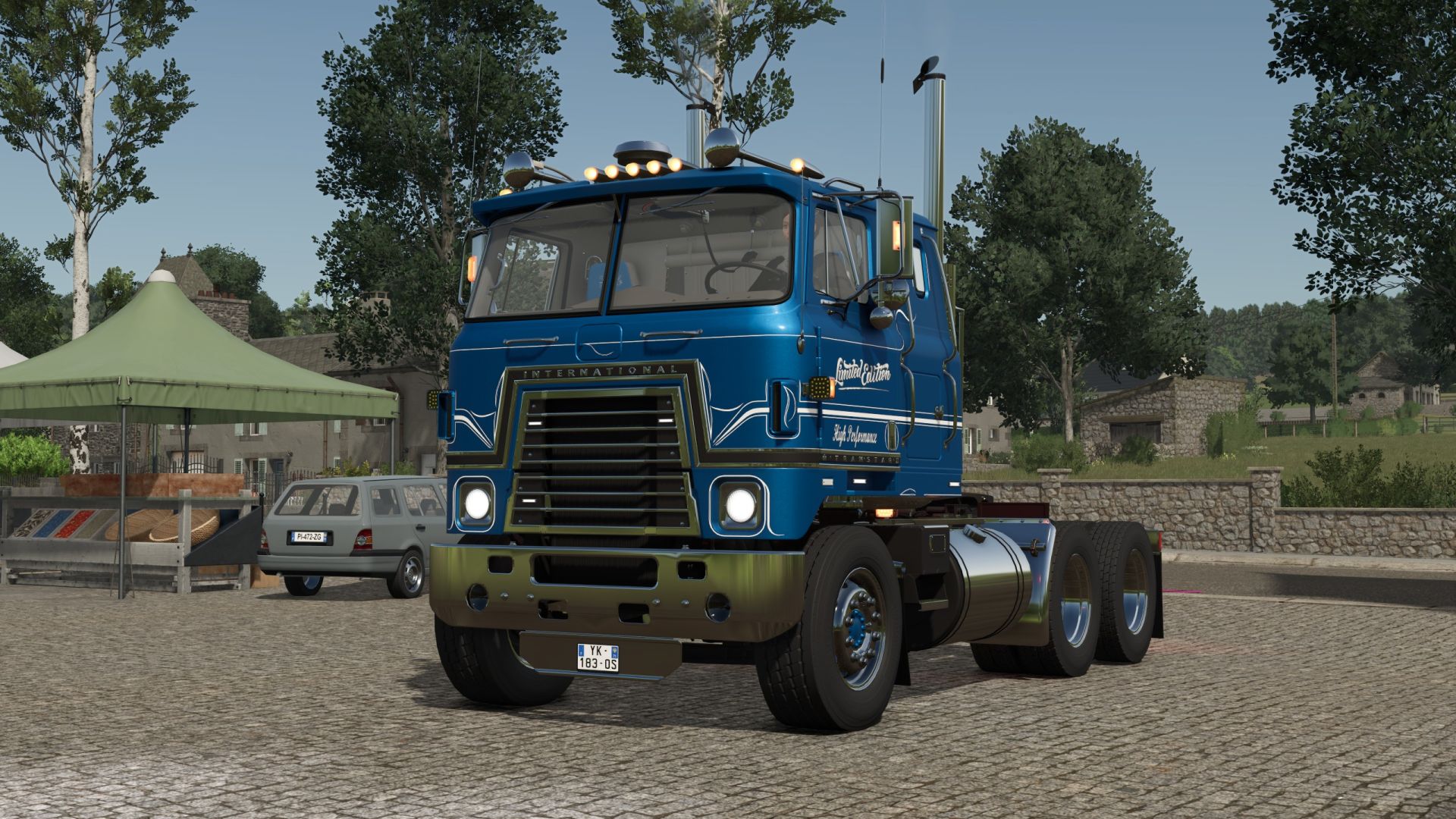
Transtar Eagle Limited Edition FS25
Transtar Eagle Limited Edition Configurations are free. TestRunner public 0.9.23 checked. Lighting adjusted. Shop category: Truck. Price 40.000€ Speed 83 km/h. Lettering selection. Color selection for main color, design color, design color 2, interior, interior design, seat design, seat decal, belts, lettering, decal and rim color. Repair interval increased.

FS25 IMT 5170/5210 v1.1.0.0
FS25 IMT 5170/5210 v1.1.0.0 IMT 5170 and 5210 Power: 170hp and 210hp Engine: Mercedes-Benz 9.6L 6-cyl diesel Chassis: 4×4 MFWD 4WD Steering: hydrostatic power Brakes: disc Transmission: 16-speed Price: 32000$ V1.1.0.0 – Increased modDesc version – Color corrected

FS25 Deutz Fahr 5G Series v1.1.0.0
FS25 Deutz Fahr 5G Series v1.1.0.0 -Deutz Fahr 5G Series – Base Price: 71000 $ – Engine Configurations: -5090G-5100G-5110G 5125(NOTG) – Specifations: -Main color option. -Design color option. -Animated doors. – Tire Configurations: -Trelleborg -Michelin -Mitas -BKT V1.1.0.0 Tow hitch error fixed
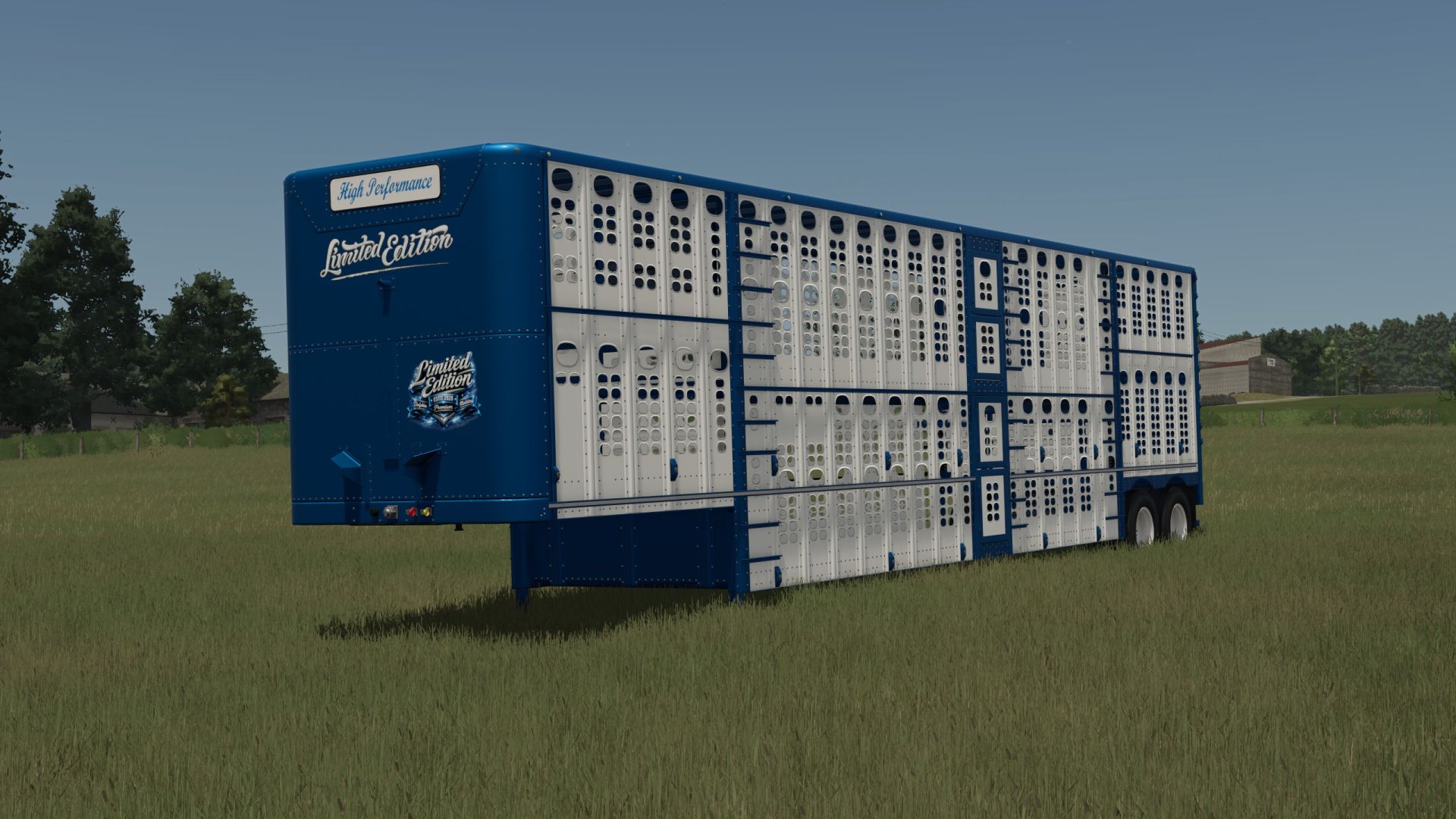
Silverstar Limited Edition FS25
Silverstar Limited Edition Configurations are free. TestRunner public 0.9.23 checked. Lighting renewed. Shop category: Animal transport. Price 112000. Selection of reflector. Selection of lettering. Selection of logo. Color selection for main color, design color, high performance, lettering, reflector and rim color. Repair interval increased.
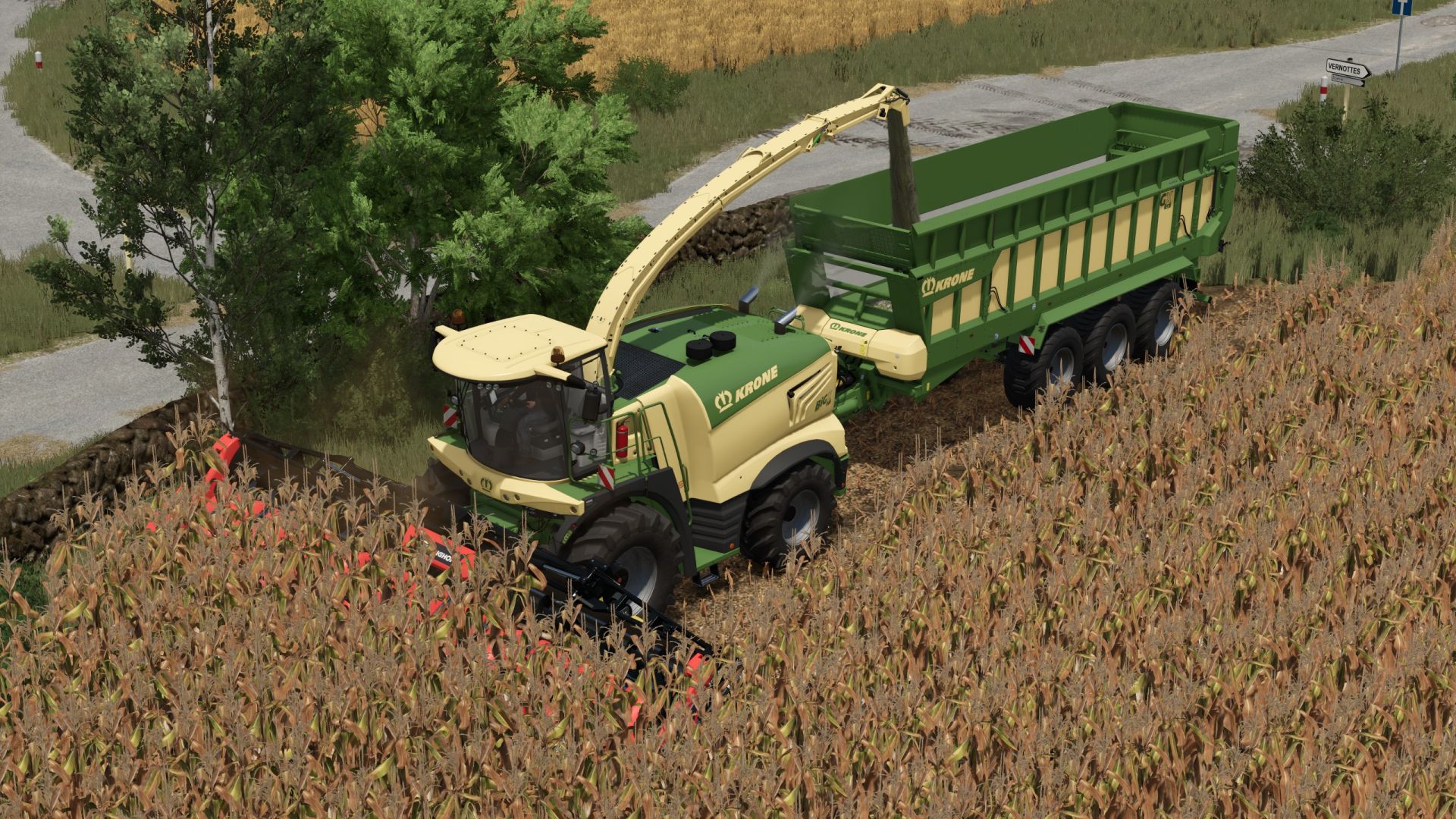
Corn cob silage FS25
This mod expands Farming Simulator 25 to include cob harvesting and cob silage (LKS). Everything from chopping and ensiling to feeding is integrated into the existing game. Everything was tested using standard buildings and machines! Further information Custom fill types, HUD symbols and fill planes for trailers for fresh corn cobs and finished corn cob silage Compatible with standard forage harvesters and standard drive-over silos No BGA processing planned No additional vehicles or silos required Version 1.0 – PC / Singleplayer Multiplayer and servers are not currently supported. Harvesting and cutting equipment The mod includes two custom corn headers for harvesting cobs: GERINGHOFF NorthStar 1230 FB – 9 m working width Capello Diamant 8 – 6 m working width Both cutting units are compatible with all five standard forage harvesters in the base game (CLAAS, Fendt, John Deere, KRONE and New Holland). The corn cob harvest is made from normal corn and yields about 45% of the usual amount of chopped material. Silage Freshly chopped corn cobs can be stored in the normal drive-through silos of the base game and fermented into corn cob silage. No additional special silo is required. Normal ensiling of chopped material remains possible. Feeding cows and cattle The finished corn cob silage can be fed in two ways: Direct feeding: Corn cob silage can be fed individually and achieves a feed efficiency of 90%. Mixed ration (TMR): Corn cob silage can be processed in a normal feed mixer wagon together with hay and straw to form a complete mixed ration with 100% feed effectiveness.
- 15 per page
- 30 per page
- 45 per page
- 60 per page
-
See more per page
Bigger pages, fewer clicks - and no ads anywhere.
Go Pro