Farming Simulator 22 mods
50,366 results- 15 per page
- 30 per page
- 45 per page
- 60 per page
-
See more per page
Bigger pages, fewer clicks - and no ads anywhere.
Go Pro
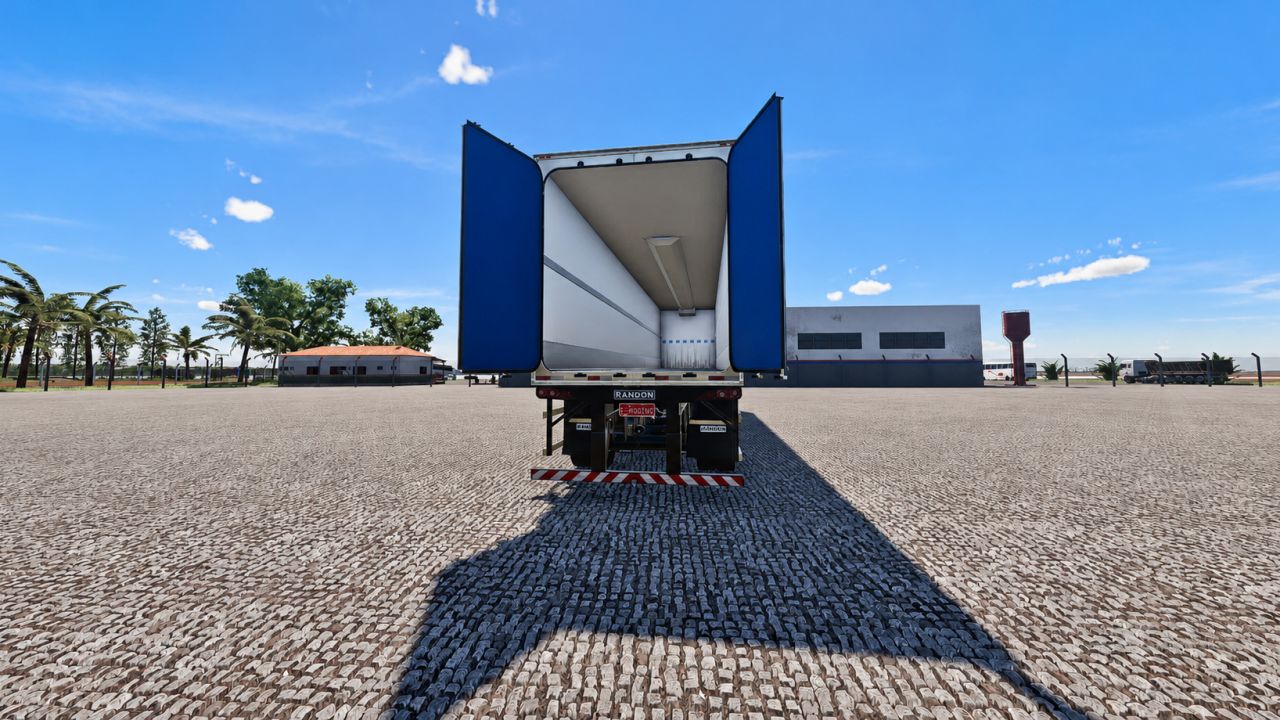
LS trailer pack FS22
Trailer pack containing 2 models -Randon refrigerated box trailer -Randon curtain-side box trailer Trailer pack containing 3 models -Refrigerated Randon box trailer -Randon curtain-side box trailer -Dry freight box trailer Animation of the rear doors opening on all trailers Z key to open the rear doors
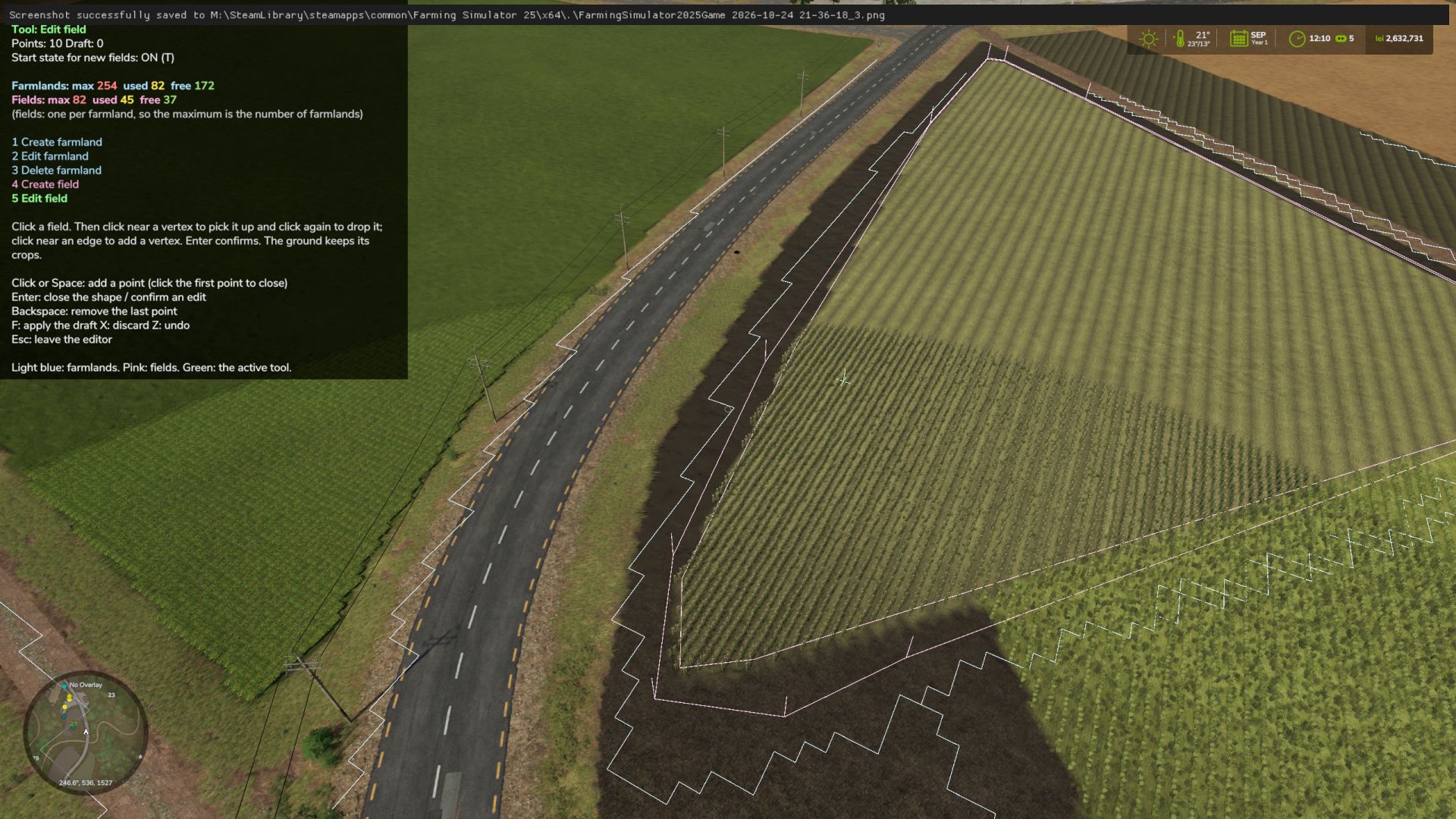
Farmland Splitter FS25
Ever wanted to reshape the map's farmlands or split big fields directly from inside the game? Farmland Splitter brings map-editing capabilities straight into your gameplay session! With this tool, you can redefine, cancel, or create new farmlands from scratch (within the available ID limits). You could literally take a blank map and build your own custom map layout directly in-game—leveraging FS25's extensive placeables library and terrain editing tools, now combined with fully customizable farmlands. 🔑 Key Features: Single Player, Pc Only!! In-Game Customization: Create, modify, or delete farmlands and field boundaries dynamically. Safe & Non-Destructive: All changes are stored safely inside your savegame folder. The original map files remain completely untouched! Intuitive Interface: Features a clean, self-explanatory menu. Blank Canvas Friendly: Perfect for custom map projects or heavily tailored career saves. 🎮 How to Use: Open Menu: Press Right Shift + Right Ctrl + F12. Use the number keys assigned to the task you want from the left menu. Navigate & Edit: Use the simple on-screen controls to adjust farmlands. Apply Changes: ⚠️ Important: Any modification will only take effect after pressing the F key. Exit Menu: Press Esc. 🛠️ What's Coming Next? (In Development) This mod is part of a larger toolkit I'm working on to make full in-game map creation a reality. Currently in progress: In-game Pedestrian & Traffic Spline Creator Savegame-to-Map Compiler: A lightweight standalone tool that automatically integrates your saved game edits directly into a publishable map file. Together with existing placeable systems and terrain tools, full map creation without leaving the game is almost here! Beta 0.0.6.0 What's Changed Tools & Keybindings (Keys 1–5) 1. Create farmland 2. Edit farmland 3. Delete farmland 4. Create field 5. Edit field Cutting and extending have been removed, and the dedicated "delete field" option is gone. A field is now only deleted alongside its parent farmland. Colors Farmland: Everything related to farmlands (boundaries, drawn shapes, deletion markers) is light blue. Fields: Everything related to fields is pink. Active Tool & Cursor: Displayed in green. Counter UI Farmlands: Formatted as Farmlands: max used free (e.g., max 254 in red, used 244 in yellow, and free 10 in green). Fields: Follows the exact same format. The maximum limit matches the number of farmlands, as you can have at most one field per farmland.
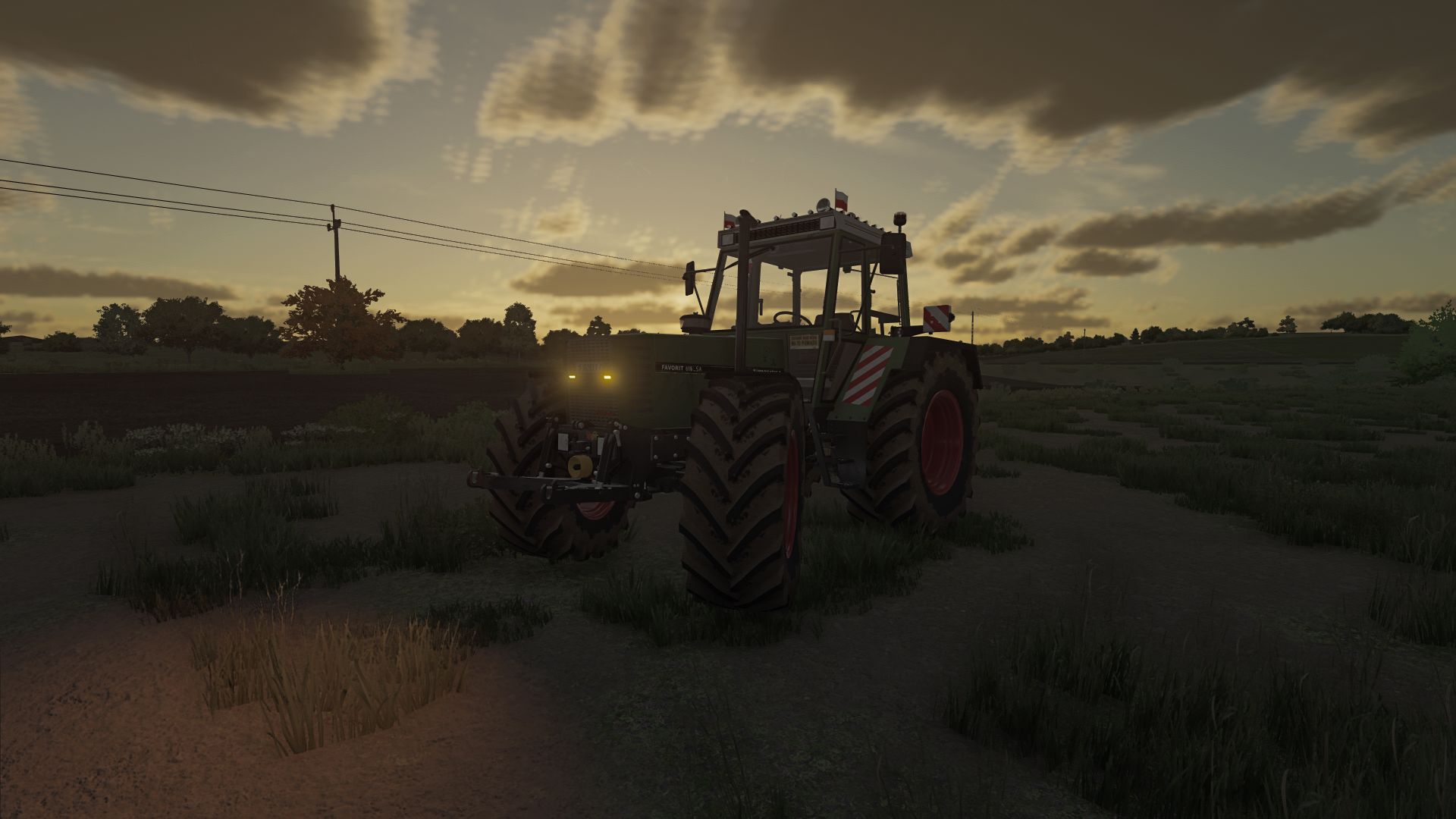
Fendt Favorit 600 LSA TURBOMATIK FS22
Added: - clearance lights - horns - more horsepower - wider tires added: - strobes - stickers - interior items
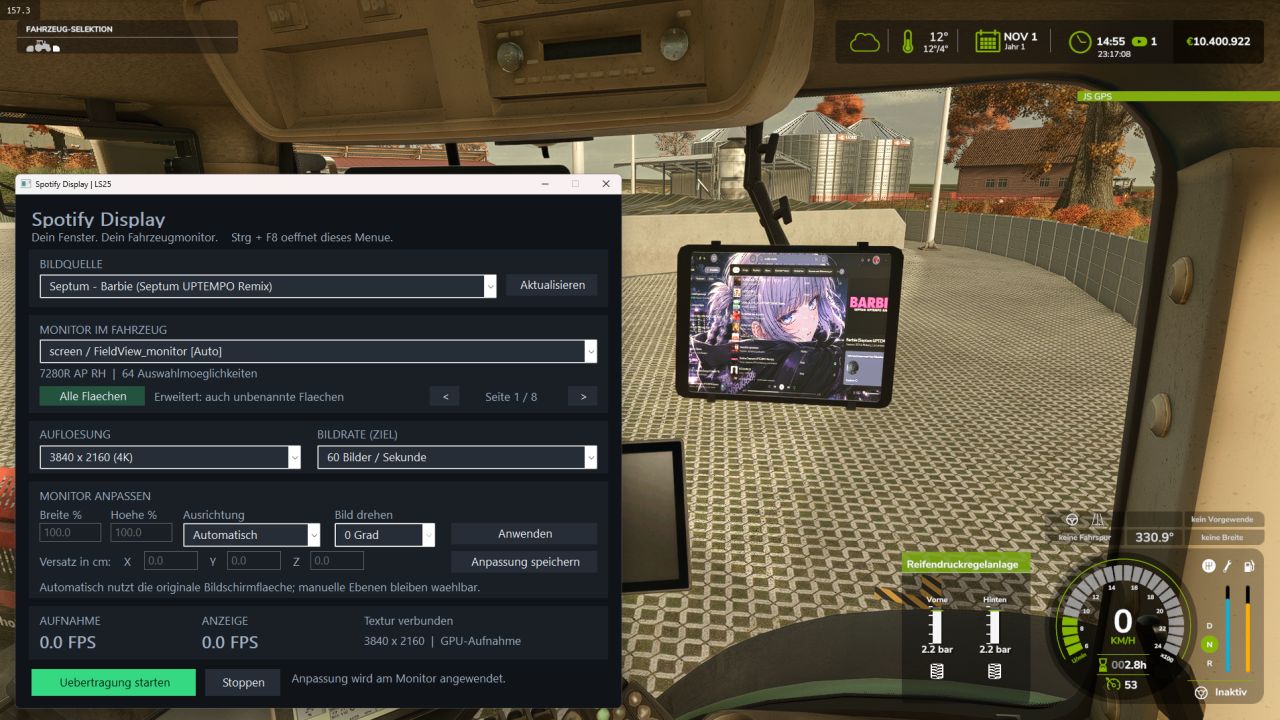
Windows applications in-game screen FS25
This is my first mod, which is still in the beta stage. With this mod, you can display Spotify or other applications on any in-game screen. A multi-language guide will be added in a future update; for now, it is available in German. added 8K and 120FPS options added english tutorial
Rain Vision Dynamic FS25
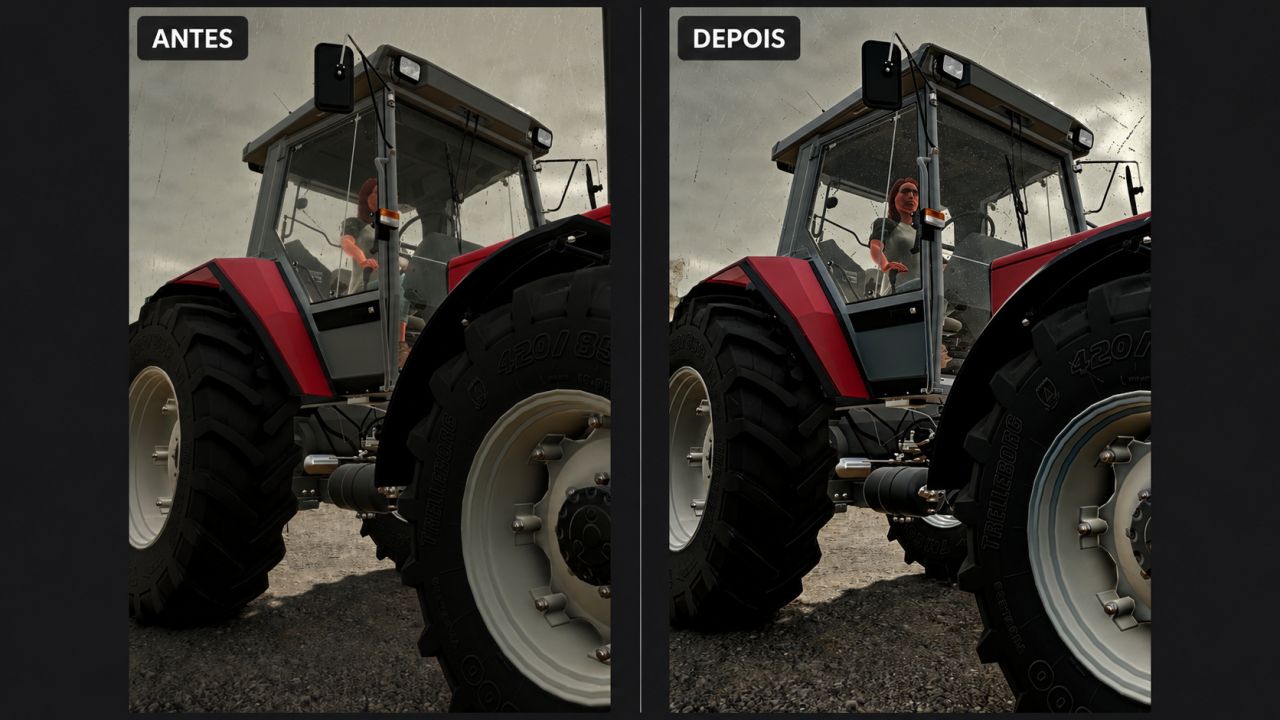
This mod adds a touch of realism to your gameplay. It is now possible for rain to interact with vehicle windows with this mod. I hope you like it. I will soon try to add other effects such as snow and fogging. The main feature I have not managed to implement so far is the interaction between the windshield wipers and the water on the windshield, but I will keep trying. I hope you like it, and please report any compatibility issues in the comments. The orientation of the rain texture on the glass has been changed; some vehicles had the drops running vertically down the windshield.
Footprints FS25
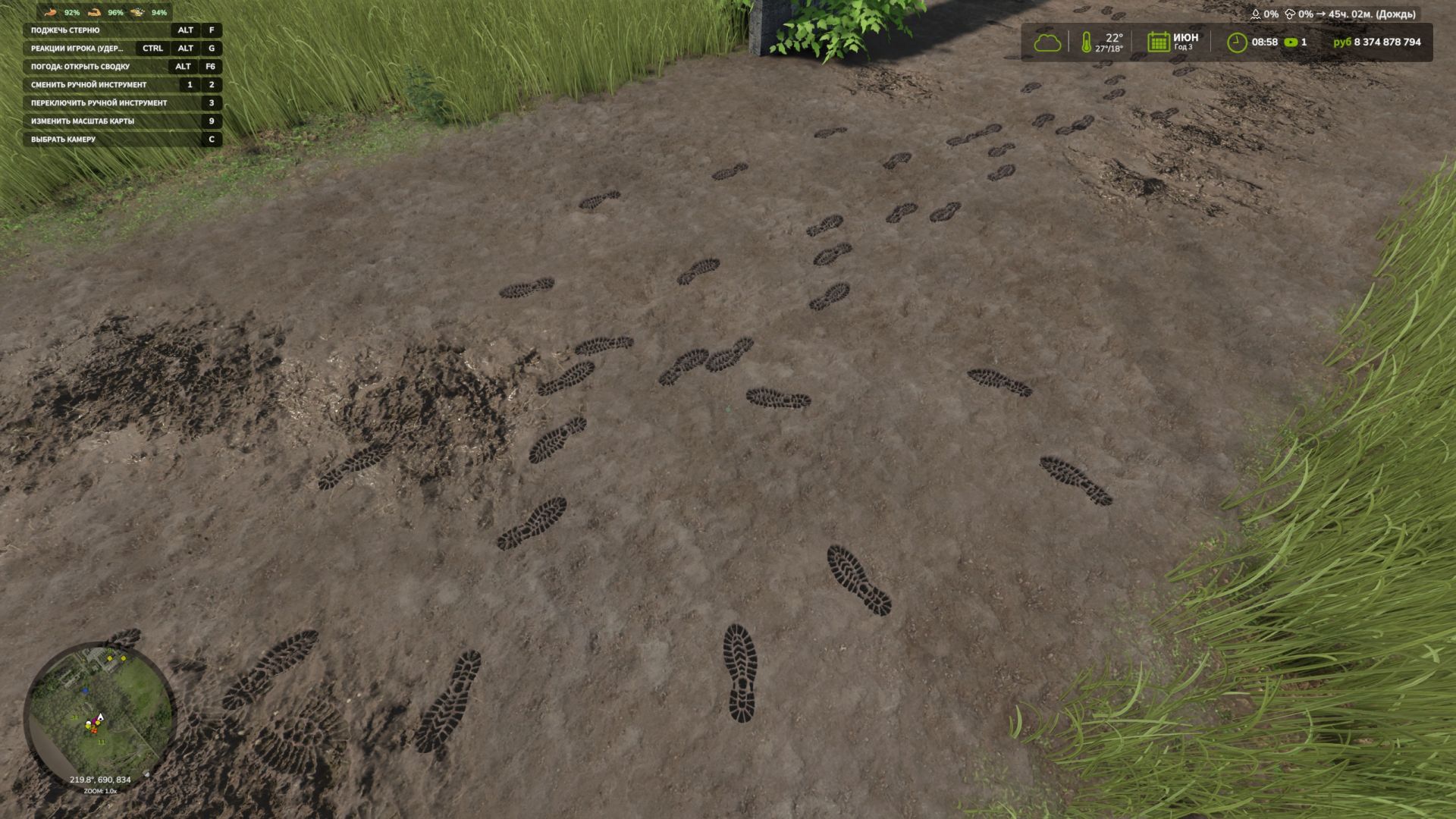
Add a little realism to Farming Simulator 25! The character now leaves shoe prints when walking and running. Each footprint appears under the corresponding foot at the moment of the step and remains on the surface for some time. Mod features: - Separate left and right footprints. - Tracks appear only while moving — standing still and turning in place do not create them. - Support for forward, backward and sideways movement. - Footprints are placed according to the slope of the surface. - Tracks automatically disappear after 120 seconds. - Model caching and footprint reuse to reduce load. By default, up to 512 footprints are displayed at the same time. The tracks are a visual effect: they do not alter the ground and are not saved after exiting the game. - Added shoe dirt: denser around the soles, with sparse, subtle splashes higher up while preserving the color and details. - Added the transfer of dirt and snow to the soles: after stepping onto a hard surface, the footprints gradually fade. - Clean shoes no longer leave marks on asphalt, concrete, or other hard surfaces. - Water cleans shoes and washes away tracks. Rain speeds up the disappearance of exposed tracks, while a roof protects them. - Vehicle wheels erase overlapping footprints, including tracks left by dual tires. - Added gradual fading of tracks and accelerated melting of snow footprints in above-freezing temperatures. - Added different sole patterns for work boots, rubber boots, athletic and smooth-soled shoes, and sandals. - Improved terrain recognition


FS25 Water in deep wheel tracks beta
FS25 Water in deep wheel tracks beta Finally, wet tracks instead of dry physics! Heads up: This mod contains water. Wet feet aren’t a bug—they’re a feature! Does your 900 HP tractor leave deep ruts behind? Now they’ll actually look the part! With this mod, deep tracks in waterlogged fields visibly fill with water—dynamically and terrain-adaptively, without any artificial-looking, angular puddles. Almost like a rice paddy—except you can still grow corn, wheat, or whatever else you like. HOW IT WORKS A groundwater level that follows the terrain Beneath the field lies a seamless groundwater level that conforms to the shape of the terrain—even on slopes. The water becomes visible wherever the ground dips lower, such as in your tractor tracks. These tracks fill up like small basins until the water reaches the edges of the rut. No blocky puddles, and no floating sheets of water! Soil moisture, rain, and snowmelt Once soil moisture hits 10%, the water level rises based on local ground conditions. Rain and snowmelt contribute to further increases in water levels. During frost, the water level freezes solid. Integration with RWSM If “Realistic Water & Soil Management” (RWSM) is installed, the mod utilizes its local soil moisture data, allowing water accumulation to respond to existing ground conditions. Water that reacts to you The native “ShallowWaterSimulation” ensures that the water reacts to wheels and your in-game character. Your character will also move in harmony with the environment: instead of hovering magically above the surface, they’ll step right into the rut—wet boots included! SAVEGAMES & MULTIPLAYER Savegame: The current state is stored within your savegame. Multiplayer: Supported. Visuals only: Water effects are calculated locally on each client. All vehicles included: Calculations account for tire tracks, regardless of which vehicle created them. BETA 0.9.1.5 – YOUR FIELD, YOUR TESTING GROUND The mod is still in development and needs to be tested across various maps and soil conditions. That’s why it’s in BETA—you’re officially invited to help with the testing! Notice any unusual water behavior, visual glitches, or other oddities? Please let me know! Providing a screenshot along with your `log.txt` file is the most helpful way to share your feedback. The better the feedback, the more effectively we can track down bugs and further refine the water effects. DEBUG & TEST CONSOLE The following console commands are available for testing and troubleshooting: witDebug · witFill · witMargin · witShader · witFlip · witClear · witProbe · witRwsmDump Happy testing—and remember: not every deep tire track is a bug. Some are just… thirsty!


Launch Control FS25
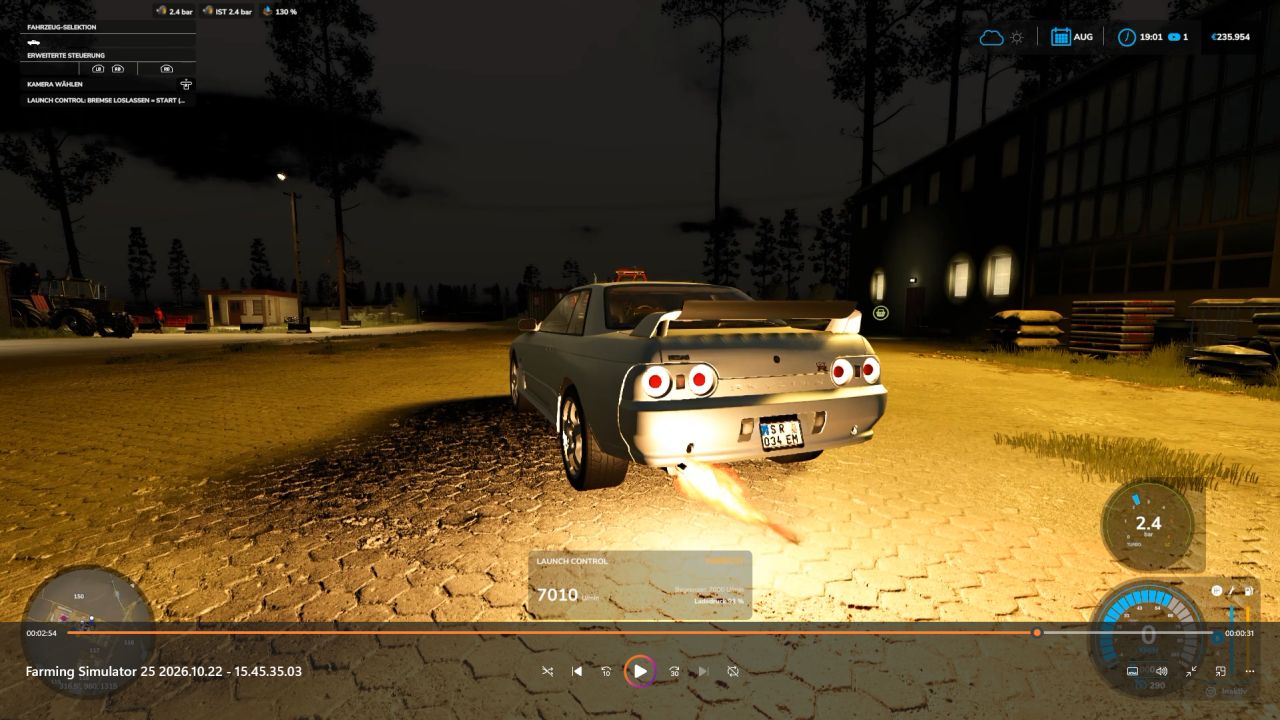
🚀 Launch Control – More boost. More torque. More power off the line! Put an end to ordinary take-offs! With Launch Control, you can extract maximum performance when pulling away—whether using diesel or gasoline engines in the base game or compatible mods. Keep the engine at the rev limiter, build up boost pressure, and launch with up to 40% more torque! If a turbocharger is detected and the appropriate setting is selected, you’ll get a spectacular show complete with flames and sharp backfires. 🔥 From controlled power delivery to an aggressive launch: you define the settings right in the workshop! 🏁 HOW TO LAUNCH 1. Get ready Bring the vehicle to a complete stop, start the engine, and turn off the cruise control. If using a manual transmission, ensure the vehicle is in a forward gear. 2. Build boost Press and hold both the brake and the accelerator pedal all the way down. 3. Wait for the launch signal Once Launch Control is ready and the boost pressure gauge turns green, you’re good to go. The time required to build boost depends on the specific engine. 4. Release the brake and take off! Release the brake while keeping the accelerator pedal fully depressed. Depending on the amount of boost pressure built up, you’ll have up to 40% more torque available at launch. This extra "launch" effect tapers off over the course of about 15 seconds. Aborting: Before the launch, simply release the accelerator pedal. After the launch has begun, lifting off the accelerator will end the effect. If a turbocharger is detected, you may hear the blow-off valve hiss. ⚙️ YOUR SETTINGS – DIRECTLY IN THE APP Customize Launch Control to suit your vehicle and driving style: Launch Control: Enable or disable Launch RPM: 1,000 to 4,500 RPM for diesel engines; 2,500 to 7,500 RPM for gasoline engines (subject to the engine's actual maximum RPM limit) Hardcut Sounds: Customize the sound of the rev limiter to your preference Flames & Backfires: Activate and adjust these effects Flame Size & Frequency: From subtle flashes to more pronounced bursts of fire Boost Pressure Gauge: Toggle the display on/off and choose your preferred design 🔥 FLAMES, POPS, AND WHEELIES Flames and Backfires For the full spectacle, the "Popcorn + Flames" setting must be enabled. Additionally, the vehicle must have a detected turbocharger and be under at least 75% boost pressure. Flame effects only occur at speeds up to approximately 1 km/h. Not every hit against the rev limiter will produce a flame—so, you may hear a pop without a visible burst of fire. Typically, the flames appear as brief flashes, though in rare cases, they can last up to 2.5 seconds. Front wheels lifting? It’s possible! High-performance vehicles with rear-wheel or all-wheel drive may lift their front end during a launch. Whether your vehicle actually performs a "wheelie" depends on factors such as power, weight, wheelbase, traction, and any attached trailer load. There is no guarantee—after all, physics is always along for the ride! 😉 Safety Features for Your Vehicle If the brakes cannot hold the vehicle securely, the Launch Control sequence will be aborted. Furthermore, a clutch and overheating protection system will engage if the engine remains at the rev limiter for 30 seconds. ⏱️ TIMING & OPERATION F1: Displays concise operating and usage instructions. 0–50 km/h and 0–100 km/h: Timing is displayed once you start moving. Multiplayer: The mod is compatible with multiplayer. ⚠️ COMPATIBILITY Launch Control supports diesel and gasoline engines in the base game as well as in compatible mods. Electric, CNG/LNG, biogas, and hydrogen powertrains are not supported. Depending on the specific vehicle configuration, LPG/autogas vehicles may be identified as gasoline-powered. Available features and effects depend on the detected engine data and the specific vehicle configuration. Sound sources: Pixabay – further information and details can be found in SOUND_CREDITS.txt. Enjoy! ♥ Get the engine up to speed. Boost pressure in the green zone. Release the brake. And then: let it rip! 🚀🔥
Realistic Footprints FS25
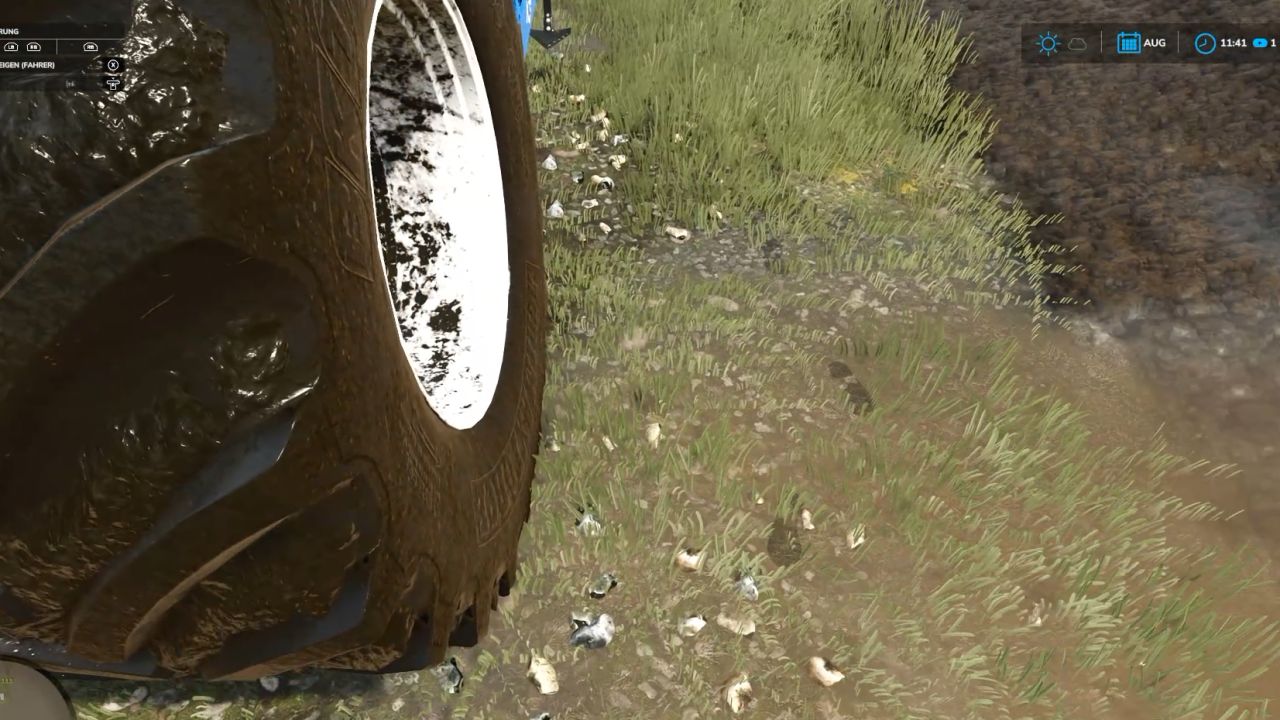
Every step tells the story of where you’ve been—and just how deep you’ve waded into the mud! 🚜👢 No more farmers walking across the land as if their boots just came straight out of the shoe store! "Realistic Footsteps" brings visible, dynamic footprints to FS25. Whether it’s soft soil, cultivated fields, wet grass, mud, manure, or snow—your tracks adapt to the terrain, your footwear, your movement, and the current weather conditions. And the best part: if you trudge through water or muddy tire ruts, you won’t just carry an infinite amount of dirt along with you. Eventually, your boots will reach their limit! 👢 FEATURES AT A GLANCE Five sole patterns, various terrain types Depending on your footwear, the mod generates five distinct sole patterns, leaving corresponding impressions on soft soil, cultivated fields, grass, mud, manure, and snow. Detection of water and water-filled tire ruts The mod identifies bodies of water and typical water-filled tire ruts in fields. No footprints are left when walking on water. As you move through it, any mud clinging to your soles is quickly washed away—ensuring more natural behavior when transitioning between mud and water. Soil color matched to the terrain The color of the tracks is based on the detected hue of the ground. For example, if you move from dark cultivated soil onto a lighter surface, the color of the dirt you’re carrying will shift gradually over the course of several steps. Once your soles are clean again, the footprints will cease to appear on hard surfaces. Visible sinking into soft ground On soft terrain, your character will visibly sink into the ground—by approximately 2 to 10 cm, depending on the conditions. This does not permanently alter the actual elevation of the map. Mud, moisture, and snow in the vehicle cab When entering a vehicle, you may leave up to eight imprints of mud, moisture, or snow on the cab floor. With the standard "wash" function, these marks remain until the vehicle is washed or they are otherwise removed. After all, a hard day’s work shouldn't end with clean boots on a spotless cab floor! Optimized rendering and multiplayer Weather-dependent fading and the reuse of imprint objects help maintain stable performance. Footprints are generated locally and do not require additional network events for every single mark—multiplayer is fully supported. 🎮 CONTROLS Toggle footprints on/off: Ctrl + Shift + F This key combination can be changed in the controls menu. 🛠️ CONSOLE & DEBUG The following console commands are available for testing, configuration, and troubleshooting: fsFootsteps fsFootstepsClear fsFootstepsDebug fsFootstepsInfo fsFootstepsSet fsFootstepsReload fsFootstepsWaterScan Configuration file: modSettings/FS25_realistic_footsteps.xml 🔧 DEVELOPED BY MR.HUNTER Realistic Footsteps adds a small but noticeable detail to your daily farm work: your steps leave marks that correspond to the ground surface and current environmental conditions. Let’s be honest: a farmer without mud on their boots either hasn't been out in the fields yet—or has been doing something wrong! 😉 Enjoy the game—and keep an eye on your boots. The mud certainly will! 👣🌾
- 15 per page
- 30 per page
- 45 per page
- 60 per page
-
See more per page
Bigger pages, fewer clicks - and no ads anywhere.
Go Pro