Farming Simulator 22 mods
50,512 results- 15 per page
- 30 per page
- 45 per page
- 60 per page
-
See more per page
Bigger pages, fewer clicks - and no ads anywhere.
Go Pro

FS25 Reset + Look Back Cam Position
FS25 Reset + Look Back Cam Position If you play with the “Reset camera on vehicle switch” setting turned off, the camera keeps whatever position and zoom you left it in. This mod adds keys you can press at any time to snap the currently active vehicle camera (interior or exterior) back to its default position, rotation and zoom – without changing the game setting itself. Default keys: – Left Shift + C: reset camera to its default position – Left Shift + S: reset camera to its default position but rotated 180° to look backwards Both keys can be freely rebound in Options > Controls.

FS25 Herbicide Weed Cleanup
FS25 Herbicide Weed Cleanup After spraying herbicide, dead weeds normally remain visible as withered plants on the field until the ground is worked again. This mod clears that withered weed foliage in the background, so sprayed areas end up looking clean again. A game setting (“Immediate” / “Delayed”) lets you choose between clearing within a couple of seconds or only once a month. The delayed option further reduces the load, which is already small since it only covers the sprayed area, and is useful on busy dedicated servers. Works exactly like the base game’s herbicide effect otherwise: spot spraying, Precision Farming, environmental score, etc. are unaffected, and only the leftover withered weed graphics are cleared. Fully compatible with dedicated servers and multiplayer. GitHub: https://github.com/Nalathan01/FS25_HerbicideWeedCleanup/issues
Husbandry Fence Manager V1.0.0.0
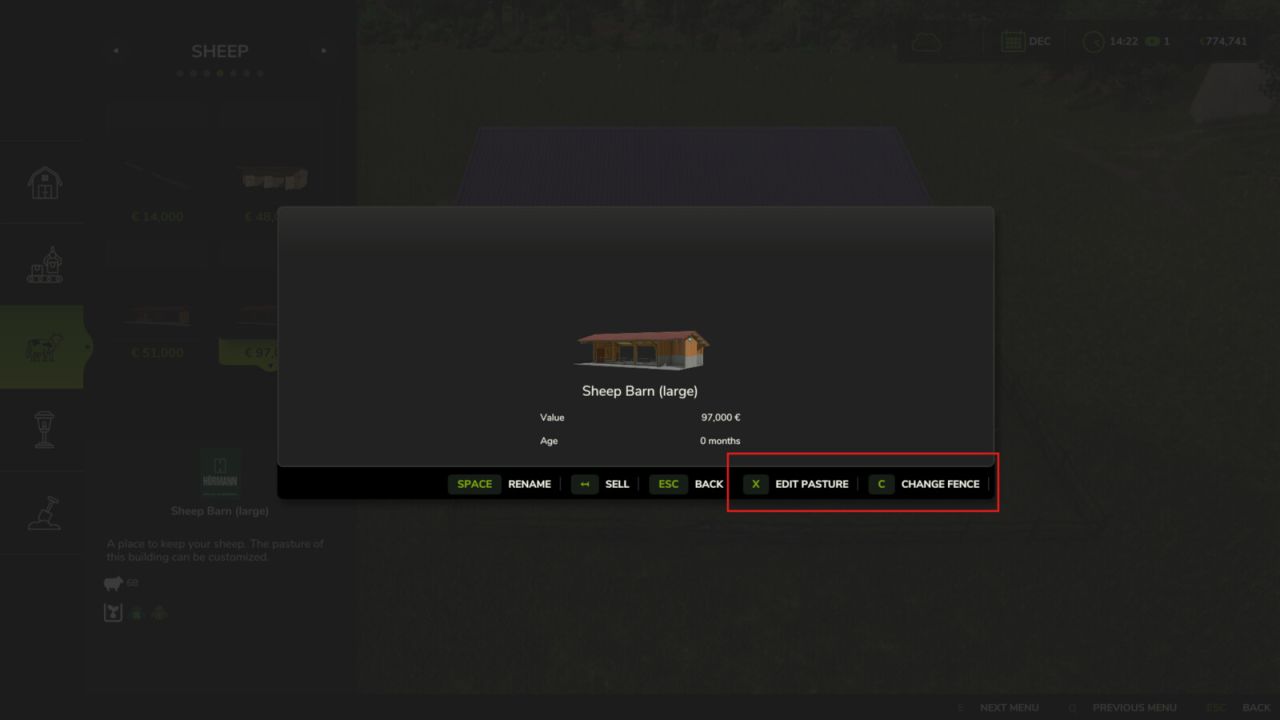
Husbandry Fence Manager V1.0.0.0 Singleplayer only! Choose your style and build animal pastures that fit your farm. Husbandry Fence Manager allows you to choose a compatible base-game fence for animal husbandries and edit their pastures after placement. The mod works with both new and existing husbandries. There is no need to sell or replace a husbandry to change its fence or adjust the pasture layout. Features: – Choose a fence from the Customize menu when placing a new husbandry – Browse compatible base-game fences in the graphical Fence Browser – Change the fence style of an existing husbandry – Edit, redraw and resize pastures after placement – Animal capacity changes according to the size of the pasture – Supports compatible base-game husbandries – Supports compatible mod husbandries that use the standard Farming Simulator 25 pasture fence system New husbandry: – Select a compatible animal husbandry from the construction menu – Open Customize and select Fence – Choose a fence style from the Fence Browser – Continue placing the husbandry and build the pasture using the normal in-game fence tools Existing husbandry: – Open the husbandry information window – Select Edit Pasture to redraw or resize the pasture using its current fence style – Select Change Fence to choose a different fence style before redrawing the pasture The size of the pasture determines how many animals the husbandry can hold. Enlarging the pasture increases its capacity, while making it smaller reduces it. Helpful tip: – Different fence styles use different segment lengths – If the fence does not connect correctly to the final anchor point, adjust or redraw only the last few fence sections until it connects – Some fence styles may fit certain husbandries and pasture layouts better than others Compatibility: Using Husbandry Fence Manager together with other mods that edit or rebuild pasture fences after placement is not recommended. Different editing and anchor systems may conflict and create incorrect fence layouts. The mod supports compatible base-game husbandries and mod husbandries that use the standard Farming Simulator 25 pasture fence system. Husbandries with fixed fences built directly into the building model cannot be edited. Only fence styles included in the base game are available in this release. Please note: Open gates do not allow animals to escape. Animal containment is handled by the husbandry system, so gates can be left open for vehicle access. Husbandry Fence Manager is currently singleplayer only. Multiplayer support is planned for a future update.
Storefront Stable Options For Husbandry V1.0.0.0
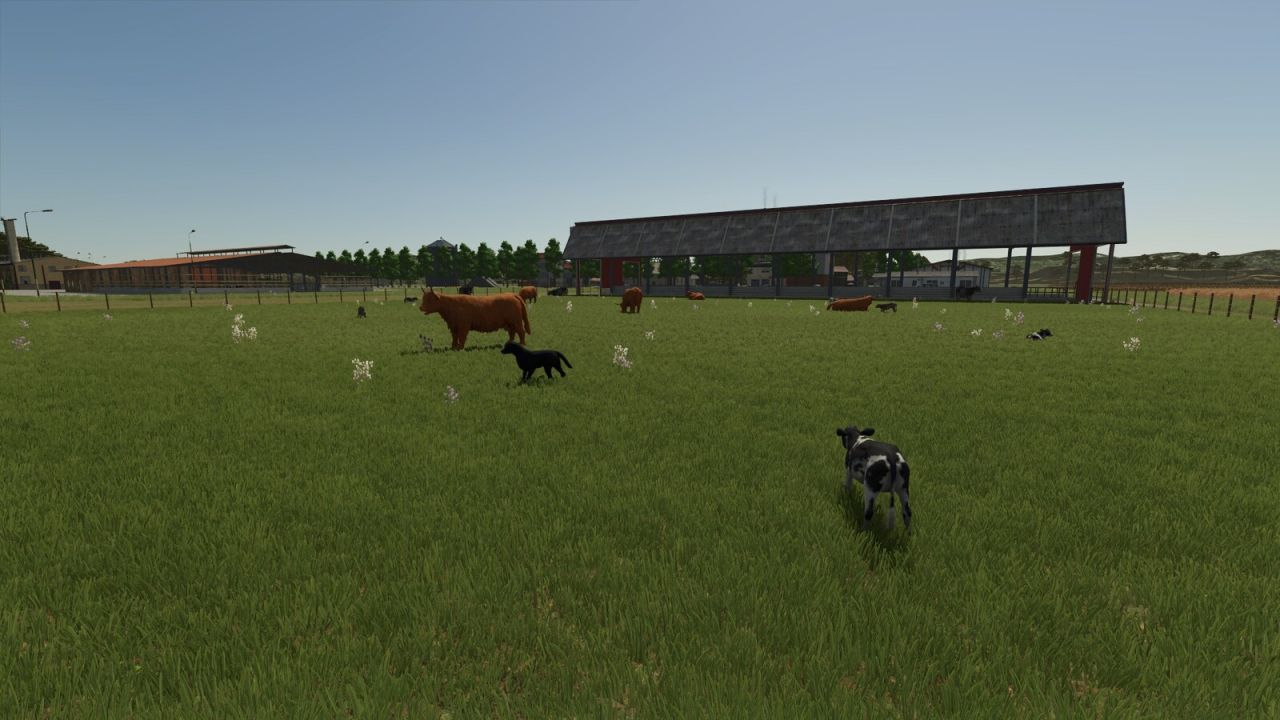
Storefront Stable Options For Husbandry V1.0.0.0 NEVER SUFFER RANDOM CALVES ON YOUR SHOWCASE PASTURE AGAIN! Tired of your animals shamelessly revealing their TRUE age out on the pasture? Not anymore! With Storefront Stable, YOU decide – per stall, per breed – exactly which growth stage gets shown off outside. 50% calves and 50% stately adults? Only the tiny ones? Make an entire breed invisible? All possible, all included! And the best part: breeding, aging, milk, wool and every other production, plus your real animal count, remain COMPLETELY UNTOUCHED. We only redecorate the shop window – the business running behind it stays exactly as it was. One exception in our lineup: horses. They look equally majestic at every age, so there is simply nothing left to redecorate. Not available in stores. Just open the animal screen at your stall, set the displayed breeds and growth stages, and you’re done. Works with the following animal species: Cows / Cattle Pigs Goats Sheep Chickens
Small Rescue Station V1.0.0.0
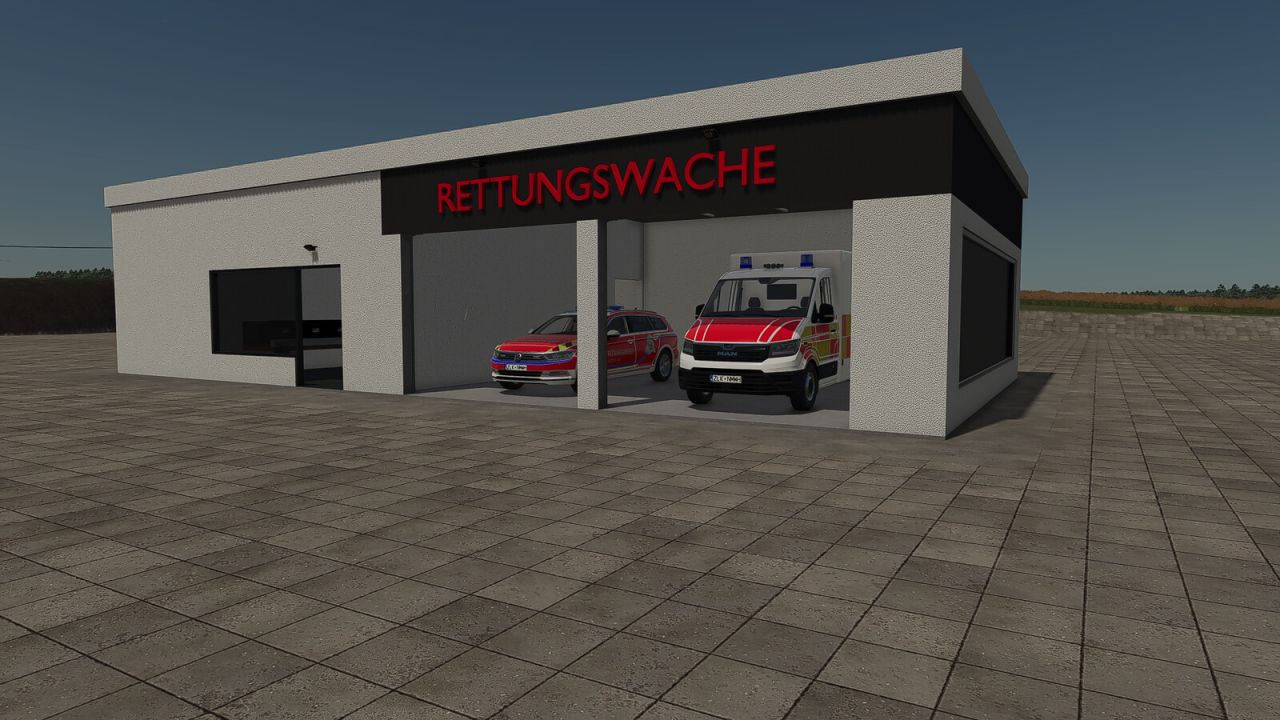
Small Rescue Station V1.0.0.0 Small Rescue Station: This compact rescue station is the perfect addition to small farms, villages and roleplay projects in Farming Simulator 25. Despite its space-saving design, the station features a fully accessible interior. The gates and doors can be opened, while the switchable lighting creates the perfect atmosphere for emergency operations at night. Whether used as a base for rescue vehicles, as part of a village or to expand a realistic emergency scenario, this small rescue station fits perfectly into a wide variety of game worlds. Category: hall Price: $400,000 Monthly maintenance costs: $40
Ornamental Pond V1.0.0.0
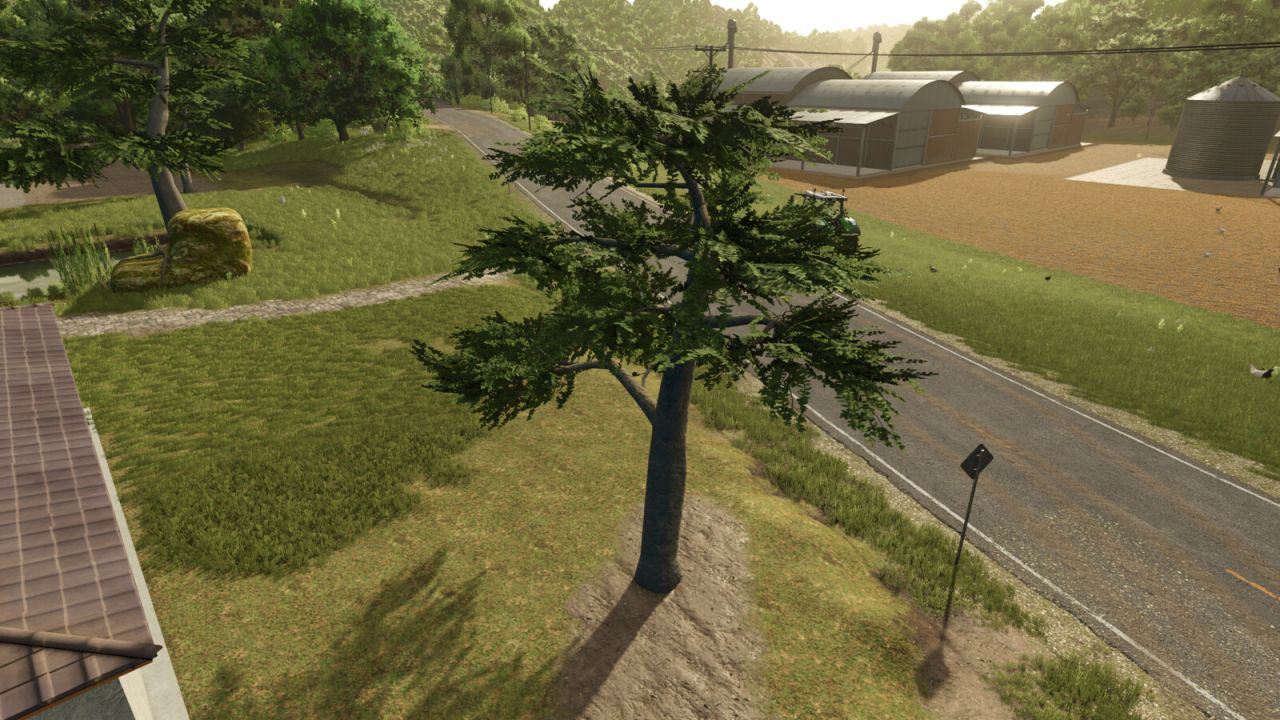
Ornamental Pond V1.0.0.0 Ornamental pond – a pond that adds more visual realism to your farm. Category: Decoration Pond price: 27,000 $ Tree price: 800 $
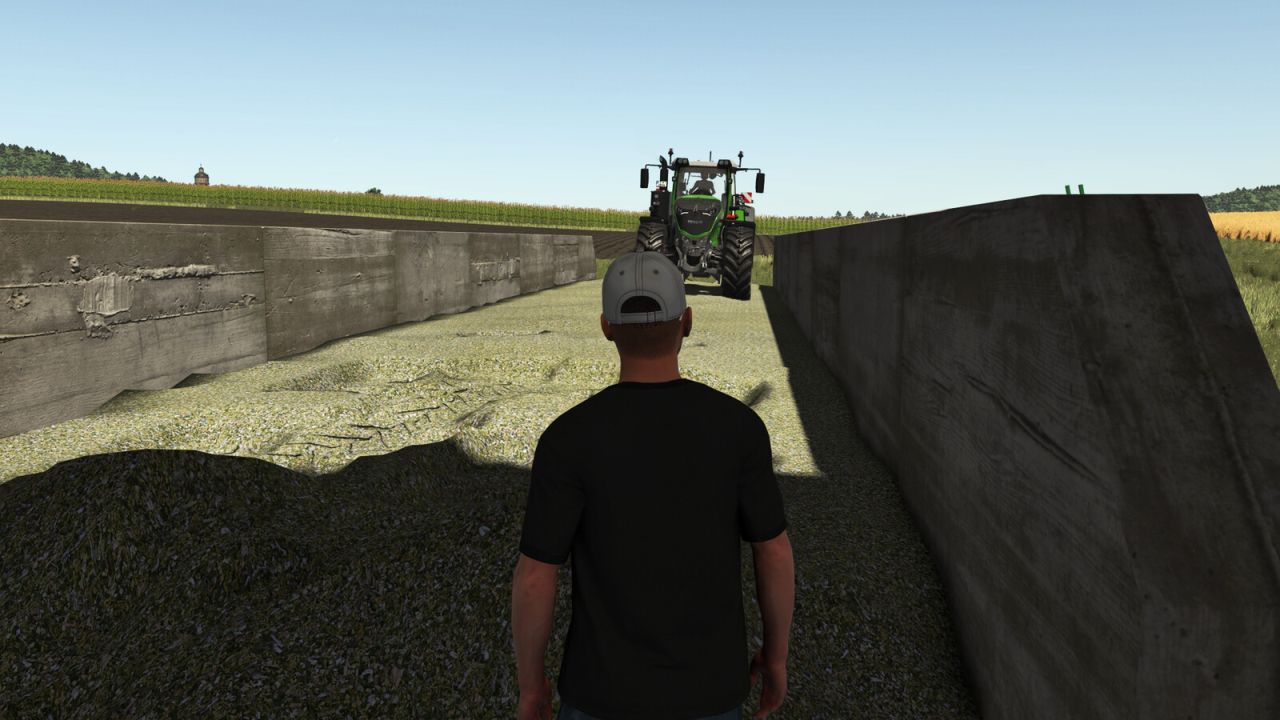
Helper Silage Compacting V1.0.0.0
Helper Silage Compacting V1.0.0.0 Helper Silage Compacting uses the normal FS25 helper to compact silage in a bunker silo with a tractor. Place a tractor without attached implements inside the bunker silo and press the normal Hire Worker key (default: H). The helper drives back and forth, shifts sideways between passes, waits when another vehicle is inside the silo, and keeps compacting until stopped or fully compacted. Only tractors are supported. Trailers, harvesters, foldable tools, covers, and tip/unload animations are not controlled by this mod. Visible tyre tracks are created by True AI Track when that mod is enabled.
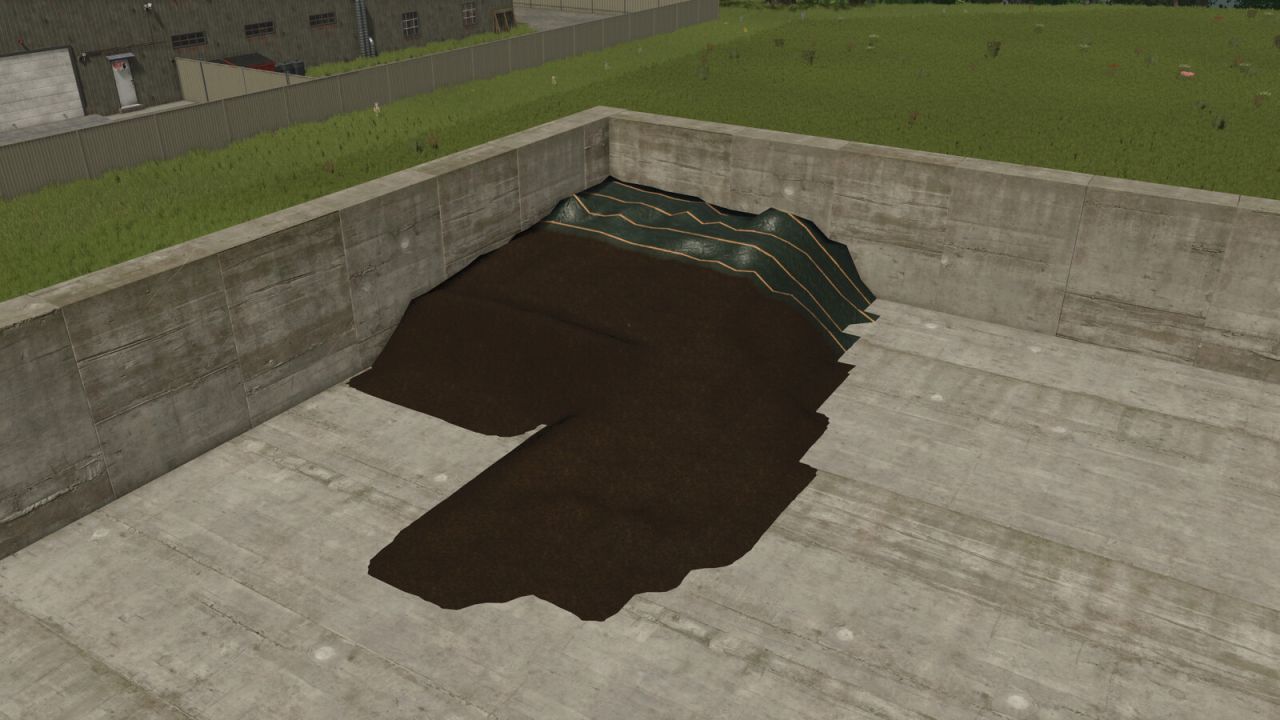
Enhanced Bunker Silo V1.0.0.0
Enhanced Bunker Silo V1.0.0.0 This script extends the silos with the function to open them completely. This allows a silo that is not yet empty to be refilled and then closed again for fermentation. Opening the silo completly will revert the completed fermenting process.
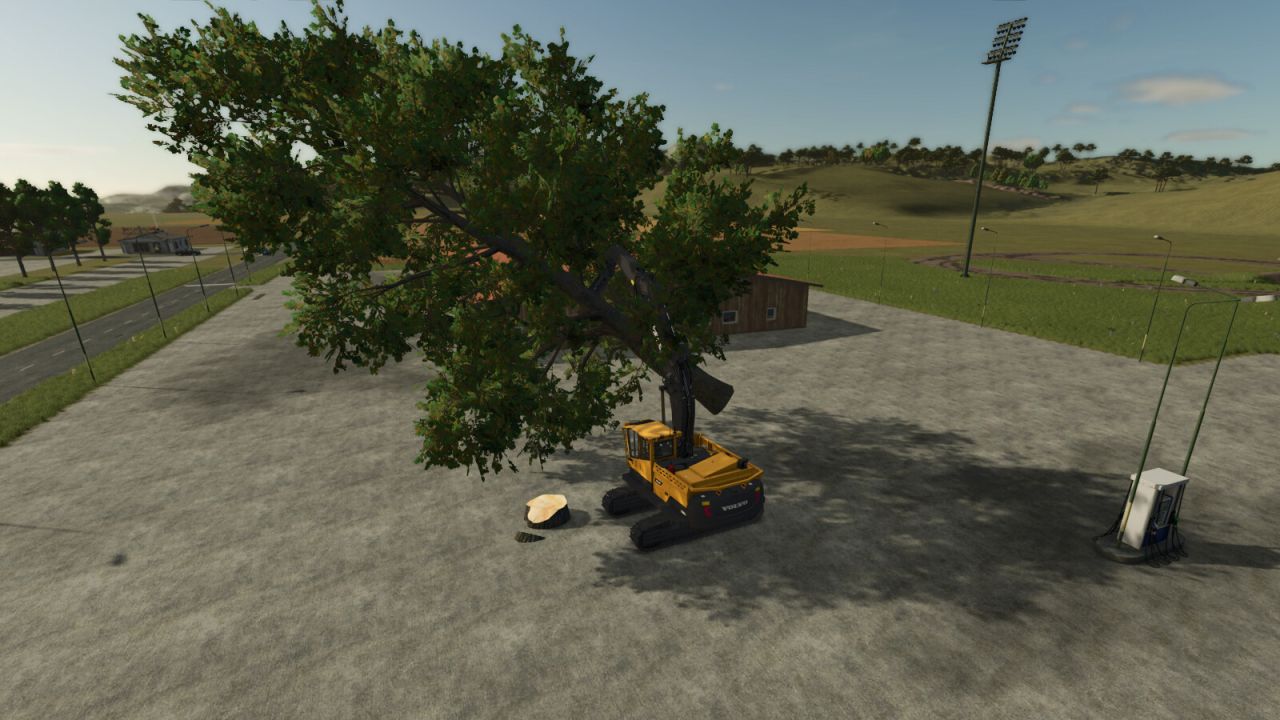
Smart Grip V1.0.0.0
Improves the stability of logs, bales, pallets and big bags while transported with clamps, grapples and hooks. Reduces unwanted swinging and improves handling in singleplayer and multiplayer.
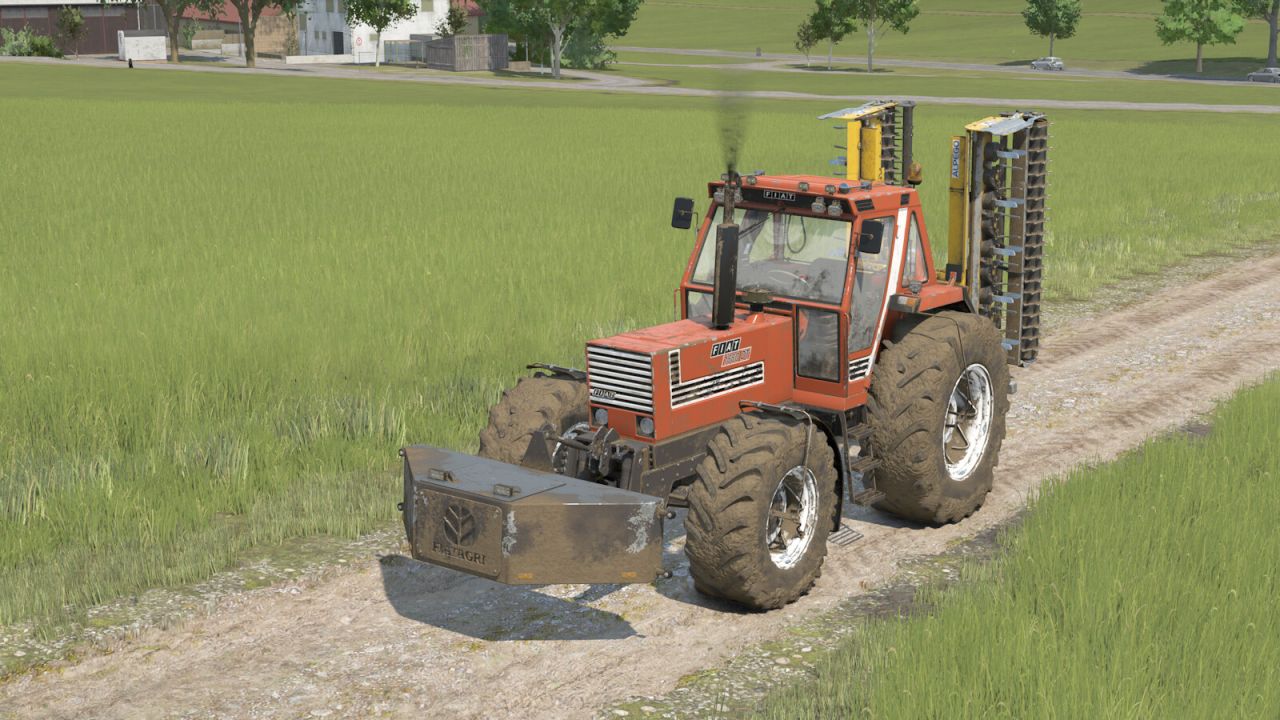
Fiat Weight1880 V1.0.0.0
Fiat Weight1880 V1.0.0.0 Fiat Weight (2900kg) Category: Weights Prices: Single Weight (2900 kg): 1500 $
Garage With Workshop And Shelving System V1.0.0.0
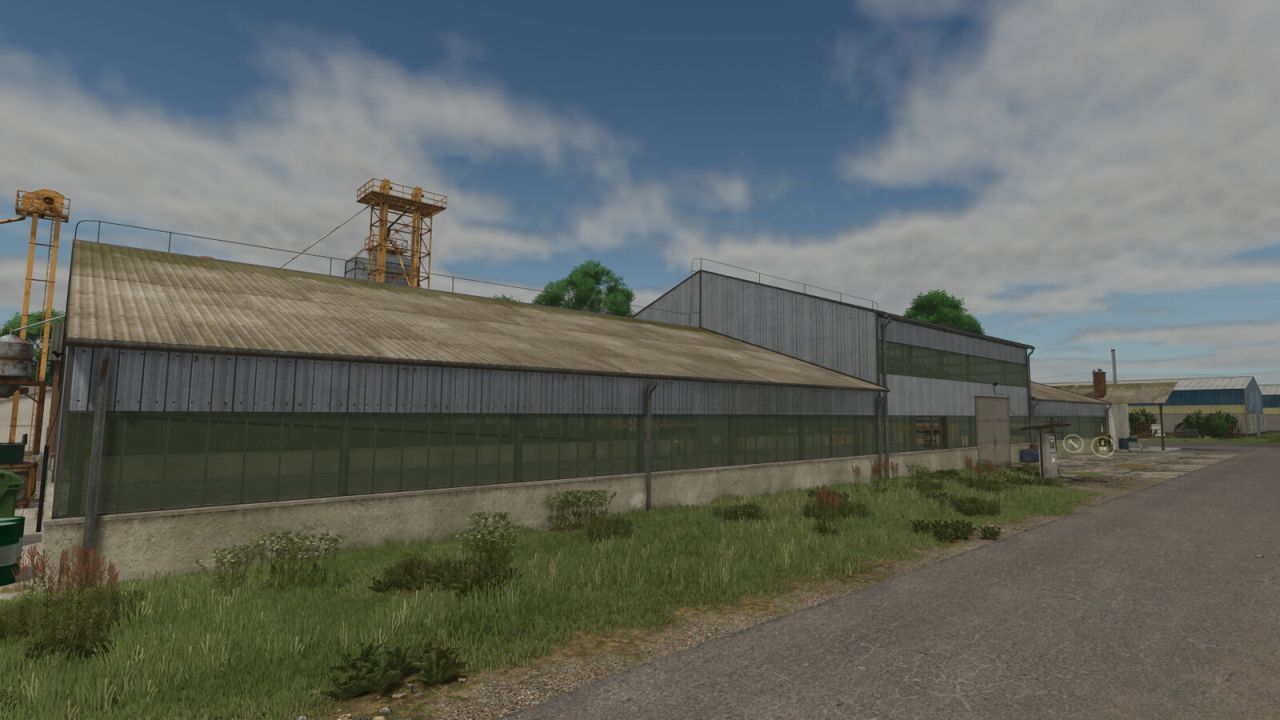
Garage With Workshop And Shelving System V1.0.0.0 This is a large, old-style building designed for both practicality and versatility. It offers plenty of space for repairing machines and equipment, both inside and outside the building. It also features a shelving system with storage capacity for up to 24 pallets. In addition, the building is suitable for storing machines and tools, with a maximum vehicle height limit of 3.9 meters. Price: 65 000 $ Upkeep: 50 $ Size: 63m x 25m
Statistics Extended V1.0.0.1
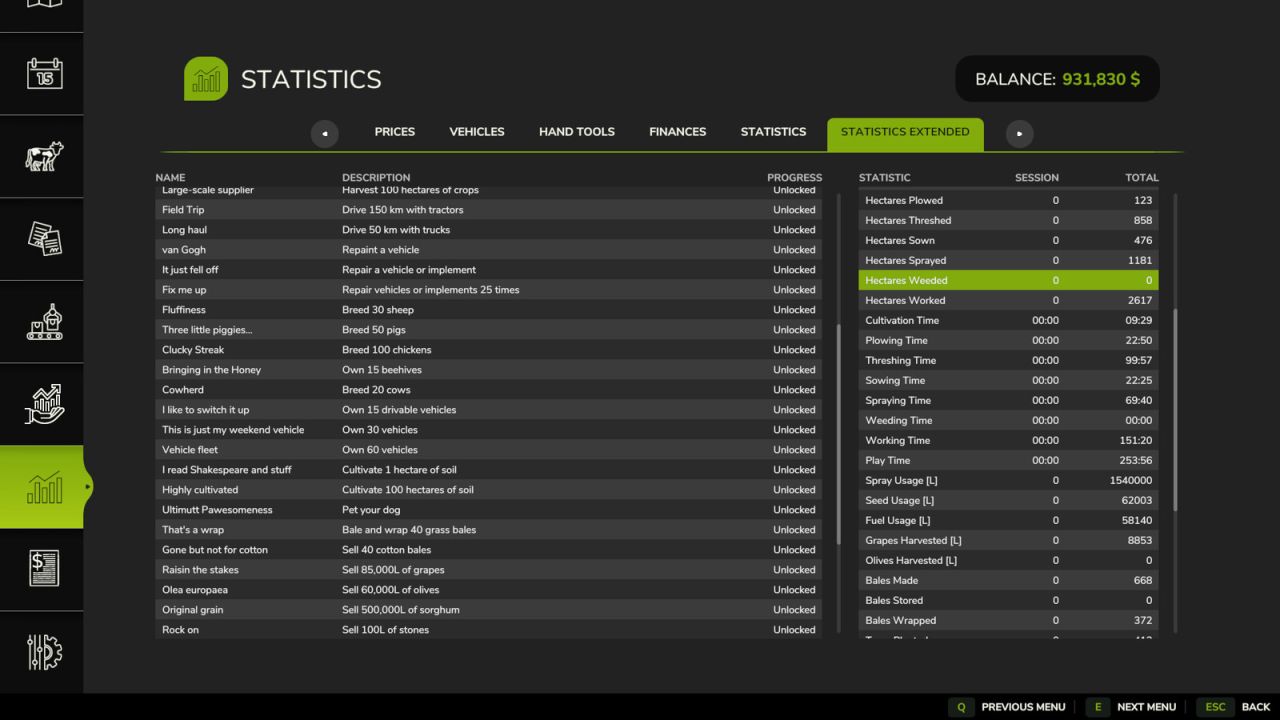
Statistics Extended V1.0.0.1 Adds a “Statistics Extended” tab to the in-game Statistics screen with two lists for your active savegame: Achievements: name, description, and progress (or “Unlocked”) for every achievement registered by the game. Note: some unlock condition descriptions are best-effort guesses, not official text. Farm Statistics: session and all-time totals covering breeding, distances traveled, field area worked, time spent on tasks, resource usage, harvests, bales, wood, and more. A few of these duplicate values already shown on the vanilla Statistics tab. V1.0.0.1 Adds implementation for the LoadedOldSavegame achievement (It’s never too late to farm) Improves implementation for collectible achievements (Rusty, Over 9000!, Tutti-Frutti) Adds Italian translation
Faba Beans (Prefab) V1.0.0.0
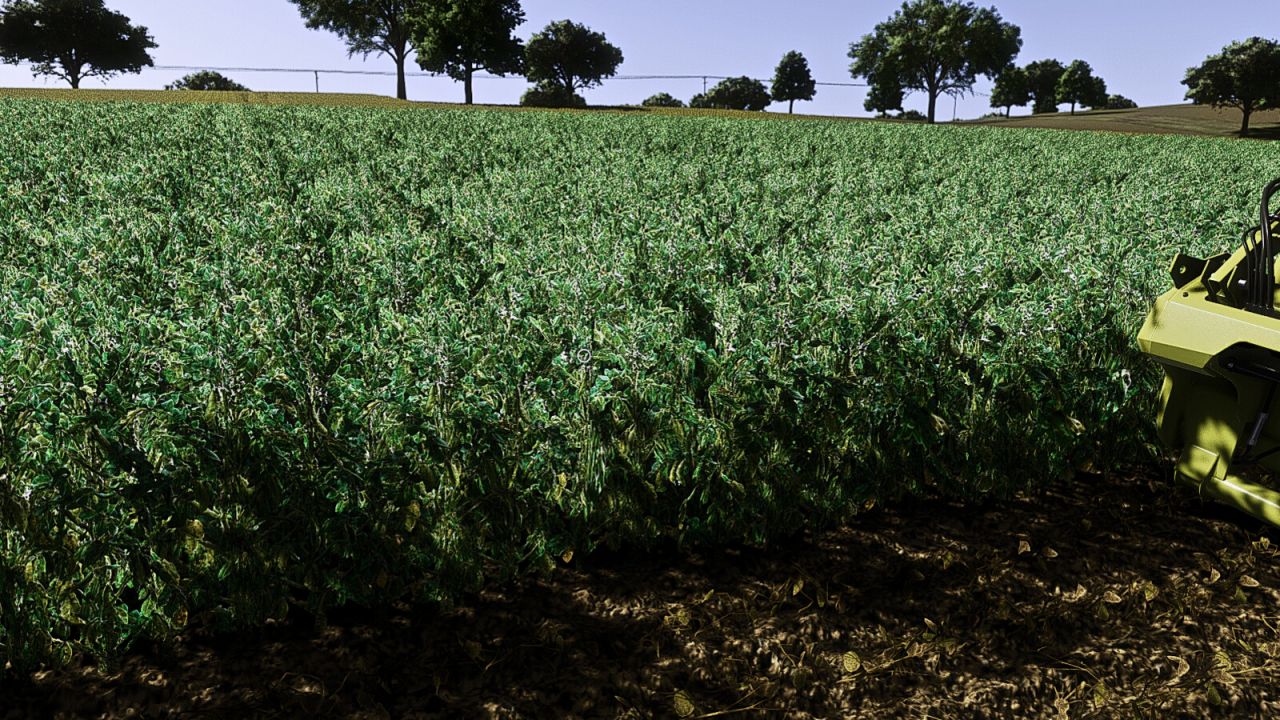
Faba Beans (Prefab) V1.0.0.0 Complete faba bean fruit prefab for Farming Simulator 25 map creators. Includes foliage with growth stages and matching distance textures, fill plane and HUD icon, cutter effects, combine chopper/chaffer effects and integration examples. Agronomic settings: Sowing: March and April Harvest: August and September Precision Farming nitrogen target: 40-60 kg N/ha Residual nitrogen benefit after harvest: 15 kg N/ha This is a prefab and must be integrated into a map. Installation instructions in German and English are included.
Herbicide Weed Cleanup V1.0.0.0
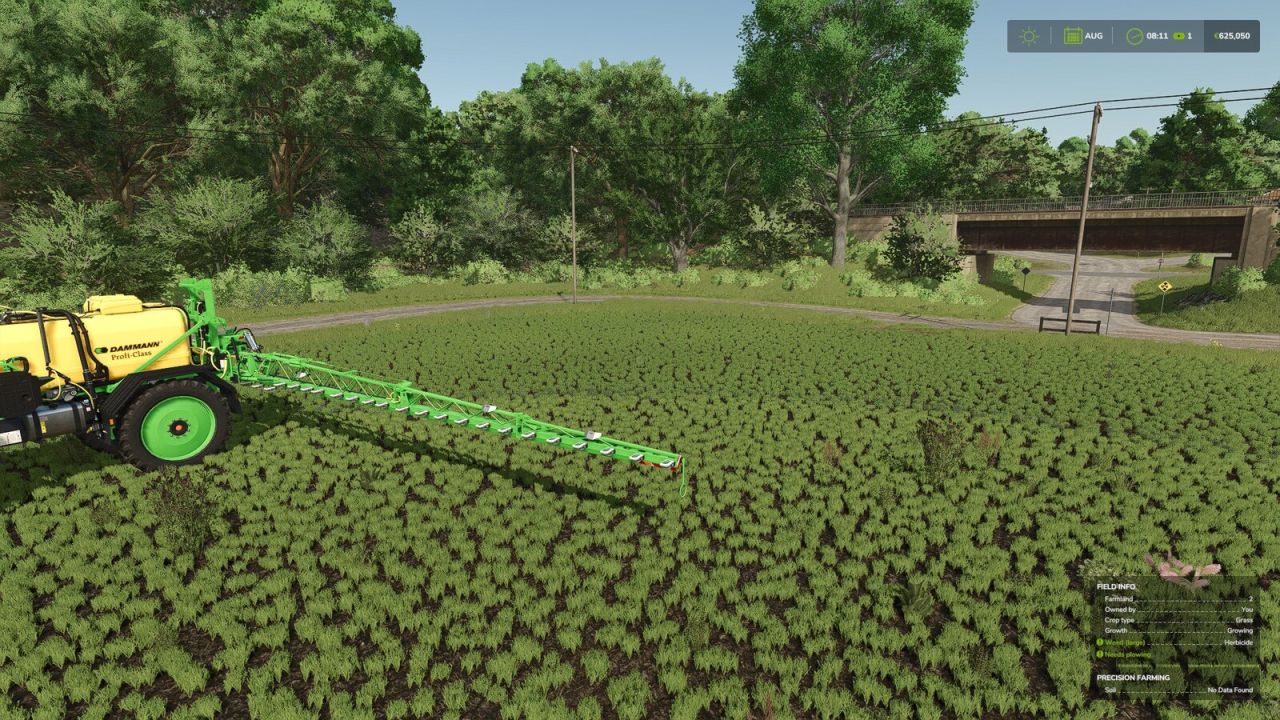
Herbicide Weed Cleanup V1.0.0.0 After spraying herbicide, dead weeds normally remain visible as withered plants on the field until the ground is worked again. This mod clears that withered weed foliage in the background, so sprayed areas end up looking clean again. A game setting (“Immediate” / “Delayed”) lets you choose between clearing within a couple of seconds or only once a month. The delayed option further reduces the load, which is already small since it only covers the sprayed area, and is useful on busy dedicated servers. Works exactly like the base game’s herbicide effect otherwise: spot spraying, Precision Farming, environmental score, etc. are unaffected, and only the leftover withered weed graphics are cleared. Fully compatible with dedicated servers and multiplayer.
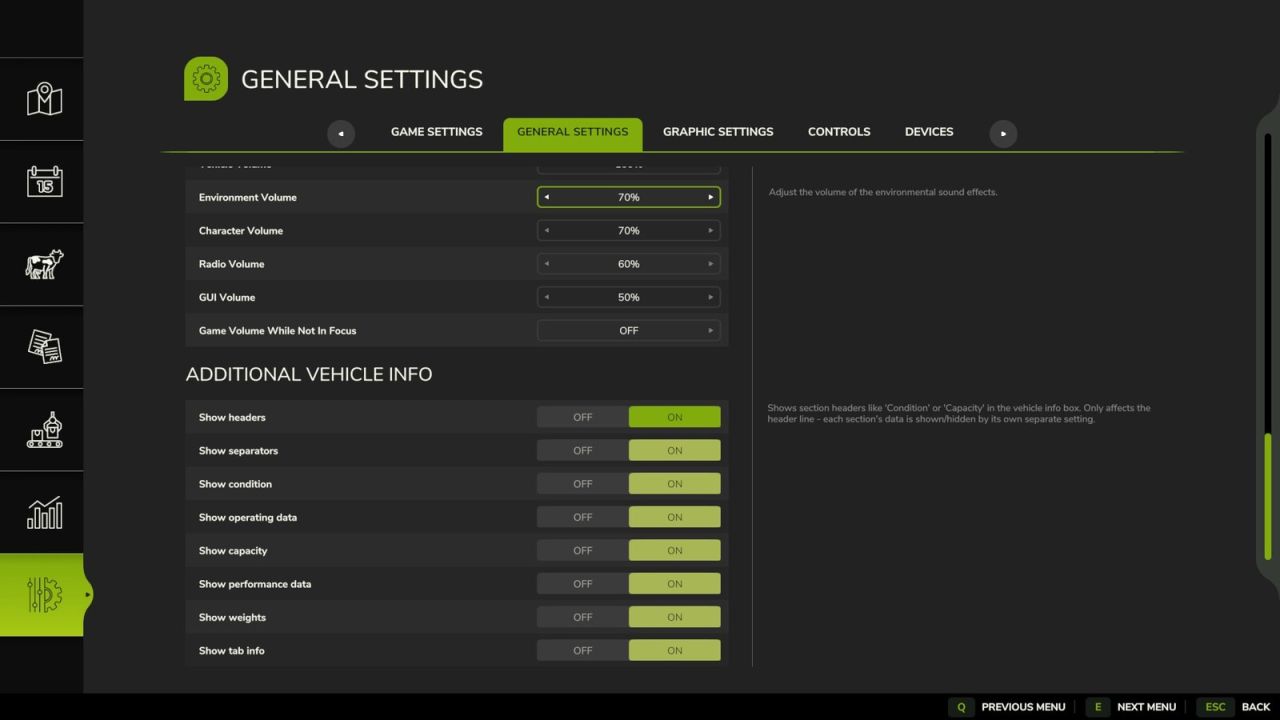
Additional Vehicle Info V1.0.0.0
Additional Vehicle Info V1.0.0.0 Extends the vehicle/implement info box shown near a vehicle with lots of additional information – cleanly grouped into sections that can each be shown/hidden individually in the settings menu. Always visible: – Shop categor(y/ies) of the vehicle/implement – Diesel/methane tank: current fill level AND capacity (instead of just the fill level) Section “Condition”: – Damage (%) – Paint wear (%) – Net weight and total weight (including attached implements) Section “Operating data”: – Age – Operating hours – Odometer Section “Capacity”: – Every tank, numbered, with its capacity – The currently loaded good shown directly under its tank (useful for implements with several differently filled tanks) – Bale net/twine rolls on balers shown as a count (current/maximum) Section “Performance data”: – Motor power and max. speed (on motorized vehicles) – Power required, working width and working speed (on implements) Section “Weights”: – Wheel weights required (yes/no) – Ballast weight required Section “Tab info”: – Whether the vehicle can be cycled through with Tab (yes/no) – Whether it is excluded from the Tab order (yes/no, requires the mod “FS25_SortableVehicleTabbing”) Settings (Game settings > General): – Show headers on/off (global) – Show separators on/off (global) – Each of the five sections above can be switched on/off individually Compatibility: – Automatically detects the mod “Info Display Extension” and hides its overlapping lines to avoid duplicates
- 15 per page
- 30 per page
- 45 per page
- 60 per page
-
See more per page
Bigger pages, fewer clicks - and no ads anywhere.
Go Pro