Farming Simulator 22 mods
47,986 results- 15 per page
- 30 per page
- 45 per page
- 60 per page
-
See more per page
Bigger pages, fewer clicks - and no ads anywhere.
Go Pro
Shader by MartinFarms FS22
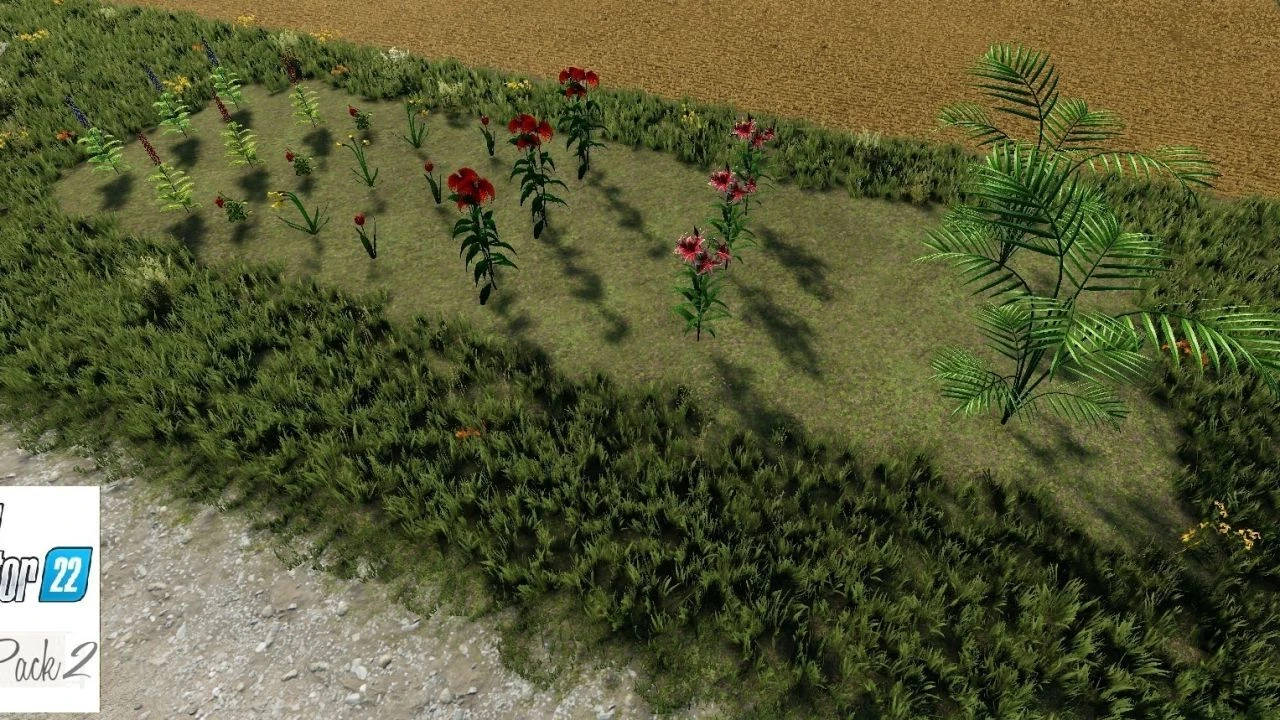
Here is my shader, tutorial in the links: https://youtu.be/ccTzeTEQu4w?si=6Nngk8rYr7Afkomu
Três Vendas BR V1.0
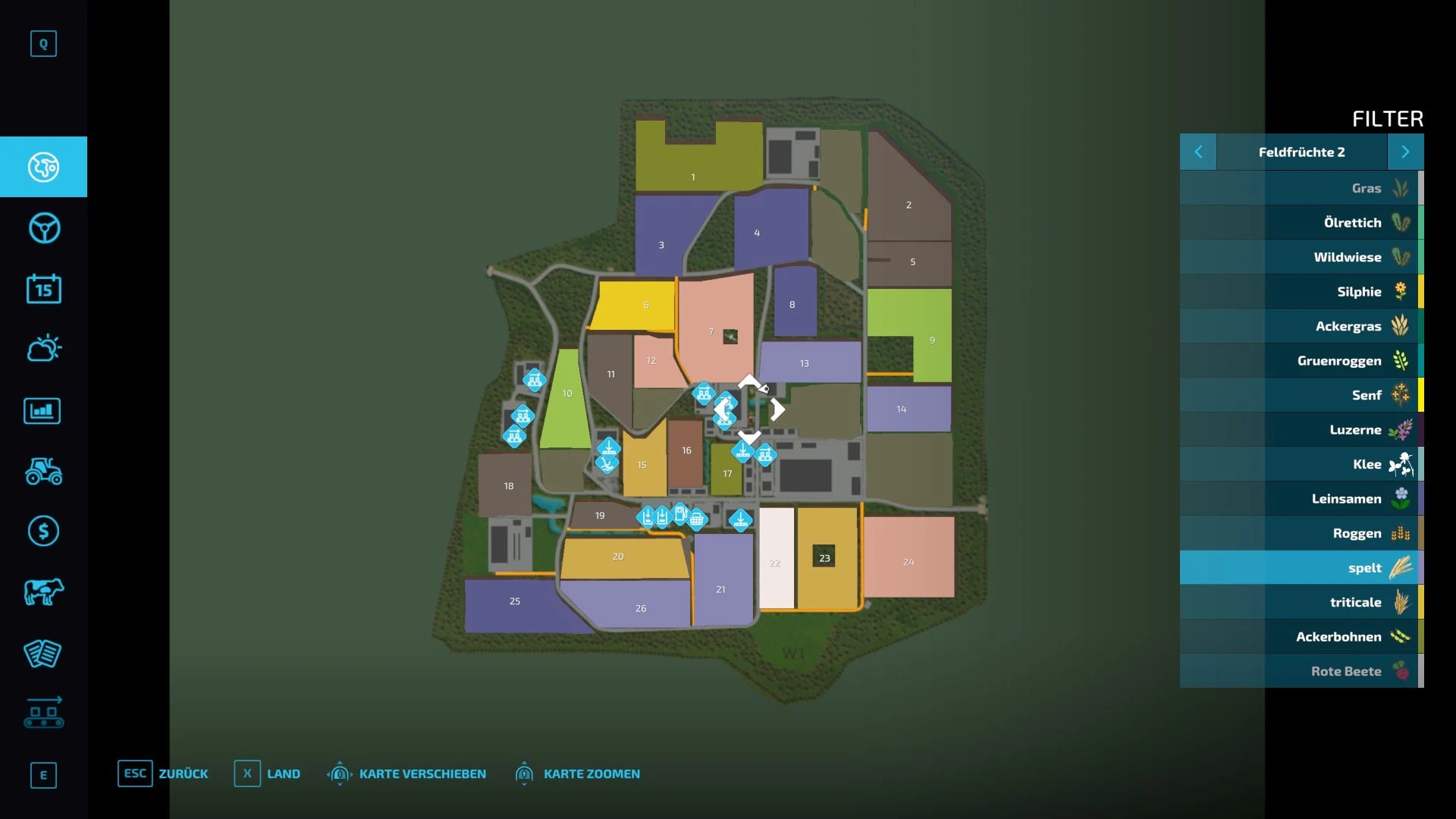
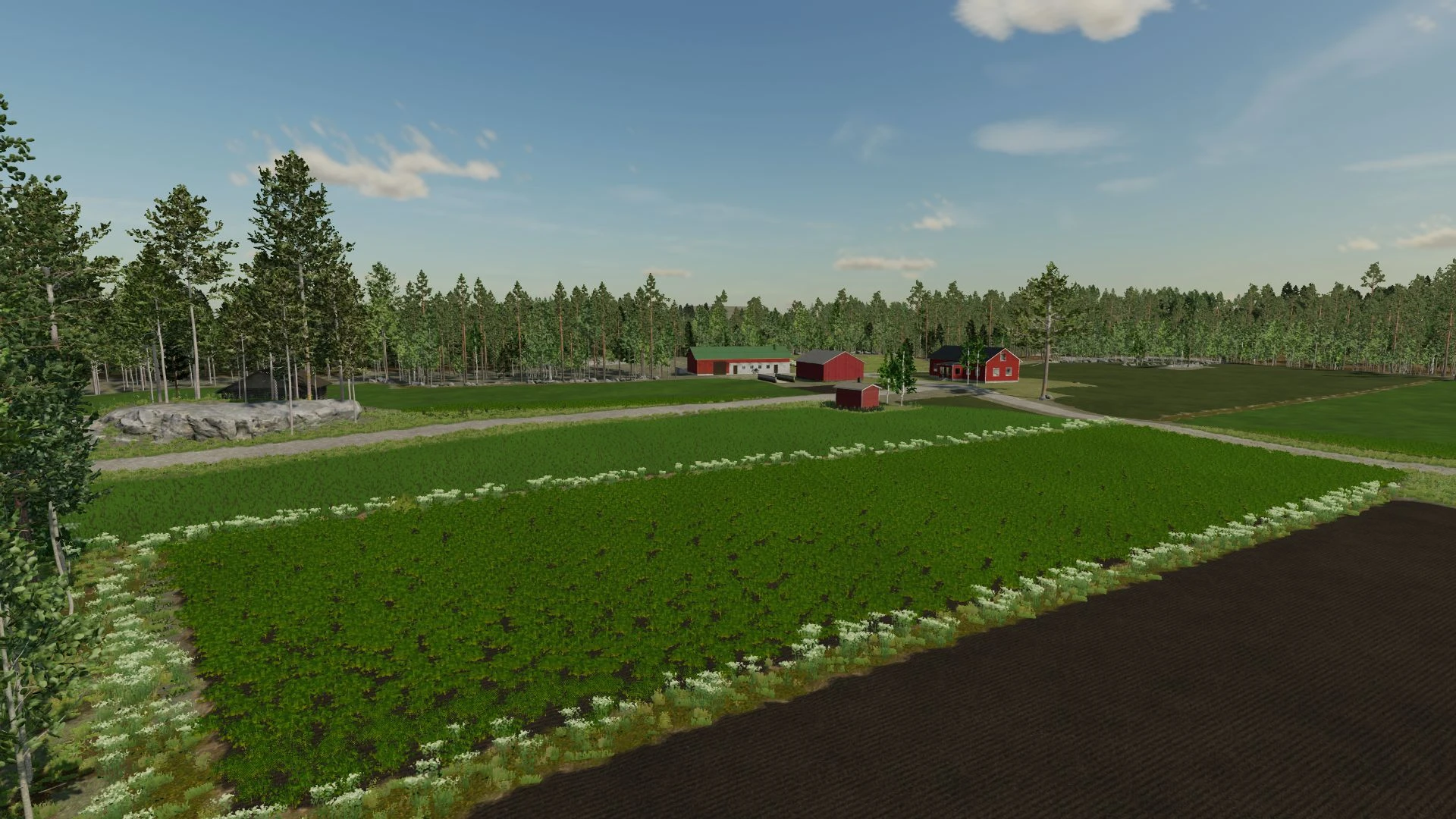
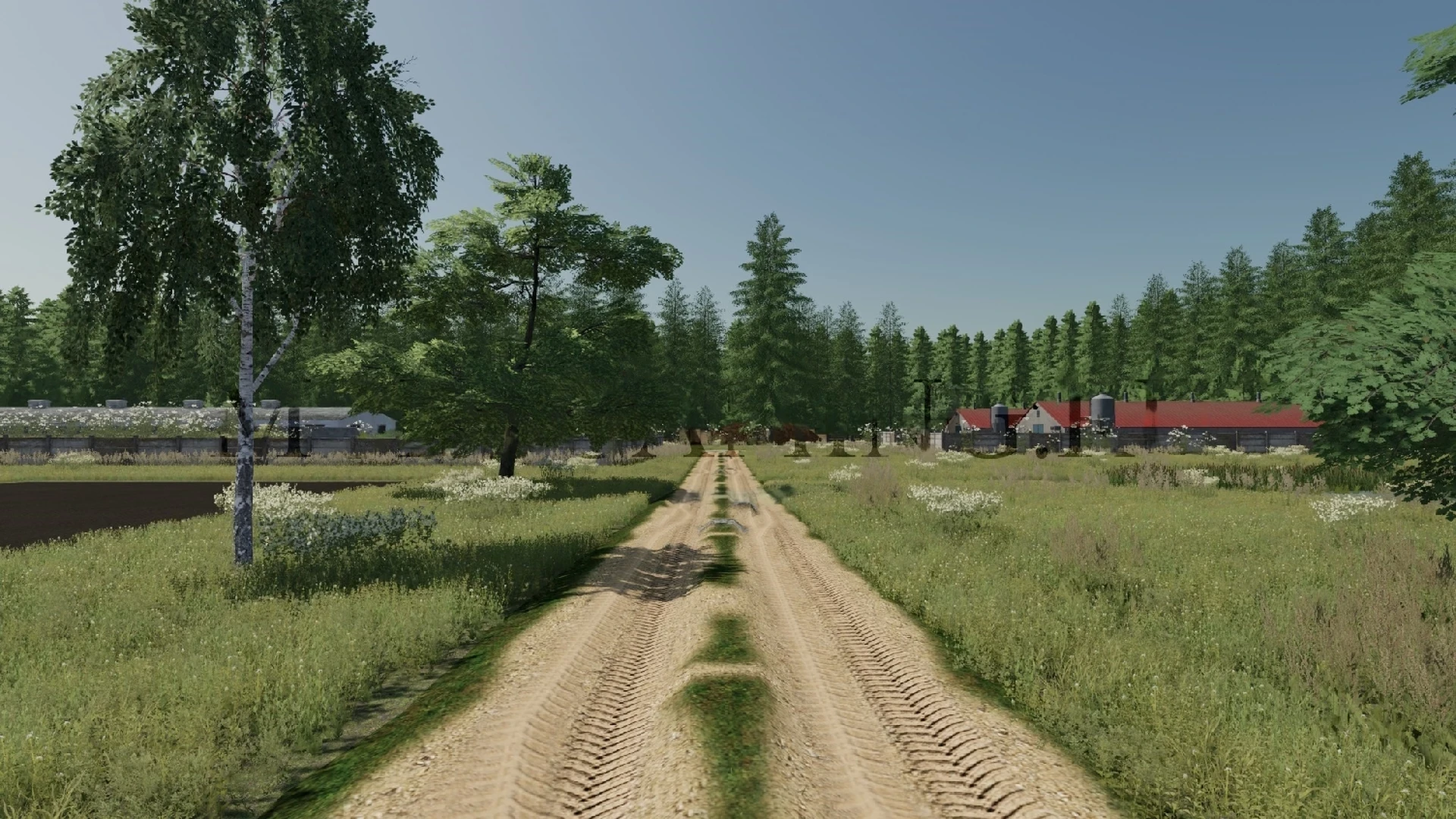
🌾 Welcome to Três Vendas – Central-South of Brazil 🇧🇷 Inspired by the landscapes of the Brazilian Center-South, Três Vendas offers an authentic experience for those looking for the true challenge of national agriculture in Farming Simulator 22. The map was developed with a focus on the cultivation of irrigated rice and soybeans, faithfully recreating the characteristics of the region, with extensive flooded areas for rice planting, as well as high and low lands that make each property unique and require planning at all stages of production. Explore an environment rich in details, with cities, rural villages, various points of sale, roads, rivers, irrigation canals and areas of native forest that provide a complete immersion in the Brazilian agricultural scene. In addition to agriculture, the map has a strong vocation for livestock farming, offering several corrals spread across the map, ideal for raising cattle and expanding your farm. There are also ample areas for opening new courses, allowing each player to build their property their way. Map highlights: 🌾 Main crop of irrigated rice and soybeans 🏞️ High, low terrain and flooded areas 🏙️ Detailed cities and rural communities 🏪 Various points of sale spread across the map 🌳 Areas of preserved forest and typical Brazilian vegetation 🚜 Large areas for creating new fields 🐄 Several corrals prepared for livestock 🌉 Roads, bridges, rivers and irrigation canals 👨🌾 Experience inspired by agribusiness in Central-South Brazil 💻 Fully developed for Farming Simulator 22 (PC) Prepare your machines, expand your farm and experience producing in one of the most important agricultural regions in Brazil. Três Vendas was created to offer realism, performance and many hours of fun for everyone who loves Farming Simulator. 🚜🌾 Credits: Thiornis FS Download mod File File size FS22_tres_vendas 375 MB
FS25 Tax Mod v1.1.5.0
FS25 Tax Mod v1.1.5.0 Adds realistic tax system to your farm. Features: • Daily tax deductions based on farm balance • Monthly tax returns (percentage of taxes paid) • Three tax rate levels: Low (1%), Medium (2%), High (3%) • Configurable minimum balance threshold • Tax history and statistics tracking • Professional in-game notifications • Fully configurable via console commands • Multiplayer compatible • Settings saved per savegame • Type ‘tax’ in console for commands Please be aware: You need to have developer mode enabled in order for you to open the console. This can be done in your FS game folder, then look for the “game.xml”. Change to “true” Enjoy you farming experience with my Tax Mod <3 ========================================================= https://github.com/TheCodingDad-TisonK/FS25_TaxMod ========================================================= COPYRIGHT NOTICE: All rights reserved. Unauthorized redistribution, copying, or claiming this mod as your own is strictly prohibited. Original author: TisonK ========================================================= V1.1.5.0 New – Irrigation operating costs now appear in your tax ledger. When you run irrigation with Seasonal Crop Stress, each day’s pump running cost is recorded as a deductible “Irrigation Operations” expense. It reflects a cost you already pay, so it adds no extra charge. – Realistic Farming ecosystem integration. Tax Mod now saves its state through the shared save system, reports to the unified on-screen display, and its settings appear in the Farm Tablet’s System Settings app. – Companion expense recording. Other Realistic Farming mods can now log deductible expenses into the tax ledger. Fixed – Multiplayer: the annual tax payment is now applied once on the host instead of once per connected player. – The tax HUD edit mode now opens with its own key binding, and the HUD no longer swallows right clicks. Localization – Added Danish, translated by a native speaker (DJWestDK). Note – Every ecosystem hook is optional. With none of the other Realistic Farming mods installed, Tax Mod works exactly as before. V1.1.3.1 – Corrected `nRows` count so the background panel fully contains all rendered rows including Recent Activity and the hint at the bottom Changelog v1.1.3.1 -> https://github.com/TheCodingDad-TisonK/FS25_TaxMod/releases/tag/v1.1.3.0 V1.1.3.0 – Taxes now work annually instead of per-transaction — more realistic farm business behaviour – Tax accumulates throughout the year; the full bill is deducted each March – In December you get an advisory notification showing your estimated tax bill, what % of your balance it is, and how much has accumulated — so you can plan your spending before year-end – HUD now shows an estimated March payment row and a countdown to your next tax event – New setting: Annual Tax Rate — choose Low (2%), Medium (5%), or High (10%) – New console command: taxAnnualRate — accepts low/medium/high or a custom value (e.g. 0.08 for 8%) – Bug fix: total taxes paid was being counted twice; now only the actual March deduction counts V1.1.2.0 – Bumped version – Fixed issue since last HUD fix V1.1.1.0 The Tax HUD previously could only be toggled via the developer console. Now you can show or hide it with a single keypress while playing. What’s New – Press T to toggle the Tax HUD on/off (rebindable in Controls settings) – HUD hint text updated to reflect the new key No save migration needed — existing saves work as-is. V1.1.0.0 This updates includes a complete rewrite of all code – Changed from 1 single file to multiple files – Settings have been rewritten to match correct FS25 behaviour – Added a HUD overlay (same as Income Mod)
FS25 Build Guide Lines
FS25 Build Guide Lines “Build Guide Lines” adds precise construction guides to the Farming Simulator 25 construction menu. They help align buildings, decorations, production facilities and fences without changing the normal placement system. The guide lines are visual construction aids and are only visible while the construction menu is open. FEATURES • Single straight guide lines • Parallel guide lines with fixed spacing • Exact 90-degree layouts • Exact 45-degree layouts • Available lengths: 25 m, 50 m, 100 m and 200 m • Parallel spacing: 1 m, 2 m, 3 m, 4 m, 5 m, 10 m and 20 m • Four selectable colours: red, green, blue and yellow • Gentle angle guidance in 5-degree steps • Building and placeable edge snapping • Snapping to two intersecting guide lines • Fence-post and fence-segment snapping • Persistent local storage • Singleplayer, multiplayer and dedicated-server support • Compatible with standard maps and most mod maps CONTROLS Left Ctrl + 1: Change guide-line colour Left Ctrl + 2: Enable or disable snapping Left Ctrl + 3: Delete the last guide line Left Ctrl + 4: Delete all guide lines The key bindings can be changed in the Farming Simulator 25 control settings. MULTIPLAYER Guide lines are completely private and client-side: • Only the player who creates a guide can see it. • Other players do not receive its position, colour or deletion state. • Every player can create and manage their own guide lines. • Normal buildings, objects and fences are synchronized by the game as usual. For multiplayer and dedicated servers, the mod must be enabled on the server and installed by every joining player. INSTALLATION Do not unpack “FS25_BuildGuideLines.zip”. Copy the ZIP file to: Documents/My Games/FarmingSimulator2025/mods Enable the mod when loading or creating a savegame. IMPORTANT • The mod does not bypass land-ownership restrictions. • Collision checks and normal placement restrictions remain active. • Already placed buildings and fences are never moved. • Script mods are not available on consoles. Version: 1.0.0.0 Author: raVe Game: Farming Simulator 25 Platform: PC and Mac
FS25 Disc Harrow Mulching
FS25 Disc Harrow Mulching Disc harrows can now apply the mulched field state when working on stubble. This simulates the light chopping and mixing of crop residues during shallow tillage. This allows you to gain the 2.5% mulching yield bonus without using a separate mulcher pass, for crops where this method remains realistic.The effect is not applied to high-residue crops such as maize, sunflower, cotton and sorghum. These crops still require a dedicated mulching step if you want to apply the mulched state.
FS25 Shop Sounds
FS25 Shop Sounds Hear a vehicle’s sound directly in the shop – before you buy. Browse through the vehicles without leaving the detail view, rev from idle to full throttle and control the engine load – geared tractors even shift through the gears as you rev, like driving on the field. Start the work sound on harvesters. Optional: if “More Motor Sounds” is installed, preview its sound variants live in the shop; if the “Tire Sound” mod is installed, its tire sound is previewed too – only a simplified example, as the real mod fine-tunes the sound to the tire type (e.g. row-crop or dual tires) while driving, which the shop cannot reproduce. On the Fendt Katana you also get a little easter egg if the “DashboardLive” mod is installed. The automatic preview can be switched off. Works in single- and multiplayer. Keys: Engine on/off [.] [,] Rev up/down Less/more load Machine on/off Tire sound on/off Previous/next vehicle Auto preview on/off
FS25 Vehicle Trade In
FS25 Vehicle Trade In Tired of selling your old vehicles for peanuts and then having to buy new ones at full price? The Vehicle Trade In Mod brings a realistic trade in system to Farming Simulator 25: just like at a real dealer. Instead of selling and buying separately, you can now trade in your existing vehicles directly for new ones. The trade in value is calculated realistically based on several factors, and is automatically deducted from the purchase price. Controls: CTRL + T: Open the Trade In menu How it works: • Press Ctrl+T to open the Trade In menu • Select a category and choose the vehicle you want to trade in • Browse the shop and pick your new replacement vehicle • Confirm the trade: the trade in value is automatically credited • The vehicle configurator opens immediately so you can choose colors, wheels, license plate and other options • The new vehicle spawns at the nearest dealer 6 Stage Price Calculation: • Stage 1: Base value (original purchase price) • Stage 2: Operating hours deduction (the more hours, the less value) • Stage 3: Damage factor (damaged vehicles lose value) • Stage 4: Dirt deduction (dirty vehicles lose up to 10%) • Stage 5: Age factor (older vehicles are worth less) • Stage 6: Minimum value floor (vehicles always retain a minimum value) Features: • Realistic trade in value based on age, hours, damage and dirt • All standard FS25 vehicle categories supported (tractors, harvesters, trailers, implements, trucks, etc.) • Full vehicle configurator after trade (colors, wheels, license plate) • Customizable pricing rules (value loss per hour, minimum value, damage factor, age factor, etc.) • Complete sales statistics with totals, averages and records • Optional cleaning and repair requirements before trade in • Fully translated into 27 standard FS25 languages Important: • Works in both singleplayer and multiplayer • Placeables and bundled items are automatically filtered out • The mod does not modify any base game files
Três Vendas BR FS22
🌾 Welcome to Três Vendas – Central-South of Brazil 🇧🇷 Inspired by the landscapes of the Brazilian Center-South, Três Vendas offers an authentic experience for those looking for the true challenge of national agriculture in Farming Simulator 22. The map was developed with a focus on the cultivation of irrigated rice and soybeans, faithfully recreating the characteristics of the region, with extensive flooded areas for rice planting, as well as high and low lands that make each property unique and require planning at all stages of production. Explore an environment rich in details, with cities, rural villages, various points of sale, roads, rivers, irrigation canals and areas of native forest that provide a complete immersion in the Brazilian agricultural scene. In addition to agriculture, the map has a strong vocation for livestock farming, offering several corrals spread across the map, ideal for raising cattle and expanding your farm. There are also ample areas for opening new courses, allowing each player to build their property their way. Map highlights: 🌾 Main crop of irrigated rice and soybeans 🏞️ High, low terrain and flooded areas 🏙️ Detailed cities and rural communities 🏪 Various points of sale spread across the map 🌳 Areas of preserved forest and typical Brazilian vegetation 🚜 Large areas for creating new fields 🐄 Several corrals prepared for livestock 🌉 Roads, bridges, rivers and irrigation canals 👨🌾 Experience inspired by agribusiness in Central-South Brazil 💻 Fully developed for Farming Simulator 22 (PC) Prepare your machines, expand your farm and experience producing in one of the most important agricultural regions in Brazil. Três Vendas was created to offer realism, performance and many hours of fun for everyone who loves Farming Simulator. 🚜🌾
Anti AFK v 1.0
Anti AFK - Description: Anti-AFK removes idle players from your game. This mod checks for keyboard, mouse or gamepad input. If no input is detected for 15 minutes, the player will be disconnected from the game. This mod is intended for dedicated servers but it can be...
FS22 Real Time Sync By BOB51160 2.0.0.0
FS22 Real Time Sync By BOB51160 - Bonjour a tous aujourd'hui je vous présente la version en français du mod ( Real Time Sync V1.0 ) en la Version Française V2.0. pour plus de renseignements voir les photos çi joints merci et très bon jeu a tous...................BOB51160.
Realistic Animal Losses v 1.0.1.0
Realistic Animal Losses - Description: Your animal populations may now decrease due to the following reasons: - when they get too old (low probability) (For all animals 60 months, as the FS22 does not currently display a higher animal age) - when they have a health under 25 for sev...
Tool Height Control Additional Features v 1.0.1
Tool Height Control Additional Features - Description: Added the ability to control the tool height when you enter to the vehicle, you can change the height of the selected tool. Added pack in the shop for mods with the ability to control height. Categories of supported tools: - Headers - Corn Hea...
MultiOverlay Hud v 4.2 Beta
MultiOverlay Hud v 4.2 Beta - Description: The MultiOverlayV4 Hud mod is designed to give you a quick informational overview of some important features of the game. --4.2-- --new SUPPORT for VariableOpeningTime Mod (to 1.1) --4.19-- --Map HofBergmann Lua Error Fix Greenhouse + Fix view...
FS22 ColorGrading v 1.0
FS22 ColorGrading - Description: Hello, I am sending a proposal of brightness and contrast colors for the RealSeason mod by hacker146, which I slightly changed in ColorGradingDay and Night and in Enwironment I increased the range of fog formation. It seems to me that the effe...
- 15 per page
- 30 per page
- 45 per page
- 60 per page
-
See more per page
Bigger pages, fewer clicks - and no ads anywhere.
Go Pro