Farming Simulator 22 mods

47,980 results
250 / 3,199
FS25 Traffic Density Control
other

FS25 Traffic Density Control

FS25 Traffic Density Control Traffic Density Control adds a dedicated section to the game settings where the AI traffic density can be adjusted. The number of active AI vehicles can be set directly in-game. Values from 15 to 150 vehicles are possible. A manual reload function is also available for singleplayer. It can reload the AI traffic once if needed, for example when vehicles are stuck or traffic behaves unusually. In multiplayer, only the host or an admin can change the number of AI vehicles. For the change to take effect, the server must be saved and restarted once after adjusting the vehicle count. Important note: A higher number of AI vehicles can, depending on the map, system performance and gameplay situation, cause performance issues, traffic jams or unusual AI traffic behavior. Therefore, increase the value carefully and test the setting individually on each map.

FS25 24 Hour Crop Growth
other

FS25 24 Hour Crop Growth

FS25 24 Hour Crop Growth 24 Hour Crop Growth makes supported crops ready for harvest exactly 24 in-game hours after they are sown. This means the next in-game day at the same time, not the next in-game month. The mod does not wait for the next monthly growth period. If the savegame uses multiple days per month, crops still mature after one full in-game day. For the intended behavior, Seasonal Growth should be turned off in the game settings. The mod records only the areas that are actually planted and remembers the exact in-game time of sowing. Each recorded area is moved to its first harvest-ready growth stage after 24 in-game hours. Sleeping, changing the time scale and saving or reloading the game are fully supported. The mod works with all standard sowable base-game crops that use the normal GIANTS fruit growth system. Standard crops planted on mod maps are also supported. Pending crop-growth data and the enabled state are stored separately in the savegame. Press Left Alt + G during gameplay to enable or disable 24 Hour Crop Growth. The key binding can be changed in the Controls menu. The mod must be enabled while sowing so that the exact planting time and planted area can be recorded.

FS25 Sync Cruise Control
other

FS25 Sync Cruise Control

FS25 Sync Cruise Control The mod adds a feature to automatically sync speed between 2 vehicles. The vehicle with which you wish to synchronize your speed must be controlled by a helper or another player. Stationary vehicles without a helper or player are ignored by the sync mode. As long as the mode is active and a vehicle is nearby, the speed is permanently synchronized. Application: Emptying the combine while driving, drive alongside the chipper, etc. Operation: 1. Press sync mode button. Default: ALT+S. 2. Drive next to a combine, chipper or other vehicle. 3. Activate normal FS25 cruise control with button 3. 4. When sync mode is active, the mod automatically adopts the next vehicle as the target and continuously adjusts the cruise control speed. 5. Switch off cruise control or press the sync mode button again to end synchronization.

FS25 Manure Clumps v1.1.0.0
other

FS25 Manure Clumps v1.1.0.0

FS25 Manure Clumps v1.1.0.0 The script adds small manure clumps while spreading solid manure on the field. The manure clumps disappear when plowing, cultivating, disc harrowing, or direct drilling. Changelog v1.1.0.0 – Fixed lag and FPS drops – Fixed various bugs and errors – Added new model and textures

FS25 Realistic First Person v2.0.0.0
other

FS25 Realistic First Person v2.0.0.0

FS25 Realistic First Person v2.0.0.0 People are not all the same height, so everyone experiences their surroundings from a different eye level. This makes a noticeable difference when viewing large vehicles and machines and affects how their size is perceived. With this mod, you can set your own body height under “General Settings”. The first-person camera is then moved to a matching eye height. The first version of the mod lowered the camera by a fixed 5 cm. This update replaces that fixed value with a personal setting. Body height can be set between 1.50 m and 2.10 m in steps of 1 cm. The adjustment works on foot and, optionally, inside vehicle cabs. While seated, the height is adjusted less strongly. Upward movement is also limited to prevent the camera from clipping through the roof of low cabs. At the default setting of 1.87 m, the original camera height remains unchanged. Settings are stored globally and apply to all savegames. No multiplayer synchronization is required because the mod only changes the local camera. Version 2.0.0.0: – Replaced the fixed 5 cm camera offset with an adjustable body height from 1.50 m to 2.10 m – Added configuration under the general game settings – Added optional adjustment of vehicle interior cameras with a separate seated offset – Added global storage of settings

AVERAGE TRAFFIC V1.0.0.5
other

AVERAGE TRAFFIC V1.0.0.5

Traffic consisting of popular cars in the post-Soviet space for your map. With this mod, traffic of 50+ cars, trucks and buses will be loaded on any map. Changelog: + V1.0.0.5 – Script improvments; – Traffic are now turn off in game settings properly; – Added traffic density setting; V1.0.0.4 – Added light mode (can be turned on/off in averageTraffic.xml in “modSettings\FS22_AverageTraffic”); – Fixed the mod working on maps with traffic without license plates; Credits: Average Enjoyer 4.6/5 - (7 votes) Download mod File File size FS22_AverageTraffic 92 MB

Average Traffic FS22
other

Average Traffic FS22

Average Traffic mod replaces built-in traffic system. New traffic consists of popular in post-Soviet countries vehicles. Traffic include 50+ unique models of cars, trucks, and buses. Traffic density is user-configurable. - Script improvments; - Traffic are now turn off in game settings properly; - Added traffic density setting; - Added light mode (can be turned on/off in averageTraffic.xml in "modSettings\FS22_AverageTraffic"); - Fixed the mod working on maps with traffic without license plates; - Fixed Russian license plates; - Added Polish license plates (on maps with aiLicensePlatesPL on traffic); - Added new traffic transport;

FS22 Polish Barn with Silo
maps

FS22 Polish Barn with Silo

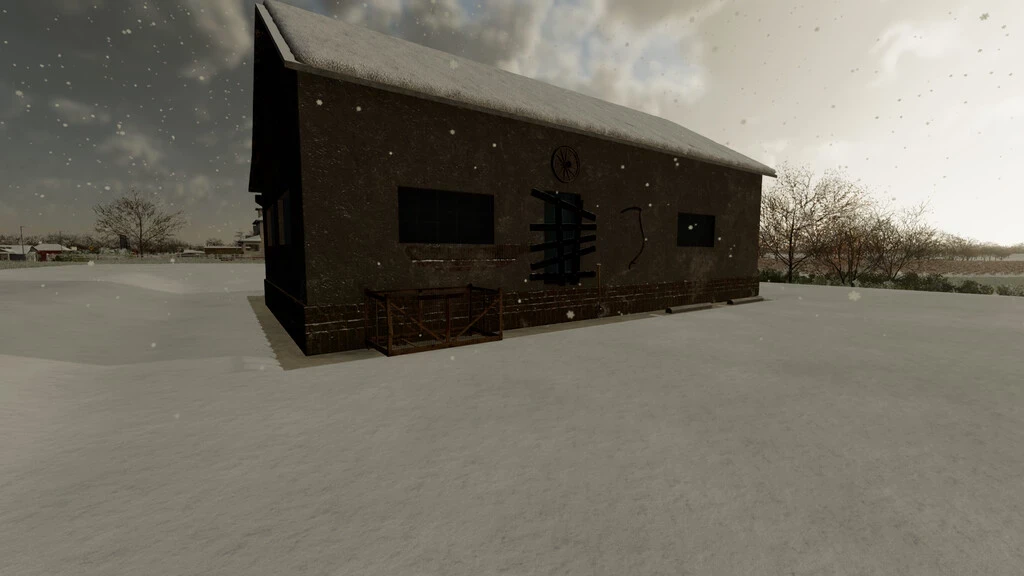
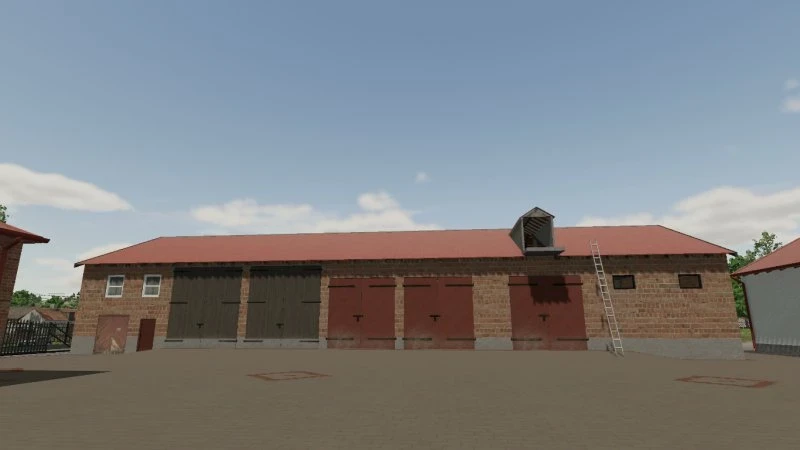
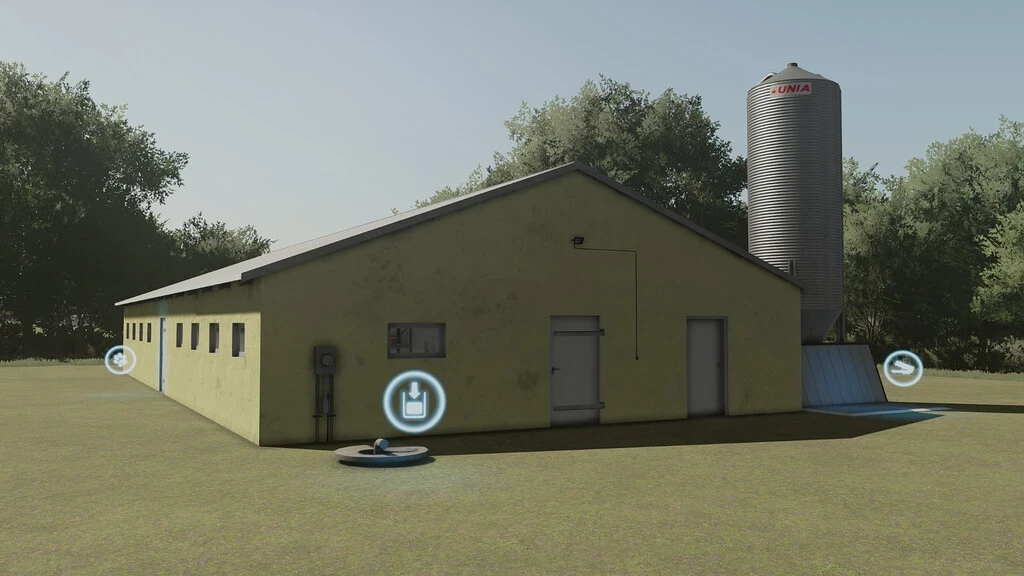
FS22 Polish Barn with Silo A Polish-style barn with a silo inside. I like it, so I encourage you to download it too. :)

Shader by MartinFarms V1.0
other

Shader by MartinFarms V1.0

Here is my shader, tutorial in the links: Credits: JB le nivernais Bastien Farms ynfarm 3/5 - (1 vote) Download mod File File size Shader by MartinFarms 6 KB

Shader by MartinFarms FS22
other

Shader by MartinFarms FS22

Here is my shader, tutorial in the links: https://youtu.be/ccTzeTEQu4w?si=6Nngk8rYr7Afkomu

Três Vendas BR V1.0
maps

Três Vendas BR V1.0

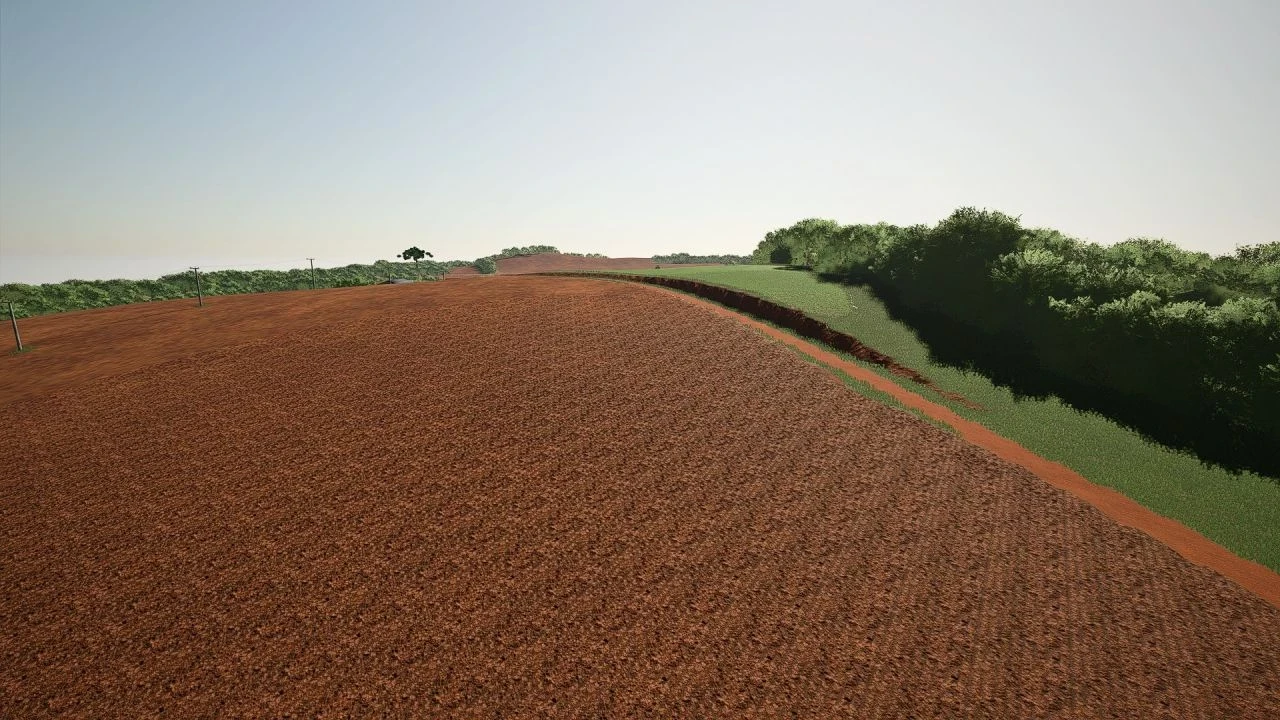
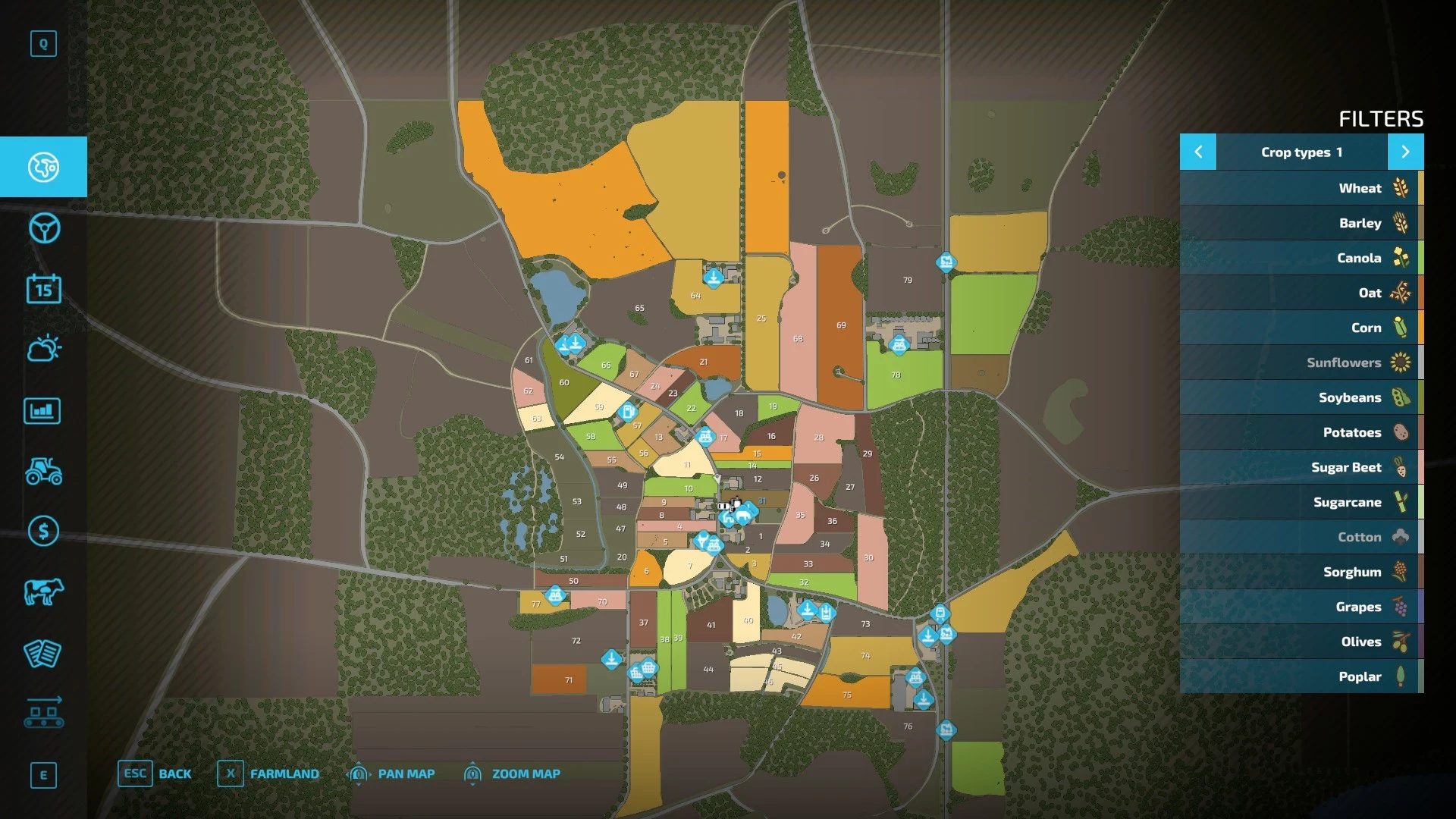
🌾 Welcome to Três Vendas – Central-South of Brazil 🇧🇷 Inspired by the landscapes of the Brazilian Center-South, Três Vendas offers an authentic experience for those looking for the true challenge of national agriculture in Farming Simulator 22. The map was developed with a focus on the cultivation of irrigated rice and soybeans, faithfully recreating the characteristics of the region, with extensive flooded areas for rice planting, as well as high and low lands that make each property unique and require planning at all stages of production. Explore an environment rich in details, with cities, rural villages, various points of sale, roads, rivers, irrigation canals and areas of native forest that provide a complete immersion in the Brazilian agricultural scene. In addition to agriculture, the map has a strong vocation for livestock farming, offering several corrals spread across the map, ideal for raising cattle and expanding your farm. There are also ample areas for opening new courses, allowing each player to build their property their way. Map highlights: 🌾 Main crop of irrigated rice and soybeans 🏞️ High, low terrain and flooded areas 🏙️ Detailed cities and rural communities 🏪 Various points of sale spread across the map 🌳 Areas of preserved forest and typical Brazilian vegetation 🚜 Large areas for creating new fields 🐄 Several corrals prepared for livestock 🌉 Roads, bridges, rivers and irrigation canals 👨‍🌾 Experience inspired by agribusiness in Central-South Brazil 💻 Fully developed for Farming Simulator 22 (PC) Prepare your machines, expand your farm and experience producing in one of the most important agricultural regions in Brazil. Três Vendas was created to offer realism, performance and many hours of fun for everyone who loves Farming Simulator. 🚜🌾 Credits: Thiornis FS Download mod File File size FS22_tres_vendas 375 MB

FS25 Tax Mod v1.1.5.0
other

FS25 Tax Mod v1.1.5.0

FS25 Tax Mod v1.1.5.0 Adds realistic tax system to your farm. Features: • Daily tax deductions based on farm balance • Monthly tax returns (percentage of taxes paid) • Three tax rate levels: Low (1%), Medium (2%), High (3%) • Configurable minimum balance threshold • Tax history and statistics tracking • Professional in-game notifications • Fully configurable via console commands • Multiplayer compatible • Settings saved per savegame • Type ‘tax’ in console for commands Please be aware: You need to have developer mode enabled in order for you to open the console. This can be done in your FS game folder, then look for the “game.xml”. Change to “true” Enjoy you farming experience with my Tax Mod <3 ========================================================= https://github.com/TheCodingDad-TisonK/FS25_TaxMod ========================================================= COPYRIGHT NOTICE: All rights reserved. Unauthorized redistribution, copying, or claiming this mod as your own is strictly prohibited. Original author: TisonK ========================================================= V1.1.5.0 New – Irrigation operating costs now appear in your tax ledger. When you run irrigation with Seasonal Crop Stress, each day’s pump running cost is recorded as a deductible “Irrigation Operations” expense. It reflects a cost you already pay, so it adds no extra charge. – Realistic Farming ecosystem integration. Tax Mod now saves its state through the shared save system, reports to the unified on-screen display, and its settings appear in the Farm Tablet’s System Settings app. – Companion expense recording. Other Realistic Farming mods can now log deductible expenses into the tax ledger. Fixed – Multiplayer: the annual tax payment is now applied once on the host instead of once per connected player. – The tax HUD edit mode now opens with its own key binding, and the HUD no longer swallows right clicks. Localization – Added Danish, translated by a native speaker (DJWestDK). Note – Every ecosystem hook is optional. With none of the other Realistic Farming mods installed, Tax Mod works exactly as before. V1.1.3.1 – Corrected `nRows` count so the background panel fully contains all rendered rows including Recent Activity and the hint at the bottom Changelog v1.1.3.1 -> https://github.com/TheCodingDad-TisonK/FS25_TaxMod/releases/tag/v1.1.3.0 V1.1.3.0 – Taxes now work annually instead of per-transaction — more realistic farm business behaviour – Tax accumulates throughout the year; the full bill is deducted each March – In December you get an advisory notification showing your estimated tax bill, what % of your balance it is, and how much has accumulated — so you can plan your spending before year-end – HUD now shows an estimated March payment row and a countdown to your next tax event – New setting: Annual Tax Rate — choose Low (2%), Medium (5%), or High (10%) – New console command: taxAnnualRate — accepts low/medium/high or a custom value (e.g. 0.08 for 8%) – Bug fix: total taxes paid was being counted twice; now only the actual March deduction counts V1.1.2.0 – Bumped version – Fixed issue since last HUD fix V1.1.1.0 The Tax HUD previously could only be toggled via the developer console. Now you can show or hide it with a single keypress while playing. What’s New – Press T to toggle the Tax HUD on/off (rebindable in Controls settings) – HUD hint text updated to reflect the new key No save migration needed — existing saves work as-is. V1.1.0.0 This updates includes a complete rewrite of all code – Changed from 1 single file to multiple files – Settings have been rewritten to match correct FS25 behaviour – Added a HUD overlay (same as Income Mod)

FS25 Build Guide Lines
other

FS25 Build Guide Lines

FS25 Build Guide Lines “Build Guide Lines” adds precise construction guides to the Farming Simulator 25 construction menu. They help align buildings, decorations, production facilities and fences without changing the normal placement system. The guide lines are visual construction aids and are only visible while the construction menu is open. FEATURES • Single straight guide lines • Parallel guide lines with fixed spacing • Exact 90-degree layouts • Exact 45-degree layouts • Available lengths: 25 m, 50 m, 100 m and 200 m • Parallel spacing: 1 m, 2 m, 3 m, 4 m, 5 m, 10 m and 20 m • Four selectable colours: red, green, blue and yellow • Gentle angle guidance in 5-degree steps • Building and placeable edge snapping • Snapping to two intersecting guide lines • Fence-post and fence-segment snapping • Persistent local storage • Singleplayer, multiplayer and dedicated-server support • Compatible with standard maps and most mod maps CONTROLS Left Ctrl + 1: Change guide-line colour Left Ctrl + 2: Enable or disable snapping Left Ctrl + 3: Delete the last guide line Left Ctrl + 4: Delete all guide lines The key bindings can be changed in the Farming Simulator 25 control settings. MULTIPLAYER Guide lines are completely private and client-side: • Only the player who creates a guide can see it. • Other players do not receive its position, colour or deletion state. • Every player can create and manage their own guide lines. • Normal buildings, objects and fences are synchronized by the game as usual. For multiplayer and dedicated servers, the mod must be enabled on the server and installed by every joining player. INSTALLATION Do not unpack “FS25_BuildGuideLines.zip”. Copy the ZIP file to: Documents/My Games/FarmingSimulator2025/mods Enable the mod when loading or creating a savegame. IMPORTANT • The mod does not bypass land-ownership restrictions. • Collision checks and normal placement restrictions remain active. • Already placed buildings and fences are never moved. • Script mods are not available on consoles. Version: 1.0.0.0 Author: raVe Game: Farming Simulator 25 Platform: PC and Mac

FS25 Disc Harrow Mulching
other

FS25 Disc Harrow Mulching

FS25 Disc Harrow Mulching Disc harrows can now apply the mulched field state when working on stubble. This simulates the light chopping and mixing of crop residues during shallow tillage. This allows you to gain the 2.5% mulching yield bonus without using a separate mulcher pass, for crops where this method remains realistic.The effect is not applied to high-residue crops such as maize, sunflower, cotton and sorghum. These crops still require a dedicated mulching step if you want to apply the mulched state.

FS25 Shop Sounds
other

FS25 Shop Sounds

FS25 Shop Sounds Hear a vehicle’s sound directly in the shop – before you buy. Browse through the vehicles without leaving the detail view, rev from idle to full throttle and control the engine load – geared tractors even shift through the gears as you rev, like driving on the field. Start the work sound on harvesters. Optional: if “More Motor Sounds” is installed, preview its sound variants live in the shop; if the “Tire Sound” mod is installed, its tire sound is previewed too – only a simplified example, as the real mod fine-tunes the sound to the tire type (e.g. row-crop or dual tires) while driving, which the shop cannot reproduce. On the Fendt Katana you also get a little easter egg if the “DashboardLive” mod is installed. The automatic preview can be switched off. Works in single- and multiplayer. Keys: Engine on/off [.] [,] Rev up/down Less/more load Machine on/off Tire sound on/off Previous/next vehicle Auto preview on/off

250 / 3,199

We use essential cookies to keep you signed in and remember your theme. With your consent we also use functional storage (to remember preferences like downloaded mods, kept on your device) and ad cookies that help keep ModNest free. Pro members never see ads. Privacy & cookies.