Farming Simulator 22 mods
50,512 results- 15 per page
- 30 per page
- 45 per page
- 60 per page
-
See more per page
Bigger pages, fewer clicks - and no ads anywhere.
Go Pro
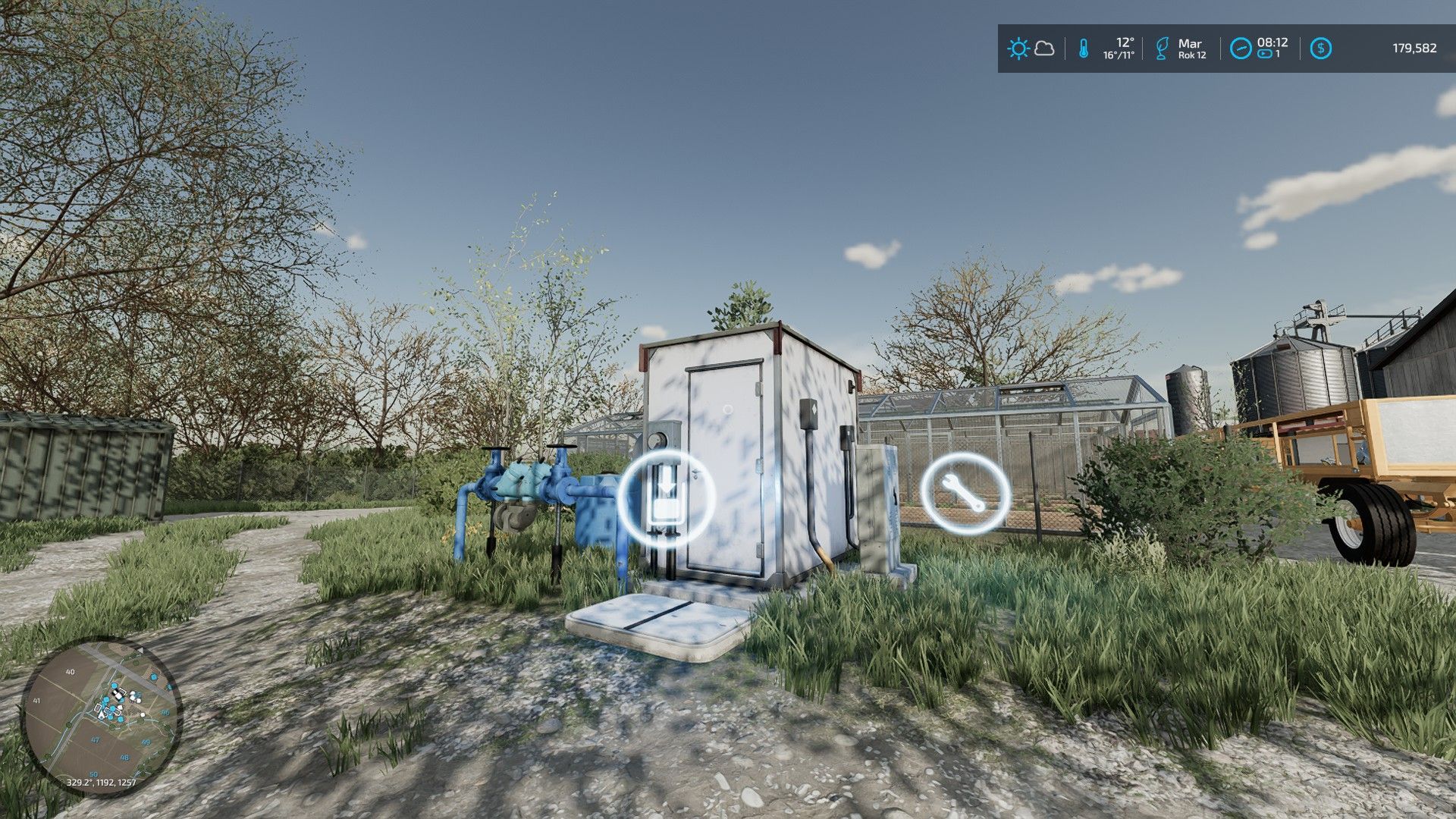
Water Pumps Pack FS22
This mod adds 2 water pumps, found in the Factories tab. The water pumps have a fuel tank that needs to be supplied, after which production must be switched to distribution mode. Greenhouses and other buildings that require water should then receive water resources every hour in-game. You can take water from the pump by driving an empty tanker truck. Supported languages: - English - Polish - German - Czech - Russian - French - Italian - Spanish - Hungarian - Dutch - Portuguese ---------------------------------------- WATER PUMP ---------------------------------------- Price: 32,500 Daily upkeep: 40 Fuel capacity: 4,000 L Water capacity: 10,000 L ---------------------------------------- LARGE WATER PUMP ---------------------------------------- Price: 75,800 Daily upkeep: 90 Fuel capacity: 10,000 L Water capacity: 60,000 L
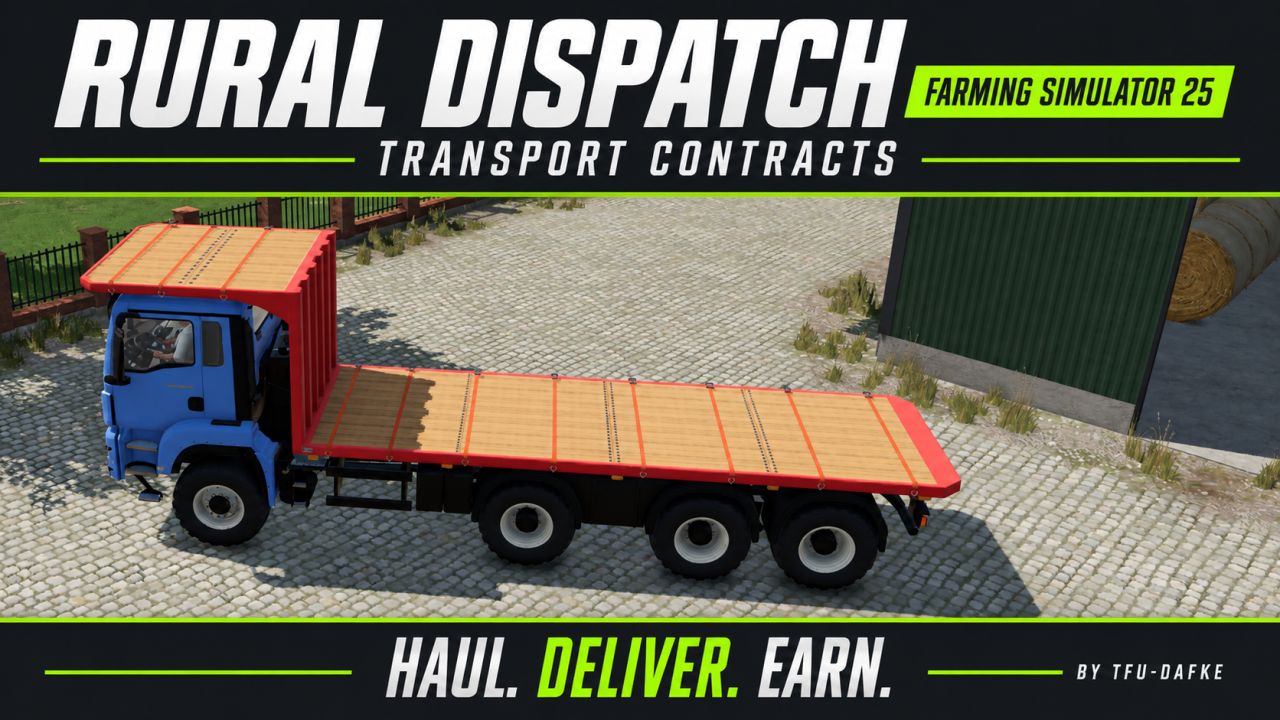
NPC transport and service contracts FS25
Bring more variety to your farm with NPC transport and service contracts. Haul bulk goods, pallets and bales, transport vehicles, supply fields with seed, fertilizer and lime, recover lost cargo, complete courier deliveries and provide emergency refuelling. Vehicle-care jobs also let you wash, dry and deliver customer vehicles. Routes are generated from the locations and products available on your map. Suitable loading equipment is provided for pallet and bale pickups, while marked destinations guide your deliveries. Manage the contract selection through the in-game settings and use the optional GPSLite integration for navigation. https://www.kingmods.net/en/fs25/mods/81700/gps-lite - Corrected access permissions for emergency refuelling contracts, allowing the contractor to enter the target vehicle and use the normal refuelling controls. - Connected diesel transfer from fuel carriers to contract progress, with transfer limited to the remaining required amount. - Added automatic driver exit when the refuelling contract is completed, before the NPC vehicle is removed. - Kept target access restricted to the contracting farm. Normal vehicle refuelling, contract pricing and diesel reimbursement remain unchanged. Refuelling: position your farm's diesel carrier beside the target, enter the target vehicle and use the normal refuelling action. - Added an admin option to enable or disable supplied loading vehicles for new pallet and bale contracts. - Added adjustable minimum route distances: 0, 250, 500 or 1,000 metres. Multi-stop contracts check each individual leg. - Added feedback when no suitable routes meet the selected minimum distance. - Spread contract generation across processing passes to reduce simultaneous processing. - Improved spawn-failure messages and added contract numbers for easier log troubleshooting. - Added detailed payment breakdowns showing estimated travel, workload, operating costs, cargo-value allowance and diesel reimbursement. - Added saving, multiplayer synchronization and English, Dutch, German and French translations for the new settings. - Excluded railway facilities identified through native FS25 metadata from pickup and delivery routes. - Strengthened bulk pickup checks: a valid, registered physical loading trigger is now required. A building position alone is no longer sufficient. - Improved bulk pickup marker accuracy while preserving existing valid source identifiers. - Added diagnostic logging for rejected bulk loading points. - Kept all new checks map-independent, without hardcoded map names or coordinates. Payment difficulty scales and separate diesel reimbursement remain unchanged. No new contract types have been added. Multiplayer: update the server and all clients, then restart to rebuild the route cache. - Added an administrator-only payment difficulty setting: Easy, Normal and Hard. - Reworked contract pricing around estimated driving time, workload, operating costs and cargo or vehicle value. - Introduced payment ranges, including completion bonuses: - Easy: €3,000–€7,000. - Normal: €2,000–€6,000. - Hard: €1,000–€5,000. - Increased compensation for manually loading pallets and bales. Automatic trigger unloading receives a smaller handling allowance. - Increased compensation for additional pickup and delivery stops, creating clearer differences between single-stop and multi-stage assignments. - Added a 40% detour allowance to direct-distance estimates. This is an estimate, not actual road navigation. - Limited short, single-stop refuelling contracts on Hard to €1,500 service payment, including bonuses. - Preserved separate diesel reimbursement in every difficulty level. Fuel reimbursement is excluded from payment caps and completion-bonus calculations. - Adjusted completion bonuses to respect the maximum payment and display the available bonus more accurately. - Added saving, read-back verification and client synchronization for the payment difficulty setting. - Preserved existing contract quotes when changing difficulty or reloading a save. New pricing applies only to newly generated contracts. - Added payment-setting translations in English, Dutch, German and French. - Added a dedicated Save button below the transport settings. - Improved settings persistence with server-side verification and automatic retries. - Added clear saving, success and failure messages. - Improved settings loading during startup. - Limited configurable contract targets to 0–3 per type, without removing existing contracts. - Added English, Dutch, German and French translations for the new save controls.

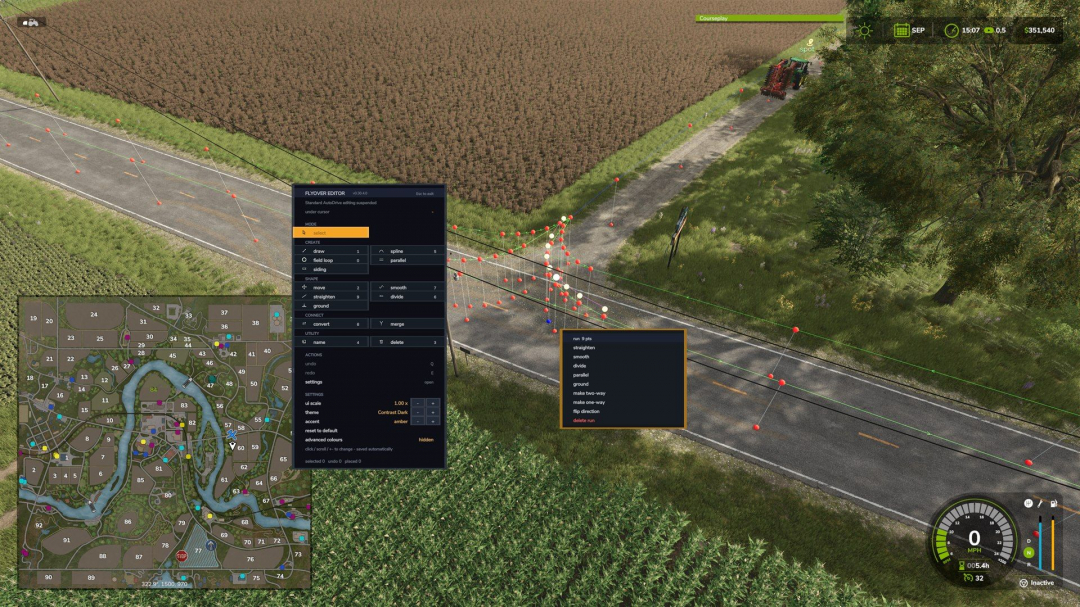
AutoDrive top-down flyover editor V1.0
A top-down flyover editor for AutoDrive route networks in Farming Simulator 25 — build and repair routes from above, on foot or in a vehicle, without driving every metre of them. It runs as a companion mod beside stock AutoDrive: it does not modify AutoDrive’s files, it attaches at runtime, and it refuses to load (and explains why) if AutoDrive isn’t present. Required mods: Autodrive
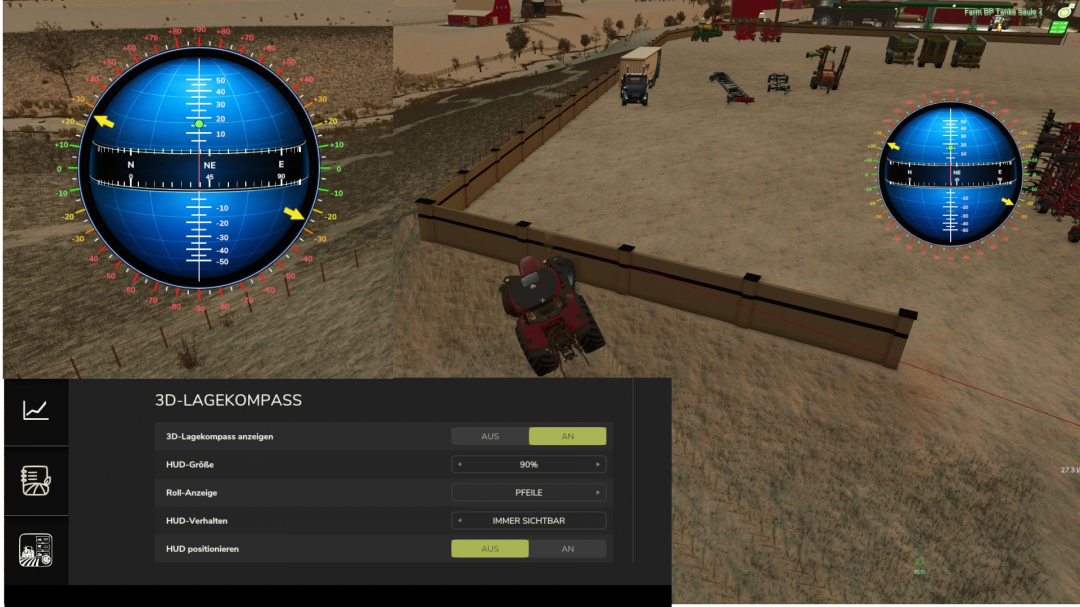
3D Attitude Compass V1.0.3.7
V1.0.3.7 visual fix for compass display options selection: show compass every 15 degrees / every 45 degreesDisplays all of a vehicle’s inclinations as a separate compass. The compass values are shown in the center, while the pitch angles up and down are displayed above and below the center, with positive angles above and negative angles below. The vehicle’s roll angle is displayed along the outer edges. The angles can be shown with arrows at the degree values or, alternatively, as dots. The compass can also be freely repositioned and scaled, and you can choose whether it is hidden together with the UserInterface Global or remains visible. All corresponding options are available in the settings.

Multifruit Seeders V2.1
This mod makes your planting equipment truly universal!Full compatibility: Standard and modded seeders and planters can now work with crops that are normally intended for a different type of equipment. This allows you to use one machine for more crops. Support for all crops: All crops that can be sown or planted using seeders and planters are supported, including rice, vegetables, sugarcane, poplar, and onions from the “Highlands Fishing Pack” DLC.V2.1.0.0 Reworked the support system for additional crops. Added support for onions from the “Highlands Fishing Pack” DLC for standard and modded seeders/planters. Updated to the current version of the game.
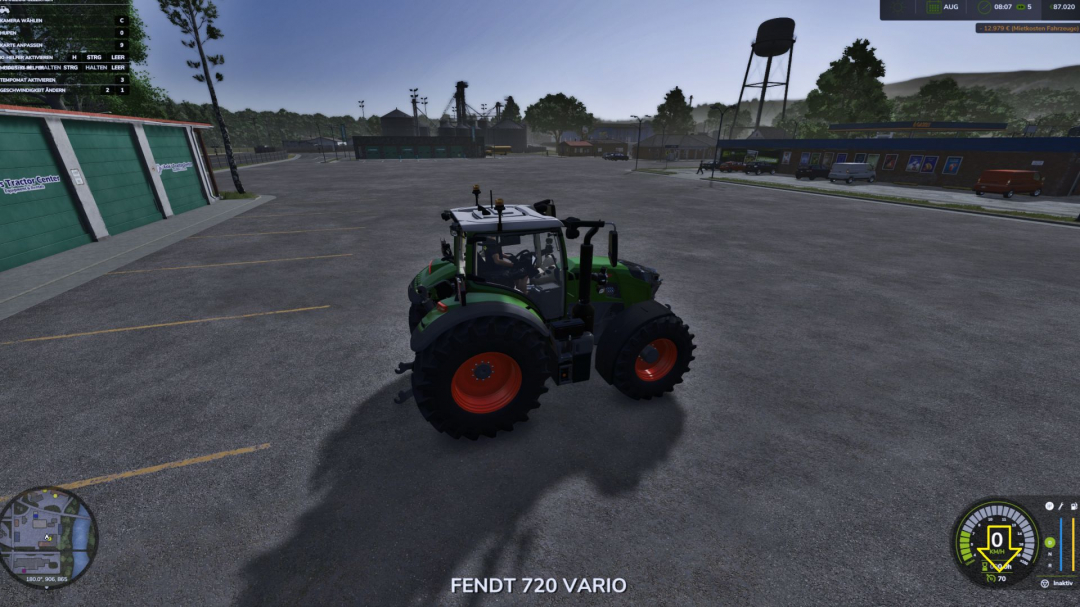
Adjustable vehicle speed V1.0
This mod only adjusts the maximum speed of vehicles. The desired speed can be selected in the vehicle shop.
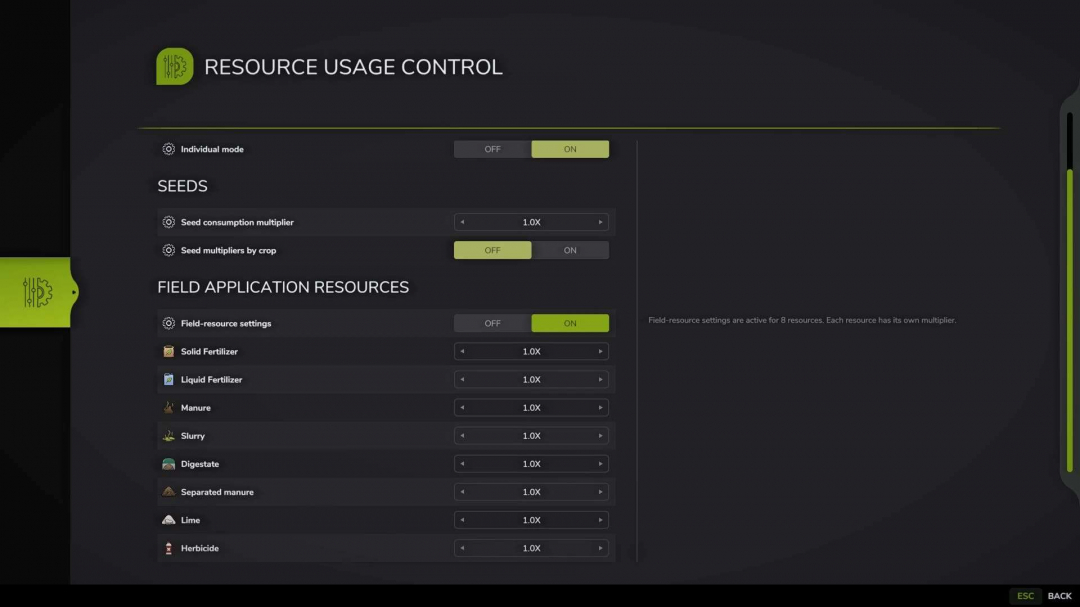
Resource Usage Control v1.0
Resource Usage Control allows you to adjust the consumption of seeds and field treatment materials in a dedicated full-screen : – The window opens by default with the F11 key, which can be customized in the game’s control settings. – When individual mode is disabled, the global multiplier affects seeds and all supported field resources. – Individual mode offers separate settings for seeds and field treatment materials. – Seed settings are dynamically generated based on the crops registered on the current map. – The field resources category includes solid and liquid fertilizer, manure, slurry, digestate, separated manure, lime, herbicide, and other resources added by compatible mods. – Disabling a category hides its rows and resets all values within to the default 1x. – Multiplier range: 0.25x to 10x. – Lists are cached when the savegame loads; opening the window does not trigger a re-scan of vehicles, fields, buildings, or other objects. – All savegame settings are stored in a single modSettings file, with each savegame having its own entry identified by slot number and playtime.Examples: – 0.25x: consumption is 75% lower than the standard rate. – 1x: standard game consumption. – 5x: consumption is 400% higher than the standard rate. – 10x: consumption is 900% higher than the standard rate.Important: – The mod modifies the seedUsagePerSqm and litersPerSecond values for sprayType. – Mods with their own consumption logic may require additional compatibility adjustments.
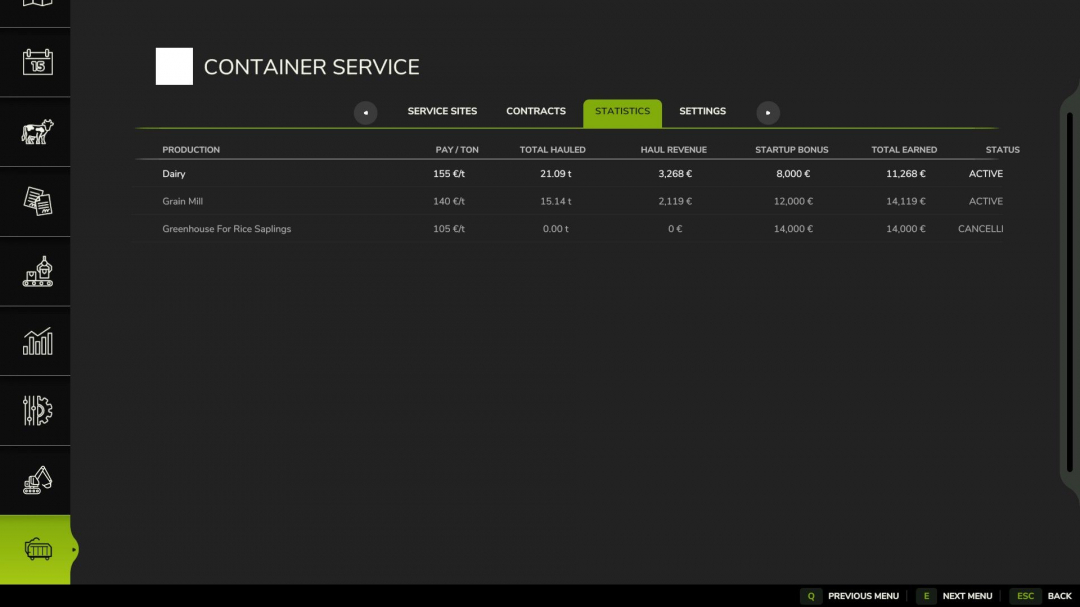
Container Service V1.0
Container Service expands production facilities with a realistic waste and container system. Production businesses can offer their own waste disposal contracts. After signing a contract, you receive a one-time starting bonus, followed by payments for each tonne of waste collected. Depending on the business, different types of waste and containers are needed, such as: BULK – soil, wood chips, etc. WASTE – organic waste LIQUID TANK – liquid waste like digestate. Place the appropriate hook-lift container at the marked service point. The waste will be loaded automatically into a compatible container. Payment is only made once the loaded container leaves the service area. In the Container Service menu, you will find: Service Sites, Contracts, Statistics, and Settings. Contracts can be canceled at any time and accepted again later. However, the starting bonus is paid only once per business. Required mods: Additional Filltypes
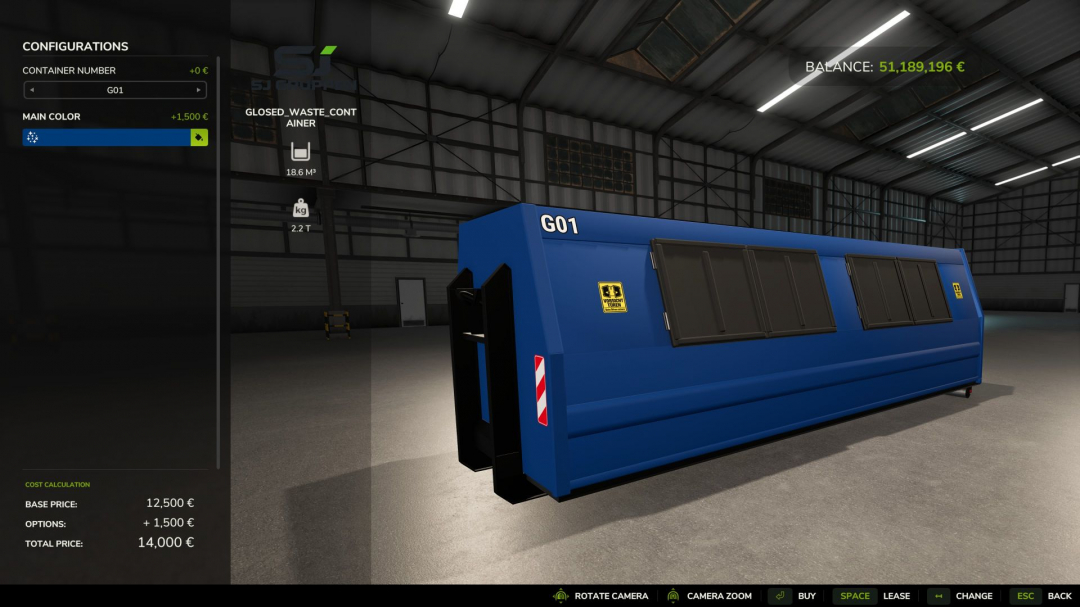
SJ Group Closed Waste HKL Container V1.0
Works seamlessly with the Container Service mod.Changelog Side doors now open via IC, thanks to Crazy_Eagle_Ecjm for the implementation. Compatible with MB DLC size hooklifts.
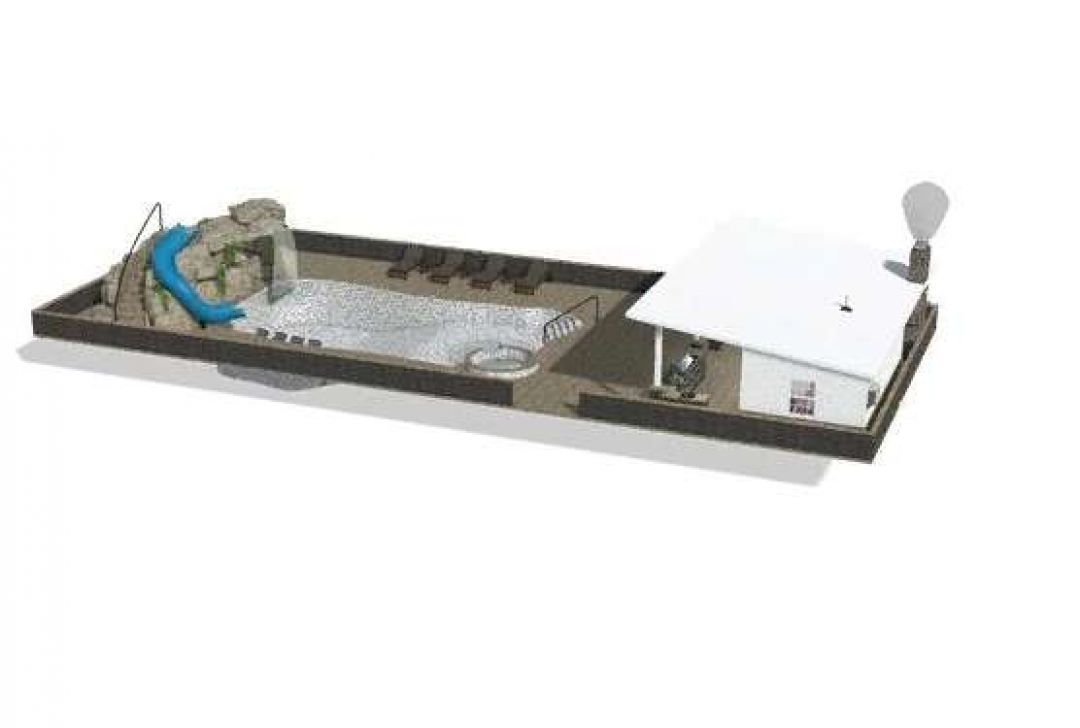
Swimming Pool v1.0
Swimming Pool with Grotto and Pool House! Options include: 3 Color Configurations Stone & Marble Configurations Pool tile & Marble Configurations Grotto Rock & Marble Configurations No Walls, Walls or Walls & Fence Triggers for Waterfalls (jacuzzi waterfall trigger is directly next to the jacuzzi, grotto waterfall trigger is on the wall for the pool pump) Trigger for pool pump sound (on the pool pump wall) Working fireplace


FS25 Kaka537 Preset
FS25 Kaka537 Preset I basically created this preset for myself, but since it looked good, I decided to publish it. It might not be to everyone’s taste, but I use it myself. Note: the screenshots were taken with the in-game time set to 12:00 in November; looking at them now, they do appear slightly different from how the game actually looks. How to install: To install and use the shaders, first scroll down and click the DOWNLOAD button. After downloading the .rar file, extract it (WinRAR is recommended); locate the .ini file in the extracted folder and place it in the `x64` folder found within the game’s installation directory (the .rar file also contains lighting files and a ReShade folder—using them is recommended). Next, visit https://reshade.me and download the latest version. Install it, select FS25 and your preferred options, then click “Finish.” Once the game is running, press the HOME key on your keyboard to open the ReShade menu and select the installed preset, “Kaka537Preset.rar”. Now, all that’s left is to enjoy the visuals.

FS25 Remaining Bales
FS25 Remaining Bales Adds a display below the bale counter (top-left input help box) showing how many more bales the currently loaded net/twine – and, if present, wrap film – will last for. The value updates automatically when the bale size is changed and whenever a bale is pressed or dropped. Note: Some balers do not have different fuel consumption rates based on bale size, so with certain balers, the number of bales that can be produced may not change when the bale size is adjusted. Supports all: – Bale presses – Bale wrappers – Bale press-wrapper combinations – Inline bale wrappers Compatibility with the following mods is ensured. # Extended Input Help (FS25_ExtendedInputHelp) When the bale counter display is enabled, our display is also kept active in the collapsed help menu]

Zetor 6745 V1.0
67hp added curtains, box, chain Credits: Lukas161 5/5 - (1 vote) Download mod File File size FS22_Zetor6745_by_Lukas161 109 MB
- 15 per page
- 30 per page
- 45 per page
- 60 per page
-
See more per page
Bigger pages, fewer clicks - and no ads anywhere.
Go Pro