Farming Simulator 19 mods
55,156 results- 15 per page
- 30 per page
- 45 per page
- 60 per page
-
See more per page
Bigger pages, fewer clicks - and no ads anywhere.
Go Pro
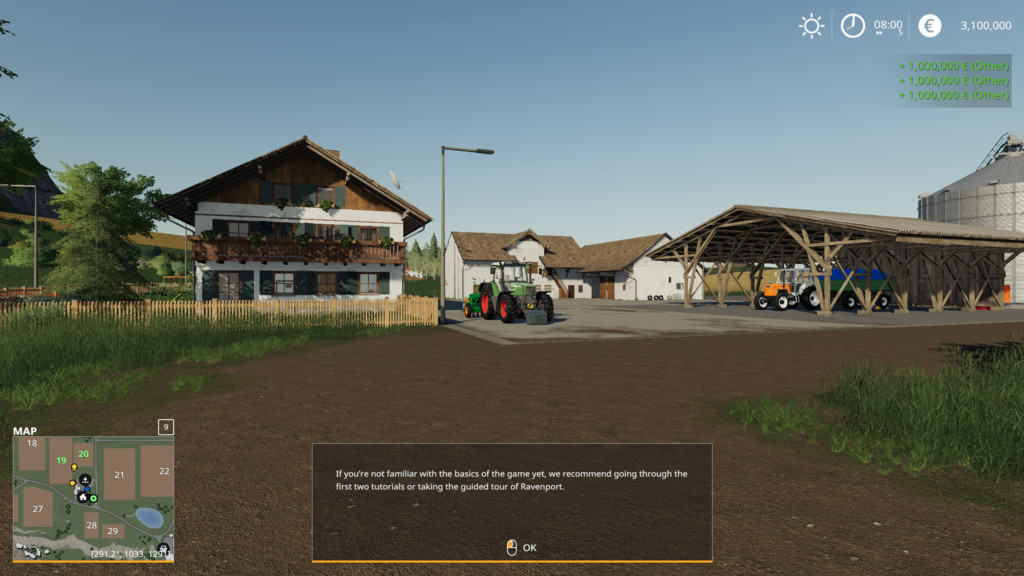
Money Tool 1.0.0.0 Mod
Money Tool 1.0.0.0 Mod This Mod adds 1.000.000 $ to your account by pressing the keys CTRL + ALT + 0. In multiplayer, a player must first join a farm.
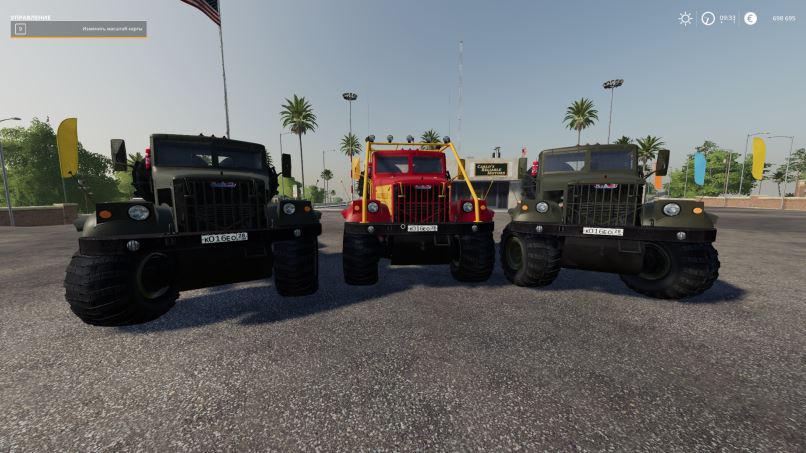
KRAZ 255B LAPTEZHNIK V1.3.1 Truck
KRAZ 255B LAPTEZHNIK V1.3.1 Truck Version 1.3.1: – fix the stuck light source for a model with a frame. Conversion of the tractor Laptezhnika under FS19 with partial refinement. – Changed the collision zone so that Kraz could overcome higher obstacles (the calculation was for hemp and logs lying on the ground) – The suspension travel was significantly increased and its rigidity was reduced: Kraz sags when loaded and beautifully plays wheels on the terrain. – Updated some textures and models (while at the minimum). – Available selection of primary color, color design and one of the discs. – There are 2 engines to choose from: authentic YMZ-238 for 240 forces and its modern modification YMZ-6585-04 for 420 forces (believe me, no longer needed, 1962 Nm of dragging in any situation). – 3 types of wheels: Road (although who needs them?) + Boggers with discs that can be painted + Boggers with authentic discs. – Working lighting, paid special attention to it, the lights turned out very realistic. – Animated rear suspension (front is still oak). – Work tachometer + speedometer + fuel level – Soiled / washed. – The log is clean … What’s new in version 1.3: – the names of the authors of the mod were corrected – the lights of the train began to work – the coupling angles were increased – the visual jamb was fixed with the inside of authentic Bolotnikov disks – antenna dirt and beeps were added – light indicators were added cockpit – the temperature sensor and the pressure sensor came to life on a tidy – the wipers work was adjusted – the appearance of the instrument gauges was fixed – replaced the cardan model. – at the request of the community now Kraz comes in 2 versions: with arcs and without – both options have 2 additional options: removing the spare wheel and removing the side panels of the engine – the passenger became bored and he left us Note So that there are no questions about switching on the working light: F – near -> far -> turning off Num 5 – working front Num 6 – working rear It is not BAG that on “F” working lighting is not Turns on, so done on purpose. P.S. The work on Krazom is underway, I will be happy to hear the advice, suggestions and comments … I would be glad if someone will help with the front suspension ..
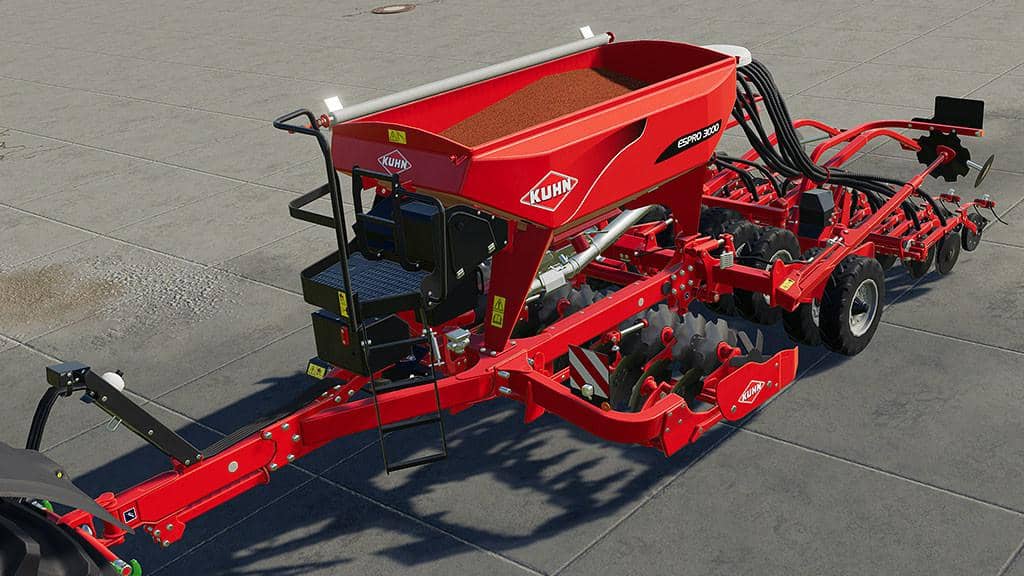
KUHN ESPRO 3000 V1.0.0.0 Mod
KUHN ESPRO 3000 V1.0.0.0 Mod Price: 45.000€ Working width: 3.0m
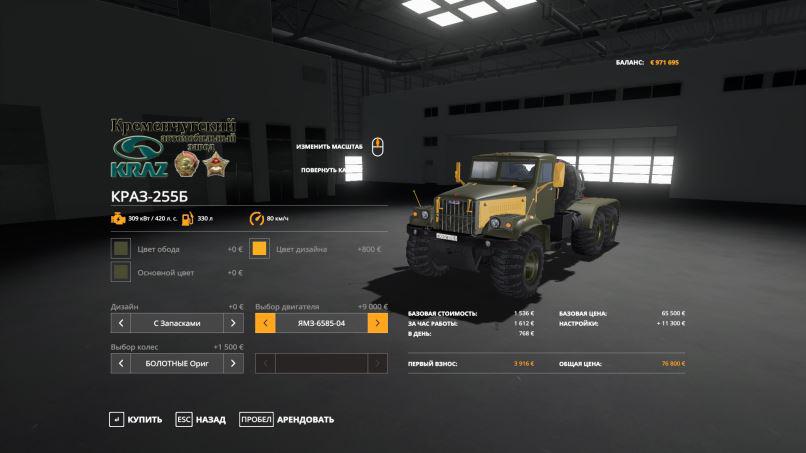
Kraz 255b LAPTEZHNIK v1.3.1 FS19
Kraz 255b LAPTEZHNIK v1.3.1 FS19 Version 1.3.1: – fix the stuck light source for a model with a frame. Conversion of the tractor Laptezhnika under FS19 with partial refinement. – Changed the collision zone so that Kraz could overcome higher obstacles (the calculation was for hemp and logs lying on the ground) – The suspension travel was significantly increased and its rigidity was reduced: Kraz sags when loaded and beautifully plays wheels on the terrain. – Updated some textures and models (while at the minimum). – Available selection of primary color, color design and one of the discs. – There are 2 engines to choose from: authentic YMZ-238 for 240 forces and its modern modification YMZ-6585-04 for 420 forces (believe me, no longer needed, 1962 Nm of dragging in any situation). – 3 types of wheels: Road (although who needs them?) + Boggers with discs that can be painted + Boggers with authentic discs. – Working lighting, paid special attention to it, the lights turned out very realistic. – Animated rear suspension (front is still oak). – Work tachometer + speedometer + fuel level – Soiled / washed. – The log is clean … What’s new in version 1.3: – the names of the authors of the mod were corrected – the lights of the train began to work – the coupling angles were increased – the visual jamb was fixed with the inside of authentic Bolotnikov disks – antenna dirt and beeps were added – light indicators were added cockpit – the temperature sensor and the pressure sensor came to life on a tidy – the wipers work was adjusted – the appearance of the instrument gauges was fixed – replaced the cardan model. – at the request of the community now Kraz comes in 2 versions: with arcs and without – both options have 2 additional options: removing the spare wheel and removing the side panels of the engine – the passenger became bored and he left us 🙂 Note So that there are no questions about switching on the working light: F – near -> far -> turning off Num 5 – working front Num 6 – working rear It is not BAG that on “F” working lighting is not Turns on, so done on purpose. P.S. The work on Krazom is underway, I will be happy to hear the advice, suggestions and comments … I would be glad if someone will help with the front suspension .. Credits:LEHA, Axary
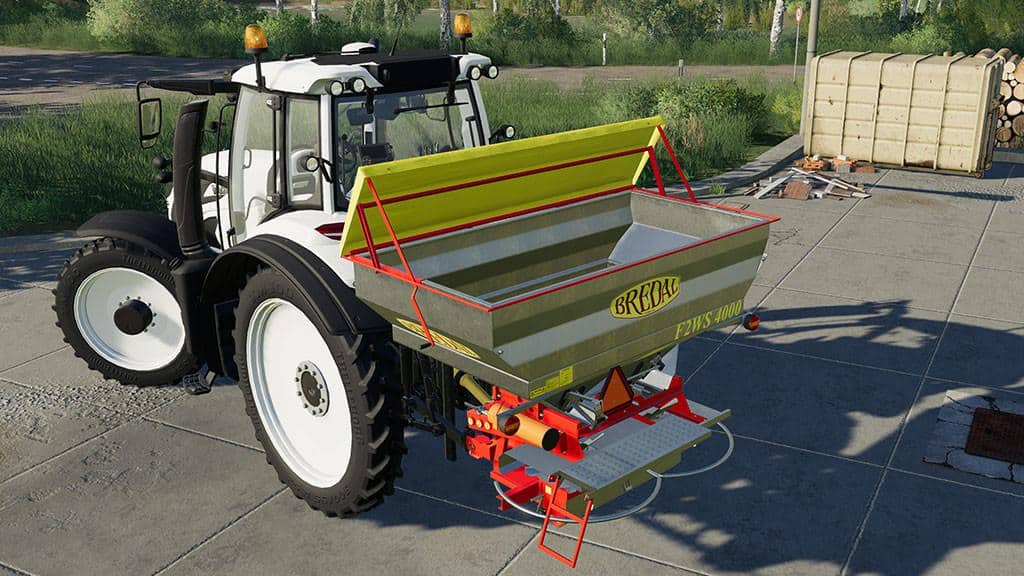
BREDAL F2WS4000 V1.0.0.0 Mod
BREDAL F2WS4000 V1.0.0.0 Mod Price: 28.000€ Capacity: 4000l Working width: 24m

OTHMERDING TS 300-470 V1.0.0.0 Mod
OTHMERDING TS 300-470 V1.0.0.0 Mod Price: 6.250 € Required power: 240HP Working width: 4.7 m
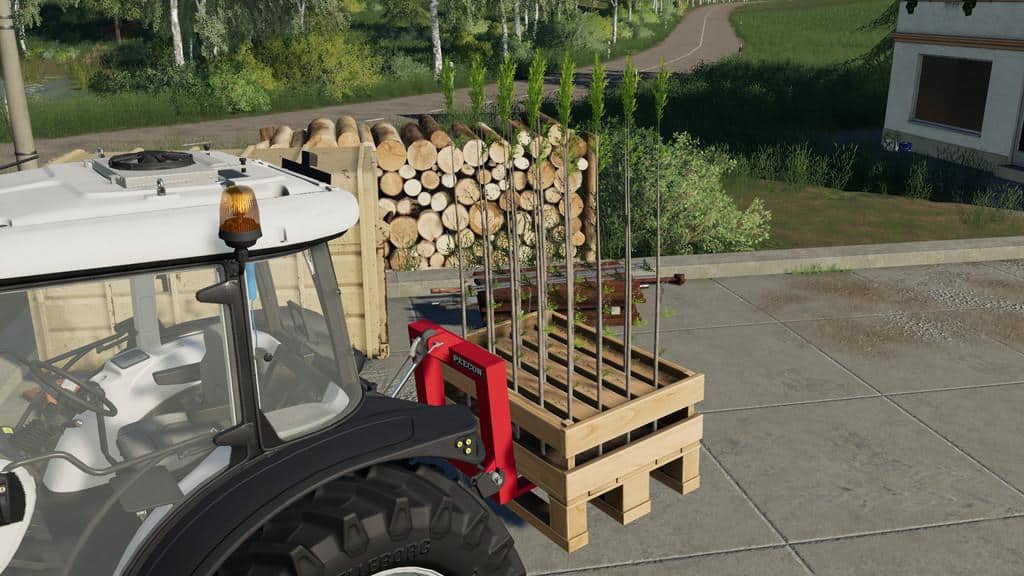
PEECON PD 1500 V1.0.0.1 Mod
PEECON PD 1500 V1.0.0.1 Mod Price: 645 € Changelog 1.0.0.1 Fixed material Changelog 1.0.0.0 Initial release
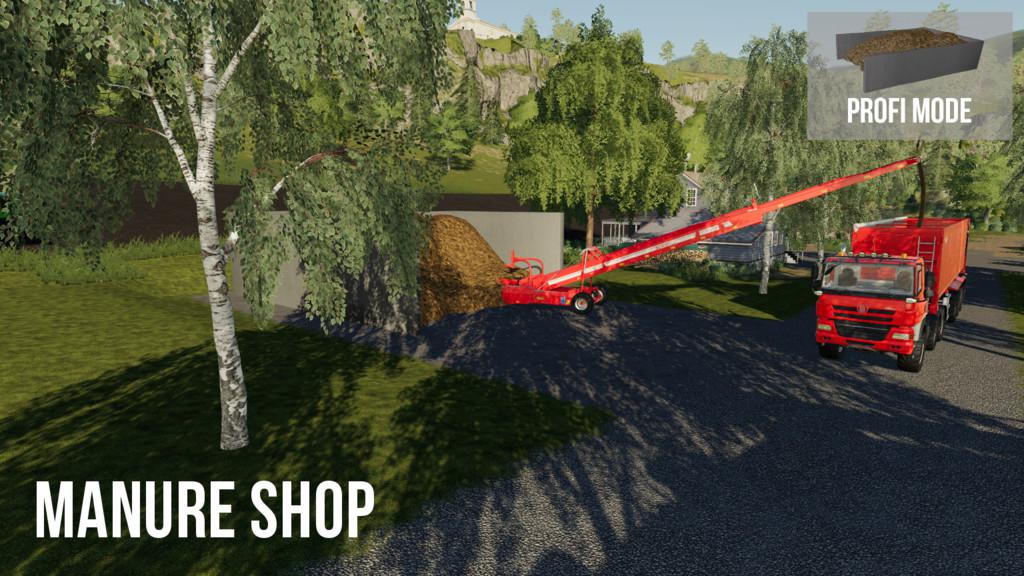
Manure Trading System v1.0 FS19
Manure Trading System v1.0 FS19 This set consists of two placeable objects. At the MANURE SHOP you can buy manure for fertilization or resale. With the MANURE TRADER, you can sell the excess manure from your stables, or resell the previously acquired manure. You can find the placeable objects from this mod among the placeable objects in the miscellaneous category. You can place these objects freely on the areas of the map, as far as they belong to you. The Manure Shop and the Manure Trader are available in the Easy or Profi Mode. In the Easy Mode you can buy or sell the Manure on the Front of the Object. For loading and unloading in the Profi Mode version please drive into the heap. + the objects are also displayed in the PDA and you can jump directly to them + at the Manure Trader, there are now and again great demands for manure Credits:Holger Sengstock
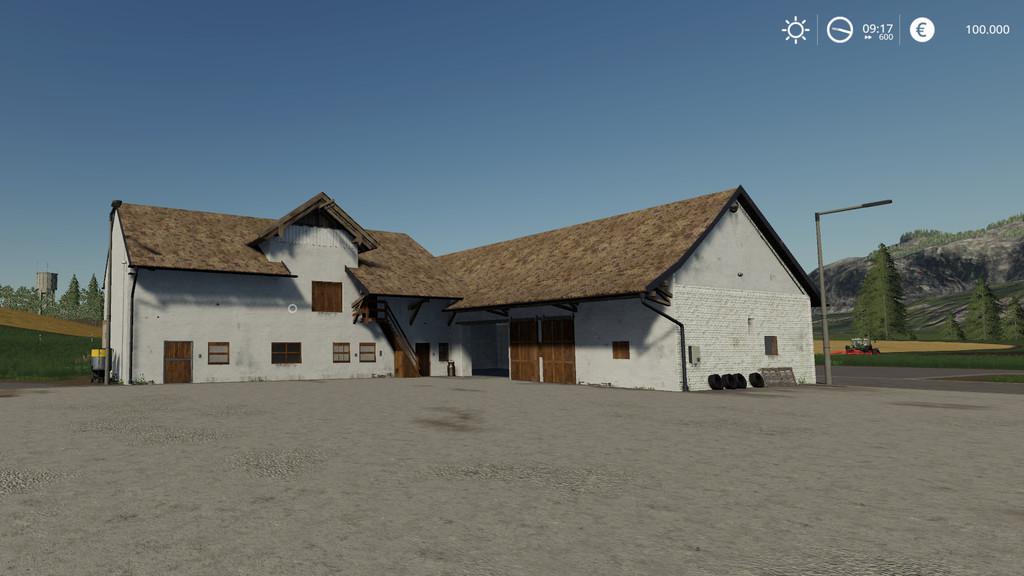
TIMESCALE V1.0.0.0 Mod
TIMESCALE V1.0.0.0 Mod This script extends the time scale up to a maximum of “9000”. The additional values can be switched by pressing “lctrl + KP_plus” and “lctrl + KP_minus”. Press the key “7” or “8” to reset the time scale to “1” or “120”. The time scale can only be changed by an admin.

Courseplay v6.01.00084 FS19
Courseplay v6.01.00084 FS19 Changes and Fixes: – workaround – Headland turn needs improvement when angle is less than 90 – AIDriver info text display refactoring – a bale loader experiment – When using return to start point AI continues in circle at first turn New feature: 1.- Courseplay editor is able to export and import courses from splines and splines from courses. This feature can help mod makers to created splines and modify on the CP editor. 2.- Courseplay editor is able to modify customscan fields and save them, this will allow to edit the borders before creating the harvest course and be able to avoid possible obstacle, trees, hedges splines of the field, etc.. Remenber that CP editor runs at the same time with the game and is updating the courses a soon as you reload in the game. 3.- The system will export in different formats, depending of the needs and making corrections to adapt to to Maya, 3D max, blender or the GE editor to create roads, railways forest trees in conjunction with the placing object script in GE. Would be nice to know from you all if this is a good feature and you see it useful. And now in FS19 Once imported, the spline in GE Courseplay Six v6.01.00063 Beta for Farming Simulator 2019 Courseplay is a modification for Farming Simulator 19. It allows you to have many different vehicles driving around autonomously and automatically, have them do field work, unload combines, drive fruit to selling points, fill a bunker or a trailer with a shovel, level and compact silage and much more… HOW TO INSTALL COURSEPLAY for FS19? Installing the released version: Copy the archive file FS19_CoursePlay6.zip to your mods folder. That’s all, folks! The mods folder is located at: Windows (7 and above): C:\Users\[USER NAME]\My Documents\MyGames\FarmingSimulator2019\mods Mac OS X (Download/DVD/Steam-Version): /Users/[USER NAME]/Library/Application Support/FarmingSimulator2019 Mac OS X (X 10.7 and above): /Users/[USER NAME]/Library/Containers/com.focus-home.farmingsim2019/Data/Library/Application Support/FarmingSimulator2019 How to download and install COURSEPLAY video: DOESN’T WORK? PLEASE FOLLOW STEPS BELLOW: First be sure you have the latest patch: Farming Simulator 19 Update For the people that don’t get it to work. Unzip the .zip file and then zip the “FS19_CoursePlay6” folder and then move that to your mod folder. Disable or temporarily remove all mods from Farming Simulator 19 mods folder and try again. Please comment bellow which steps helped you to run Courseplay. If you solved an issue in different way, please let us know in comment section! Credits:Thomas Gärtner Satis Peter Vaiko Logo Design by Finals Farming Tags: CourseplayFarming Simulator 2019FS19
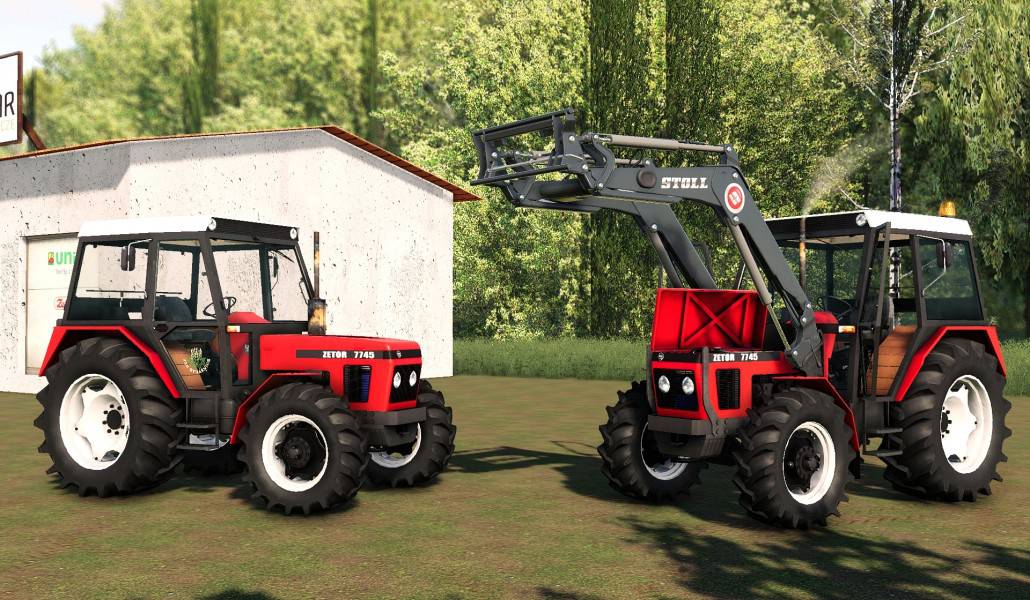
Zetor 7745 V2.0 FS19
Zetor 7745 V2.0 FS19 New: -The tires -FL -Full washable / wearable Credits:JZD Strážnice, Tom225
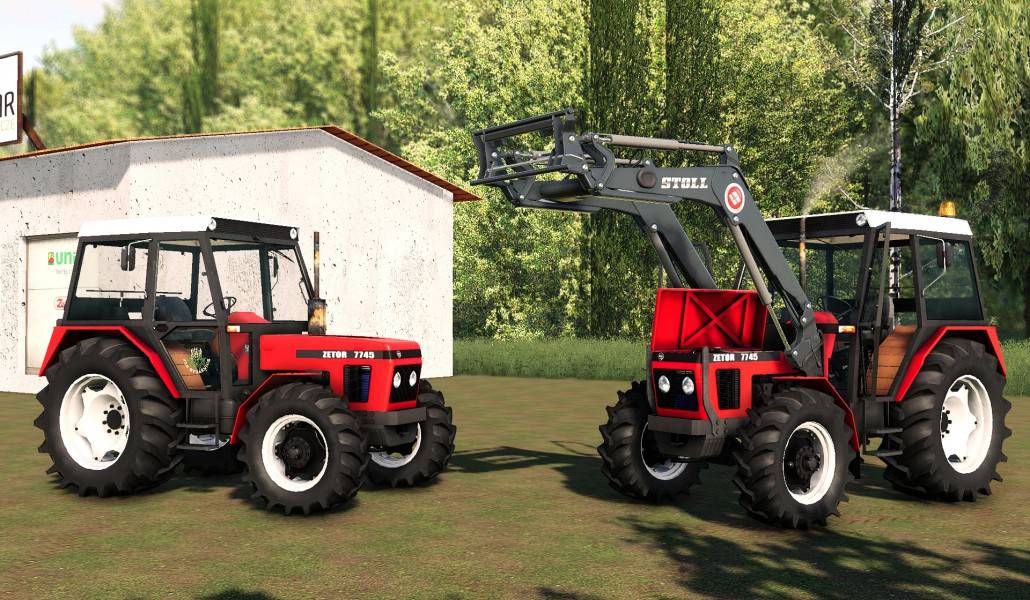
Zetor 7745 V2.0 Tractor
Zetor 7745 V2.0 Tractor New: -The tires -FL -Full washable / wearable
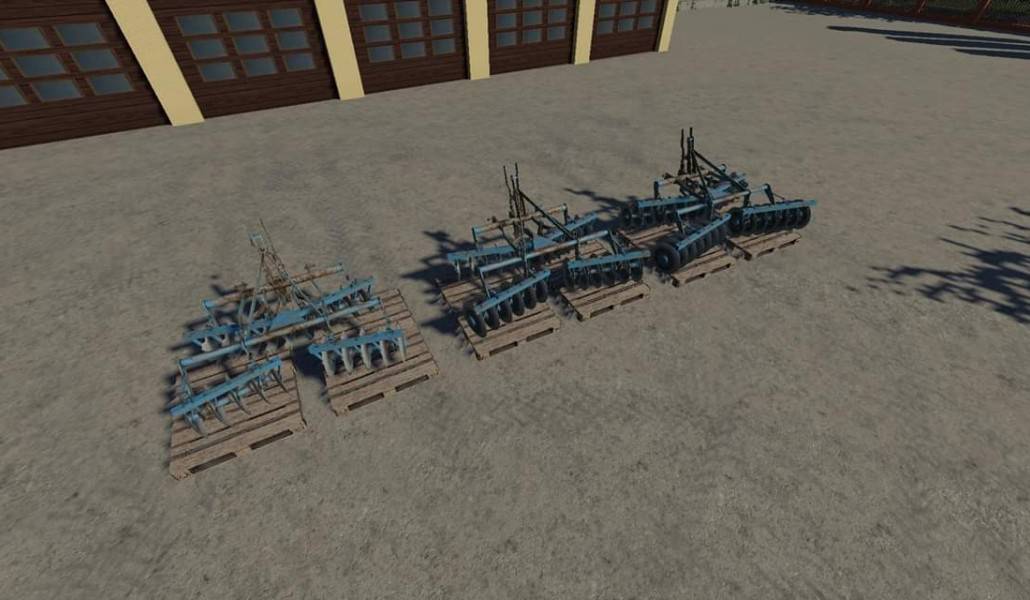

Cash Mod v1.0
Cash Mod v1.0 Cash Mod v1.0 (Multiplayer Support) RIGHT-CTRL Numpad + = Add 1 million RIGHT-CTRL Numpad – = Take 1 million RIGHT-SHIFT Numpad + = Add 100,000 RIGHT-SHIFT Numpad – = Take 100,000
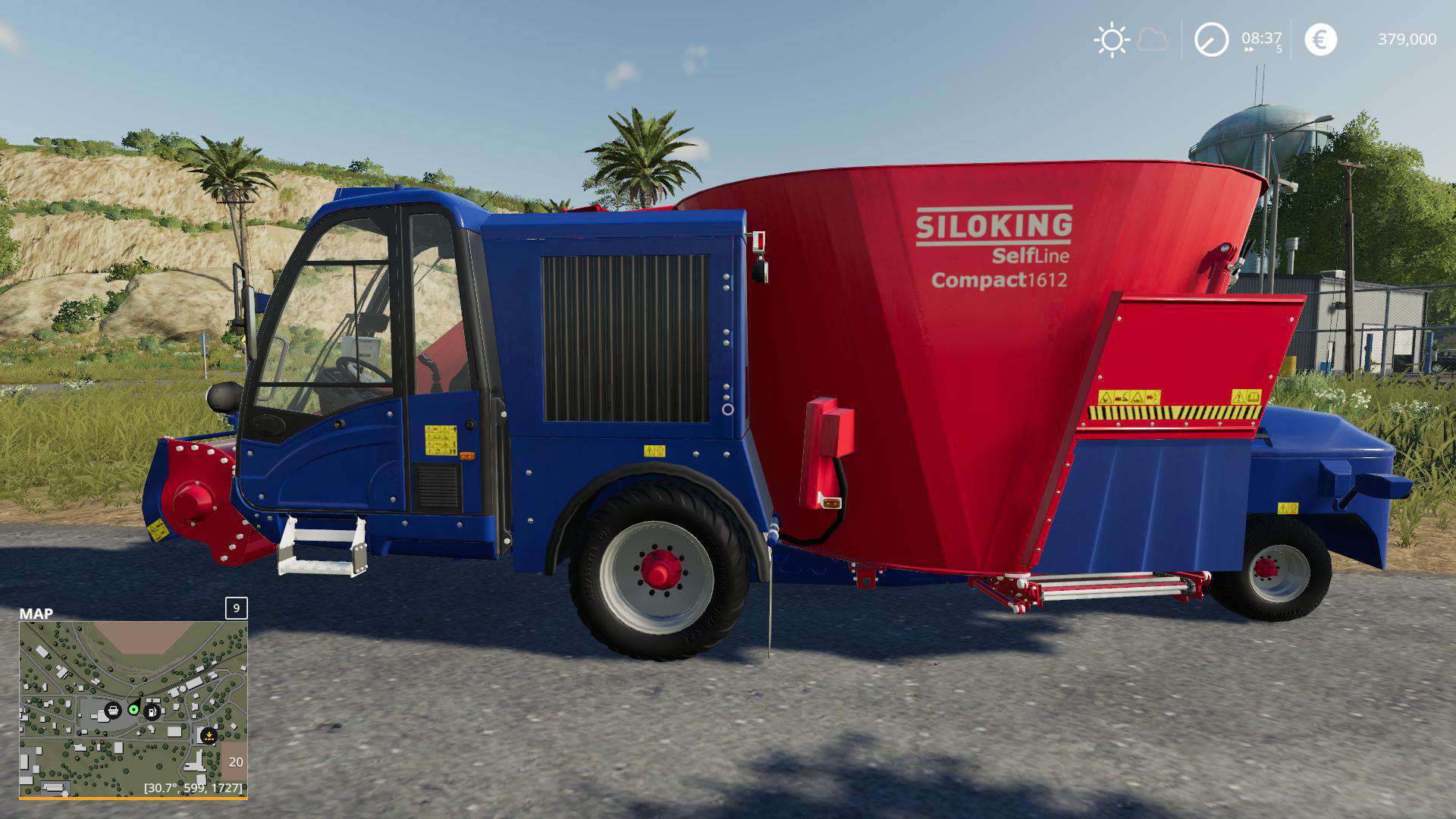
SILOKING SELFLINE COMPACT 1612 XL V1.0 Mod
SILOKING SELFLINE COMPACT 1612 XL V1.0 Mod This is the well-known Siloking from the Modhub, changed only the capacity so that even on narrow farms much food can be gemschiht. The new volume is 32000 liters
- 15 per page
- 30 per page
- 45 per page
- 60 per page
-
See more per page
Bigger pages, fewer clicks - and no ads anywhere.
Go Pro