Farming Simulator 17 mods
22,727 results- 15 per page
- 30 per page
- 45 per page
- 60 per page
-
See more per page
Bigger pages, fewer clicks - and no ads anywhere.
Go Pro
Supreme Autoload FS25
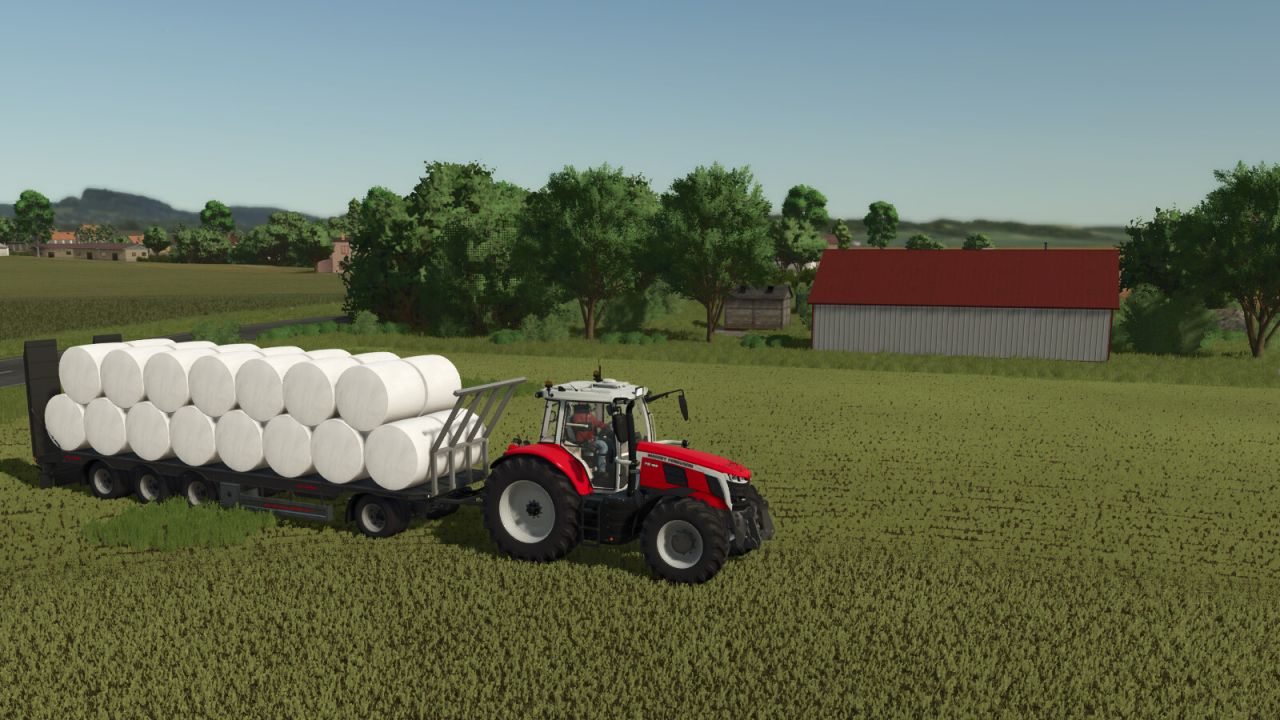
Stop driving to every single bale. Park your autoload trailer on your land, press LEFT ALT + B and choose how many bales you want on board: they are placed on the trailer exactly where the trailer itself would put them. How it works: - The trailer must be in neutral: loading and unloading switched off. The mod switches loading on by itself and back off when it is done. - The dialog opens on the farmland you are standing on. With "Select farmland" a map opens: click any farmland and its boundary is drawn. Only bales inside that boundary are collected. - A farmland can be chosen only if you may work on it: it is yours, it belongs to a farm that gives you permission, or you have an active contract there. The check uses the game's own land access rules, so mods that grant access to land are respected. - The free bales on the farmland are counted and grouped by type: material, round or square, size, wrapped or not. - For the selected type the attached trailer is read in real time: whether it supports that bale and how much room is left. You choose from 1 up to that maximum, or cancel. - The bales are handed to the trailer's own loading logic one after another, from the nearest to the farthest from you, so they are arranged in the trailer's own pattern. All other bales stay where they are. Connectors: every autoload system is handled by a connector, which you can switch on or off in the dialog (button Connectors): - Base game bale loader: most autoload trailers without their own script, and bale wagons - Base game autoload areas - Universal Autoload, when that mod is installed The mod does not depend on any other mod: a connector whose system is not installed simply stays inactive. Settings: modSettings/FS25_SupremeAutoload/settings.xml (return to transport position after loading).
Building Blueprints FS25
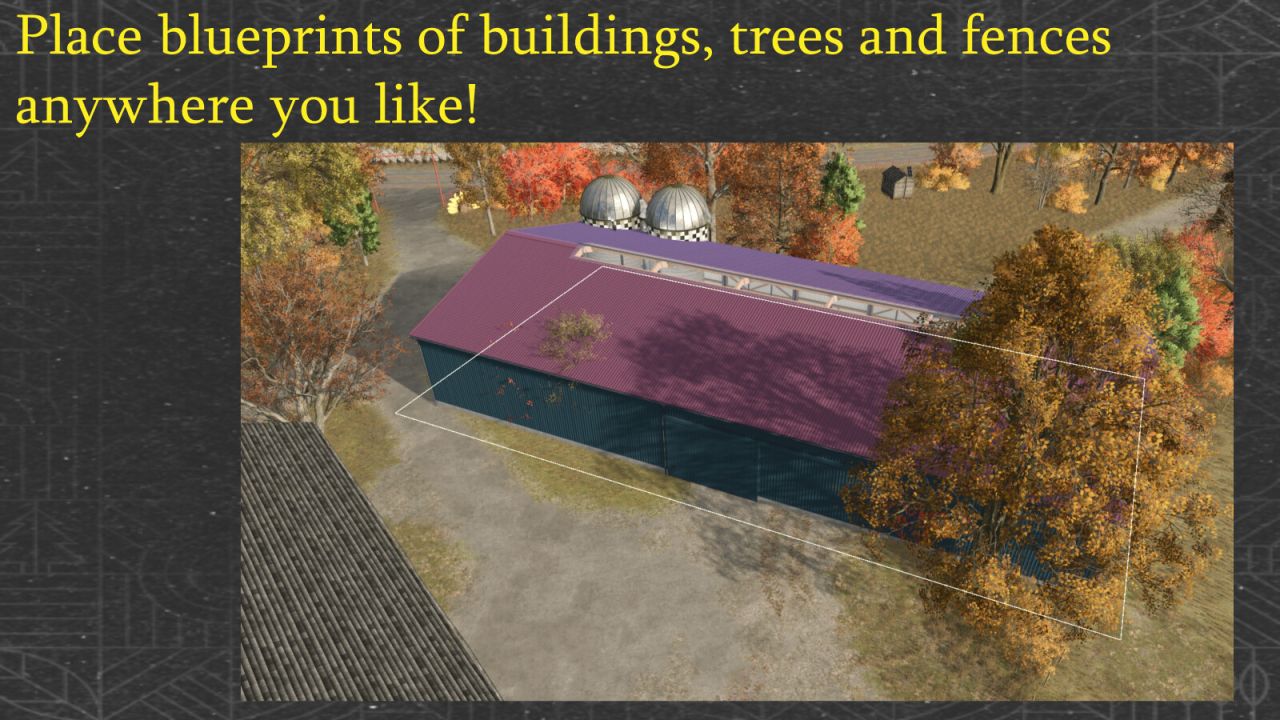
While positioning a placeable in construction mode, press Left Shift + B to save it as a blueprint. Blueprints are stored in buildingBlueprints.xml in the savegame and restored when the savegame loads. Saved blueprints show their terrain adjustment / texturing area as a green outline in both normal selection mode and demolition mode. For blueprints with such an area, mouse interaction is accepted only within the green area. In normal selection mode, clicking the area opens the menu with Build, Delete and Back. B builds the selected blueprint; C deletes it. In demolition mode, clicking the same area removes the blueprint. Before purchase, terrain deformation, current terraforming costs, available funds and the collision area are checked again. Terrain changes are recalculated using the current FS25 terrain costs. When the purchase is accepted, the blueprint is removed as soon as FS25 has actually debited the farm account; rejected or blocked purchases leave it in place. After building an animal husbandry with a customizable pasture fence, the mod follows the native FS25 workflow: customize the fence or keep the default one, validate/finalize a customized fence at its final snap point, automatically leave the fence editor and then proceed to meadow creation where supported. The detail window also shows the total cost of all blueprints: building prices plus saved terrain adjustment costs, recalculated each time it opens. The terrain check for the selected blueprint updates both totals. Building or deleting changes the sum the next time the window opens; the save format remains unchanged. When the detail window opens, it checks the building area, terrain, purchase data and available funds without buying anything or changing the terrain. A status line shows the result. Construction still requires Build or B and repeats the checks.
Farm Economy FS25
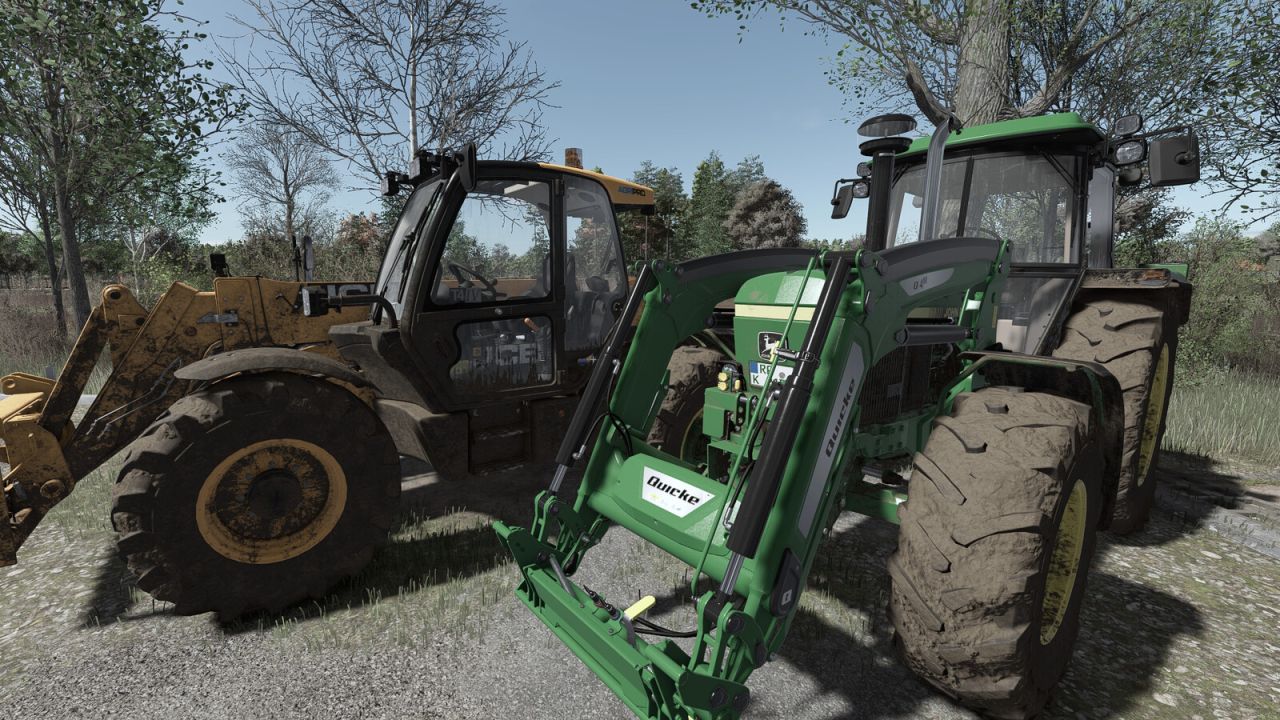
Brings a farm's income and expenses closer to reality - without a bad setting ever ruining the operation. Nothing needs to be configured after installing. TOGETHER WITH FARM OVERVIEW Farm Economy works on its own. Its year comparison (net worth, income, expenses and result against the previous year) is shown by the Farm Overview mod in its Finances area, if that mod is installed as well. - Selling prices: separate factors for crops and production output. Animal products, bales, biogas power, wood and contracts stay untouched. - Automatic balancing: once per in-game year the mod adjusts the selling price factors itself until revenue per field hectare matches the chosen difficulty (Easy, Normal, Hard, Realistic or a custom target range). On by default at Normal. - Fleet tax: running costs per owned vehicle and implement, with a grace period for new purchases. Machines that did not work during the billing period and vehicles parked under a roof pay less, so a well filled shed does not cost as much as a fleet in daily use. - Property tax: running costs on owned land - the only item that scales with acreage (off by default). - Interest on savings: monthly interest on balance minus loan, tiered so that large savings do not grow without limit (off by default). - Repair economics: repair costs rise with operating hours and number of repairs. - Helper job market: wage tiers or a fixed price per job that is only due for finished work, plus random availability instead of a flat helper wage. - Consumables: twine, net and wrap usage at an adjustable multiple. Contract and leased machines keep the original usage. - Fuel consumption: freely adjustable instead of three fixed steps, separately for work and driving, optionally derived from engine power and with a load curve that makes heavy work at low engine speed more expensive, with a consumption readout in the speedometer. Off by default. - Production speed: one factor for all productions, individual buildings can differ, running costs scale along (off by default). - Year comparison: records net worth, balance, loan, vehicle, building and land value plus income, expenses and result. It is shown - each against the same period of the previous year - in the Farm Overview mod under Finances, if installed. SAFETY BRAKE: The recurring charges from this mod are capped at a share of average daily income, and below a configurable balance nothing is charged at all. A harsh setting or a vehicle bought on credit cannot crush the farm. Map independent: price scaling hooks the finance category of the booking, not a crop list. It therefore also works on crops the base game does not know. Settings in the ESC menu under Settings, in its own Farm Economy tab. Server authoritative and multiplayer ready; in multiplayer only admins can change the settings. A detailed guide is available in game in the ESC menu under Help, Farm Economy. Console commands: aoStatus, aoAutoBilanz, aoConfig name value, aoReload, aoSprit. PC/Mac only (script mod).
Vehicle Renamer FS25
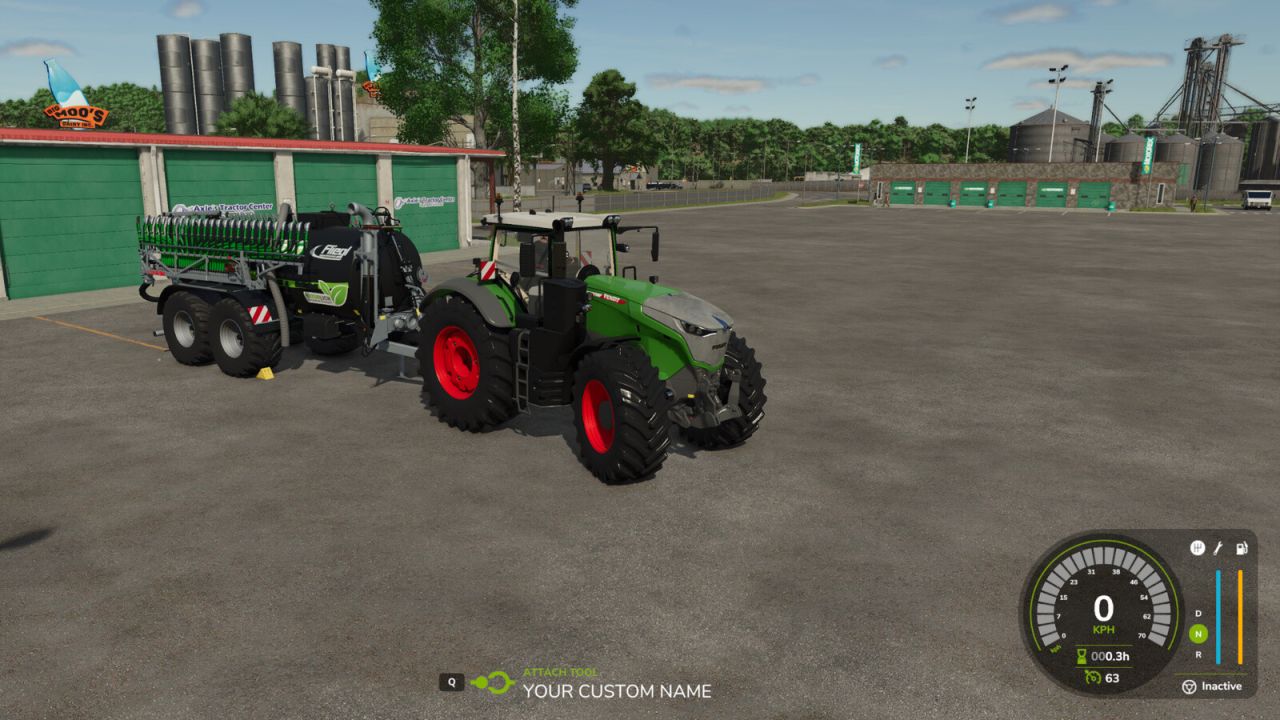
Vehicle Renamer lets you give individual vehicles and implements custom names, making it easier to recognise their purpose on your farm. Use names such as "Wheat tractor", "Sunflower roller" or "Wheat cultivator" to organise your fleet. Machines of the same model can each have a different name. Features: - Rename owned vehicles and implements from the map, the vehicle workshop and the Vehicles tab in the Finances screen. - Display custom names in the map selection panel, vehicle information and implement attachment prompt. - Enter names of up to 50 characters. - Keep custom names when saving and reloading your game. - Restore the original name by clearing the custom name. How to use: 1. Open the map, the vehicle workshop or Finances > Vehicles and select an owned vehicle or implement. 2. Choose RENAME. 3. Enter your custom name and confirm. To restore the original name, open RENAME again, delete the text and confirm. Singleplayer only. Multiplayer is not supported. In the workshop, press R to rename the vehicle. This shortcut can be changed in the control settings.
Sold Out FS25
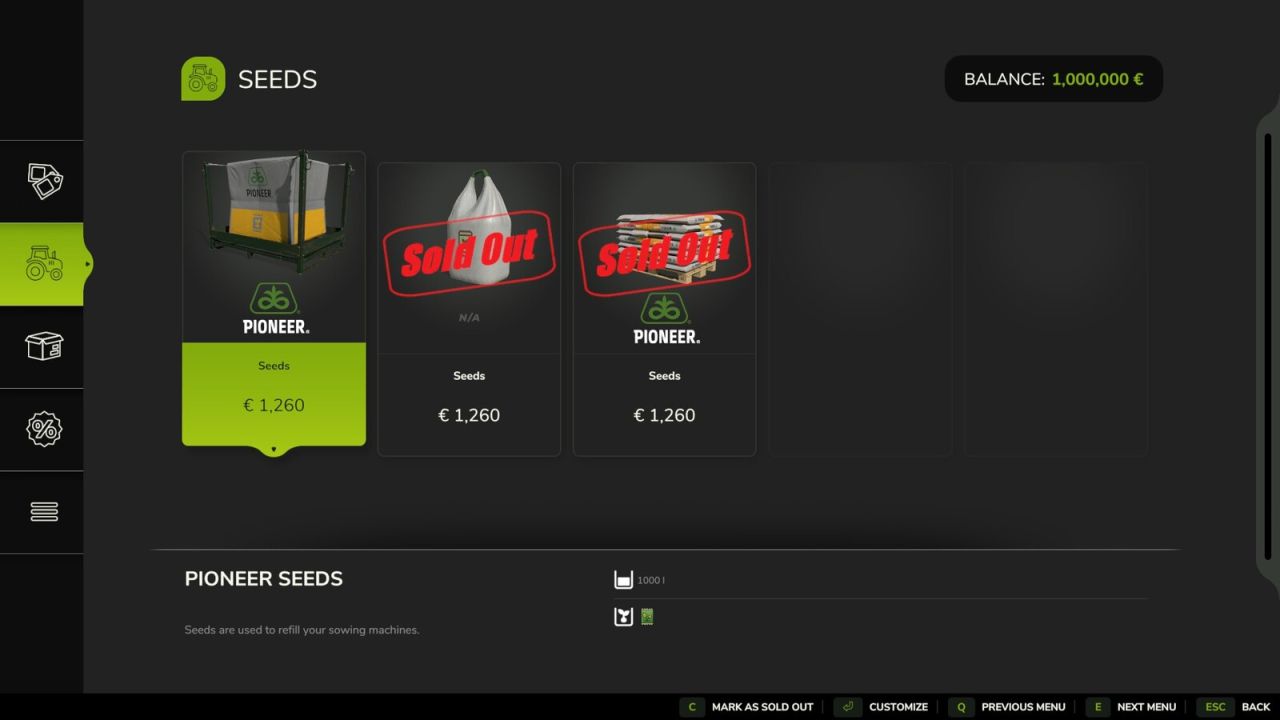
Sold Out lets server admins mark shop items as sold out right in the shop. Sold out items stay visible with a "SOLD OUT" stamp, and buying or renting them is disabled for every player. Use it to create scarcity and shape your server's economy: when a machine or product can't simply be bought, farms have to trade, lend equipment and work together. How to use: open the shop, select an item in the list and press C (the bottom bar shows "Mark as sold out" or "Make available again"). Only admins see this button. The lock takes effect instantly for everyone and is saved with the savegame. Important: a lock applies to the item itself, for all players and farms. Works in multiplayer and on dedicated servers.
DirectTip FS25
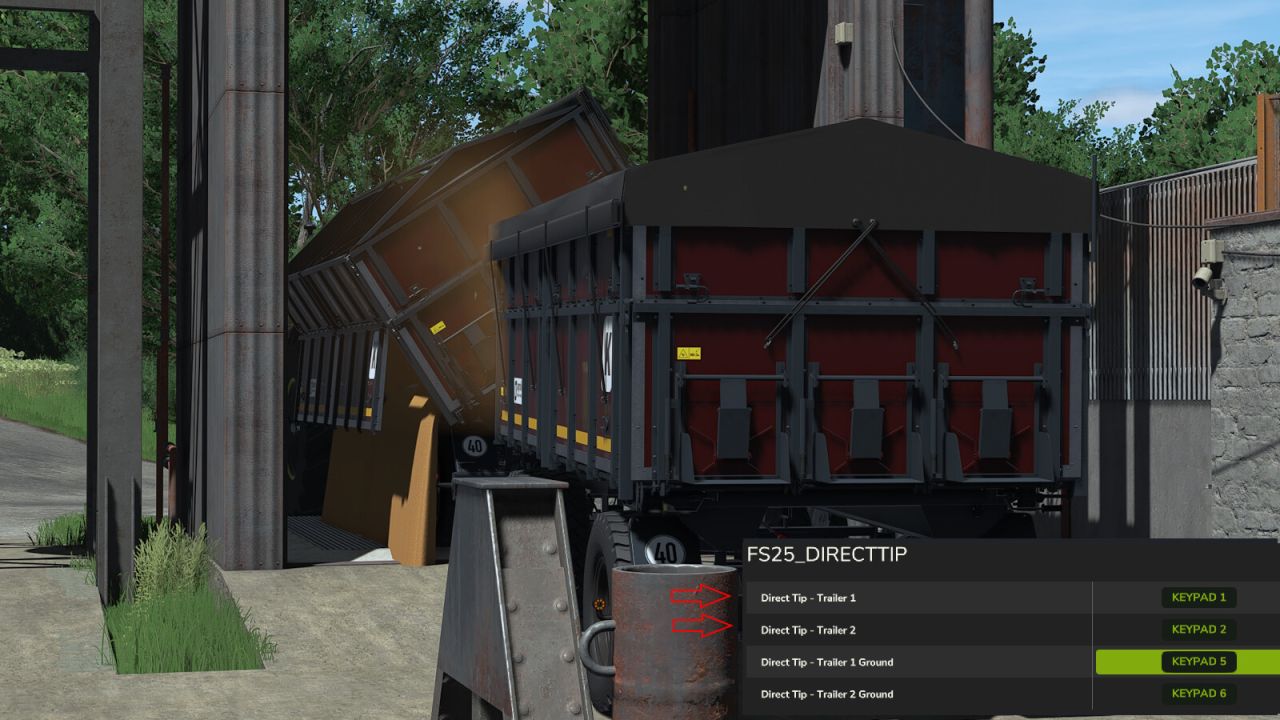
- DirectTip - Never switch between your trailers with G again! - With DirectTip, you can directly select and unload each trailer when using a towing vehicle with two attached trailers, without having to switch between vehicles with G. - Unloading Trigger - NumPad 1 – Trailer 1 - NumPad 2 – Trailer 2 - Direct Unloading on the Ground - NumPad 5 – Trailer 1 - NumPad 6 – Trailer 2 - Key Bindings - All keys can be customized and reassigned at any time in the FS25 control settings. - Features - Direct access to both attached trailers - Unloading at unloading triggers - Direct unloading on the ground - No need to switch with G - Fully customizable key bindings - Simple and convenient operation - DirectTip – Easier unloading. Faster work.
Feed Mixer HUD FS25
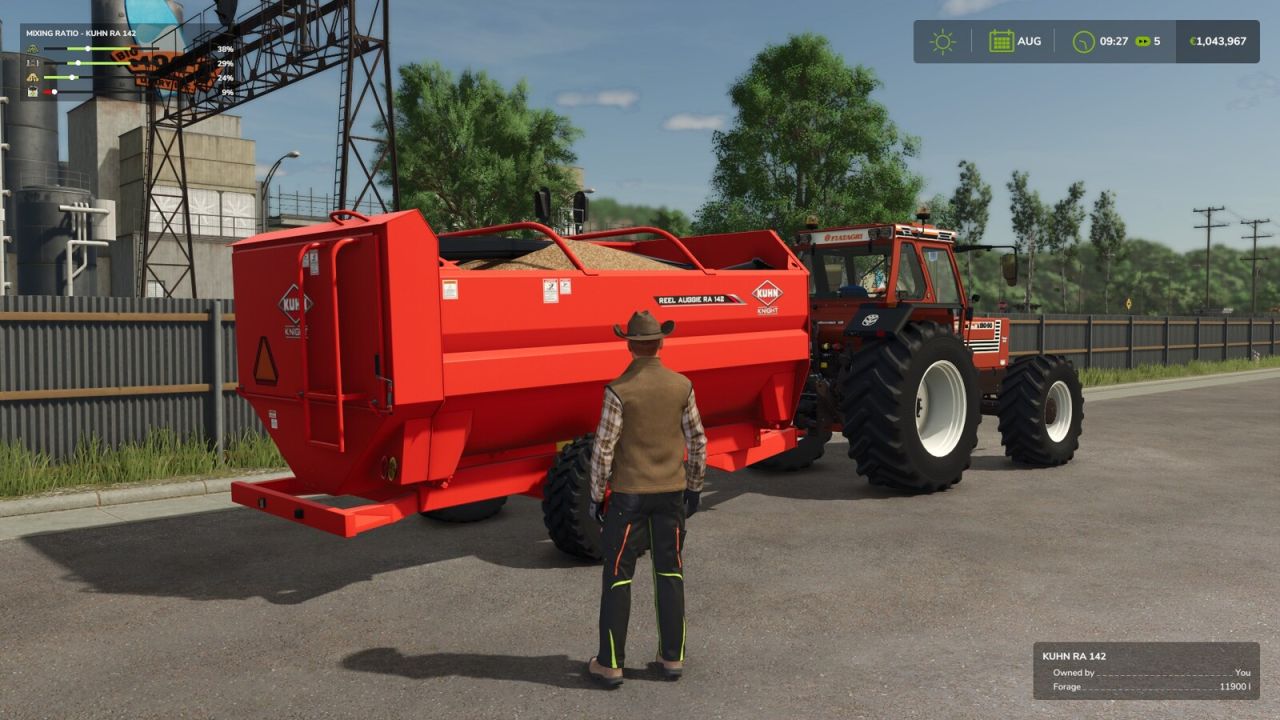
Description: Feed Mixer HUD shows the mixing ratio of every feed mixer wagon within 12 m of you in a compact box in the top-left corner of the screen - on foot or from any vehicle, e.g. while loading the mixer wagon with a telehandler or wheel loader. For each ingredient in the feed recipe, one row shows: - the ingredient's icon - a bar with the target range of the recipe - a marker for the current share of the ingredient - the current share in percent The target range turns green when the share is within the recipe limits and red when it is outside them or the ingredient is missing. This way you can see at a glance what is still missing and what is over the limit before the ration is mixed. Unlike the game's own mixing ratio display in the F1 help, which only appears while you are driving a mixer wagon or are right next to one, Feed Mixer HUD works with the F1 help hidden and shows all mixer wagons around you. If several mixer wagons are nearby, they are listed one below the other. Important: - The box is only shown while the F1 help is hidden, so it never overlaps the help window. The F1 help has its own mixing ratio display for the mixer wagon you are using. - The box is hidden while menus are open or the game HUD is hidden. - Works with all mixer wagons that use the game's mixer wagon function (base game and mods). - The size follows the UI scale setting. - Display only: does not affect gameplay or savegames. Multiplayer compatible. Hotkeys: none - the display appears automatically while the F1 help is hidden.
Maizy Lou Farms FS25
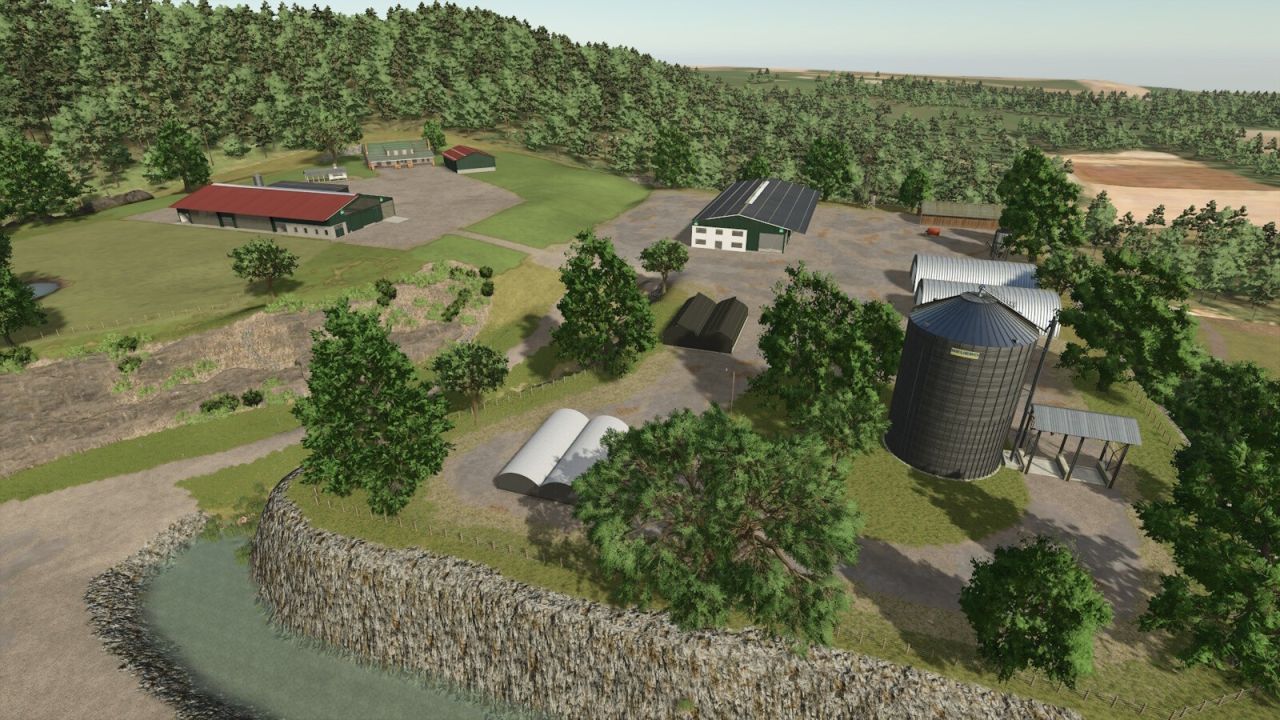
Maizy Lou Farms is primarly a fictitious farming map with some forestry. There are 3 farms on the map each with a different feel, and a nice size forestry area for those winter months or if you get bord with farming. Try playing in multiplayer with your friends or by yourself. Here are some of the features of the map. -3 farms -1 forestry area -Carpentery Production edited for increased inputs and outputs -Paper mill increased production outputs -Three silos, one on each farm have increased capacity -Bale and pallet storage can hold 500 -Chicken Coop on the upper farm hods 100 chickens and 10,000 liters of feed -Lime buying station, available for each farm, also sells fertilizer and seeds. -Various base game productions and farm buildings -One plot of land at the top of the map can be purchased and used as a placeable area or for extra grass Made the map compatible with the Beans and Alpacas Expansion -Fixed field 8 so AI worker works properly -Redesigned bunker silo area on the North West farm at the top of the map -Minor fix to a traffic spline -New Game Save Required
Pallet Storage FS25
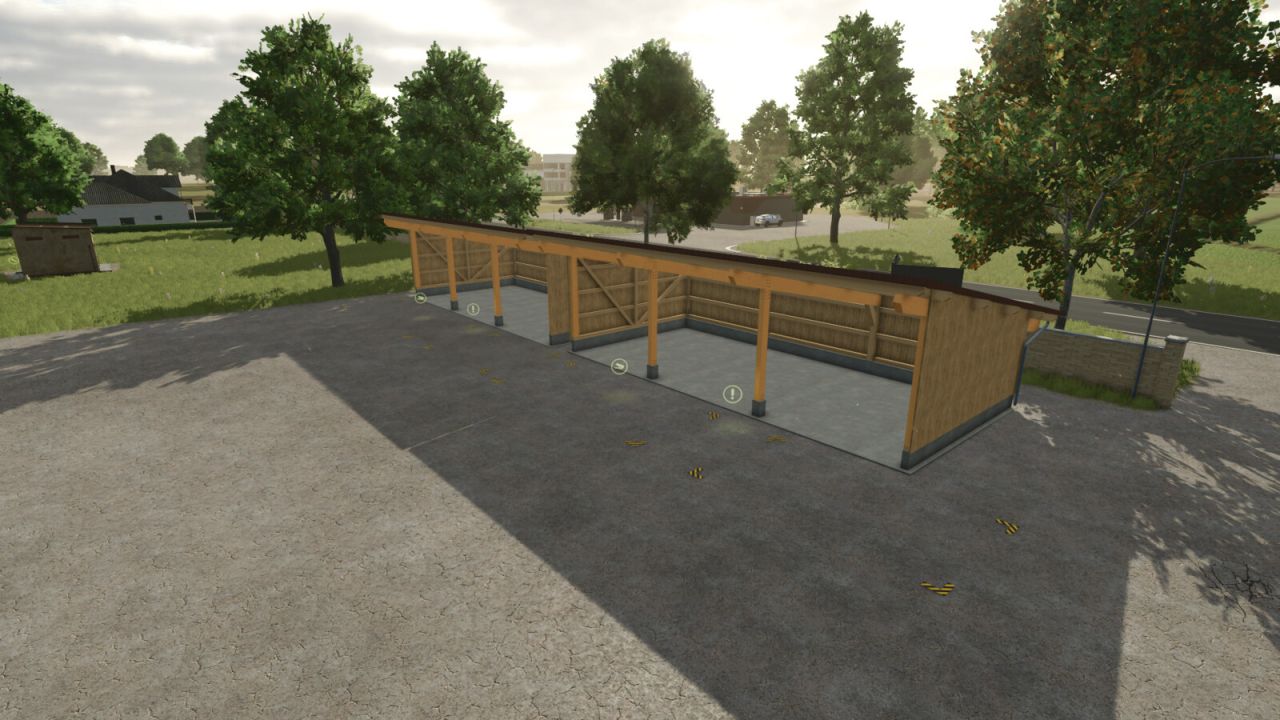
In this pallet/bale storage facility, you can store up to 1,000 pallets or bales of any type. The facility can be operated with or without solar panels; the hourly income is €250. - Category: Storage - Price: €40,000 - Monthly maintenance costs: €44 - Capacity: 100 pallets or bales - Configurations: Activate solar panels using the 'F' key - ModDesc updated, capacity increased, and bale storage added
Bergmann HTW 45 FS25
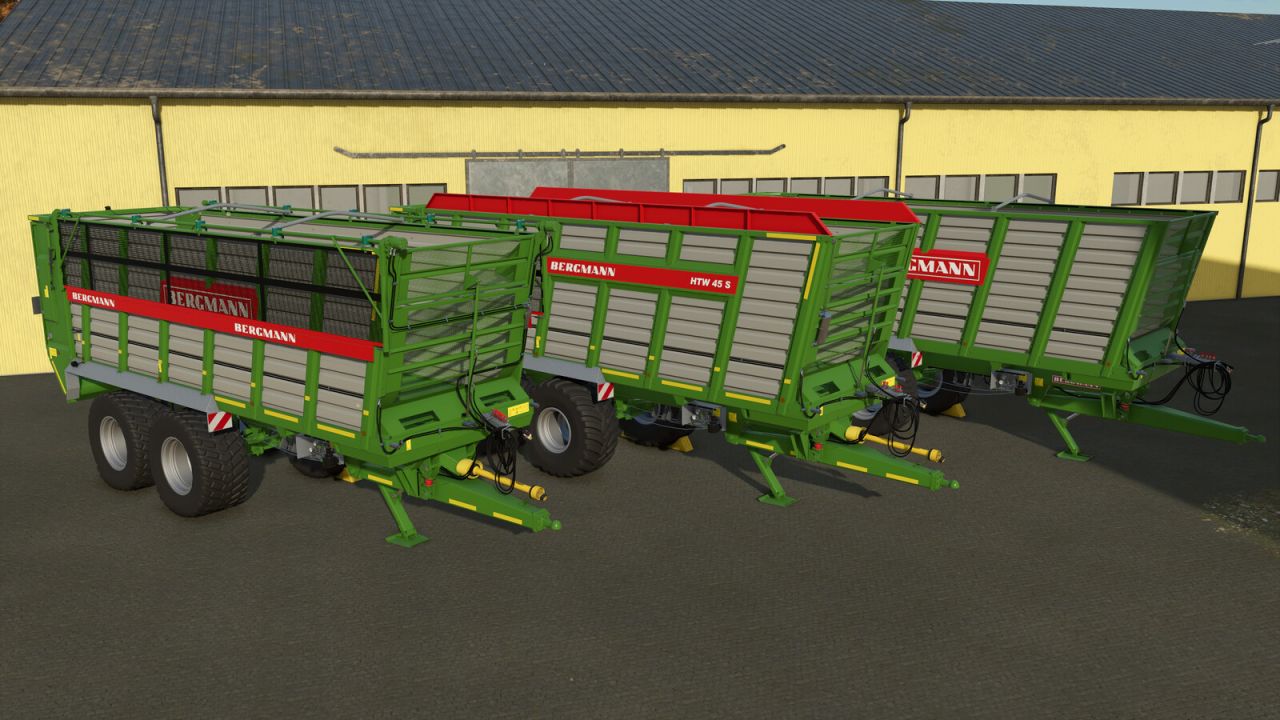
Category: Trailers Price: $89,500 Capacity: 45 m³ Configurations: - Tires - Model - Rims - Axle square - Side Door - Design - Tailgate display - Warning signs - Warning stripes - Additional lights - Speed sticker - Color of side panel extension - Camera - Extensions - Frame color - Main color - Rim color Features: - The side door can be opened via Interactive Control or alternatively using the mouse - Prepared for the Mercedes-Benz Trucks Pack (camera function) - Mud meshes (matching the machines in the SKY Agriculture Pack) - Vehicle physics adjusted - Hydraulic hoses on the tailgate cylinders now move along with the tailgate - Tailgate animation adjusted - Dirt added to the hydraulic hoses - Corrections made to the normal map and vmask - Model improvements - Various materials adjusted - New tire configurations added - Rim configuration added - Tailgate display configuration added - Warning sign configuration added - Warning stripe configuration added - Additional light configuration added - Speed sticker configuration added - Configuration for a side panel extension and its color added - Camera configuration added - Frame color configuration added - Rim color configuration added - Ability to hitch an additional trailer to the rear added - Mud meshes added (matching the machines in the SKY Agriculture Pack) - Other minor bugs fixed - Steering axle now locks when reversing
Old Shed Pack FS25
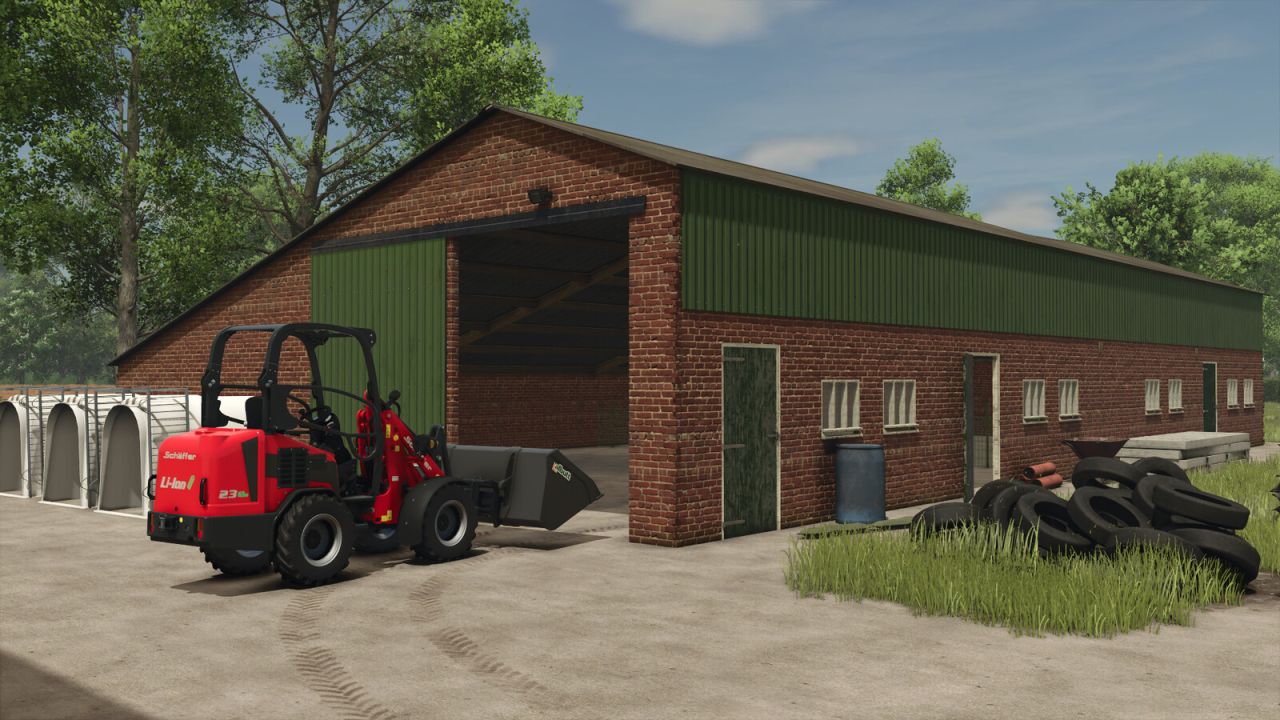
Two old sheds. Both are luckily big enough to be still used with modern small to medium machinery. Small Garage 1: Price: 44.500 $ Daily maintenance: 25 $ Chicken shed 1: Capacity: 100 chickens inside and also storage for machinery. Price: 44.500 $ Daily maintenance: 25 $ Category: Animal Pens Chicken shed 1 (without animal option): Price: 24.500 $ Daily maintenance: 25 $ Category: Sheds Small Garage 3 (S3): Price: 24.500 $ Daily maintenance: 25 $ The sheds have no configurations - Added option to purchase Chicken Shed 1 without animals.
Hof Productions FS25
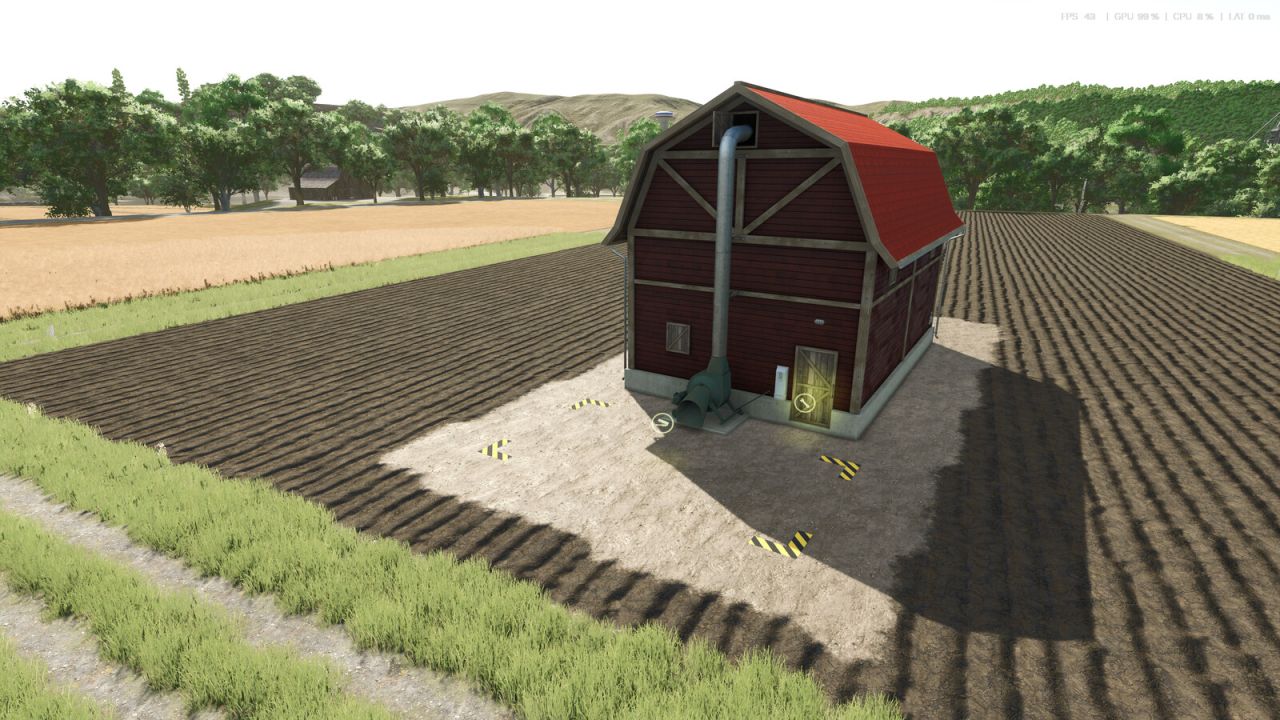
These production buildings allow you to produce feed for your animals on the farm. Grass Drying: Input: Grass Output: Hay Fermenter: Input: Grass, Straw, Chopped Forage Output: Silage Mineral Feed: Input: Soybeans, Potatoes, Sugar Beets, Barley Output: Mineral Feed Price: €75,000 Daily Maintenance Costs: $140 Cow Feed: Input: Hay, Straw, Silage, Mineral Feed Output: Cow Feed Price: €75,000 Daily Maintenance Costs: §140 Pig Feed: Input: Wheat, Potatoes, Sugar Beets, Soybeans, Corn Output: Pig Feed Price: €75,000 Daily Maintenance Costs: §140 - Adjusted modDescVersion - Adjusted textures - Adjusted the bale trigger again - Ballet trigger fixed - Production for cow feed and pig feed added
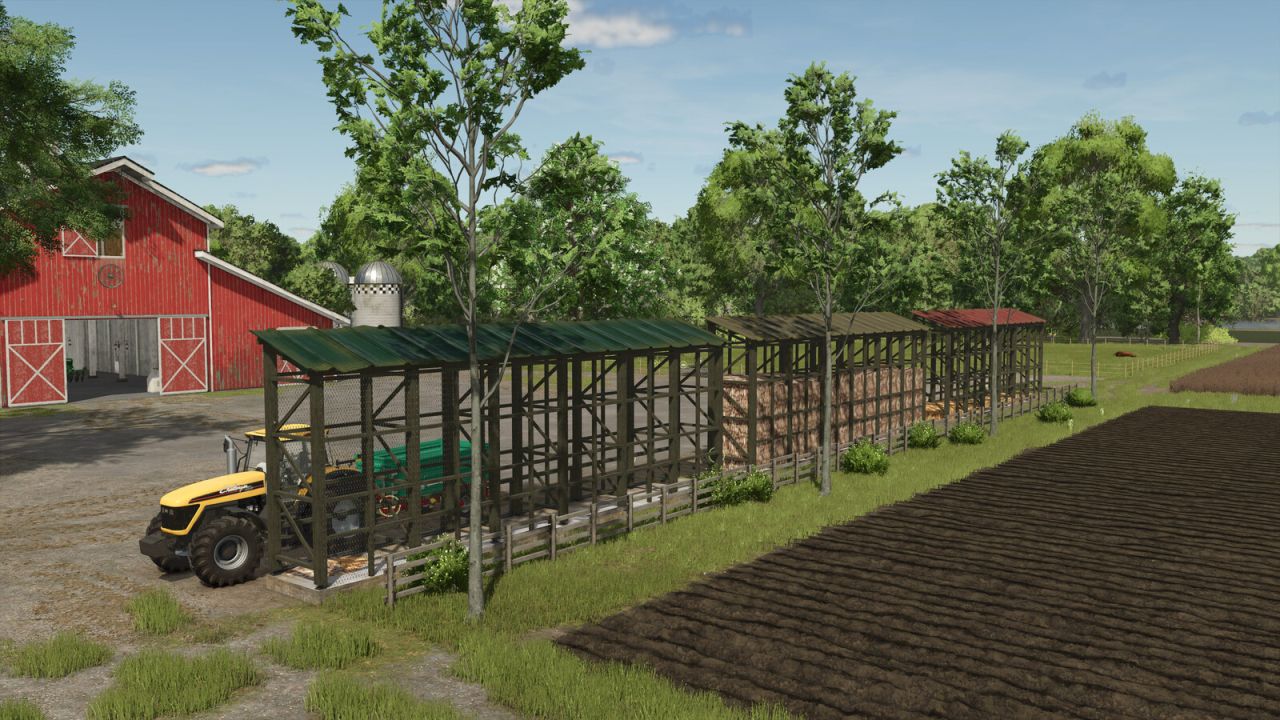
Corn Crib FS25
The traditional Crib allows corn to be dried by the wind passing through it. Filling from the top or bottom and emptying through the hatches at the bottom. Category: Silos Price: $ 3,500 Capacity: 40000 L Upkeep: $ 2 Production Recipe: Maize - Fixed a bug with the roof color configuration. - The fill plane is now invisible when the storage is empty. Added a second point of sale in addition to the one on the train.
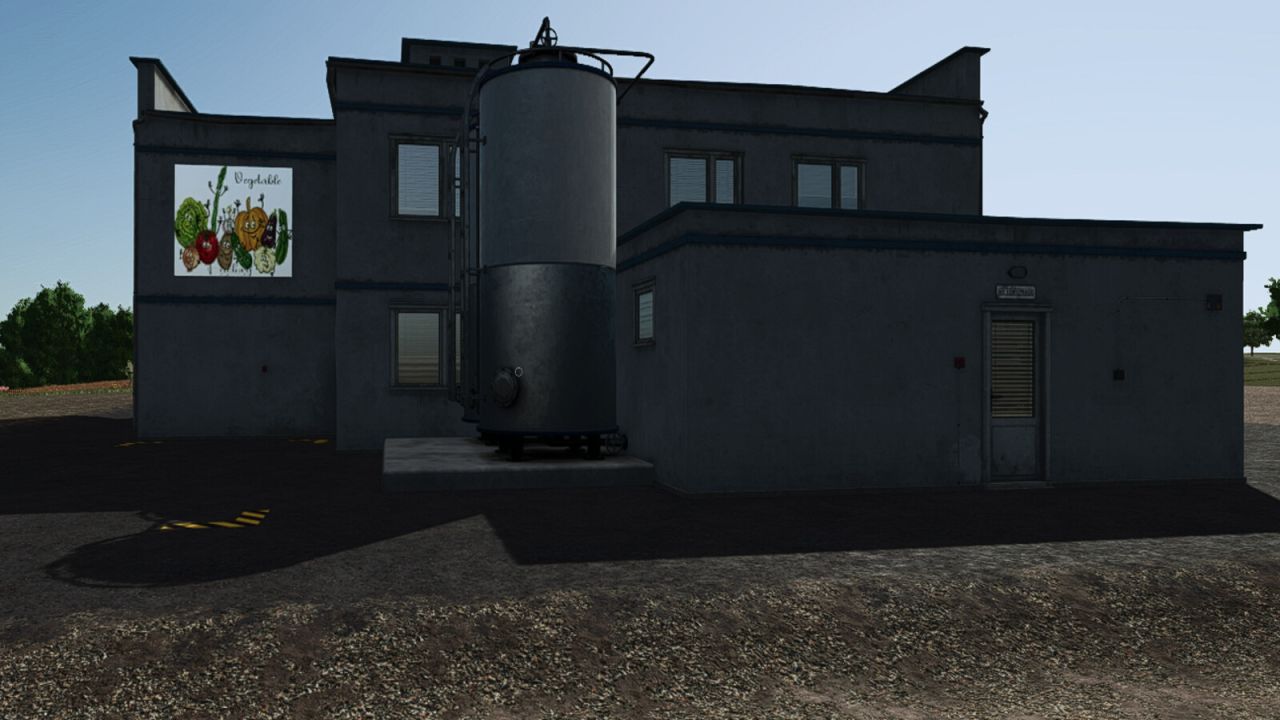
Vegetable Factory FS25
In this vegetable factory, you make new products from several types of vegetables. Category: Production Sites Price: $210,000 Daily upkeep: $250 Production Recipe: - 400 carrots > 350 carrots in a box - 200 carrots + 200 peas > 350 peas and carrots - 200 tomatoes > 180 ketchup - 160 chilli > 140 chilli sauce - 160 chilli + 140 tomatoes > 300 chilli tomato salad - 350 potatoes + 10 sunflower oil > 300 french fries - 300 spinach + 100 water > 250 ramekins + 50 spinach bags - 300 peas + 100 potatoes + 100 carrots + 100 water > 400 pea soup + 50 canned peas - 300 green beans + 100 potatoes + 100 carrots + 100 water > 300 bean soup + 100 green beans Beans in a Jar - 300 Beets + 100 Water > 250 Beetroot Soup + 50 Canned Beets - 300 Parsnips + 100 Water > 250 Parsnip Soup - 300 Corn + 100 Water > 250 Canned Corn - 350 Onion + 10 sunflower oil > 300 Onion rings - 300 carrots + 50 Water > 250 carrot juice - 300 potatoes + 50 carrots + 50 Onion + 50 SPRING ONION + 50 Water > 450 Potato soup All production lines require empty pallets. All production lines produce pigfood and organic waste as a byproduct for sale or compost production. - Mod dependency FS25_AdditionalFilltypes.zip removed - Onion added - Recipes expanded
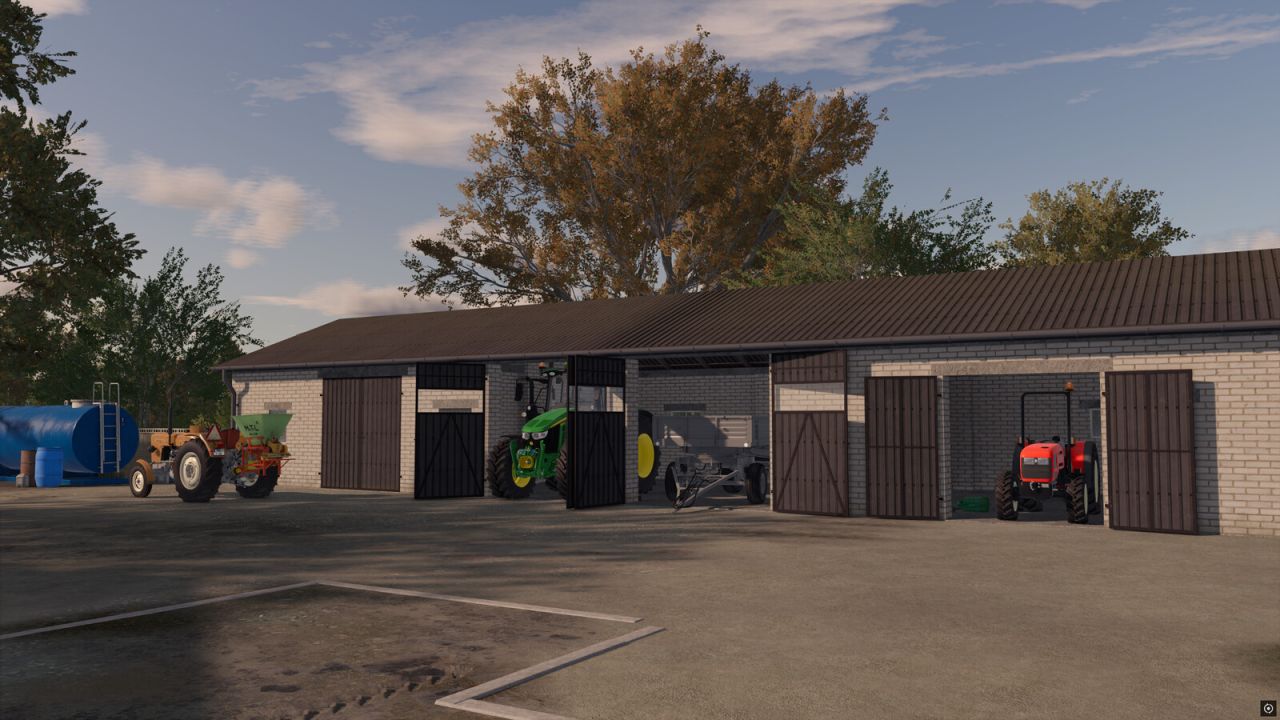
Medium Garage FS25
Medium Garage - Price: $35.000 - Daily upkeep: $20 /day You can select color of roof and doors. -Fixed issues with white stripes on the roof at sharp camera angles -Improved color selection (the color in the picker and on the building is now the same) -Improved roof specular -Improved texture on roof
- 15 per page
- 30 per page
- 45 per page
- 60 per page
-
See more per page
Bigger pages, fewer clicks - and no ads anywhere.
Go Pro