Farming Simulator 25 mods
77,381 results- 15 per page
- 30 per page
- 45 per page
- 60 per page
-
See more per page
Bigger pages, fewer clicks - and no ads anywhere.
Go Pro
![STAR 200 SKw FSC 530[K]81 KPPSP Sucha Beskidzka V1.0](https://files.fs25.net/mods/2026/02/STAR-200-SKw-FSC-530-1024x576.jpg)
STAR 200 SKw FSC 530[K]81 KPPSP Sucha Beskidzka V1.0
A modification intended for Farming Simulator 25. The modification has properly functioning warning lights and a sound modulator. Requires: Interactive Control
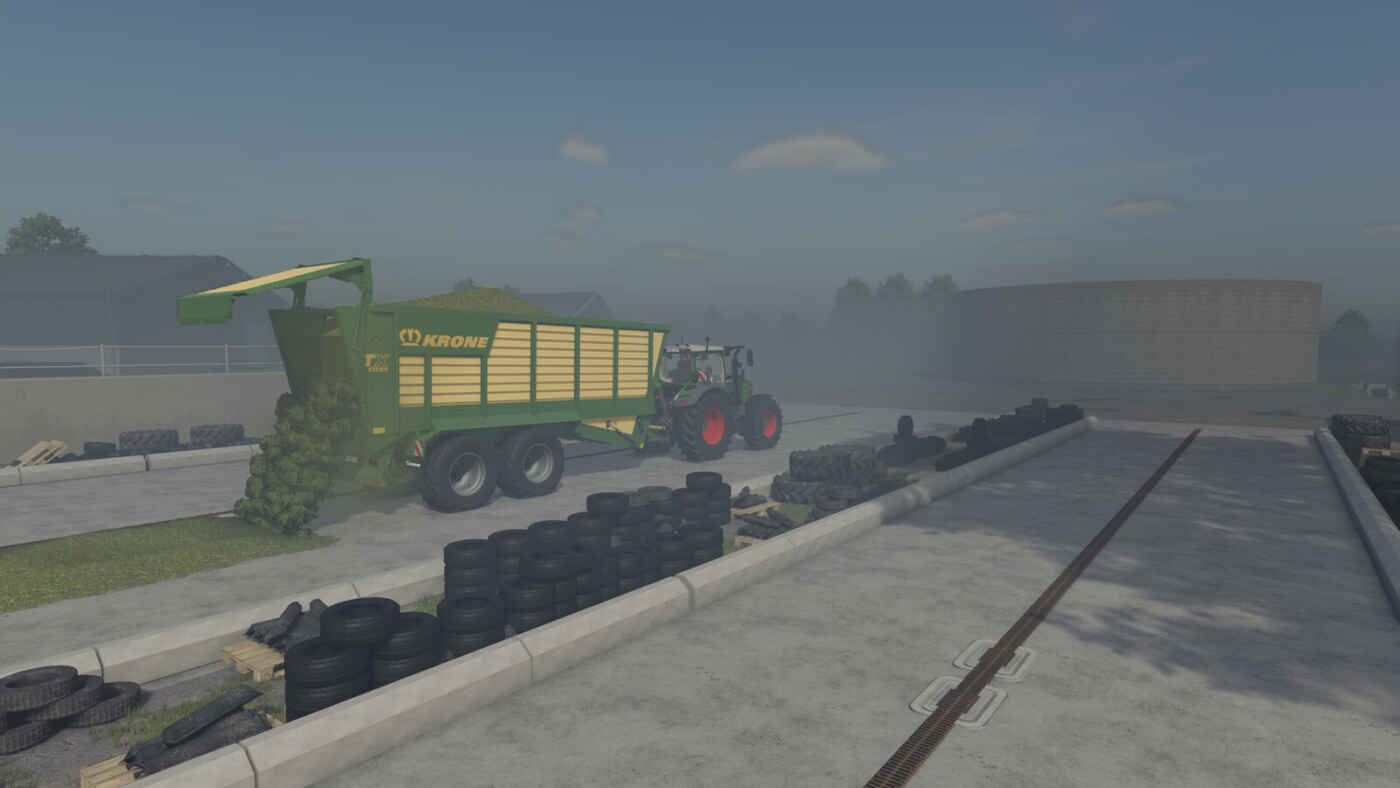
Krone TX 460D Pack – Mod pour Farming Simulator 25
Krone TX 460D Pack – Mod pour Farming Simulator 25
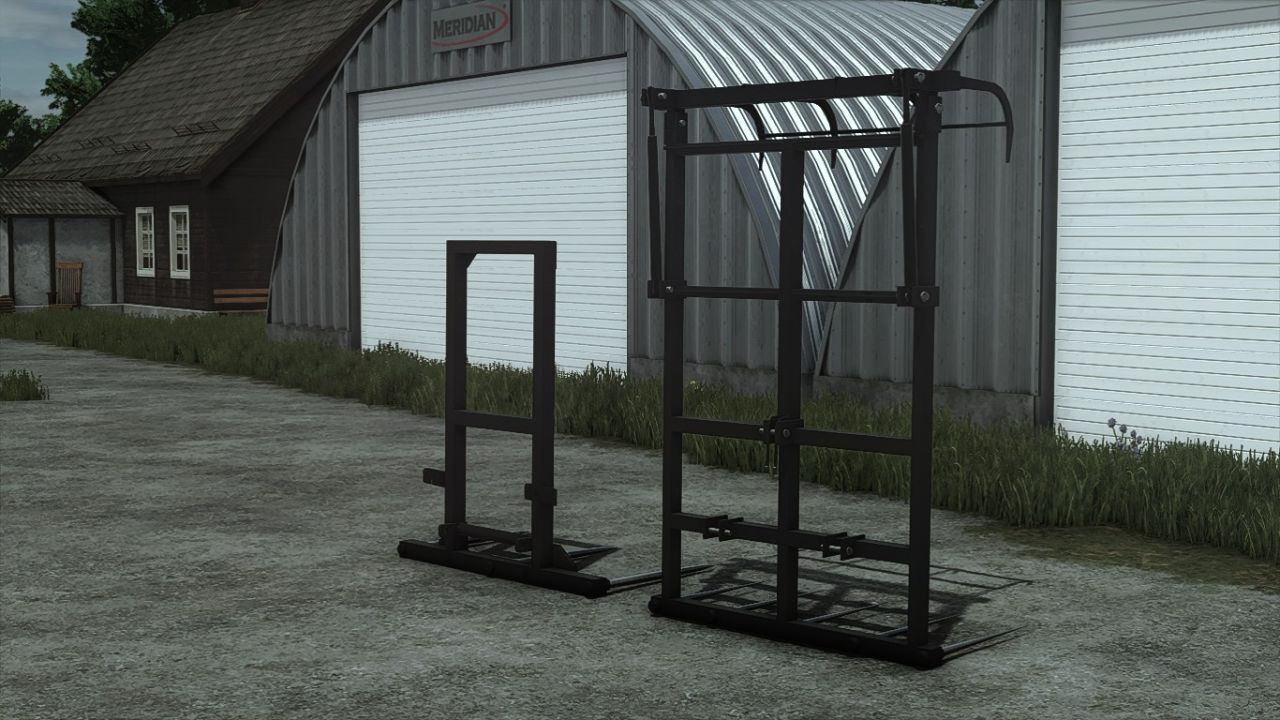
CNG-Ballengabelpaket v1.0.0.0
CNG-Ballengabelpaket v1.0.0.0 Das Paket beinhaltet: CNG-Ballengabel Grundpreis: 2450 $ CNGBale Fork 2 Grundpreis: 600 $
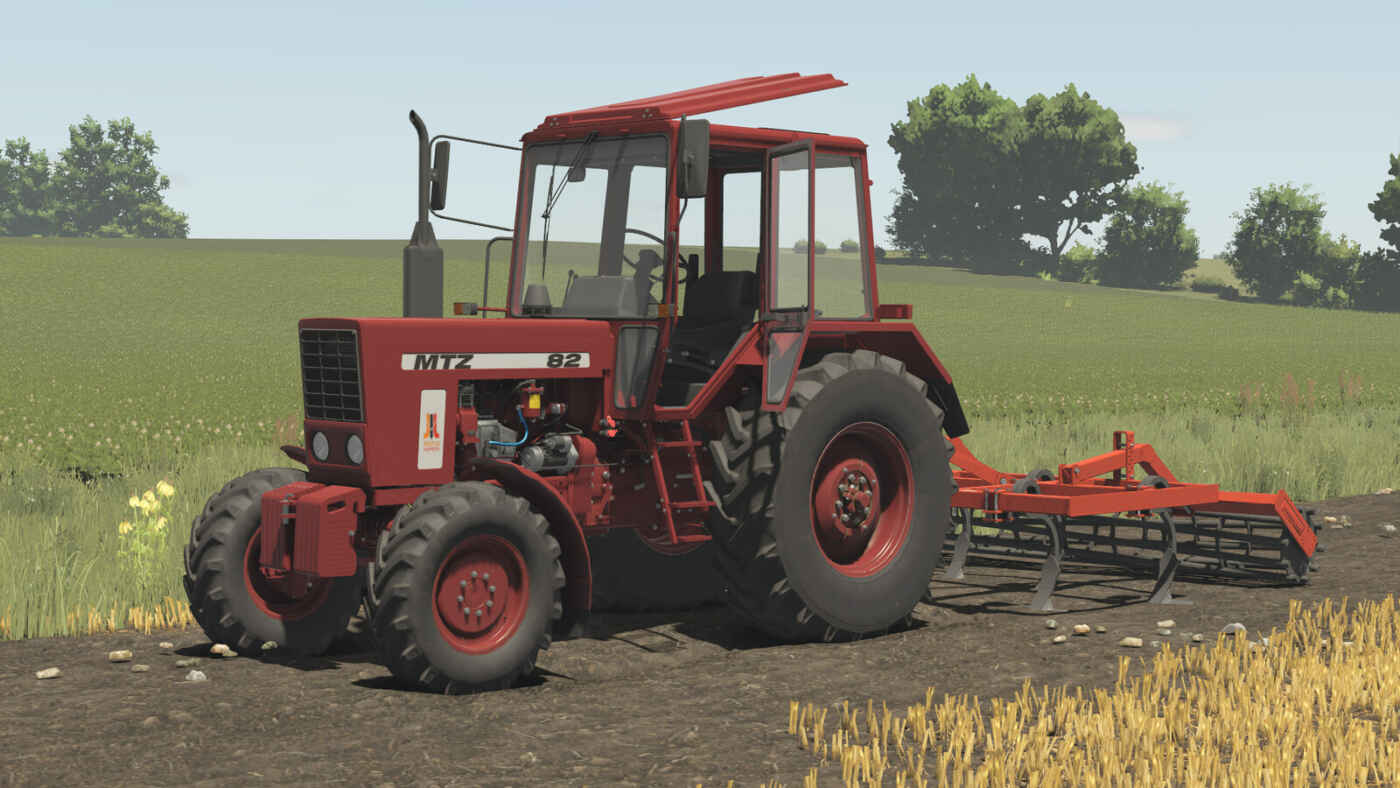
Lizard Cultivator 2.8m – Mod pour Farming Simulator 25
Lizard Cultivator 2.8m – Mod pour Farming Simulator 25
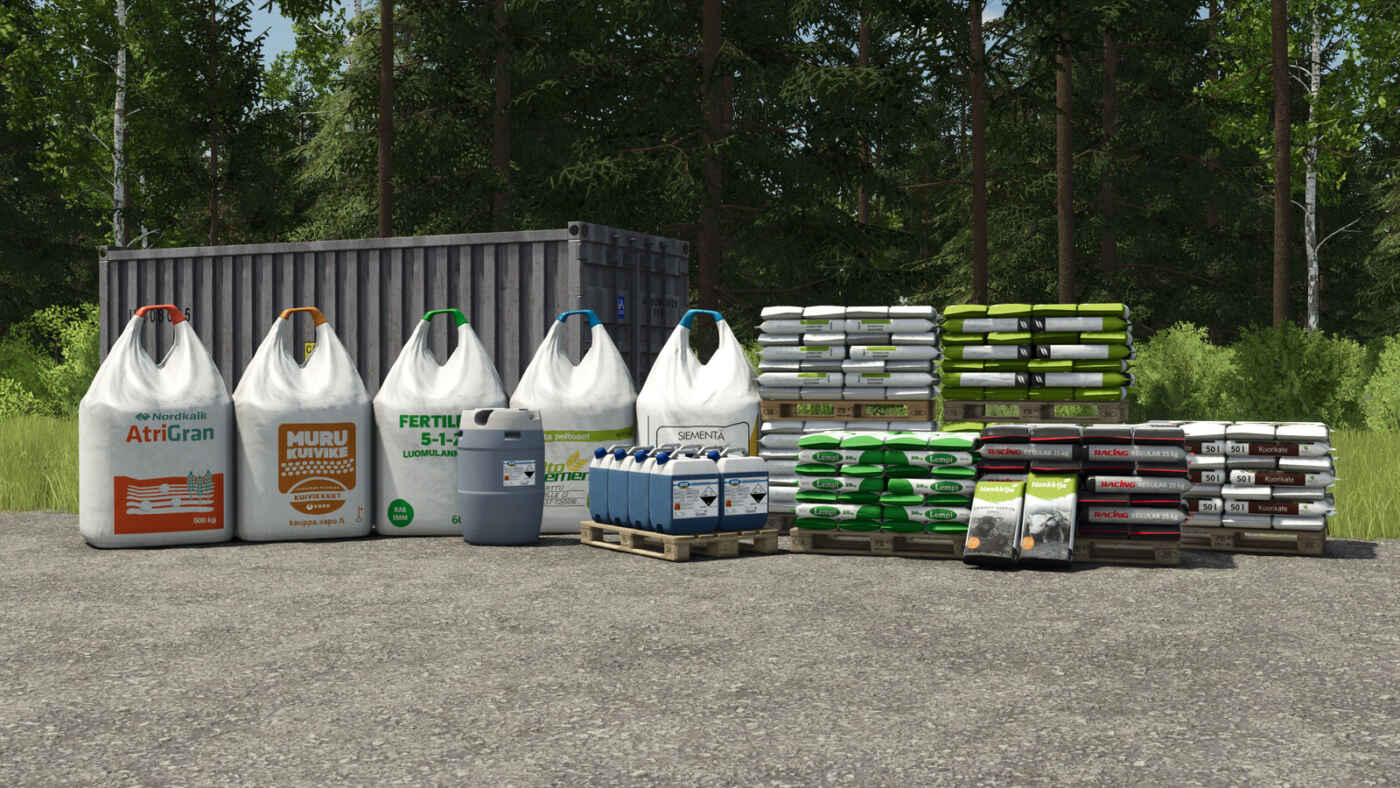
Finnish Big Bags And Pallets – Mod pour Farming Simulator 25
Finnish Big Bags And Pallets – Mod pour Farming Simulator 25
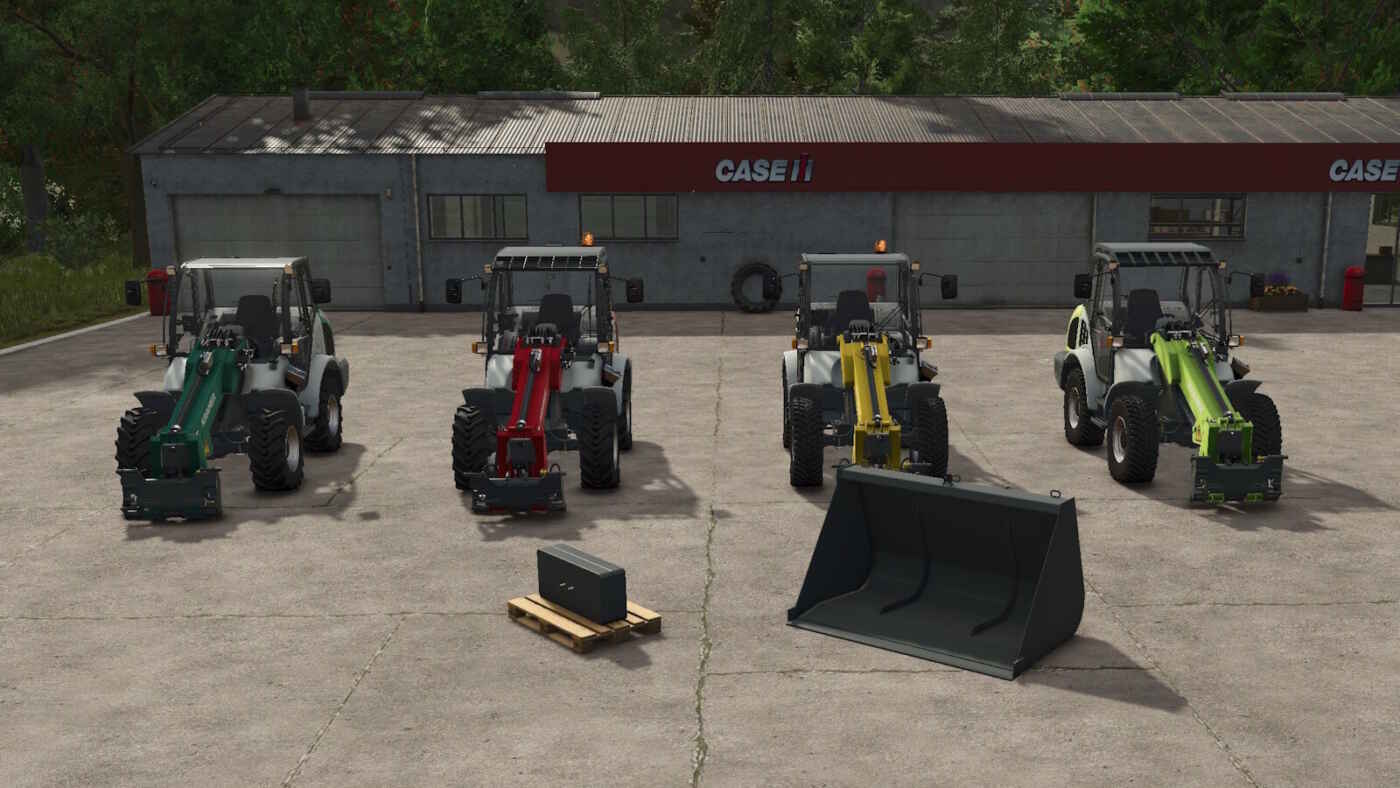
Kramer KL30.8T – Mod pour Farming Simulator 25
Kramer KL30.8T – Mod pour Farming Simulator 25
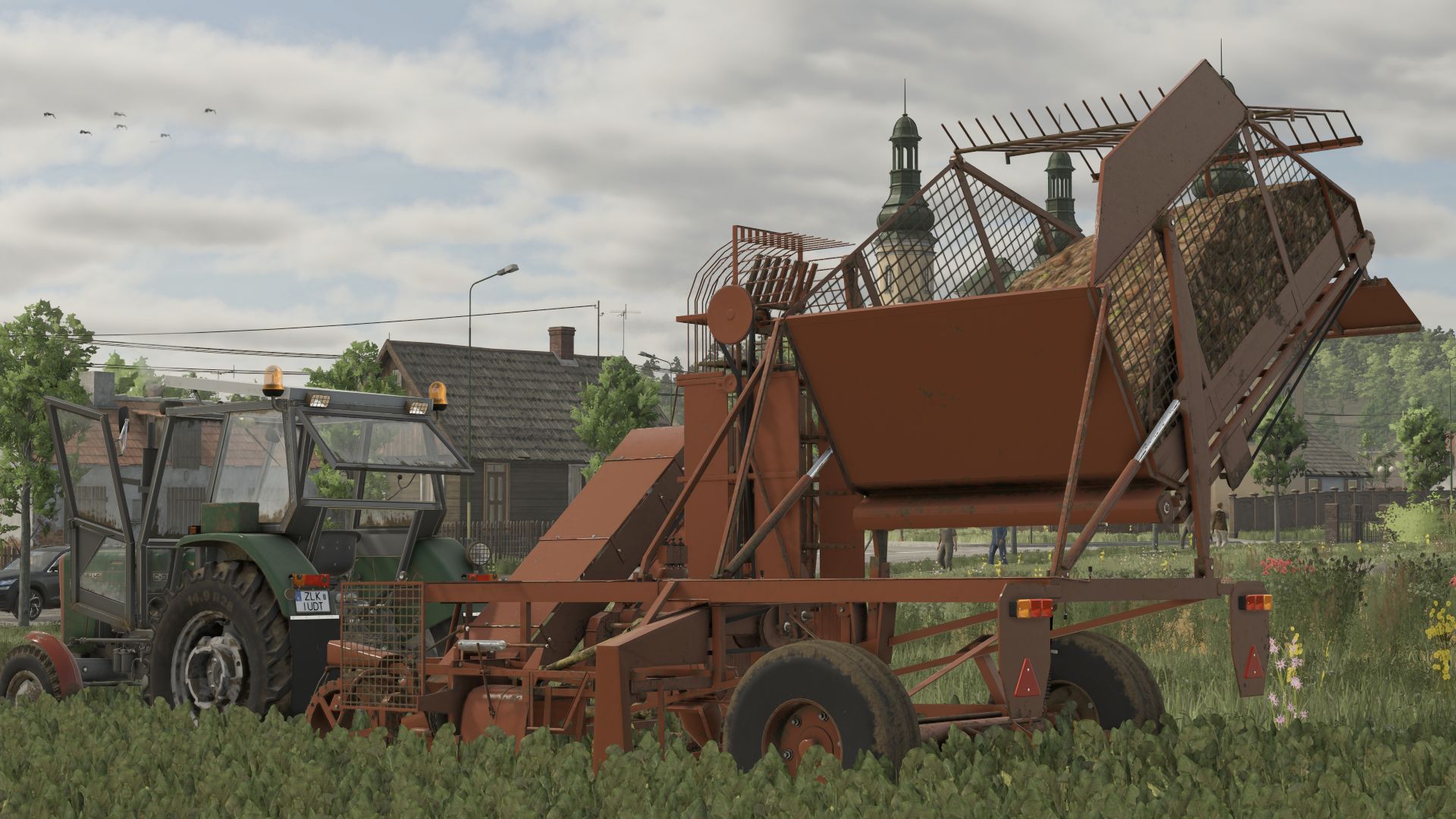
FS25 Neptun Z413 V1.0.0.0
FS25 Neptun Z413 V1.0.0.0 Specifications: Working Width: 1m Price: € 14,000 Tank capacity: 2500L Power requirement: 25HP Configurations: – Colours – Cover Credits:Miziuu, MichalLS, Driver300, Rockstar Tags: Working Width
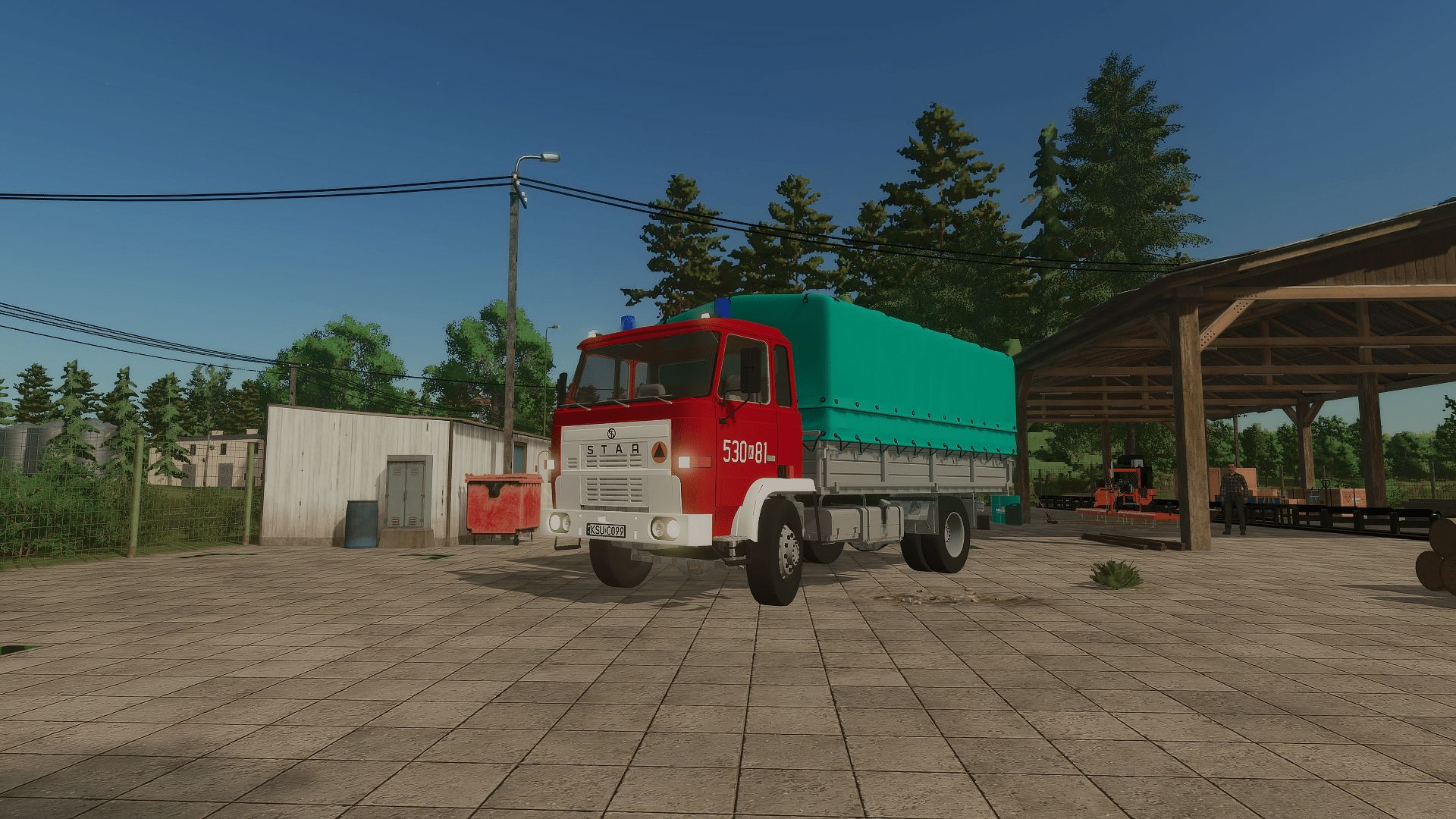
Scania P360 GBA V1.0.0.0
Scania P360 GBA V1.0.0.0 A modification intended for Farming Simulator 25. The modification has properly functioning warning lights and a sound modulator. Required mods: Interactive Control
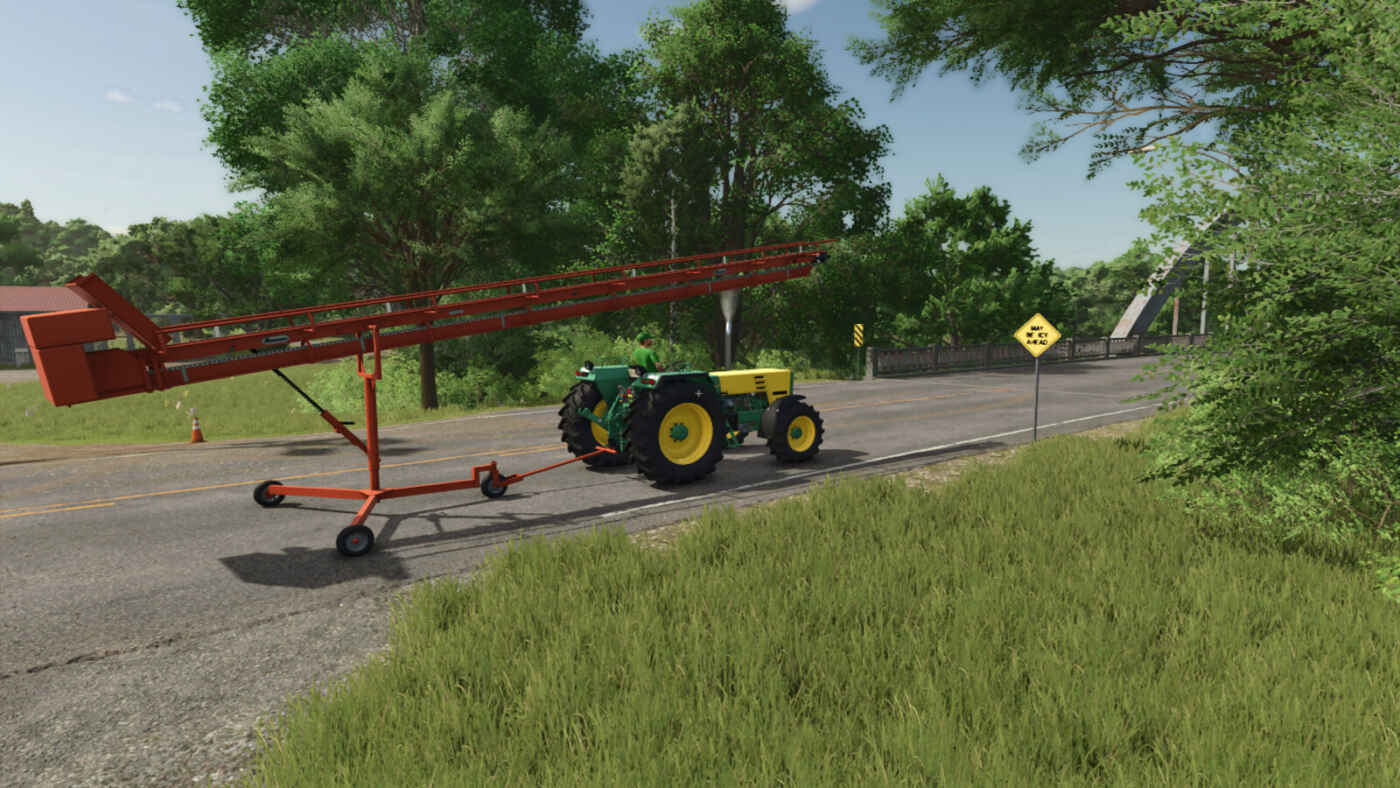
Hinghaus Ravenna MD11 – Mod pour Farming Simulator 25
Hinghaus Ravenna MD11 – Mod pour Farming Simulator 25
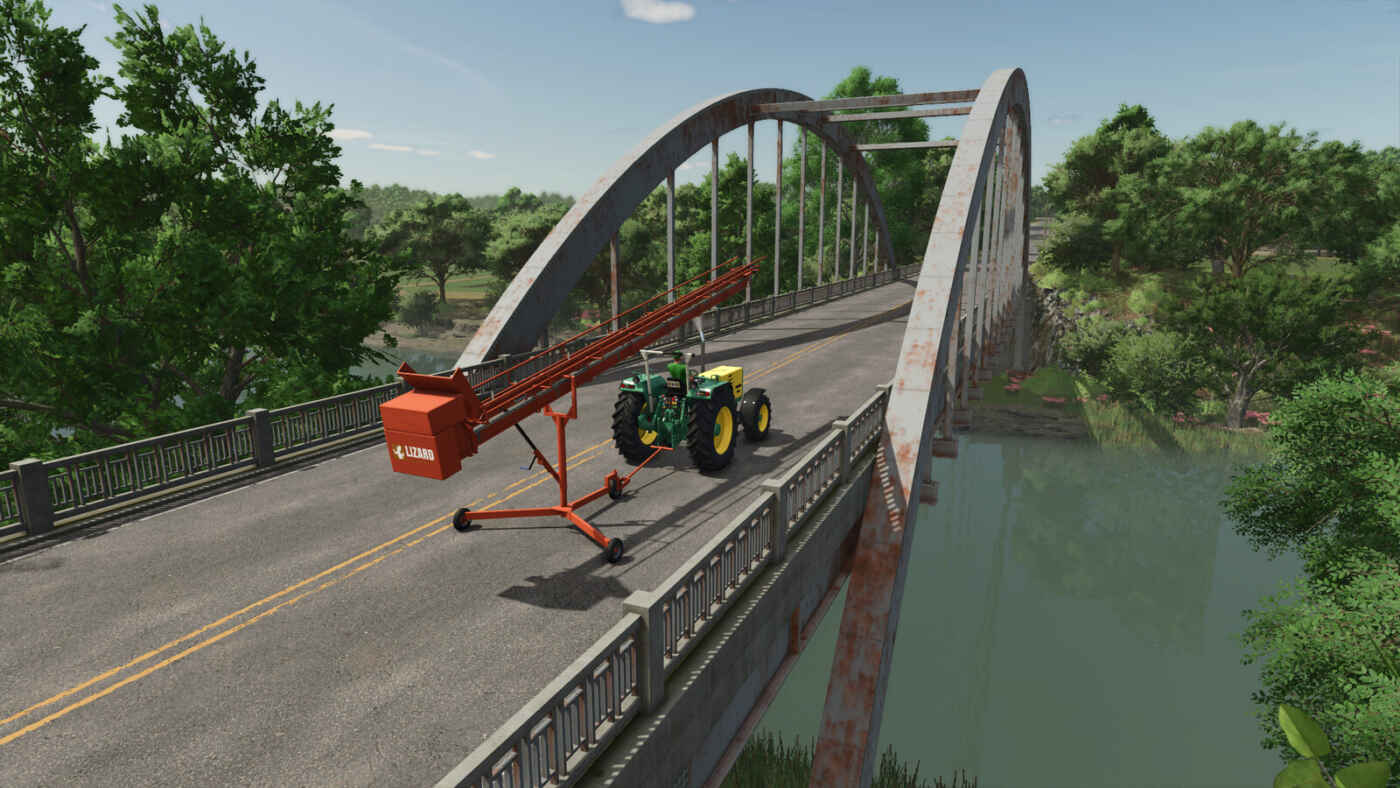
Lizard Ravenna MD11 – Mod pour Farming Simulator 25
Lizard Ravenna MD11 – Mod pour Farming Simulator 25
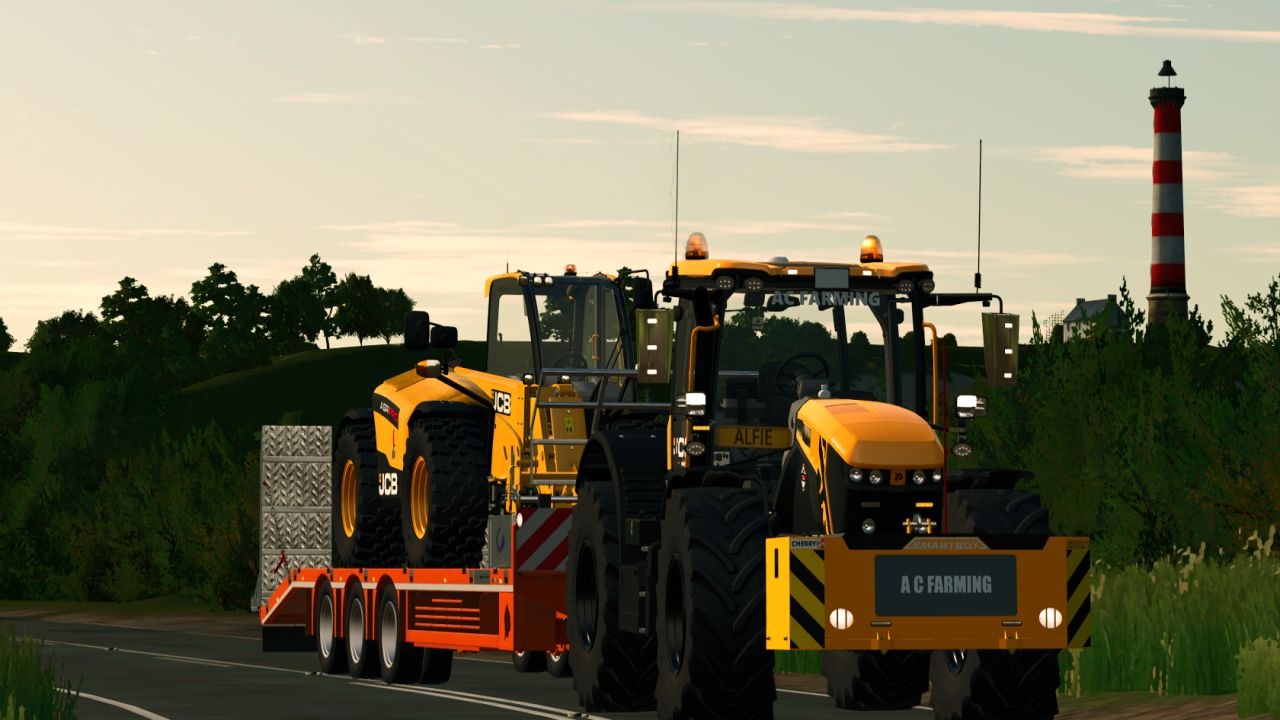
JCB Fastrac Edit V1.0.0.0
JCB Fastrac Edit V1.0.0.0 Es handelt sich ursprünglich um ein Modell von Ross N Mods. Ich habe die Bearbeitung für mich und ein paar Freunde erstellt, dachte aber, ich lade sie auch hoch, um sie mit anderen zu teilen. Es ist meine erste Veröffentlichung, also lasst mich wissen, falls es Probleme gibt. Ich habe Folgendes hinzugefügt: Nummernschild im Fenster, CB-Funkgeräte, Lufterfrischer, Chromreiniger-Set PS: 220 Geschwindigkeit: 63 km/h Konfigurationen: Spiegelschutz, Rundumleuchte, Agrarrahmen usw. Preis: 219.000 £ Tags: Konfigurationen SpiegelschutzPS
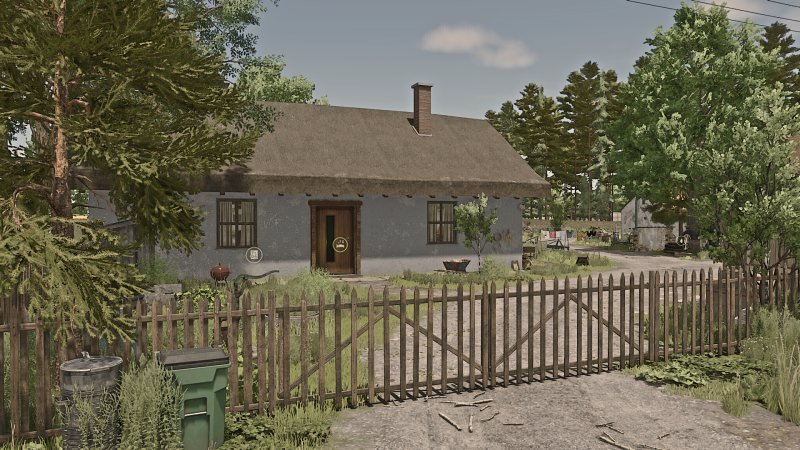
FS25 Save Game & Mod Pack "POOR FARM" Korios
FS25 Save Game & Mod Pack "POOR FARM" Korios 👩🌾 Today I created my own Mod Pack & Save Game on the Lipinki map👩🌾 If you want to start from scratch, with the feel of a poor start and slow farm development, this is for you 👌 ✔️ Ready Save Game ✔️ Tested Mods ✔️ Atmospheric Start ✔️ Everything ready for download Video: https://www.youtube.com/watch?v=mLT8_cG8kog
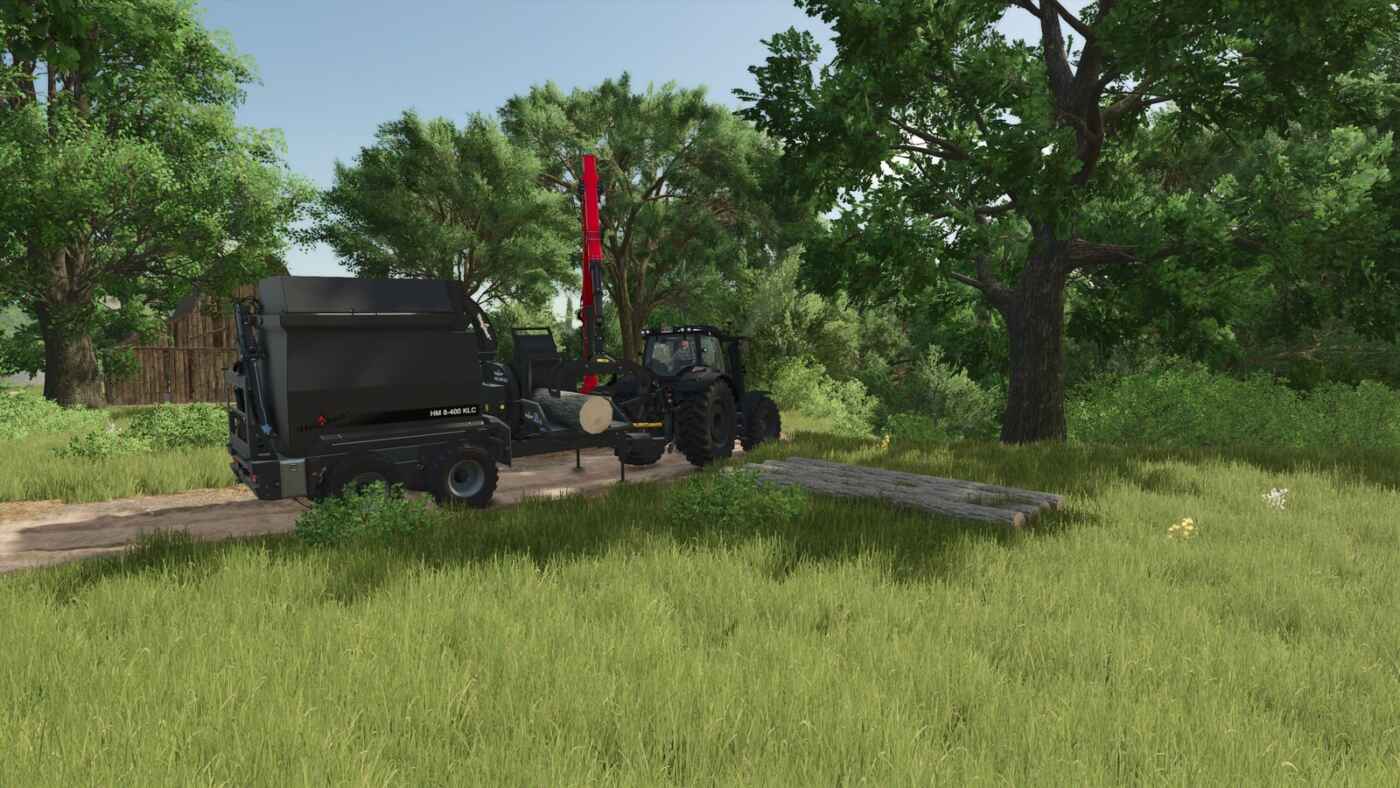
Wood Chips Missions – Mod pour Farming Simulator 25
Wood Chips Missions – Mod pour Farming Simulator 25
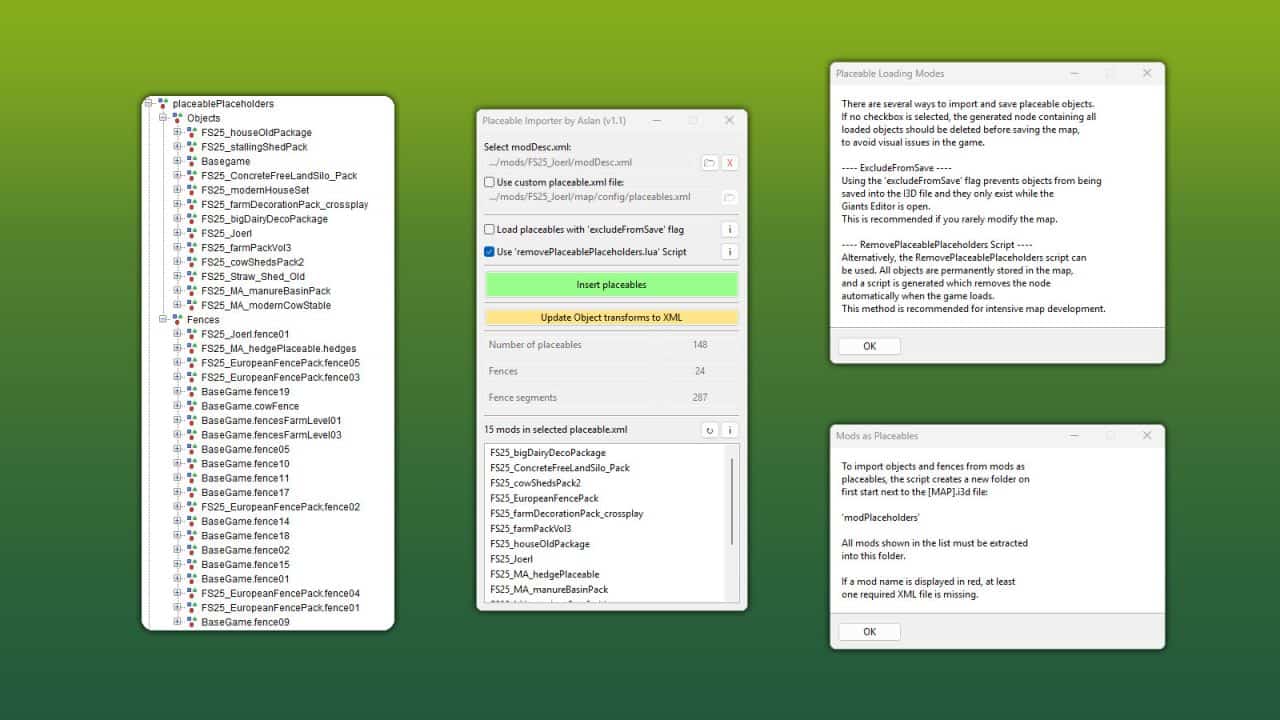
GE10 Script – Placeable Importer v1.1
This GIANTS Editor script allows you to import all placeables, including fences, into your map that are defined in a selected “placeable.xml”. Unlike the official PlaceableToolkit by GIANTS, this script works purely with a visual representation during the map building phase. This means you can first place objects and fences in-game and then import them into the GIANTS Editor using this script to maintain a complete visual overview of all placed elements while continuing map development. Additionally, the script generates an in-game script that automatically removes the imported visualization placeables from the I3D when the map is loaded in-game, allowing the real placeables to load normally. For this feature to work, a “modDesc.xml” must be selected in the GE script. Installation: 1.) Locate your GIANTS Editor installation directory. By default: “C:Program FilesGIANTS SoftwareGIANTS_Editor_10.X.X” 2.) Copy the script “PlaceableImporter.lua” from the prefab into the GIANTS Editor script folder. 3.) The script will then be available in the GIANTS Editor via the menu bar under “Scripts”. INFO: – To load placeables from mods, the script creates a folder named “modPlaceholders” on first launch. All required mods must be extracted into this folder. – Object placeables can be moved/rotated in the editor and updated back to the .XML via the update button. Make sure the placeables in the .XML contain a “uniqueId”. – Fences can also be permanently integrated into the map by moving the desired fence objects outside of the “placeablePlaceholders” node. When using mod fences, texture paths may need to be adjusted. V1.1.0.0 – Fixed multiple alternative path resolution issues – placeable.xml is now loaded automatically via modDesc.xml – Custom placeable.xml path is now supported – New options added. Please refer to the info button for details
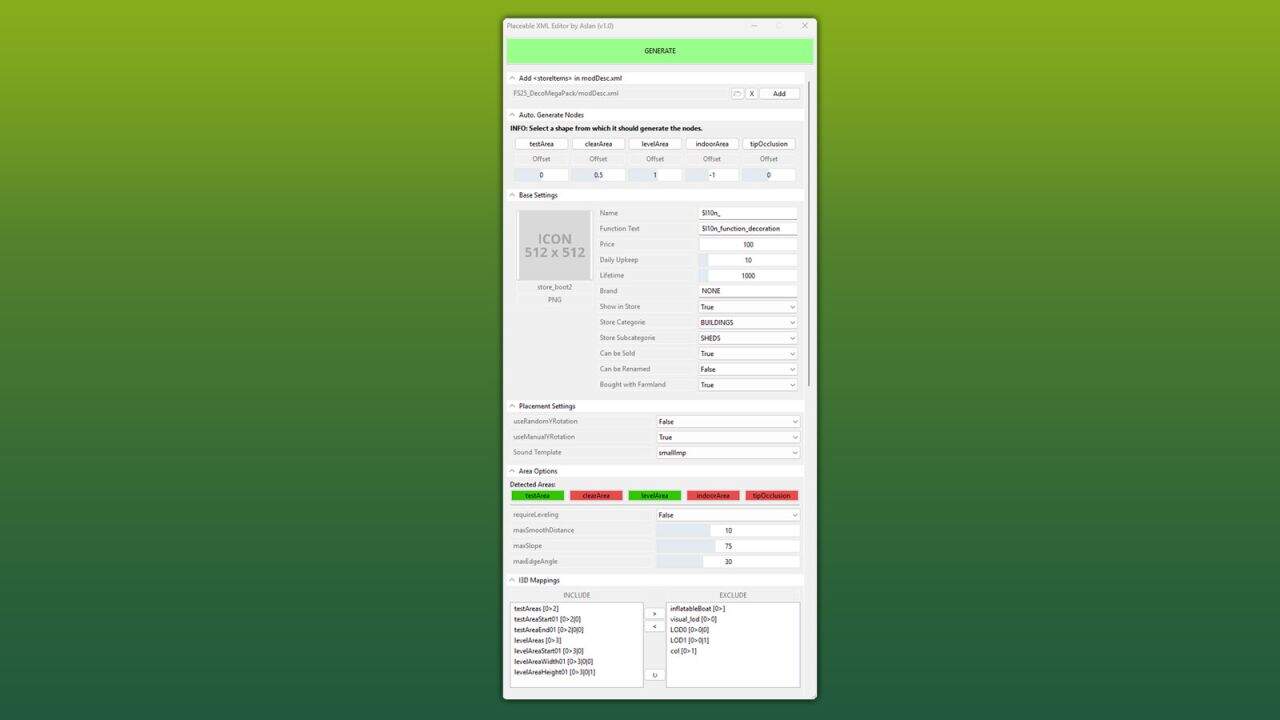
GE10 Script – Placeable XML Editor v1.0.0.1
This GIANTS Editor script allows you to easily create and edit a placeable XML file. The script automatically detects the corresponding placeable.xml, provided it is located in the same directory and has the same name as the .i3d file. If existing entries are found, all supported parameters are read and made available for editing within the tool. Installation: 1.) Locate the installation directory of the GIANTS Editor. By default: “C:Program FilesGIANTS SoftwareGIANTS_Editor_10.X.X” 2.) Copy the script “PlaceableXMLEditor.lua” and “iconBigDefault.png” from the prefab folder into the script directory of the GIANTS Editor. 3.) The script will then be available in the GIANTS Editor via the menu bar under “Scripts”. Usage: 1.) Start the script on an object that you want to create as a placeable. 2.) The script automatically detects whether the object is located inside a mod and, if so, enables the tab “Add in modDesc.xml”. There, the path to the modDesc.xml can be specified in order to automatically add the placeable XML to the modDesc. 3.) Areas can be generated automatically. Set the offset value (in meters), select the object from which the areas should be generated, and click the corresponding button to create the area. 4.) Adjust all parameters according to your requirements. 5.) In the “I3D Mappings” section, select the nodes that should be stored in the I3D mappings of the XML. If necessary, the scene graph can be reloaded using the “Refresh” button. 6.) Finally, click “GENERATE” or “UPDATE” at the top to create or update the placeable.xml. INFO: At the moment, it is not yet possible to create all placeable specializations such as sellingStation, buyingStation, husbandries, etc. directly within the tool. However, the script can be used as a base to generate an XML file, which can then be manually extended with additional specializations. The PlaceableIcon is currently only displayed if it is a .PNG file. .DDS files are not (yet) supported by the Giants Editor in scripts! The script only modifies parameters that are configurable within the tool. Any existing XML entries that are not supported by the script will remain unchanged and will not be removed or overwritten. V1.0.0.1 – added iconBigDefault.png – Path “PlaceableXMLEditor.PLACEABLE_ICON_EMPTY_PATH” adjusted – Custom area names will be possible in the next regular update. Currently, only these exact names are accepted: # testAreaStart01, testAreaEnd01 # clearAreaStart01, clearAreaWidth01, clearAreaHeight01 # levelAreaStart01, levelAreaWidth01, levelAreaHeight01 # indoorAreaStart01, indoorAreaWidth01, indoorAreaHeight01 # tipOcclusionUpdateAreaStart01, tipOcclusionUpdateAreaEnd01
- 15 per page
- 30 per page
- 45 per page
- 60 per page
-
See more per page
Bigger pages, fewer clicks - and no ads anywhere.
Go Pro