1 / 3
Console Command Cheat list v1.0
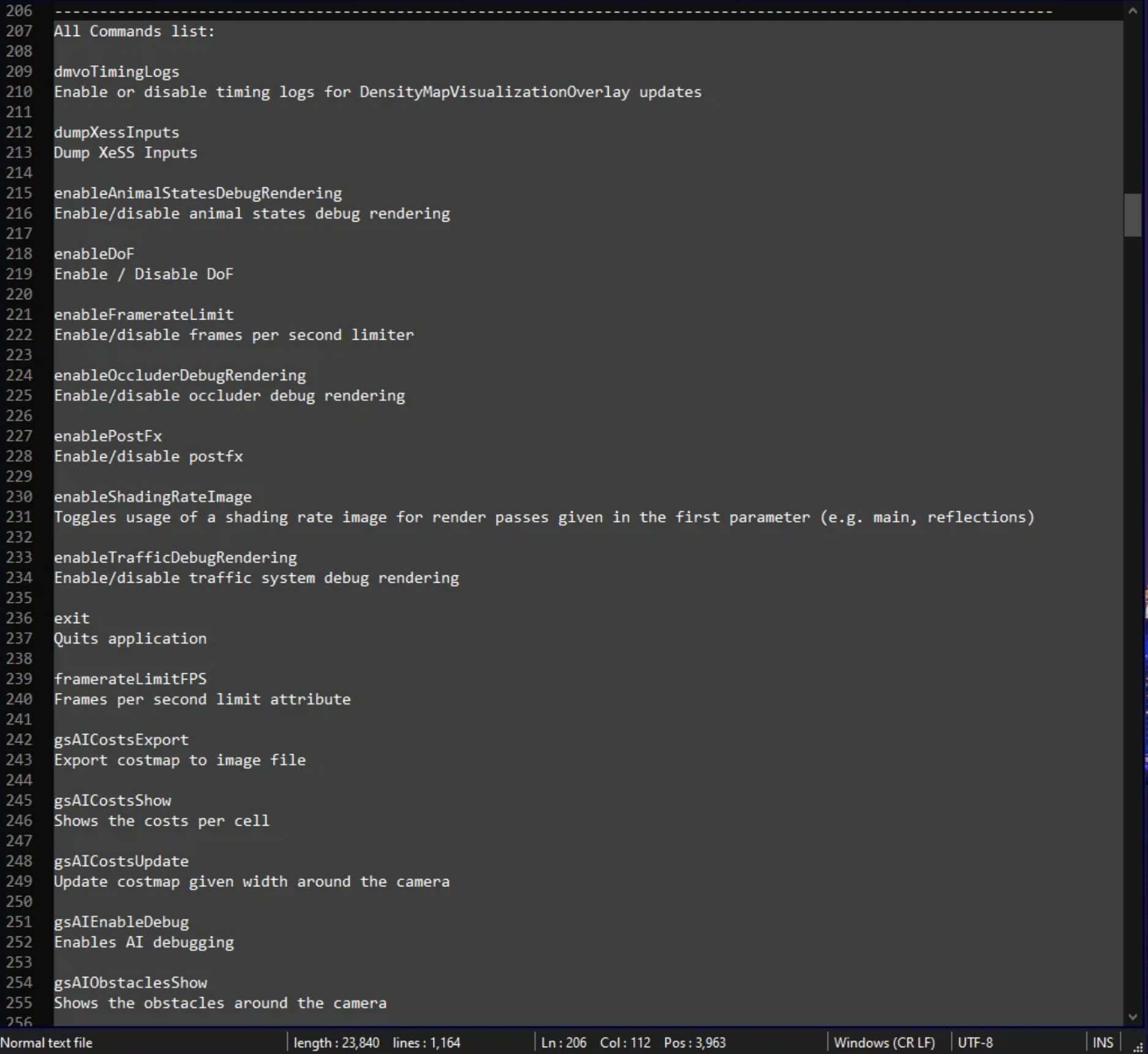
Console Command Cheat list v1.0 This is a Master list of all the Commands in Farming Simulator 25 with directions on how to enable them. When in game and set up all you do it find a console code you would like to use and enter it in the console. Step #1: Enable the Cheats/Console Commands: Log into your Steam account and navigate to the game library Right-click on “Farming Simulator 25” on the left sidebar, and then click “Properties” While in the Properties window, select the General tab Type “-cheats” (without the quotes) in the field below the Launch Options Alternative to steam: Right click the Farming Simulator 25 shortcut application Open Properties add (space)-cheats at the end of your target like this: “(Game path)\FarmingSimulator2025.exe” -cheats Step #2: Enable the Command Console: Navigate to the following directory: Documents\My Games\FarmingSimulator2025 Search for and open the “game.xml” file from the window that appeared on your preferred Notepad application Find the line false and replace the text string “false” with “true” (without the quotes) When in the game just press `(the button above TAB) to open the console. Author: Richy Rich Report bugs in the comments and help modders improve this mod. Always check the comments, you can find a solution. DOWNLOAD MOD
Download Links
Report a problem
Console Command Cheat list v1.0
Advertisement
Remove ads