Farming Simulator 22 mods
50,404 results- 15 per page
- 30 per page
- 45 per page
- 60 per page
-
See more per page
Bigger pages, fewer clicks - and no ads anywhere.
Go Pro
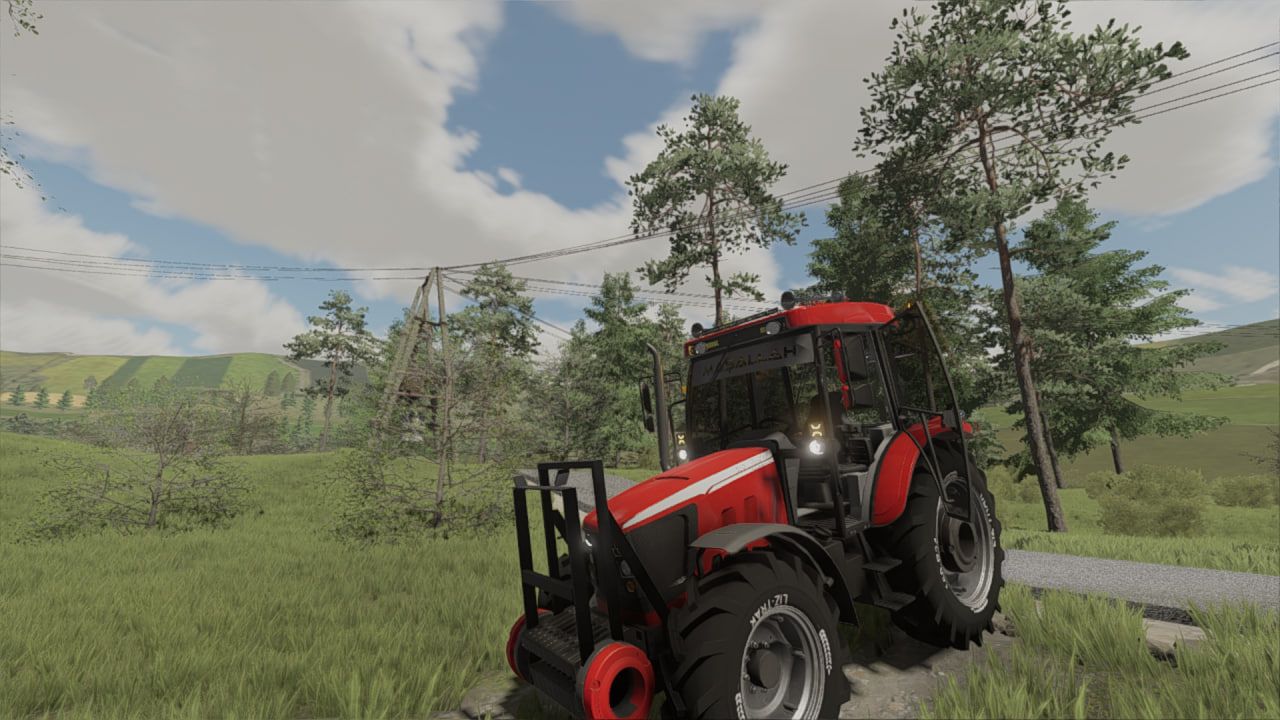
Tümosan 8110 FS22
I made it for FS22 It is a modified Tümosan 8110 Made upon request Added features: beacon lights tire lettering air horn sound system star ceiling bumper additional weight etc. Have fun playing ❤️
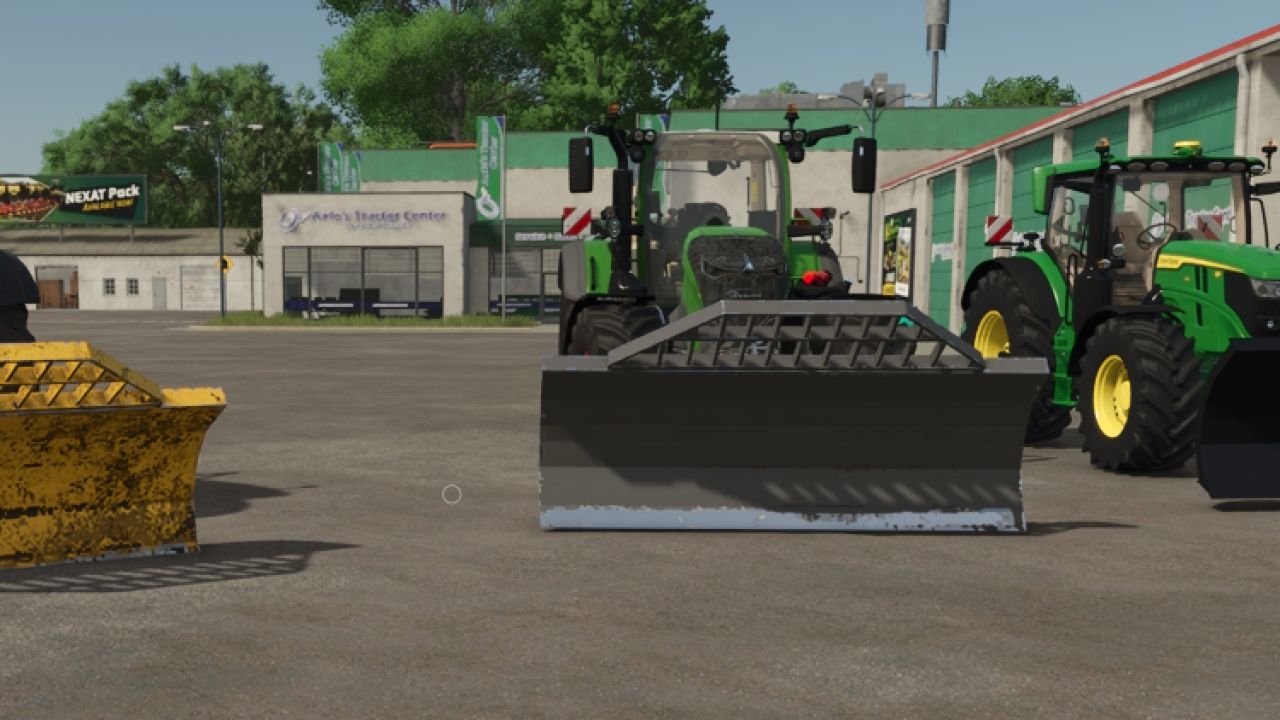
LAFORGE Silage Blade FS25
Hello, I’m sharing this magnificent Laforge blade for silage piles. - It is equipped with Mouse Control - Choice of color - Price: 1,200 euros Have fun playing, everyone!
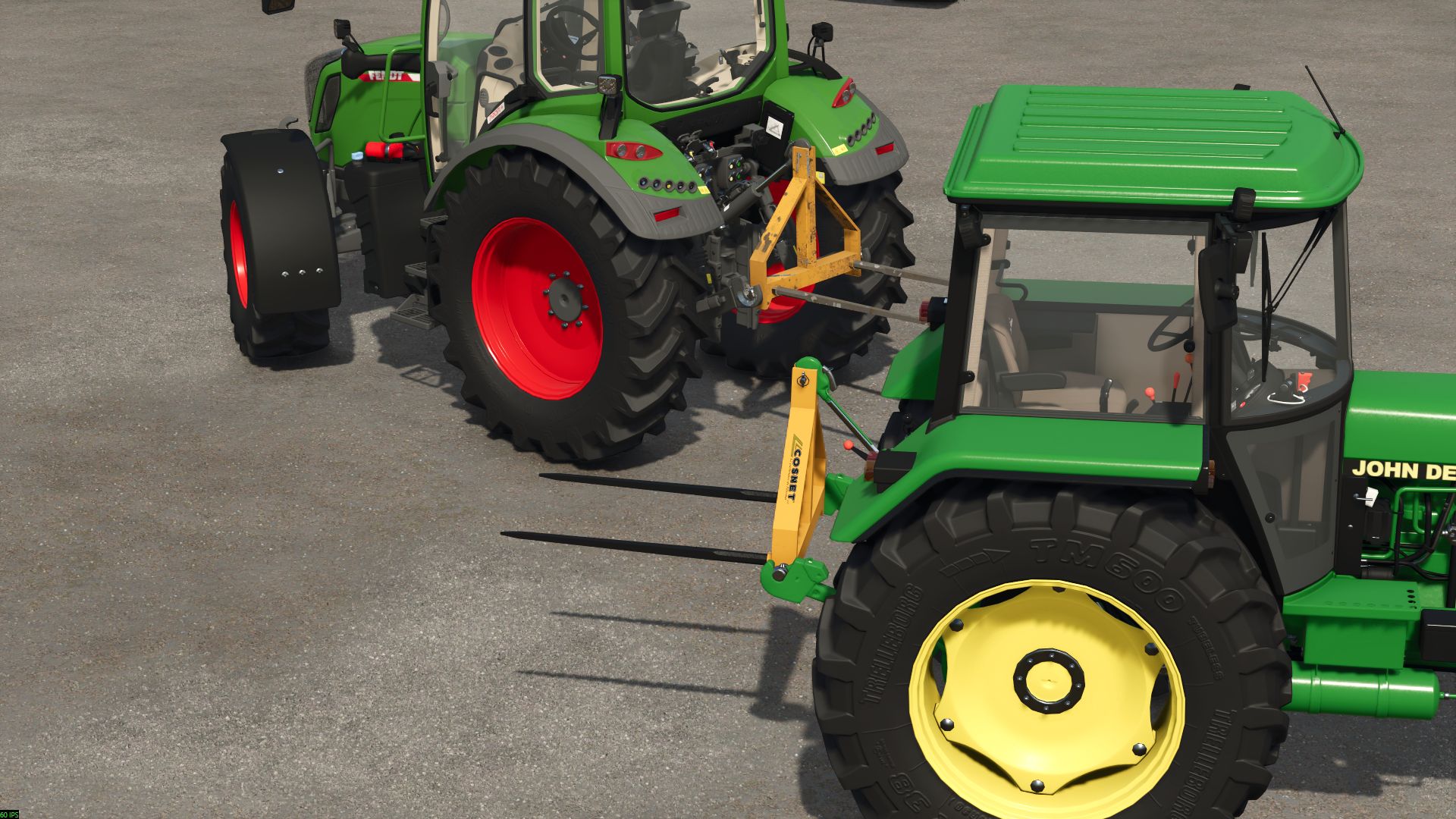
Cosnet 3-point fork FS25
Hello, enjoy this Cosnet bale spear. Cosnet 3-point bale fork. - Choice of spear color - Price: 500 euros
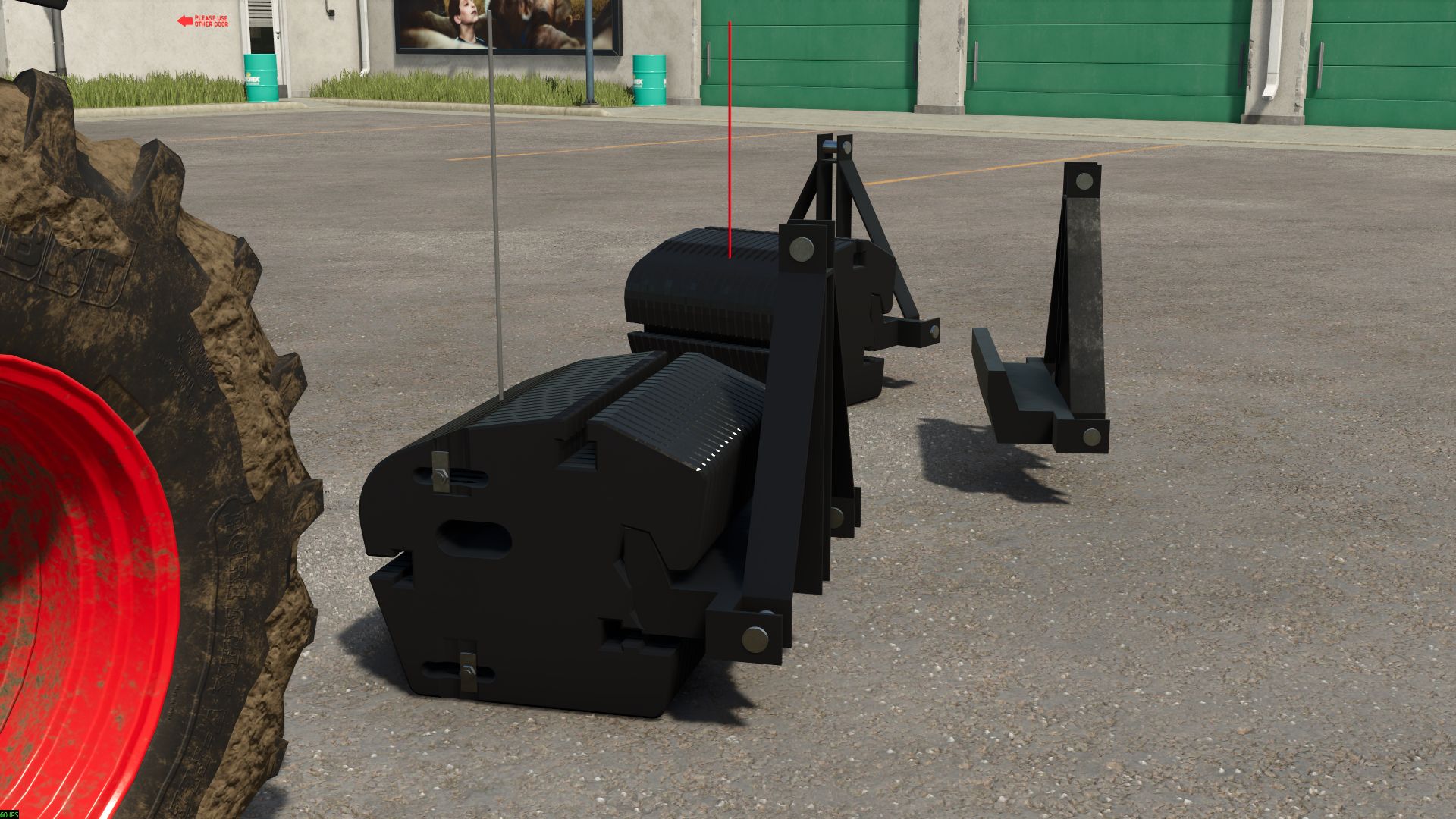
New Holland weight 900 kg FS25
Here is a 900 kg New Holland counterweight Features: - Price: €3,500–€3,600 - Weight: 900 kg - Configuration with or without the counterweight block - Configuration with or without the weight bar - Color configuration for the bar
FarmBar FS25
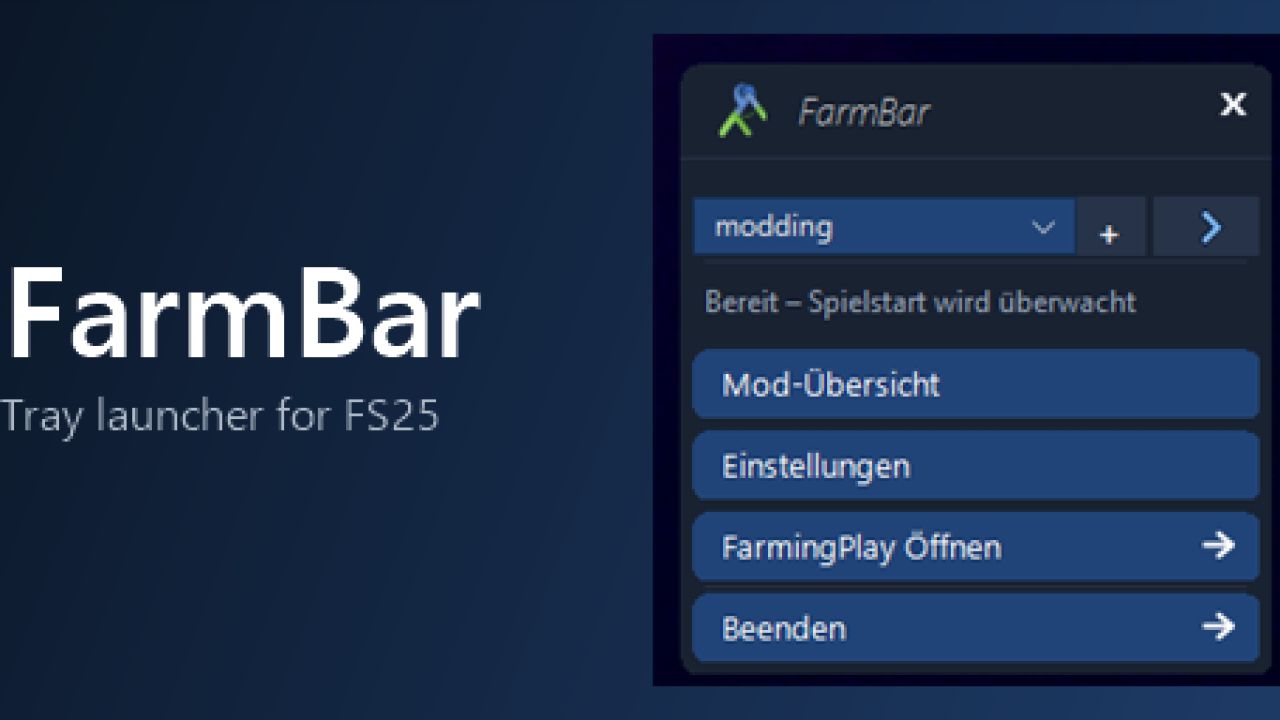
FarmBar is a tray launcher for the FS25 Welcome to FarmBar, What is FarmBar? FarmBar is a small program that runs in the system tray and makes launching FS25 easier. It does not require FarmingPlay25, but works well together with it. Among other things, it offers: Game launch with folder selection: when the game starts, FarmBar asks which mod folder you want to play with Mod overview with update check: see which mods have new versions, and hide updates, open the link or report wrong versions Folder management: add, edit and switch mod folders Download monitoring: new mod ZIPs in your downloads are detected and can be placed straight into a folder Automatic first-time setup: the game executable and the "My Games" folder are found automatically Automatic updates for FarmBar itself, without interruptions while FarmingPlay25 is running Available languages Deutsch, English, Français. The language is detected automatically and can be changed in the settings. How do I install it? Extract the zip file to a folder of your choice and start FarmBar - Setup.exe. On first start, FarmBar looks for the game path and the "My Games" folder on its own. If it cannot find them, the setup opens. After that, FarmBar runs in the system tray. Right-click the icon to open the menu. Current issues / work in progress None
Weight MX900 FS25
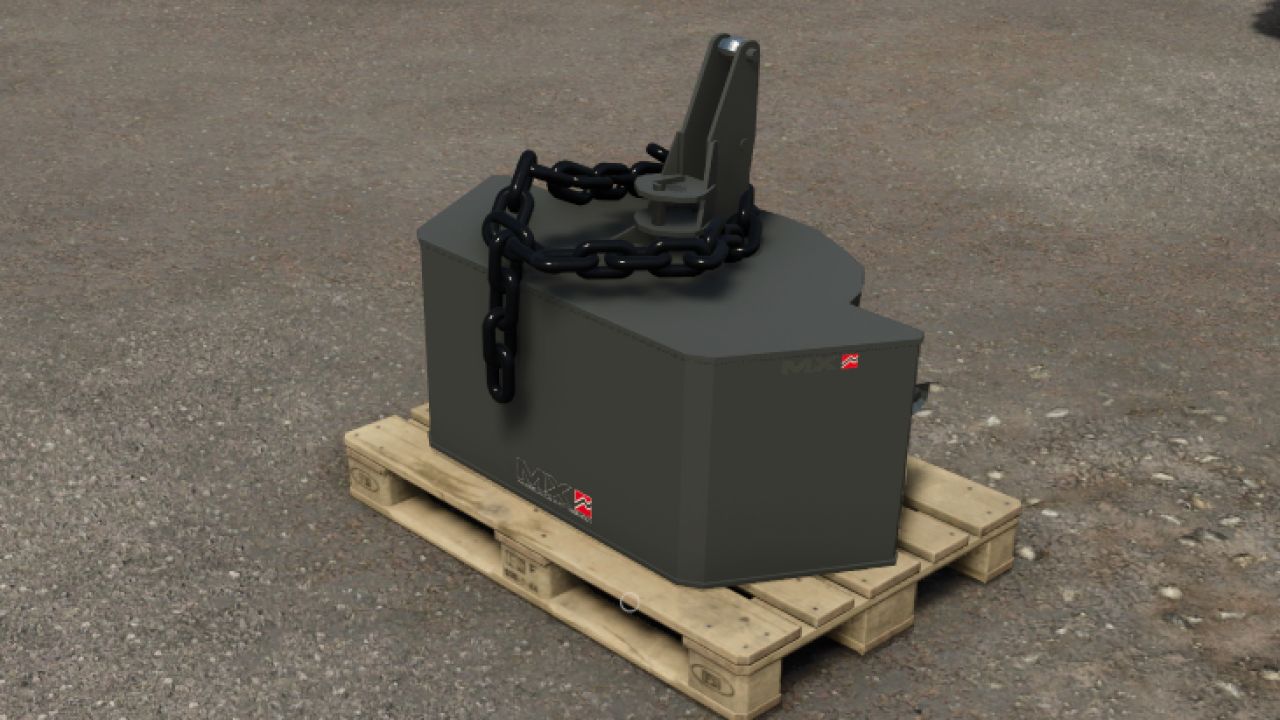
Hello, I’m sharing this MX weight with you. It has been optimized in Blender, and options have been added, along with a pallet as a support. Have fun! Features: - Price: €2,000 - Weight: 900 kg - Decorative chain configuration - Official MX color configuration for the weight and universal color configuration for the chain - The weight can be placed on a pallet

Automatic Service Station V1.0.0.1
Automatic Service Station V1.0.0.1 Category: Miscellaneous Price: $45,000 Daily upkeep: $50 Customizable ServiceStation for washing, repairs, painting, refueling, and charging. The size can be adjusted to fit your yard perfectly. Modes: Full (Washing, repairs, painting, refueling, and charging) Service (Repairs and painting) Refuel (refueling and charging) Wash (washing) Size: Width 2–20 meters Length 0.5–40 meters The settings for price, minimum requirement, and fill rate (% and immediate) can be adjusted in modSettings. AutoDrive is supported. V1.0.0.1 Fixed servicing newly attached vehicles inside an active station trigger. Fixed AutoDrive availability and vehicle-specific refueling state. Fixed charging information for multiplayer clients. Added robust settings validation and the missing AutoDrive XML schema entry.

Vehicle Flags (Store Configurator) V1.1.2.0
Vehicle Flags (Store Configurator) V1.1.2.0 Vehicle Flags — flags for vehicles in FS25 The mod adds three independent sets of animated flags to controllable vehicles. Features: – Choose a country flag, a custom image, or both flags. – Separate settings for sets 1, 2 and 3. – Adjust the position, rotation, flag size and pole height. – Ability to use different custom images in each set. – Configuration in the shop and workshop. How to add a custom flag 1. Prepare an image with a 2:1 aspect ratio. The recommended size is 1024×512 or 512×256. 2. Save it in PNG, JPG or DDS format, for example my_farm.png. 3. After launching the game with the mod for the first time, open the “Documents” folder — it is usually located on drive C. Then go to: Documents → My Games → FarmingSimulator2025 → modSettings → FS25_VehicleFlags 4. Place the images directly in this folder, without subfolders or archives. 5. In the shop or workshop, open the flag settings and select the desired set. 6. In the custom flag selection option, switch between images by their file names. 7. Enable the custom flag or both flags, adjust the position and confirm the changes. You can add multiple images. If the new files do not appear in the list, close and reopen the flag settings window. Multiplayer: identical images with identical names must be located in the specified folder on the server and on all players’ computers. Images are not transferred automatically. Version: 1.0.0.0 V1.1.2.0 Added a guardhouse with a guard. There is also a floodlight on the building, as well as the option to change the barriers to either left or right.
Vehicle Flags (Store Configurator) FS25
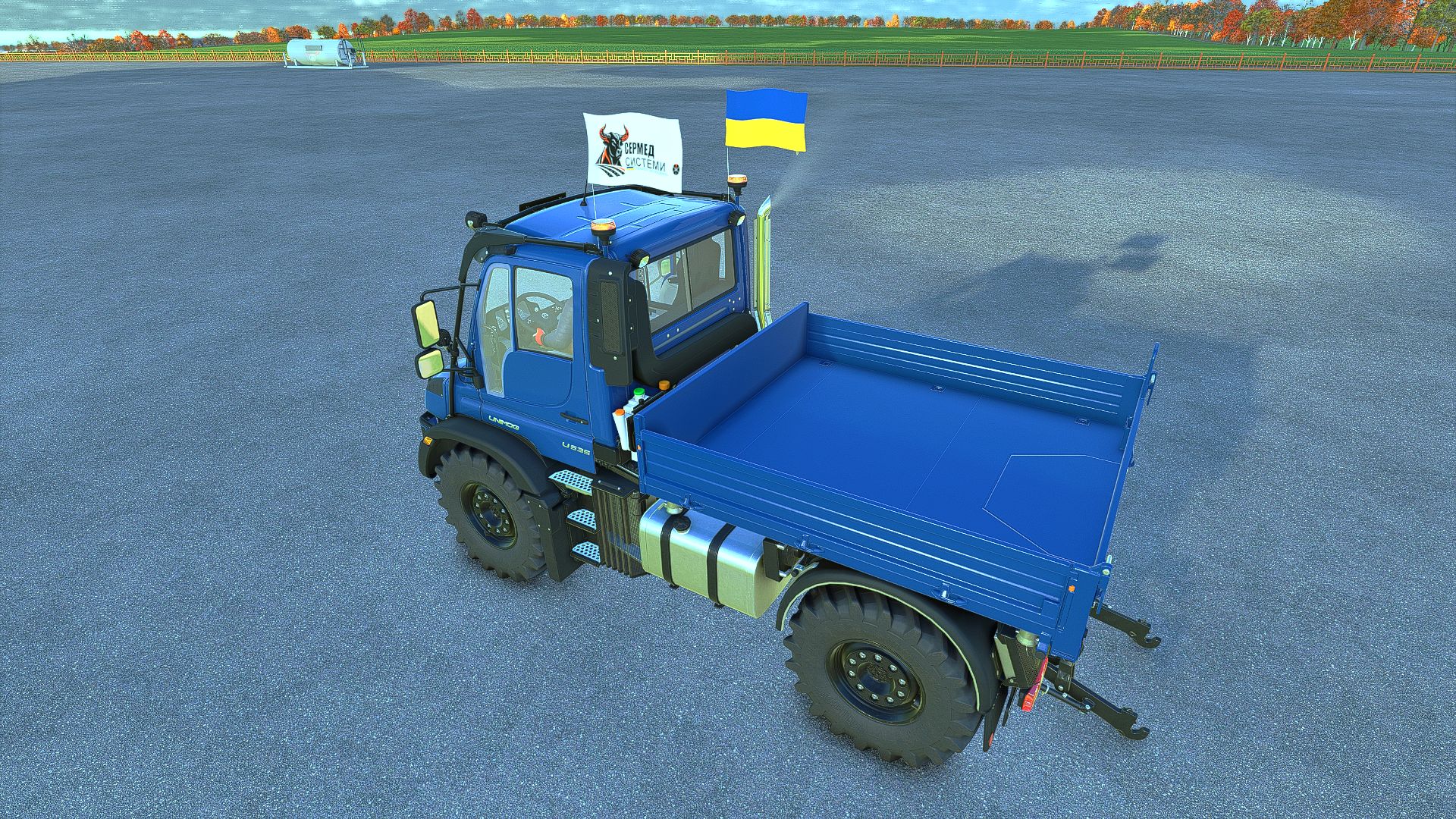
Vehicle Flags — flags for vehicles in FS25 The mod adds three independent sets of animated flags to controllable vehicles. Features: - Choose a country flag, a custom image, or both flags. - Separate settings for sets 1, 2 and 3. - Adjust the position, rotation, flag size and pole height. - Ability to use different custom images in each set. - Configuration in the shop and workshop. How to add a custom flag 1. Prepare an image with a 2:1 aspect ratio. The recommended size is 1024×512 or 512×256. 2. Save it in PNG, JPG or DDS format, for example my_farm.png. 3. After launching the game with the mod for the first time, open the “Documents” folder — it is usually located on drive C. Then go to: Documents → My Games → FarmingSimulator2025 → modSettings → FS25_VehicleFlags 4. Place the images directly in this folder, without subfolders or archives. 5. In the shop or workshop, open the flag settings and select the desired set. 6. In the custom flag selection option, switch between images by their file names. 7. Enable the custom flag or both flags, adjust the position and confirm the changes. You can add multiple images. If the new files do not appear in the list, close and reopen the flag settings window. Multiplayer: identical images with identical names must be located in the specified folder on the server and on all players’ computers. Images are not transferred automatically. Version: 1.0.0.0 Added realistic tarp behavior in response to vehicle movement and wind Added a guardhouse with a guard. There is also a floodlight on the building, as well as the option to change the barriers to either left or right. Fixed a bug with flag rotation when two flags are mounted on the vehicle Fixed a bug that caused equipment to become pinned to the ground after re-entering the game.

Horsch Grubber isoBUS Screen (Prefab) V1.0.0.4
Horsch Grubber isoBUS Screen (Prefab) V1.0.0.4 Horsch Cultivator ISOBUS Screen (Prefab) I am providing you with my Horsch cultivator ISOBUS screen. It displays all the important information for a cultivator. The screen is intended for a Horsch Finer 6SL cultivator, but it can also be used for other cultivators. I have included instructions for the installation itself, as well as the corresponding entry for the implement’s XML. If you notice any bugs, I would be very grateful if you could let me know so that I can fix them. V1.0.0.4 Prepared for upcoming Terminal Prefab Required mods: Dashboard Live

Claas Disco isoBUS Screen (Prefab) V1.0.0.2
Claas Disco isoBUS Screen (Prefab) V1.0.0.2 I am making my Claas mower ISOBUS screen available to you. It displays all the important information for mowers. The screen is intended for a Claas Disco mower, but it can also be used for other mowers. I have included instructions for the installation itself, as well as the corresponding entry for the implement’s XML file. If you notice any bugs, I would be very grateful if you let me know so that I can fix them. V1.0.0.2 Prepared for upcoming Terminal Prefab Required mods: Dashboard Live

Strautmann Magnon 430 CFS isoBUS Screen (Prefab) V1.0.0.4
Strautmann Magnon 430 CFS isoBUS Screen (Prefab) V1.0.0.4 I am making my Strautmann forage wagon isoBUS screen available to you. All important information for forage wagons is displayed there. The screen is intended for a Strautmann Magnon 430 CFS forage wagon, but it can also be used for other forage wagons. For the installation itself, I have included instructions and the corresponding entry for the implement’s XML. If you notice any bugs, I would be very grateful if you could let me know so that I can fix them. V1.0.0.4 Prepared for upcoming Terminal Prefab Required mods: Dashboard Live

Krone Ultima isoBUS Screen (Prefab) V1.0.0.7
Krone Ultima isoBUS Screen (Prefab) V1.0.0.7 Krone Ultima isoBUS Screen – Prefab I hereby provide you with my Krone Ultima isoBUS Screen. It displays all the important information for a baler-wrapper combination. The screen is of course intended for a Krone Ultima, but it can also be used with other balers. However, changes to the XML will probably be necessary, as the fill types differ from one baler to another. For the installation itself, I have included instructions as well as the corresponding entry for the implement’s XML. If you notice any bugs, I would be very grateful if you let me know so that I can fix them. I hope you have fun with my Krone Ultima Screen! V1.0.0.7 Prepared for upcoming Terminal Prefab Required mods: Dashboard Live

Mud System Physics V1.3.5.0
Mud System Physics V1.3.5.0 Mud System Physics is an advanced physics mod for Farming Simulator 25 that completely rethinks how equipment interacts with the soil during rainy weather. What does the mod do? The mod adds a dynamic dirt system that affects: – Wheel behavior – Surface grip – Visual effects – Vehicle cross-country ability – Condition of fields and soil Every trip in the rain or on a damp field is a risk of getting stuck, and not just a pretty picture… Key features!!! “Real” mud physics Dirt is calculated from humidity in real time! Wheels can: – slip – Lose grip – Get stuck in the mud The heavier the equipment, the higher the risk of getting stuck Interaction with fields Mud behaves differently on different types of field soil, for example, plowed fields are the most viscous! Possibility of removing vegetation in deep mud (optional) Flexible settings! The mod is fully customizable through the game menu: – turn on/off the mud system – strength of the viscosity effect – influence of rain – visual effects – removal of vegetation – And much more. (there are more than 20 different knobs and switches) TIRE PUNCTURE SYSTEM AND TIRE PRESSURE AND MUCH MORE… Have a nice game! I prohibit using the mod code outside the system. As well as distribution to other sites, not via the author’s link! V1.3.5.0 – Added a script for compatibility with the mod (Real Physics Tire Wear) – Added a warning window if two tire wear mods are used alongside the dirt mod. In this case, you need to choose only one tire wear mod to avoid conflicts. – Network-related fixes. (Let us know your feedback.) – Experimentally added mechanics for dirt particles flying off the wheels when they are cleaned. (More precisely, from the mudMesh itself.) – Fixed the outline of the punctured wheel. (Invisible nested parts are no longer outlined.)

Realistic Hours & Depreciation BETA v0.9.0.0
Realistic Hours & Depreciation BETA v0.9.0.0 Realistic Hours & Depreciation – PUBLIC BETA VERSION 0.9.0.0 – PUBLIC BETA Realistic Hours & Depreciation is designed to make machinery ownership in Farming Simulator 25 more realistic by overhauling operating hours, machinery depreciation, resale values, the second-hand machinery market and visual paint wear. Instead of machinery hours increasing independently from the game clock, operating hours now scale with your selected in-game time speed. For example, when playing at 3x time speed, approximately 3 operating hours will be added for every real hour that the machine is being used. This allows machinery hours to better represent the passage of time on your farm. Realistic Machinery Depreciation Machinery no longer loses value based mainly on age alone. Vehicle values are calculated using a combination of: – Machinery age – Total operating hours – Average annual usage – Overall level of use This means an older tractor with low hours can retain considerably more value than another tractor of the same age which has worked heavily. Likewise, a relatively new machine that has already accumulated very high hours will depreciate faster than a lightly used example. Implements use their own depreciation calculations, where age has a greater influence and operating hours have a smaller effect. More Realistic Used Machinery The second-hand machinery market has also been reworked. Used machinery can now appear with much more varied and realistic combinations of: – Age – Operating hours – Price – Depreciation You may find relatively new machines that have already worked a large number of hours, as well as older machinery that has only seen occasional use. The age, operating hours and price of used machinery are linked together so that the value better reflects the machine you are actually buying. Existing Savegame Conversion The mod can also be added to an existing savegame. When first loading an existing save with the mod enabled, a one-time setup window allows you to select the time scale you normally used before installing the mod. Existing machinery operating hours are then converted to better match the new system. This conversion only needs to be completed once for each existing savegame. Brand-new savegames do not require this conversion. Reduced Paint Wear Visual paint wear has been significantly reduced. High-hour tractors and machinery should no longer unrealistically lose most of their paint simply because they have accumulated a large number of operating hours. Mechanical damage, maintenance and repair costs remain separate from visual paint wear. Leasing Leasing has been adjusted to work correctly with the new scaled operating-hour system. Although the displayed machinery hours increase according to your game time scale, the mod prevents this from incorrectly multiplying the normal hourly leasing charges. Main Features – Operating hours scale with the in-game time speed – One-time conversion system for existing savegames – More realistic machinery depreciation – Depreciation based on age, hours and average annual usage – Separate depreciation calculations for vehicles and implements – Older low-hour machinery can retain significantly more value – Heavily used machinery depreciates faster – More realistic second-hand machinery ages and operating hours – More realistic used machinery pricing – Greater variety within the used machinery market – Significantly reduced visual paint wear – Leasing costs remain balanced despite scaled operating hours – Designed to support base-game and compatible modded machinery – Multiplayer supported IMPORTANT – PUBLIC BETA TEST This is a BETA version and has been uploaded to KingMods specifically for public testing. Version 0.9.0.0 is not intended to be considered the final release. The purpose of releasing this beta is to allow more players to test the mod across different savegames, machinery, maps, multiplayer environments and mod combinations before the full 1.0.0.0 release. Although the mod has already been tested during development, it is impossible to test every possible combination of machinery and other mods. Dedicated Servers When adding the mod to an existing dedicated-server savegame, it is recommended to first open the savegame in a locally hosted multiplayer game with this mod enabled. Complete the one-time historical time-scale selection, save the game, and then return the savegame to the dedicated server. New savegames do not require this conversion step. Beta Warning As this is a testing version, keeping a backup of any important savegames before installing the mod is recommended. Please remember that finding and reporting problems is the entire purpose of this beta release. Your feedback will help improve the mod, eliminate remaining bugs and prepare Realistic Hours & Depreciation for its eventual full release and submission to the GIANTS ModHub. Thank you to everyone who downloads, tests and reports issues.
- 15 per page
- 30 per page
- 45 per page
- 60 per page
-
See more per page
Bigger pages, fewer clicks - and no ads anywhere.
Go Pro