Farming Simulator 22 mods
50,377 results- 15 per page
- 30 per page
- 45 per page
- 60 per page
-
See more per page
Bigger pages, fewer clicks - and no ads anywhere.
Go Pro
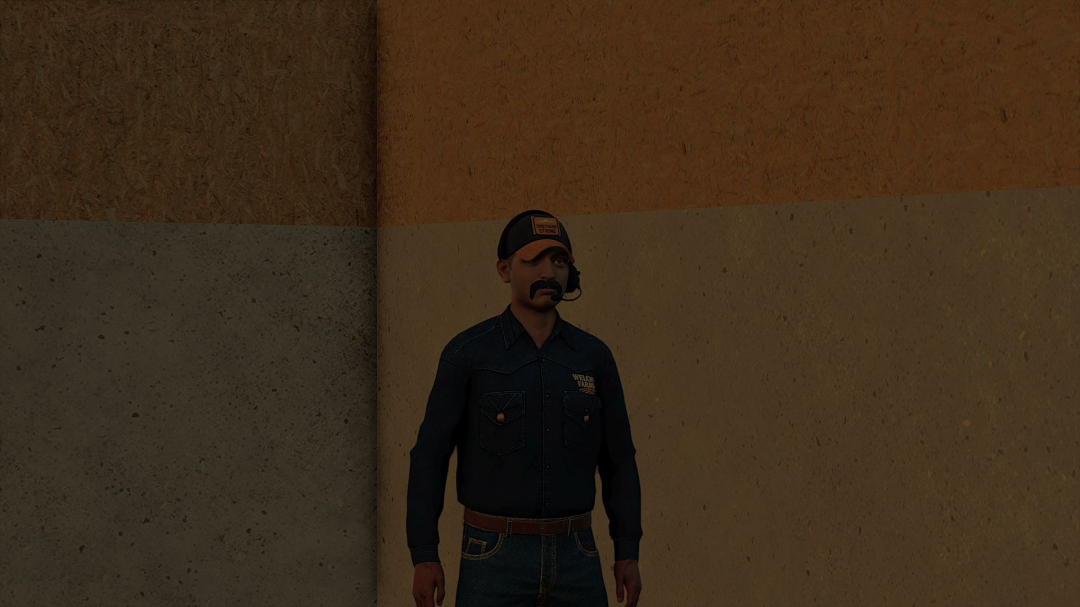
Clothing Hardworking blue collar boys V1.0
Over 30 color options for Pearl Snap Carhartt Work Shirts (Hands are fixed)
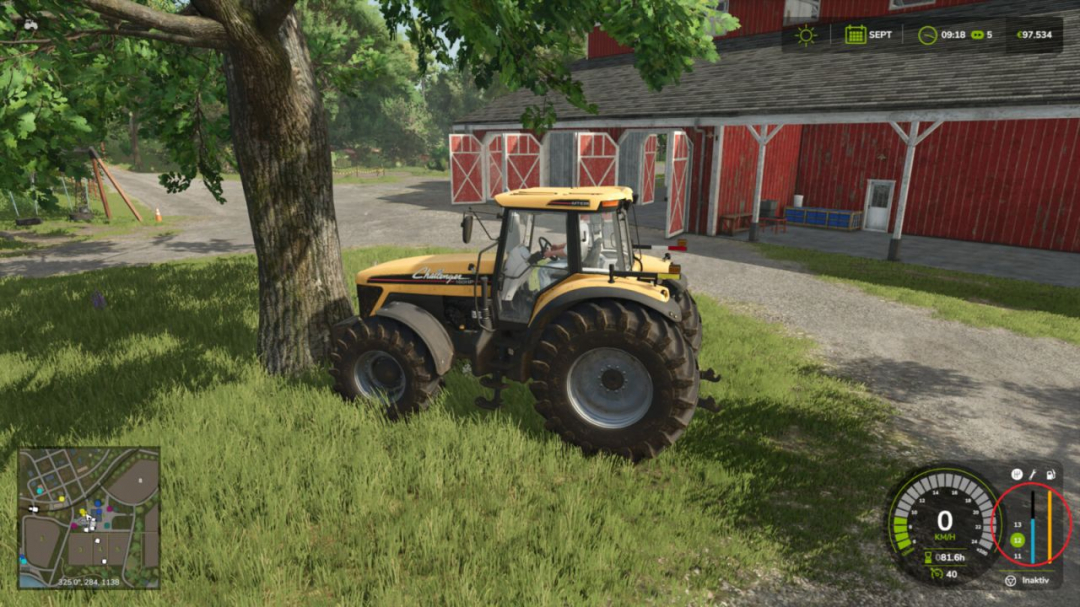
Collision Damage V1.2.1
Adds additional vehicle damage after stronger collisions. The mod utilizes the existing Giants damage system. There are no visible deformations, but the vehicle's normal damage value increases and can be repaired as usual. Stronger impacts are detected when the sensor-based check confirms external contact in the travel or sensor area. When two usable vehicles, trailers, or tools collide, the hit object can also receive the same additional damage if it has its own damage system. Static obstacles such as buildings or trees are not affected. The vehicle combination's own attached tools or trailers are not counted as a second crash participant. Damage calculation is performed on the server side, using the game's existing saving and synchronization. V1.2.1.0 Added damage profiles and advanced settings. Settings are now stored per savegame. The server controls settings in multiplayer. Server settings are synchronized with joining players.
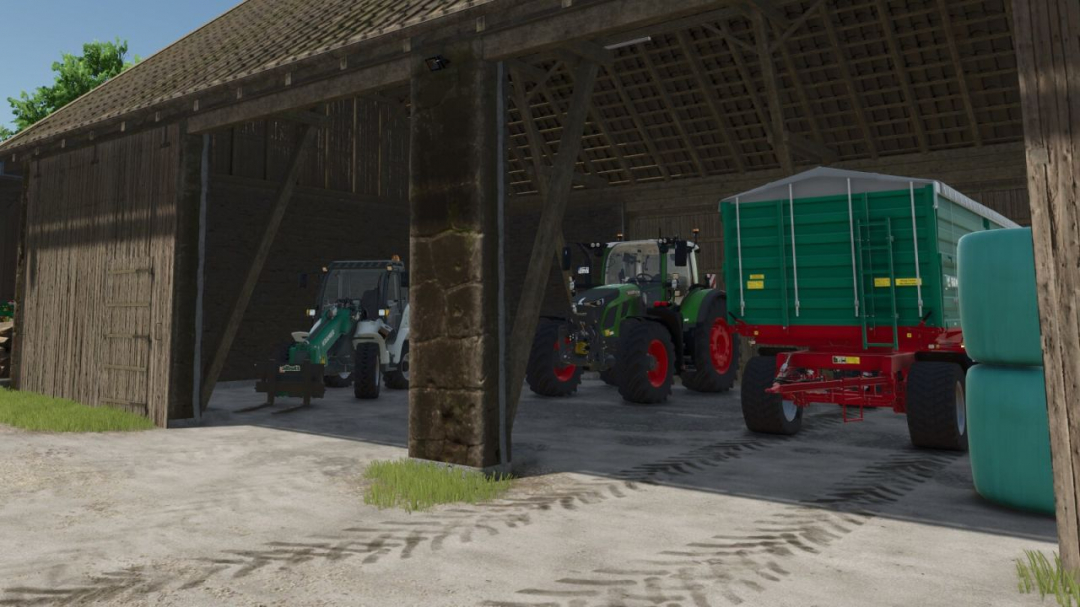
Door Time Switch V1.0
Add a time switch to the doors and gates of your sheds and animal barns. Only buildings on land owned by a player farm are included. Shed doors and gates are closed from 22:00 and reopened from 05:00. Animal barns use different switching times for each animal type (cows: 21:30–05:30; sheep: 18:30–07:30; pigs: 21:00–07:00; chickens: 19:00–05:00; horses: 19:00–07:00). At opening time, only doors and gates that a player previously opened manually and left open are reopened. This selection remains saved until the respective door or gate is closed manually.
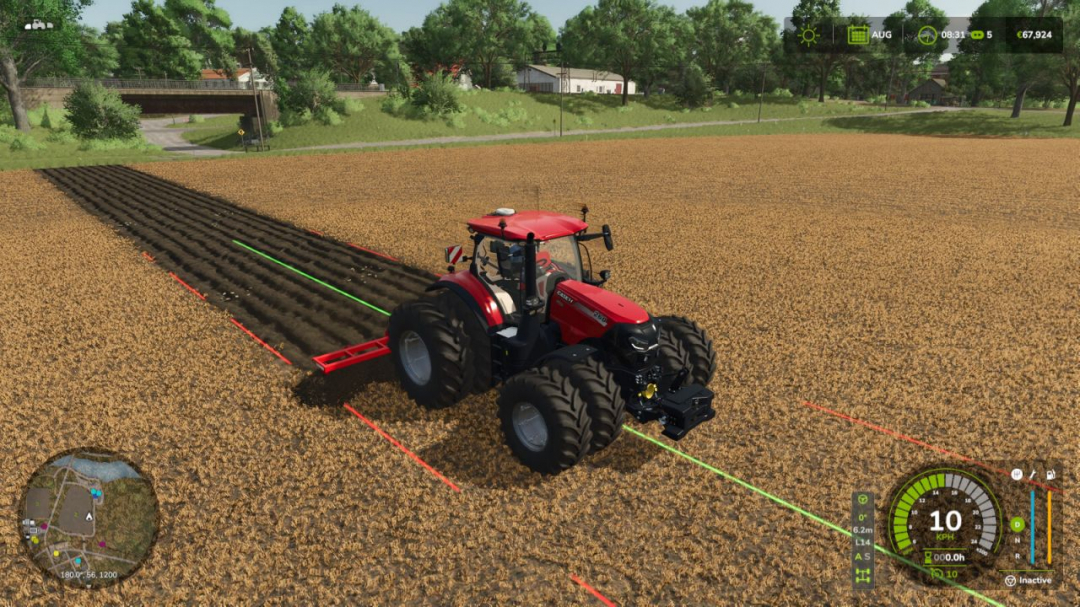
Precision Track V1.0
Create your fields with precision. Switch gears and differential locks with a single shortcut. Precision Track is an easy-to-use guidance and vehicle-control mod, designed to help you create new fields from scratch. It guides your vehicle along straight, parallel lines at your chosen angle, without scanning fields or relying on existing field boundaries.AUTOMATIC / SEQUENTIAL: Right Shift + 0 switches between automatic and sequential shifting on compatible geared vehicles. The selected A or S indicator lights up green. In sequential mode, change gears with the game’s shift controls. DIFFERENTIAL LOCKS: Right Shift + 9 cycles through factory settings, front lock, rear lock, both axle locks and back to factory settings. Locked wheels turn red on the HUD. Unsupported axle modes are skipped; the centre differential is not changed.GPS MADE SIMPLE Choose a native angle or Manual (1°). In Manual mode, point the tractor in the desired direction. Press Left Ctrl + W to engage or disengage guidance, and use Left Alt + W to forget the reference before defining a new one.Guidance lines have uniform width and rounded ends: the continuous center line is bright green while guidance is engaged and pale yellow while the reference is ready, with bright red dashed side lines marking the current working width. Line display can be Always, Temporary (1–20 s), or Hidden. – Steering tolerance for wheels and analog sticks is adjustable from 0% to 20% in the settings menus, with a default of 8%. Each player saves their own preference. Adjustable line height: ground level, 0.5 m, 1 m or 1.5 m above the terrain. This visual preference is saved per player. – Automatic working width, or manual adjustment. Without a working implement, the vehicle width is used. Native terrain angles: 0°, 22.5°, 45°, 67.5°, 90°, 112.5°, 135° and 157.5°. Manual mode adjusts the direction in 1° steps. Straight guidance works forward and in reverse, and the optional 90° preview can be switched on or off. – Smooth, player-triggered headland turns spanning 1 to 15 working widths. Enable the turn option, engage the GPS and use Left Alt + A/D. – Compact HUD aligned with the bottom of the speedometer, with larger text and indicators for guidance, angle, working width, lane, transmission and differentials. It follows the game’s HUD scale. – Short notification sounds with adjustable volume. – Compact settings menu and a Precision Track tab in the game’s settings. Actions can be rebound to keyboard, controller or steering-wheel buttons recognized by the game.IMPORTANT Creating new ground still requires an appropriate plow, the game’s Allow create fields option and land-use permissions. Precision Track controls steering, not throttle, brakes or implement operation. Turns do not detect field ends or avoid obstacles: the driver chooses when and where to turn. Transmission and differential controls require compatible vehicles. The mod does not add gears or axle differentials to vehicles that lack them. Its differential controls are disabled on vehicles controlled by Enhanced Vehicle, Vehicle Control Addon or Vehicle Dynamics Control. No external mod dependencies.DEFAULT SHORTCUTS — remappable in Controls Right Ctrl + P: Open Precision Track settings Left Ctrl + W: Enable / disable Precision Track Left Alt + W: Forget guidance reference Left Ctrl + Left Alt + W: Refresh guidance width Left Ctrl + ?: Shift guidance left Left Ctrl + ?: Shift guidance right Left Ctrl + ?: Increase guidance angle Left Ctrl + ?: Decrease guidance angle Left Shift + Numpad +: Increase GPS working width Left Shift + Numpad -: Decrease GPS working width Left Ctrl + Numpad +: Increase turn lane count Left Ctrl + Numpad -: Decrease turn lane count Left Alt + A: Automatic turn left Left Alt + D: Automatic turn right Right Shift + 9: Cycle differential locks Right Shift + 0: Automatic / sequential transmission
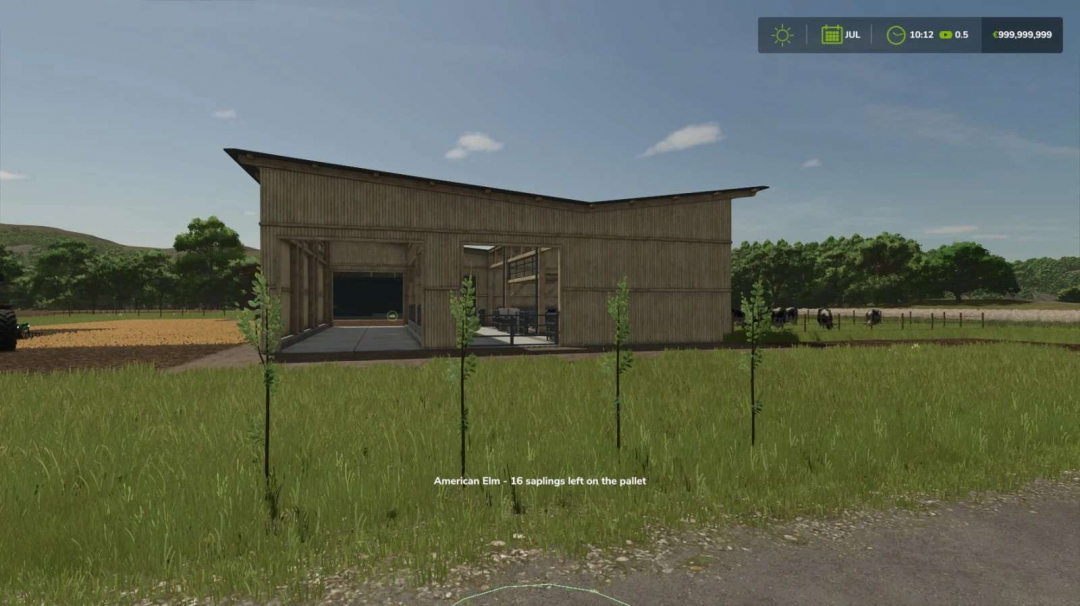
Plantable Trees v1.0
Plant trees without any machines, using only your hands! After purchasing the license, you'll be able to plant tree saplings manually. The license can be bought in the shop under the Tree Planters category. To plant, simply have a tree sapling pallet nearby. Each tree you plant consumes one sapling.Controls: Once you have the license, select the hand tool. Stand near a tree sapling pallet and left-click to plant a tree where you're looking.License price: $1,500
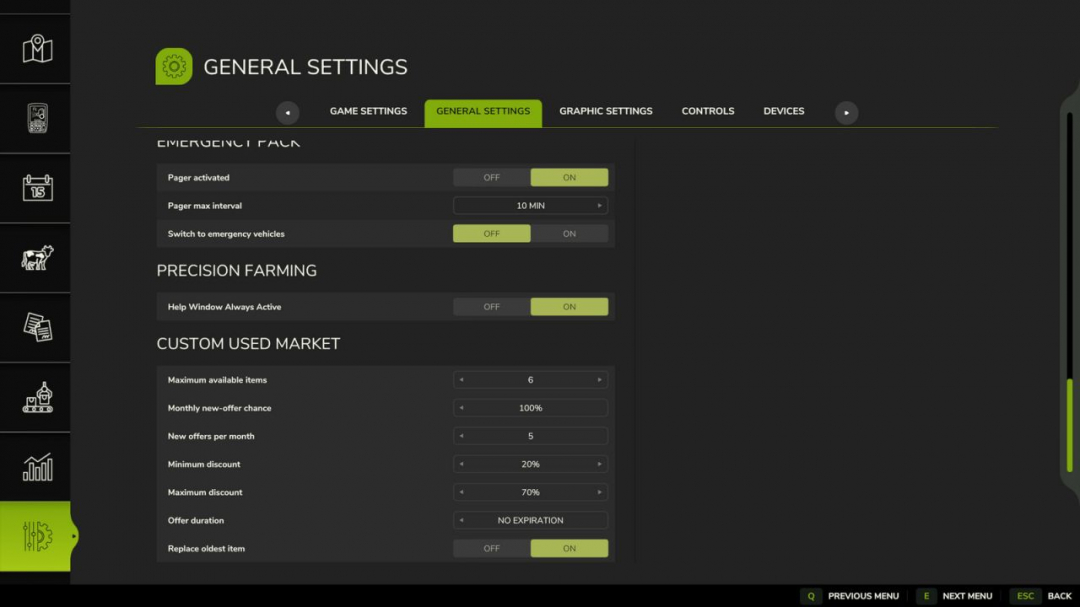
Custom Used Market V1.0
Customize the used vehicle market directly from the in-game settings. Adjust parameters such as the maximum number of offers, monthly restock chance, offers per month, discount range, offer duration, and replacement of the oldest offers. The mod retains the current number of offers when a save is loaded. In multiplayer mode, market generation and settings are managed by the host or server.

FS25 Marking spray v1.1.0.0
FS25 Marking spray v1.1.0.0 With the marking spray, you can apply markings directly to the ground in Farming Simulator 25. The spray is particularly suitable for construction sites, traffic safety, surveying work or other tasks where areas and positions need to be visibly marked. Functions: • Three different spray colors: – Neon orange – Neon red – Neon blue • Several line widths • Freely spray lines and markings • Undo function • Markings can be removed again • Markings are saved The marking spray was primarily developed for construction, traffic and municipal work, but can of course also be used for other purposes. **Usage information:** The marking spray is **not available for purchase in the shop**. It is activated or equipped directly via a **key combination**. You can find the exact controls in the included **README file**. All key bindings can also be individually adjusted in the **Farming Simulator 25 control settings**. If you find any bugs or have problems with the mod, feel free to contact me on Discord. Have fun with the mod! V1.1.0.0 – Multiplayer Update


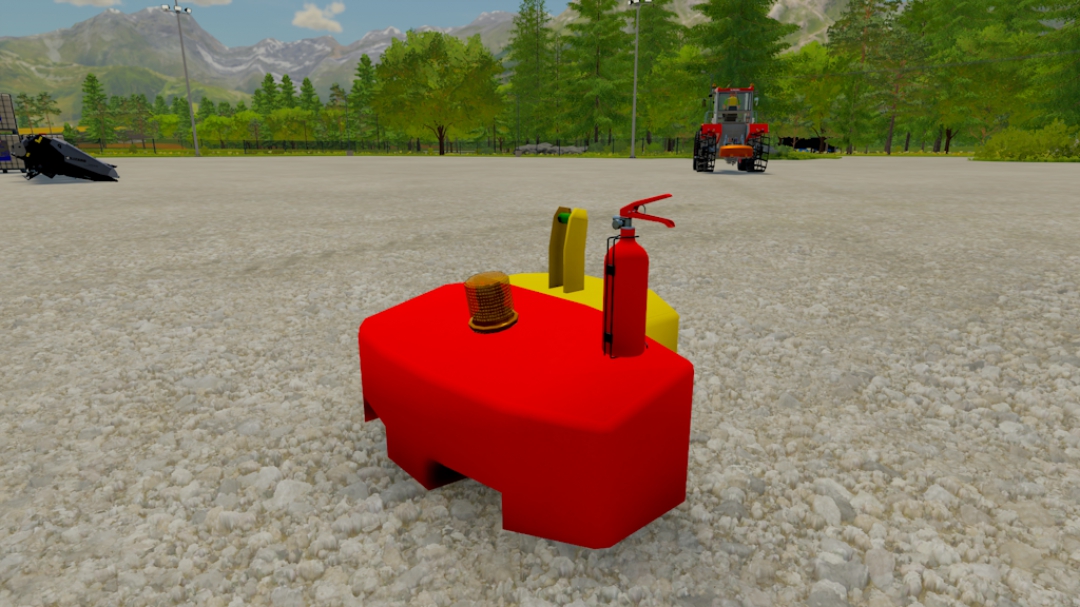
Custom Weight Rust Edition 1.2.0.0
Custom Weight - Price: 800$ - Weight 1600KG - Three Color configuration - Can be strapped down to trailers - Beacon configuration - Fire safety configuration Changelog 1.1.0.0 Updated moddesc Lowered file size Changelog 1.2.0.0 New normal map for model Adds rust for ingame wear instead of normal game wear.
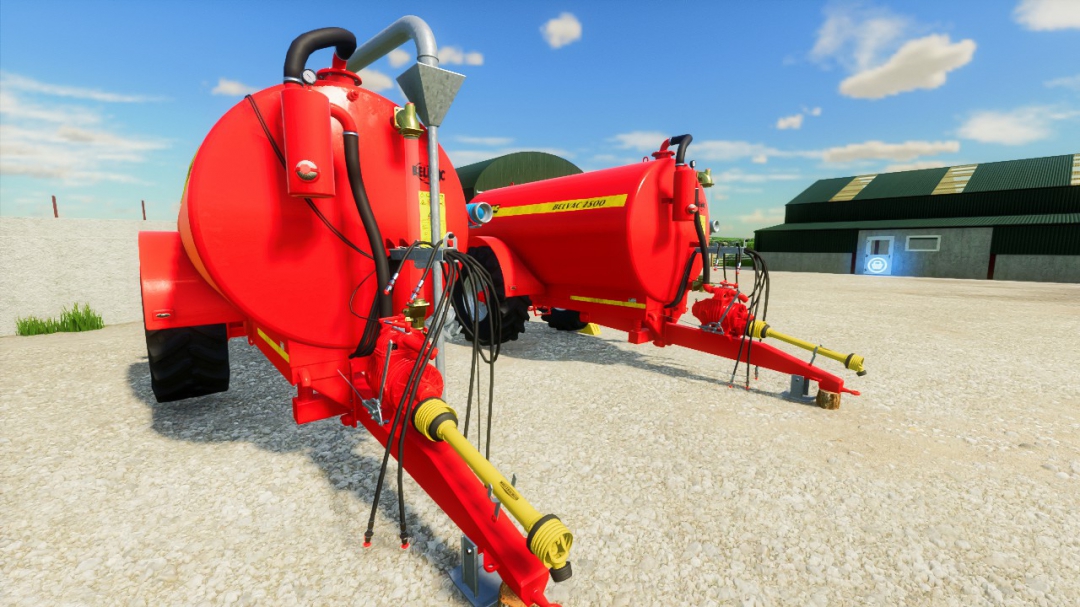
Belmac Belvac 2500
The Belmac Belvac 2500 is a compact, reliable slurry tanker designed for small to medium farms across Ireland and the UK. Built with Belmac’s trademark heavy‑duty engineering, this 2,500‑litre tanker is ideal for tight yards, narrow lanes, and farms that need a simple, no‑nonsense slurry solution. Specifications: - Working width: 8.5M - Capacity: 11500 Litres - Power: 140-160 - Different colour selections Hope yous all like this mod
- 15 per page
- 30 per page
- 45 per page
- 60 per page
-
See more per page
Bigger pages, fewer clicks - and no ads anywhere.
Go Pro