Farming Simulator 22 mods
50,532 results- 15 per page
- 30 per page
- 45 per page
- 60 per page
-
See more per page
Bigger pages, fewer clicks - and no ads anywhere.
Go Pro
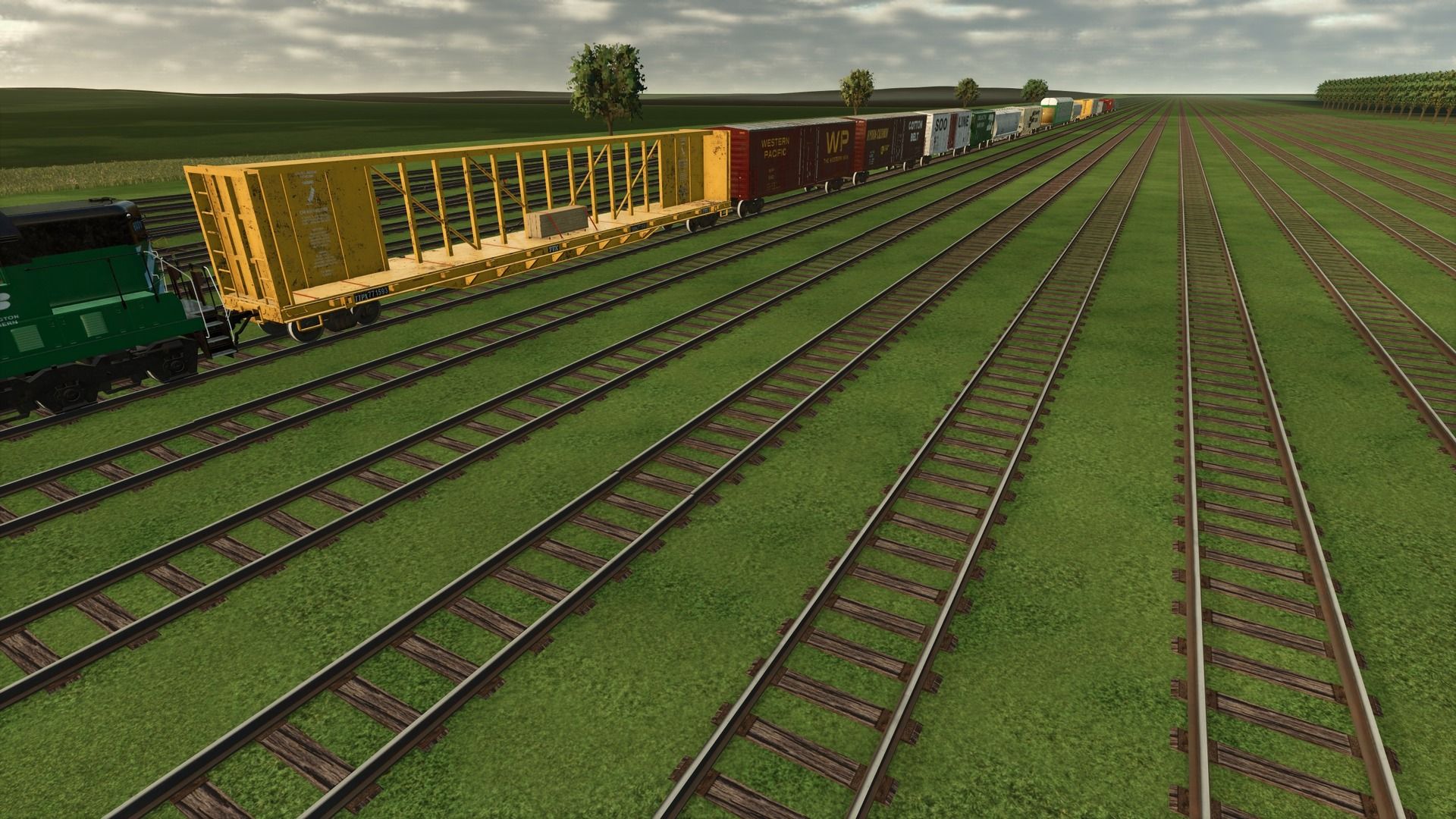
Railway wagons FS25
This is my railroad rolling stock converted to FS25! Not everything has been converted yet, but will be eventually. CHECK THE DEVLOGS FOR NOTES ON WHAT WAS ADDED/CHANGED IN THE MOST RECENT UPDATE. Here is a quick guide for setup with an explanation below: Store deliveries mod to spawn rolling stock next to track. Some kind of extra strength to place rolling stock on the track (I recommend LUMBERJACK), with invisible wheels in the middle between the rails. Connect a locomotive and unfold the rolling stock. For all of the rolling stock, I use the Store Deliveries mod to spawn it next to the track, then I use super strength to place the railcars on the track. I recommend the LUMBERJACK mod, as it is capable of lifting the rolling stock if you change the settings in-game. Anyway, there are invisible wheels in the middle of the front and rear axles of every truck. Those invisible wheels sit between the rails, and that is what keeps them on the tracks. The trucks will sit on the tracks as they should. Once you have the rolling stock correctly on the tracks with the invisible wheels between the rails, you can connect a locomotive to it. You then have to use the "fold" function to unfold the rolling stock. This will allow the trucks to turn as they should and follow the rails correctly. All rolling stock can be connected from either side, except for the passenger cars and the intermodal cars. Those can only be connected when they are all facing the same way. This mod, like most of my mods, is a big WIP. I add things as I think of them and am constantly tweaking and updating it. As always, let me know if you have any suggestions or feedback.
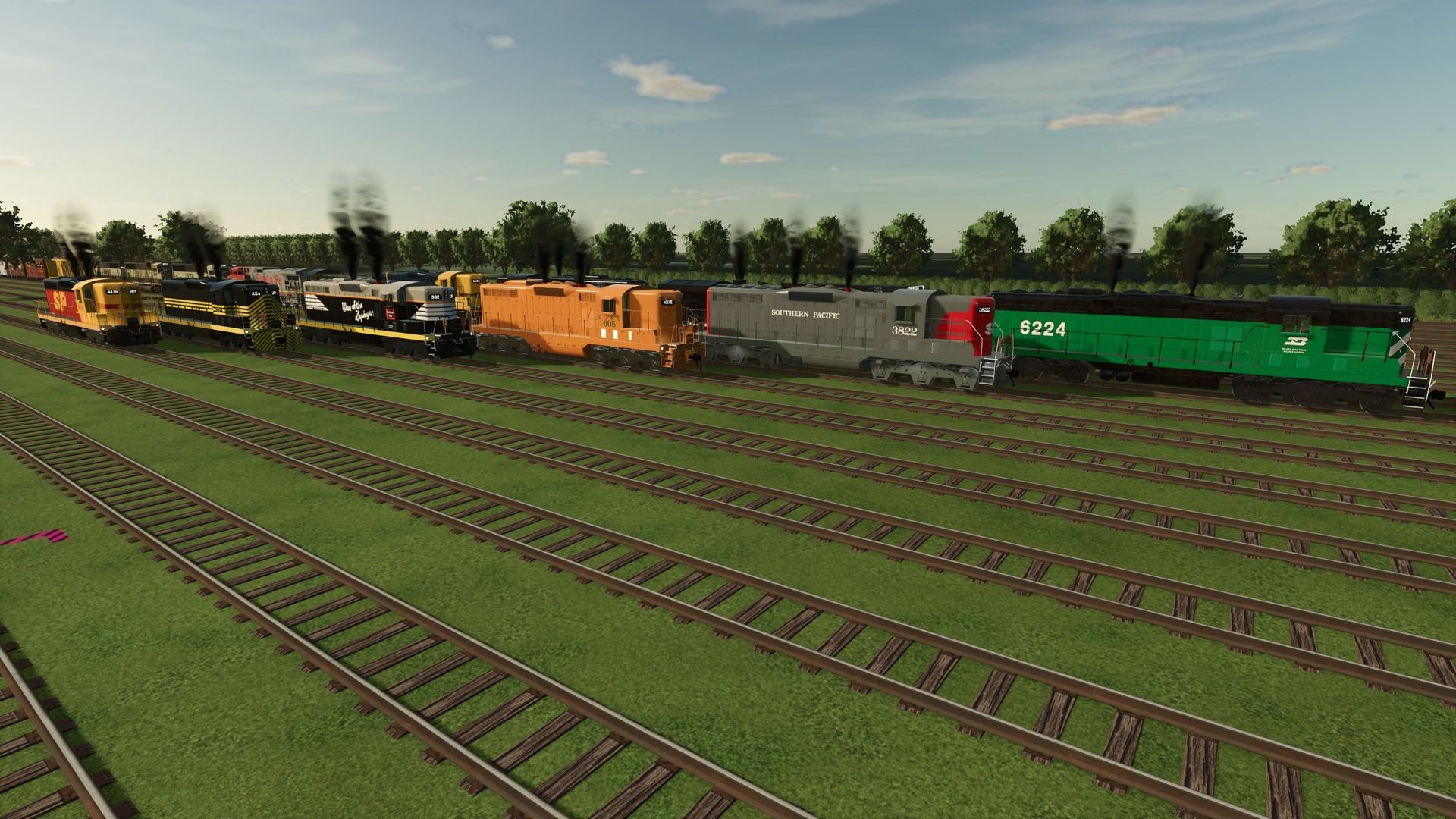
Railway locomotives FS25
JWEEZY IS BACK ON FARMING SIMULATOR 25 🎊 This is my pack of railroad locomotives converted to FS25! For release it does not include everything from FS25 yet, but it will eventually! CHECK THE DEVLOGS FOR NOTES ON WHAT WAS ADDED/CHANGED IN THE MOST RECENT UPDATE. Here is a quick guide for setup with an explanation below: Store deliveries mod to spawn loco next to track. Some kind of extra strength to place loco on track (I recommend LUMBERJACK), with invisible wheels in the middle between the rails. Enter the locomotive and unfold to unlock the trucks to turn freely. For all of the locomotives, I use the store deliveries mod to spawn it next to the track, then I use super strength to place the locos on the track. There are invisible wheels in the middle of the front and rear axle of every truck. Those invisible wheels sit down in between the rails and thats what keeps them on the tracks. the trucks will sit on the tracks as they should. Once you have the locomotive on the tracks correctly with the invisible wheels between the tracks, you then must hit the "fold" function to unfold the loco. This will allow the trucks to turn freely as they should and allow them to follow the rails correctly. All locomotives can be connected to rolling stock and to other locomotives from either end. Currently, connecting multiple locomotives together does not increase the pulling power. However, you can use the follow me mod to combine pulling power! All locomotives have the option to select the locomotive number. All locomotives also have multiple different lights, including headlights for SHF and LHF, illuminated number boards, truck lights, step lights, and ditch lights. Turning on the locomotive will turn the bell on. This mod, like most of my mods is a big WIP. I add stuff as I think of them and I am constantly tweaking and updating it. As always, let me know if you have any suggestions or feedback.
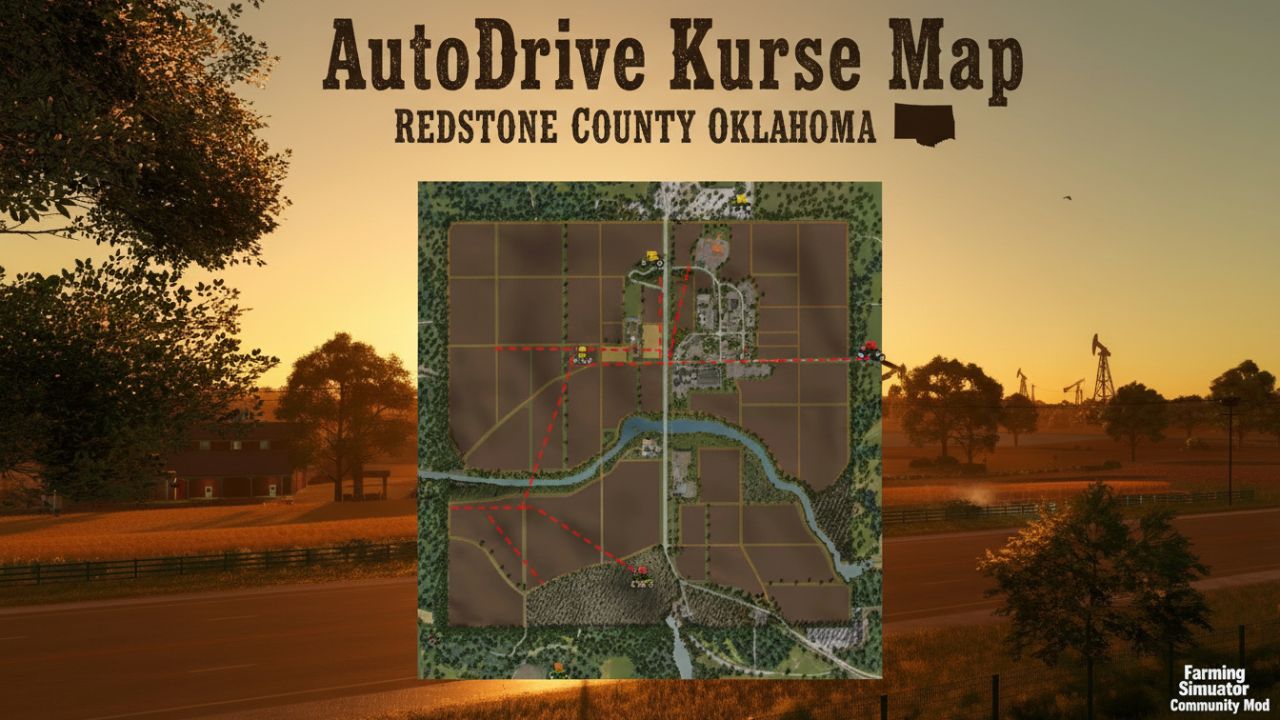
AutoDrive Redstone County-Oklahoma FS25
An AutoDrive course for the Redstone County map! For now, it features the main roads.

JVN Northlight FS25
Installing the **JVN Shader** is relatively easy. The included files simply need to be copied into the correct folders. The ReShade preset file **JVN Northlight.ini** goes into the folder: `Farming Simulator 25\x64` The existing ReShade installation must also be located in the **x64 folder**. The files **environment.xml**, **ColorgradingNight.xml** and **colorgrading.xml** go into the folder: `Farming Simulator 25\data\maps\mapUS\config` Existing files may need to be replaced. It's best to create a backup of the original files beforehand so you can revert to the default graphics at any time. Additionally, the mod **“Additional Game Settings”** is required. After installation, you will find it at: **Settings → Additional Settings → Non-standard Lighting** Select the appropriate setting. For the intended look, the non-standard lighting should be set to **Riverbend Springs**. I personally play at a resolution of **2560 × 1440 (WQHD)** and maximum graphics settings. For non-standard lighting, I use **Riverbend Springs** and for the ReShade preset, **JVN Northlight.ini**. The shader may look slightly different at other resolutions, graphics settings, or maps. You can then start Farming Simulator 25 as normal and select the preset **JVN Northlight.ini** in ReShade. The shader is tailored to my personal look and combines a customized environment, custom day and night color grading, and ReShade. Colors and lighting may vary slightly depending on the monitor, brightness, resolution, map, weather, and graphics settings. **Important:** For the intended look, both the included XML files and the non-standard lighting **Riverbend Springs** should be used. Using only the ReShade file will not produce the exact same look.


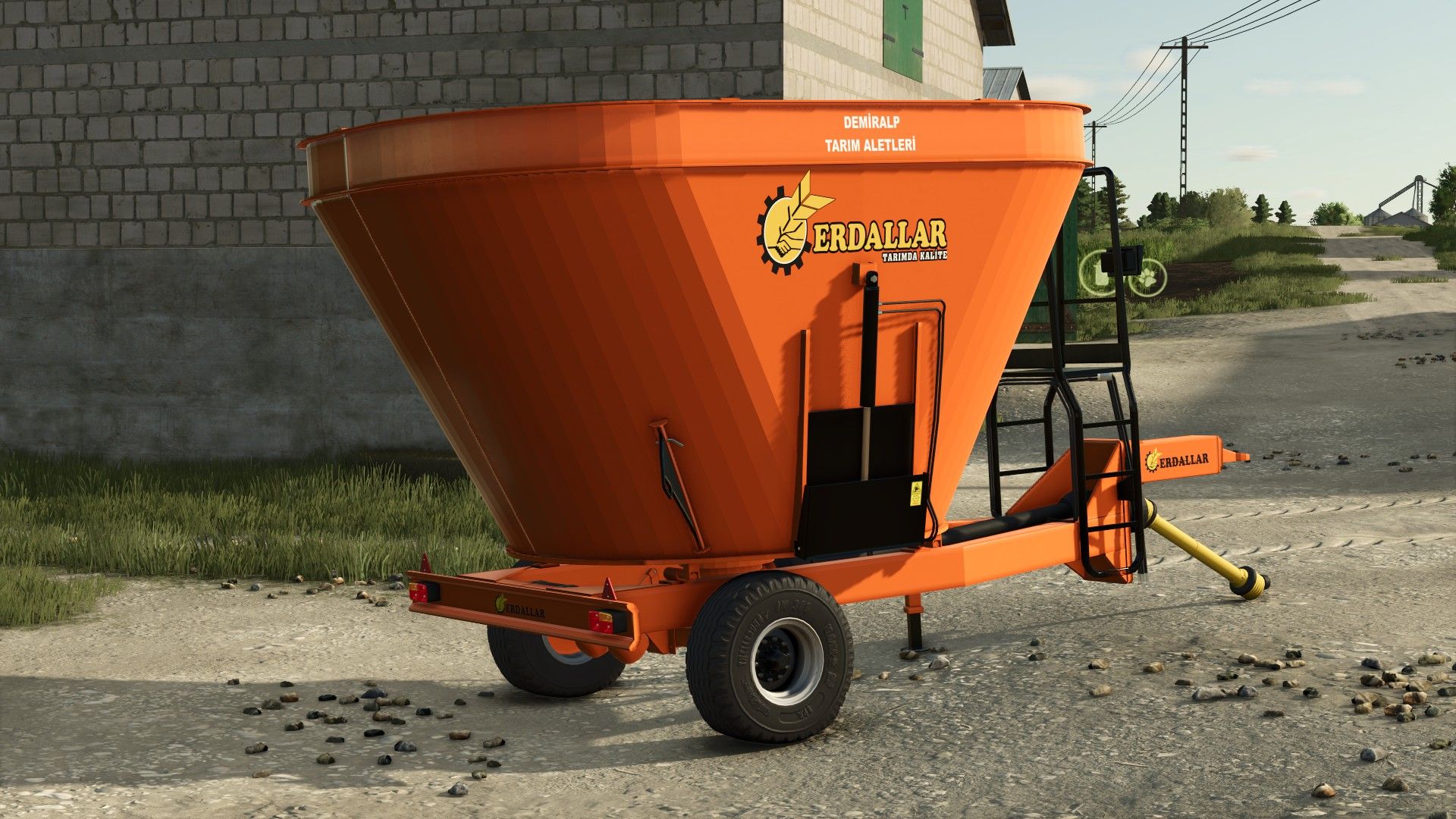
ERDALLAR 10 Feed Mixer V1.0.0.0
ERDALLAR 10 Feed Mixer V1.0.0.0 ERDALLAR DMR 10 CAPACITY 10,000-LITER THE MOD IS CURRENTLY UNDER DEVELOPMENT; THERE MAY BE SOME ISSUES. ENJOY THE GAME.

Leave the pedestrians alone V1.0.0.0
Leave the pedestrians alone V1.0.0.0 A simple mod for… running over pedestrians. Well, no… better avoid that then, because pedestrians are expensive.
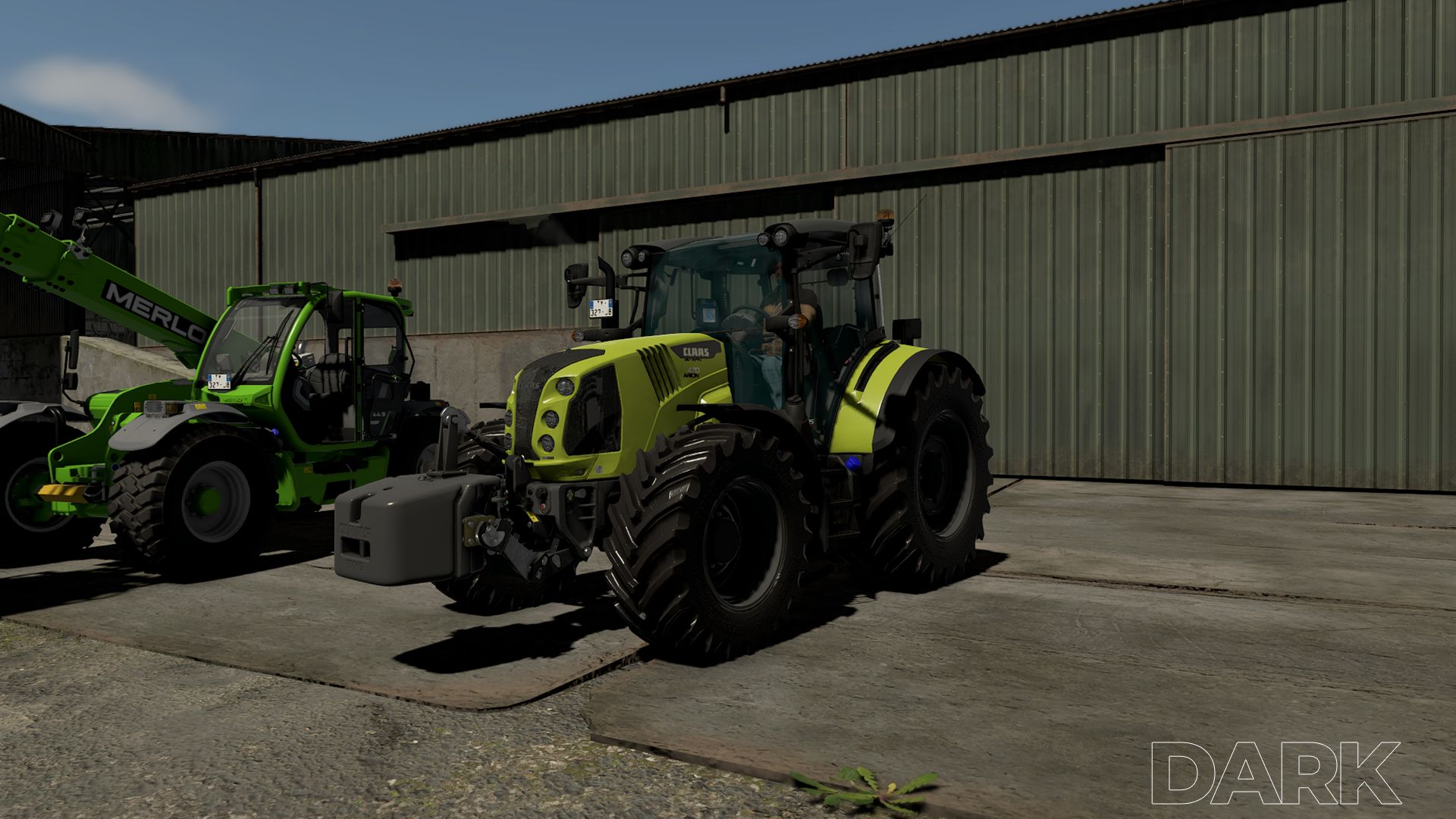
JVN Natural Vision V1.0.0.0
JVN Natural Vision V1.0.0.0 Installing the JVN shader is relatively easy. The included files simply need to be copied into the correct folders. The ReShade preset file JVN_Cinematic_Agriculture.ini goes into the folder: Farming Simulator 25×64 The existing ReShade installation must also be located in the x64 folder. The files environment.xml, ColorgradingNight.xml and colorgrading.xml go into the folder: Farming Simulator 25/data/maps/mapUS/config Existing files may need to be replaced. It’s best to create a backup of the original files beforehand, so you can switch back to the standard graphics at any time. The “Additional Game Settings” mod is also required. After installation, you will find it at: Settings → Additional settings → Non-standard lighting The appropriate setting. For the intended look, the non-standard lighting should be set to Riverbend Springs. I myself play at a resolution of 2560 × 1440 (WQHD) and maximum graphics settings. For non-standard lighting, I use Riverbend Springs, and for the ReShade preset, I use the JVN Natural Vision.ini. The shader may look slightly different at other resolutions, graphics settings, or maps. Afterwards, you can start Farming Simulator 25 as normal and select the JVN Natural Vision.ini preset in ReShade. The shader is tailored to my personal look and combines a customized environment, custom day and night color grading, and ReShade. Depending on the monitor, brightness, resolution, map, weather and graphics settings, colors and lighting may vary slightly. Important: For the intended look, both the supplied XML files and the non-standard Riverbend Springs lighting should be used. Using only the ReShade file will not result in an exactly identical look.

Slovenian Shed V1.0
This is a Slovenian Shed, It’s used for storing bales for the winter. This shed has been used for many years here in slovenia. Price: 5000E Credits: Patr1k on Apn6 Download mod File File size FS22_SloObject 6 MB
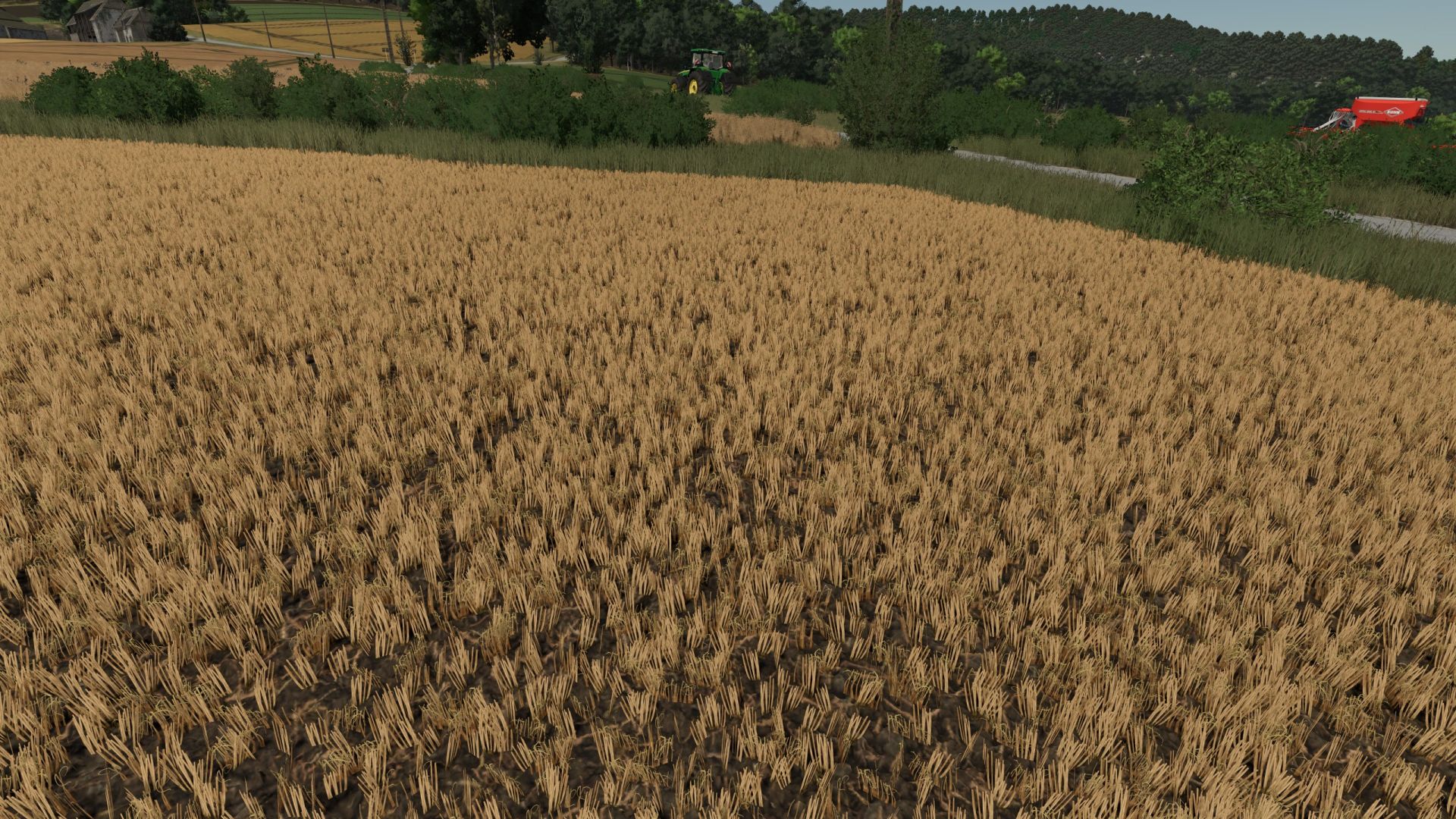
Realistic Stubble Tillage V1.0.0.0
Realistic Stubble Tillage V1.0.0.0 After tillage with the cultivator or disc harrow, part of the foliage remains visible instead of being completely removed and real Volunteer Grain grows after it. Volunteer Grain grows every day to keep a balance between realism and fun gameplay. Three profiles with per-crop-type adjustable values (found in the mod folder), selectable in the game settings. Custom crop types can also be added there. There are two pre-configured profiles for Giants Maps (Vanilla) or maps that use the Template from WeekendFarmers/T4xs (TemplateMap) Example from custom1.xml: settings name=”YOUR NAME” Here, you can enter your own profile name, which will also be displayed in the in-game menu. DO NOT rename the file itself! Otherwise, the profile can no longer be loaded! fruit name=”WHEAT” densityReductionPercent=”2″ targetFoliageState=”10″ fruit name: The name of the crop, exactly as it is listed, for example, in fillTypes.xml. densityReductionPercent: The percentage by which the stubble should be reduced with each pass. It is intentionally set low (1–3). Higher values will thin out the stubble very quickly. targetFoliageState: The crop state that should be set during cultivation. This depends heavily on the map being used and the respective crop! If something does not look as expected, it is best to use Easy Development Controls to first set the state to “sown” (FoliageState “1”). Then count up from there until you reach the desired result, and enter that number here. You can also test this without restarting the game. Simply change the values, save the file, briefly select a different profile in-game, then switch back to your desired profile — your changes will be active immediately! volunteerGrain: Should volunteer grain grow after tillage? (true/false) volunteerGrainChance: The chance in % at which volunteer crop can grow. New/custom crops: You can easily add your own crops following the same pattern. THIS MOD WAS MADE WITH THE HELP OF AI
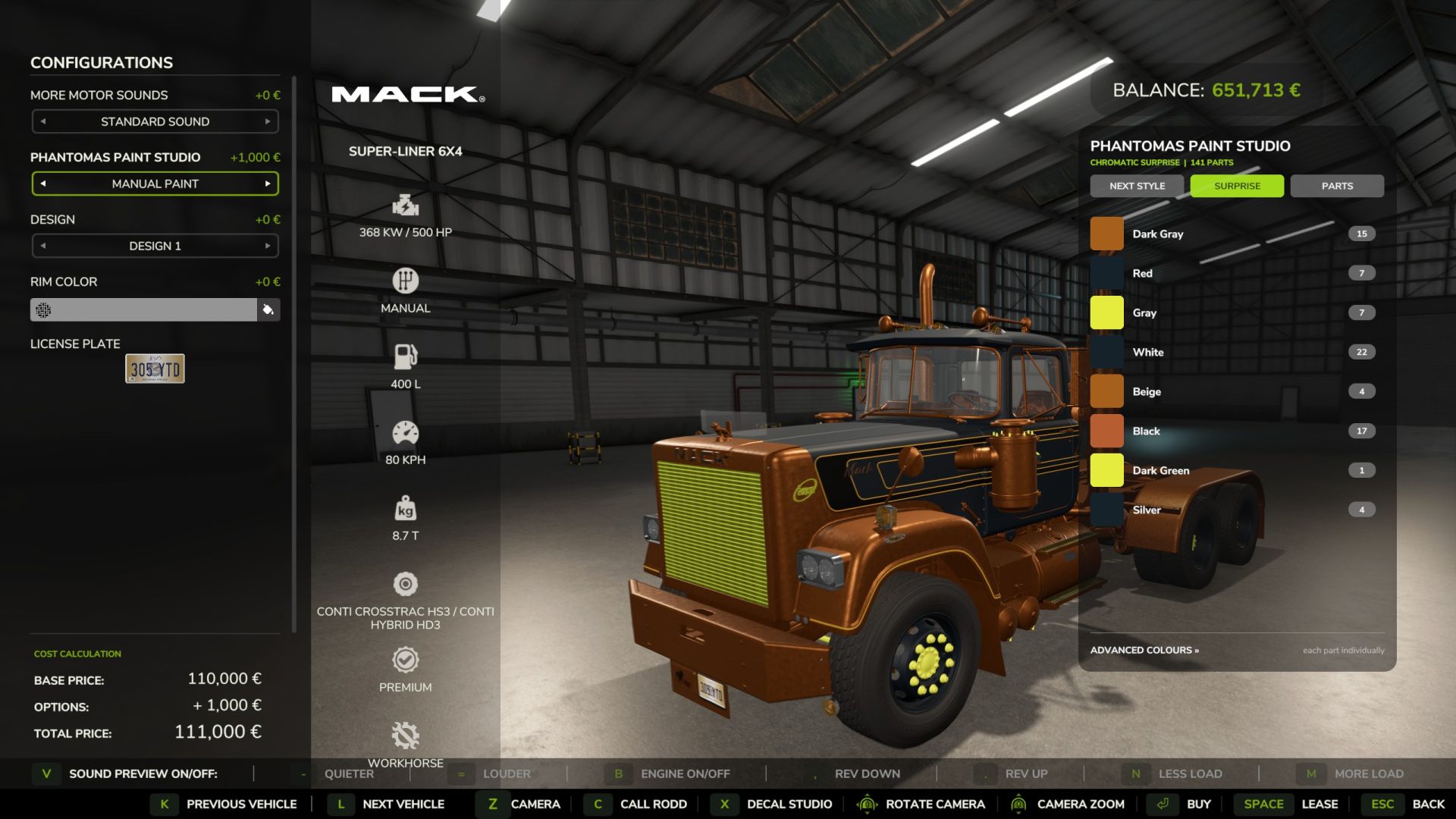
Paint & Decal Studio V3.6.0.0
Paint & Decal Studio V3.6.0.0 PHANTOMAS Paint & Decal Studio paints EVERY paintable material on a vehicle – not just the handful of colour slots the vehicle maker exposed.even not paintable vehicles. Enable “PHANTOMAS Paint Studio” in the shop or workshop to open the studio. The LIST contains full paint presets: every curated shade is available in Glossy, Metallic and Matte, with additional Pearl, Candy, Chrome and Galvanized selections. Use any RGB colour, premium finishes and more than twenty original patterns. Switch to the per-part tree for independent left/right material-slot control. Cycle an extensive collection of curated whole-vehicle themes with STYLE PRESET or generate a four-role chromatic combination with SURPRISE. Applying paint costs an adjustable fee, and every design survives buying, saving, workshop changes and multiplayer. Version 3.1 adds the first visual Decal Library. Open DECAL STUDIO to replace the paint rail with a clean thumbnail catalog and choose PHANTOMAS Emblem, Spectral Wolf, Mechanical Raven or Harvest Crown. The shop camera stays completely native while browsing: Alt + left drag rotates it and plain mouse wheel zooms. Shift + mouse wheel adds a precision close-up range for detailed decal placement and returns cleanly to the native field of view when the studio closes. Decal commands are armed only while Left Ctrl is held. Ctrl + left-click places the chosen design; Ctrl + right-click selects an existing decal for editing. Middle-mouse drag uses Surface Snap and follows detected vehicle panels; large false jumps through render-only panels are rejected. Ctrl + middle-mouse drag provides Free Move without raycasting or changing decal orientation, allowing positioning over aluminium boxes and other visual-only body panels. Shift + middle-mouse drag tilts freely on two axes. Placement rays ignore existing PHANTOMAS decals and showroom geometry. Ctrl + wheel resizes, Ctrl + Shift + wheel rotates on the surface, Ctrl + Alt + wheel adjusts depth, and Ctrl + Shift + right-click deletes. Rotation and both tilt angles are shown live in the library and persist through buying, saving and multiplayer. Decals are rendered double-sided so glass-mounted designs remain visible from both outside and inside the cab. Clicking a catalog thumbnail exits the current edit and prepares that design for placement. No vehicle I3D edit is required. Every design follows the selected vehicle component. Version 3.2 introduces the Layer Manager. Every applied decal appears in a paged visual list and can be selected without clicking the vehicle, reordered for clean overlap, hidden, locked against accidental edits, duplicated or deleted. Layer visibility, protection and order persist with purchased vehicles, savegames and multiplayer. Version 3.2.1 keeps Cyber Phoenix as a premium 4K decal and adds one-click MIRROR in Layer Manager. MIRROR creates a matching copy across the vehicle’s central left/right axis while preserving design, size, rotation and tilt. The mirrored copy is selected immediately for final surface adjustment. Version 3.3 adds Livery Presets. Six model-specific slots store and restore the complete current design in one action: every custom colour, finish, material pattern and decal layer. Presets are kept in the current savegame and can be overwritten or deleted directly from the new LIVERIES tab. Version 3.4 introduces Decal Packs. The DECALS tab now browses named packs and pages without crowding the studio. Its catalog is loaded from decals/decalPacks.xml, so future decals require only their DDS, thumbnail, I3D and one catalog entry; rendering and GUI scripts remain untouched. Existing decal IDs and saved vehicles remain fully compatible. Version 3.5 fills the studio with ten new original 4K decals: Diesel Bull, Golden Harvest, Mud Tracks, Twin Turbo, Cyber Tiger, Cyber Stallion, Mech Eagle, Gear Shield, Reactor Skull and Wheat Pinstripe. The collection is organised into Farming, Racing, Animals, Industrial and Ornaments packs. Every new asset includes a lightweight thumbnail and loads its full-resolution texture only when used on a vehicle. Version 3.6 rebuilds Paint Studio with a premium header and permanent STYLE, SURPRISE and PARTS controls. Whole-vehicle styles now reach every safe paintable part instead of inheriting the Advanced-list visibility filter, use a fourth semantic detail role and report their coverage live. Eight new chromatic templates and twenty-one exotic Pearl, Candy, Satin and coloured-Chrome finishes expand the palette. PHANTOMAS edition. Based on the original Manual Paint project by Robin (diod.es).
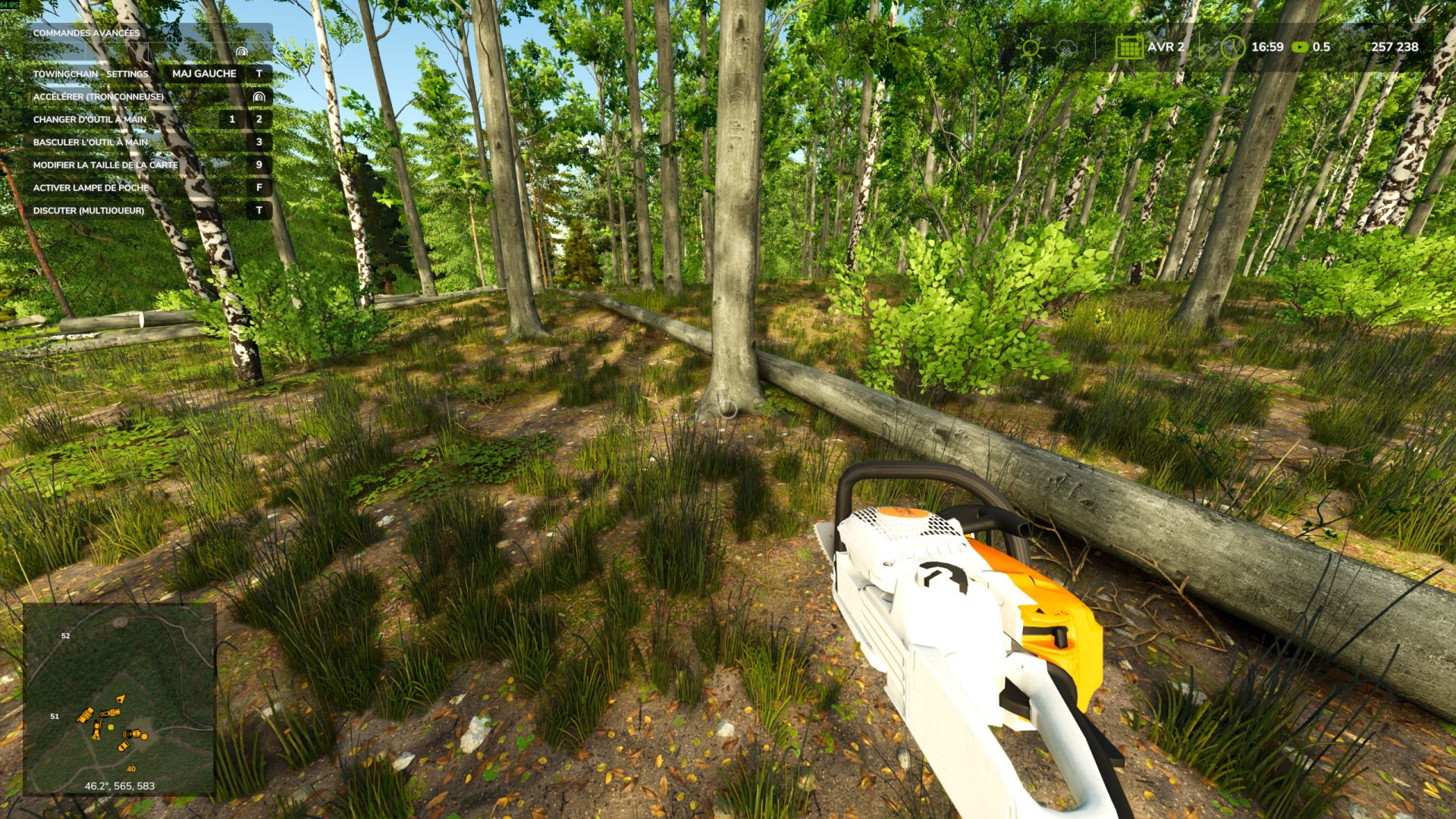
Automatic delimbing V1.0.0.0
Automatic delimbing V1.0.0.0 TO UNZIP Text document explaining how it works. If needed, contact me on Discord. Automatic delimbing of felled trees. You fell a tree with a chainsaw: the trunk reaches the ground already cleared of its branches and foliage. All that remains is to cut it into logs and load it. No more spending five minutes walking along each trunk to delimb it by hand before being able to sell it properly. NOTHING TO CONFIGURE No key to assign, no menu, no file to edit. You install the mod, activate it in your game, and the trees fall already delimbed. That’s all. WHAT’S HONEST ABOUT THIS MOD Auto Delimb calls the game’s native delimbing function. Nothing is simulated, nothing is secretly removed. The volume and quality of the wood remain exactly what they would be if you had done the work by hand: the sale price is not changed by a single cent. You save time, not money.
- 15 per page
- 30 per page
- 45 per page
- 60 per page
-
See more per page
Bigger pages, fewer clicks - and no ads anywhere.
Go Pro