Farming Simulator 19 mods
55,307 results- 15 per page
- 30 per page
- 45 per page
- 60 per page
-
See more per page
Bigger pages, fewer clicks - and no ads anywhere.
Go Pro
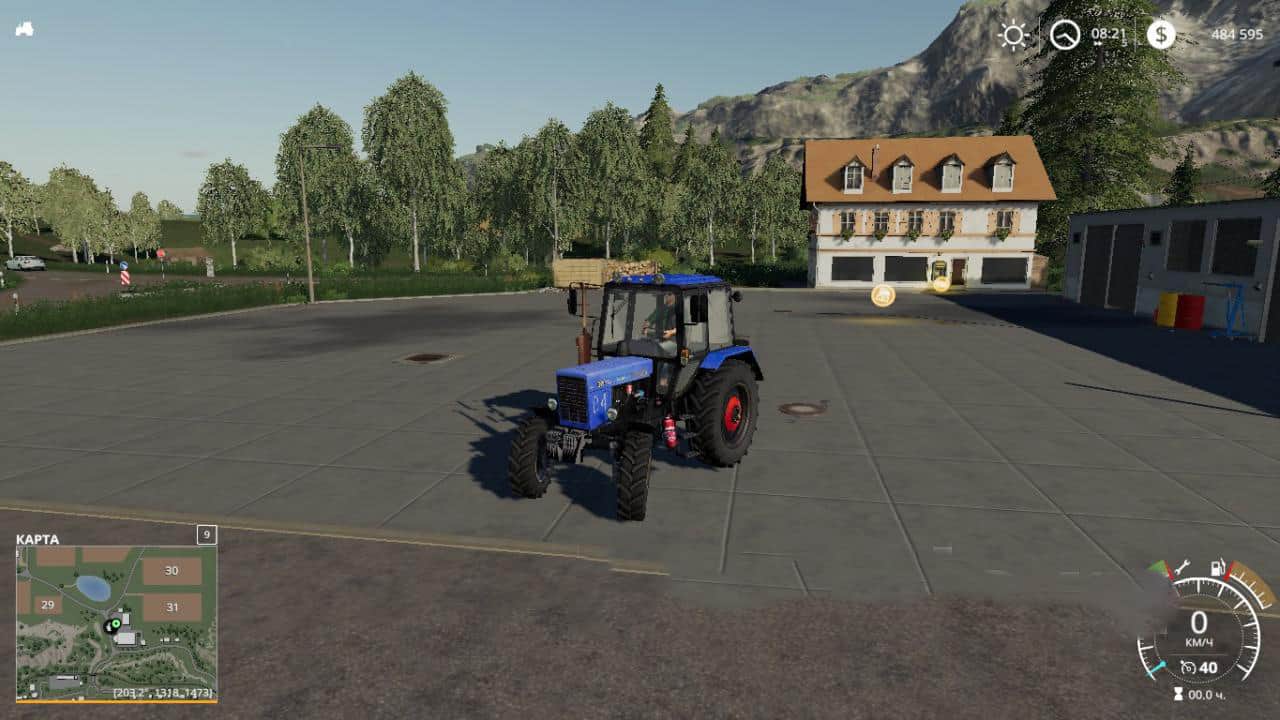
Belarus MTZ-82.1 v1.1 FS19
Belarus MTZ-82.1 v1.1 FS19 – Power: 60 kW / 81 hp.; – Speed: 40 km / h; – The volume of the fuel tank: 130 l .; – Cost: 15 000 €; – The choice of a counterweight; – The choice of mounting a front loader; – Animated radiator cooling fan, cardan and pedal; – Working dashboard; – Working lighting; – leaves traces; – Get dirty and wash. P.S. – I did it for myself, if you also like the blue MTZ to your liking, you can use it) Credits:UNorby, Black Star Mafia, KeLa
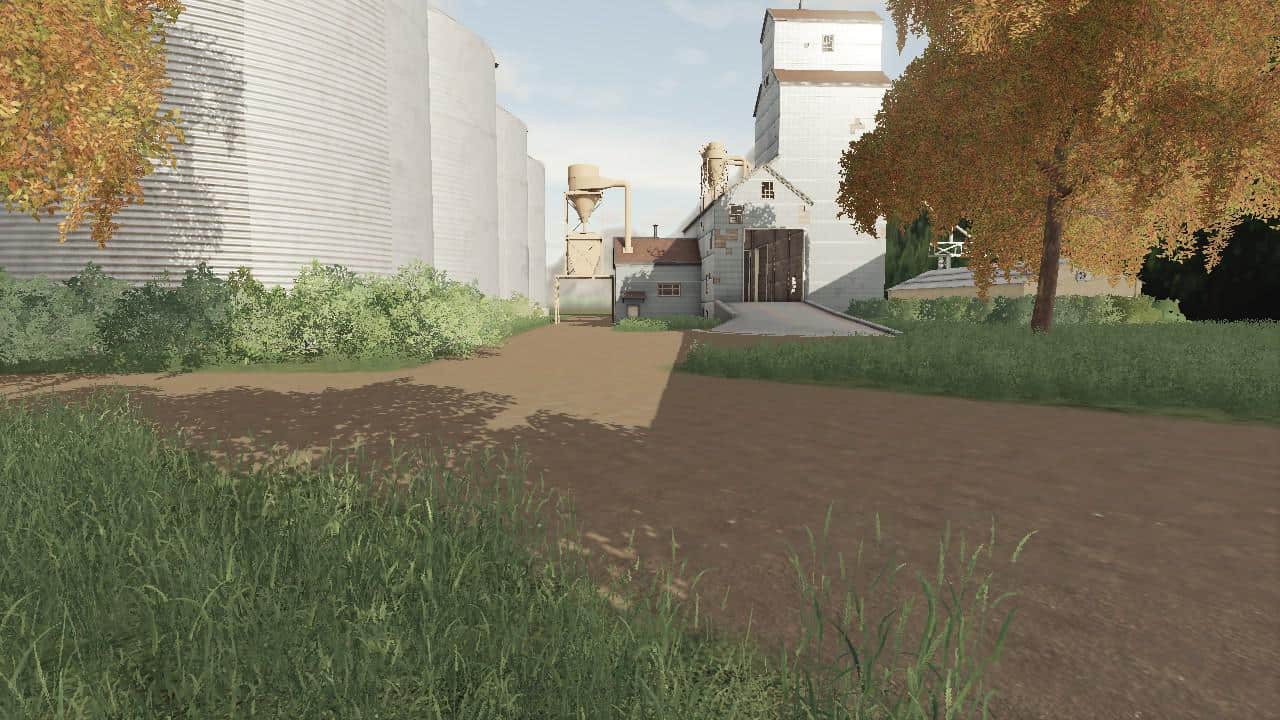
Twilight Acres Seasons Ready v2.0 Map
Twilight Acres Seasons Ready v2.0 Map And it comes to you with changes. Most notably the size and the amount of detail. All sale points are at the top of the map and the main farm at the bottom. The main farm has ample parking sheds and all animals except pigs. There are two types of silos on the farm; one for grain and the metal one for all other types of produce. The egg sale point is behind the Tim Hortons. You can sell grain via the train as you have access to 4 grain cars. The farm also has a BGA facility on site already owned. Traffic is also running. The map is also seasons compatible so have fun with the large fields Many of you already have your own equipment ideas so I just included one starting field.
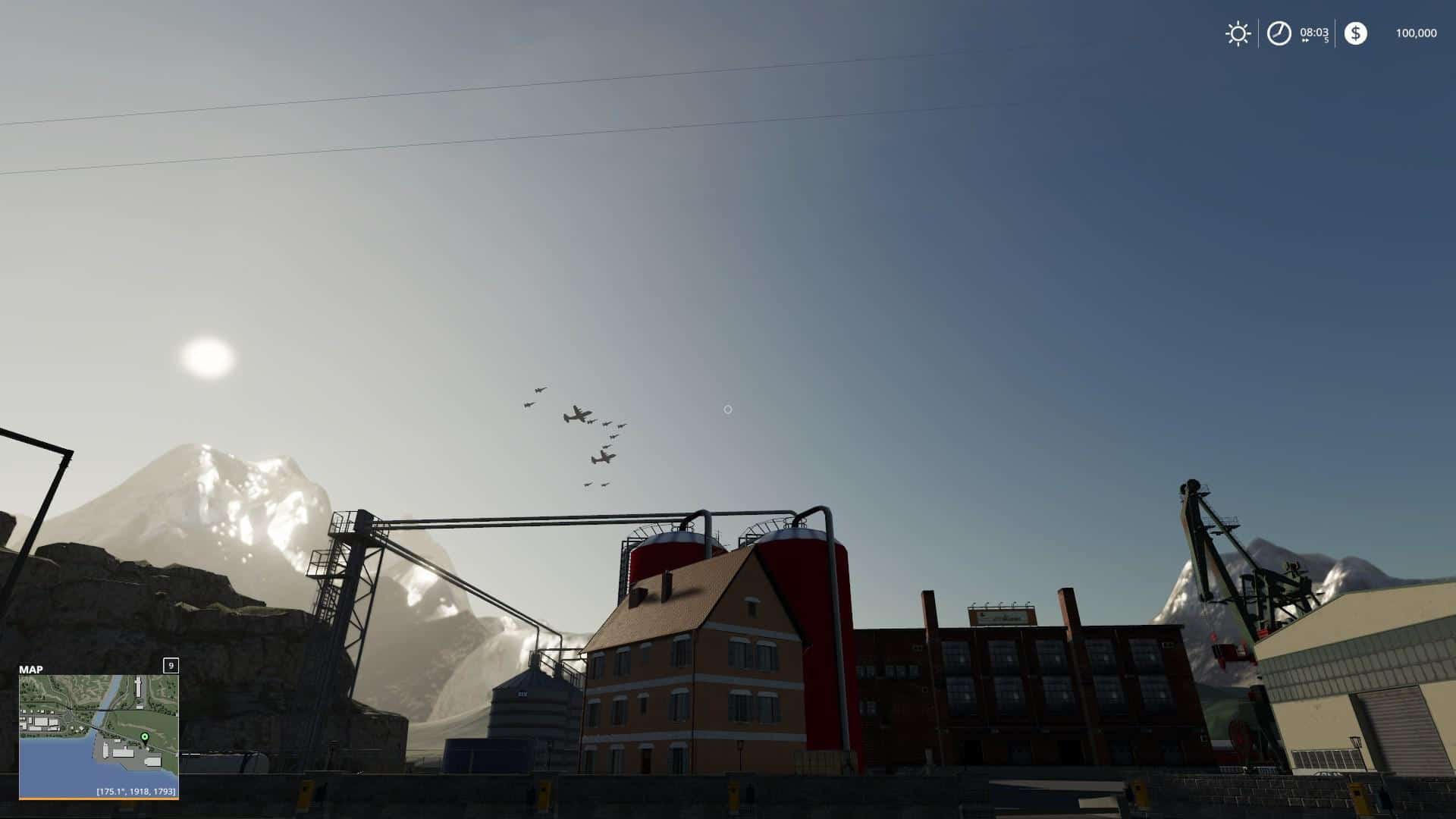
A JnJ Farm Saves repaired audio update Final Repaired Map
A JnJ Farm Saves repaired audio update Final Repaired Map Custom Animal Pens, Seasons and Animal Extention Ready, Map Seasons and Animal Extention ready, Major audio Update to map as well and now it saves too. (corrupt upload repaired)
People Brunn Seasons ready v2.1 Map
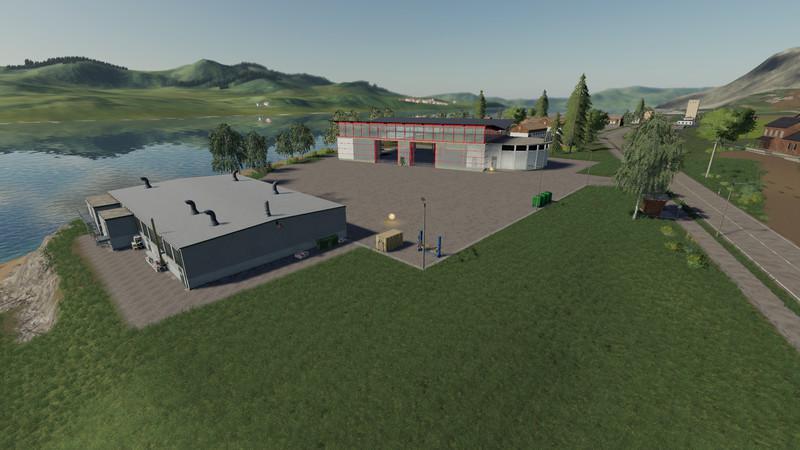
People Brunn Seasons ready v2.1 Map Seasons Mod ready Railway barriers inserted at Bhf. Ost Grass can now be drawn in the game Rail crossing across from the yard The dirt in the pigs is now in the stable Flags inserted at the dealer Acceptance of the bales from the Anderson addon at the cattle dealer The Volksbrunn is a converted Felsbrunn Standard Map. A complete new farm was created elsewhere with all the animals on the farm. The dealer moved near the yard. Where the fields 4 and 5 were is now a large, flat meadow. There are also better launch vehicles. Please keep in mind that on the map could still be mistakes! I always try to fix them in a timely manner. I hope you have a little fun with the map.
GPS v1.0 Beta FS19
GPS v1.0 Beta FS19 Mod GPS Script for Farming Simulator 2019. With it, you can specify the direction of its movement in a straight line. It allows you to automate work with equipment without hiring workers. This can be useful, for example, during field cultivation or harvesting with a combine directly into the trailer of a tractor passing by, etc. When using GPS, a tractor without a driver with a trailer will ride next to the combine. Conveniently? And how! Please note that this is a BETA version of the development! You are warned about a copy of the current development branch, keep in mind that the development version may be breaking the game! Also, note that this version does not yet support the full package of functions! Multiplayer This version should also work in Multiplayer, but keep in mind it might have bugs. How to install GPS mod Windows: Copy the `FS19_guidanceSteering_rc_.zip` into your `My Games\FarmingSimulator2019\mods` directory. Developers version To quickly build a zip of the developer version without the needed extra’s, use the `zip.bat` which is included in this repository. > _Please note: the batch file requires an installed version of 7Zip or Winrar_ How to use GPS in Farmer Simulator 2019 GPS purchase Before you can use GPS, you must buy a configuration in the store for each vehicle! To be able to use the GPS you first need to buy the technology for your vehicle. Either buy a new vehicle and add the GPS or drive your current vehicle to the shop and configure it there. Toggle Guidance Steering In order to turn guidance steering on and off hit `alt + c` Open menu To open the menu, press Ctrl + S. Setting up the line Go to the place where you want to customize your lines. Press + once to reset AB creation. AB line The AB mode requires two points between which the GPS is aligned. 1. Drive to the location where you want to setup your lines. 2. Hit `alt + E` once (or use the menu) in order to reset the AB creation. 3. Hit `alt + E` once more (or use the menu) in order to set point A. 4. Hit `alt + E` once more (or use the menu) in order to set point B which will create the track. Press again to set point A. Press + again to set point B. Press alt + e again to create the track. Auto Width Hit `alt + R` (or use the menu) in order to detect the width of your vehicle. Unfold and lower the vehicle to get the best results. Tip: open and lower the car for best results! Increase / decrease width Hit `alt + plus` and `alt + minus` in order to change the width manually. In the menu you can set the increment width in order to speed up the process. Please note that this only works after the track creation! Corner of the earth If you cannot create straight lines yourself, you can enable angle capture in the menu. This will align the AB lines with the terrain. Offset line In the menu you can set the offset line. If the offset is not `0` a red line will show up. Use the increment width select box (the one at the top) to set the increment and click on the button `Increment offset` in order to offset your line. If you set the increment to negative it will flip the offset. Shift track Hit `alt + page up` and `alt + page down` in order to shift the track left and right. If you hold down the key the shifting of the track will speed up. Realign track Hit `alt + home` in order to realign the track with the vehicle. Terrain angle snapping If you’re not able to create straight lines yourself you can enable angle snapping in the menu. This will align the AB lines with the terrain. Switch direction / Toggle guidance steering Once a track is created hit `alt + X` to toggle the steering. Headland control / Cape management Currently, it stops automatically at the cape when cruise control is turned on. This feature and shooting at the end of the field are still ongoing. Store and load tracks It’s also possible to store the tracks and reload them. Open the second page in the menu in order to do it. This version should work in multiplayer, but keep in mind that errors are possible. Credits:Wopster Tags: GPS
People Brunn Seasons ready v2.1 FS19
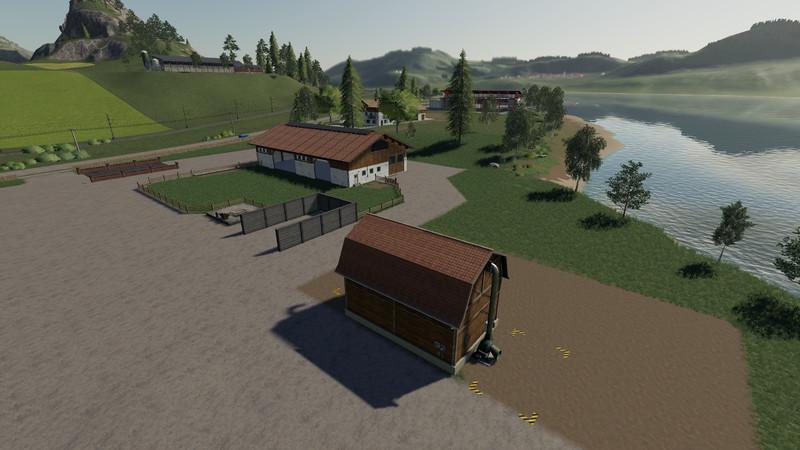
People Brunn Seasons ready v2.1 FS19 Here I offer you the map Volksbrunn to download. Version 2.1 Seasons ready Seasons Mod ready Railway barriers inserted at Bhf. Ost Grass can now be drawn in the game Rail crossing across from the yard The dirt in the pigs is now in the stable Flags inserted at the dealer Acceptance of the bales from the Anderson addon at the cattle dealer The Volksbrunn is a converted Felsbrunn Standard Map. A complete new farm was created elsewhere with all the animals on the farm. The dealer moved near the yard. Where the fields 4 and 5 were is now a large, flat meadow. There are also better launch vehicles. Please keep in mind that on the map could still be mistakes! I always try to fix them in a timely manner. I hope you have a little fun with the map. Credits:Original Map: Giants1LS12: Unterstand: Redi90: WaschplatzKastor: Kuh und Schweine FarmVertexDezign: Leimbinderhalle und TankstelleRealismus Modding: Seasons Mod Tags: maps supporting Seasons 19Seasons 19 mod supportseasons ready
Ursus 912 v1.0.0.0 FS19
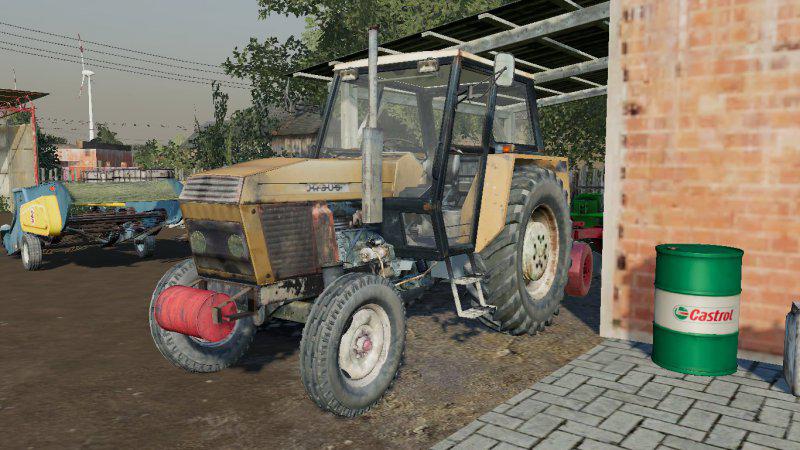
Ursus 912 v1.0.0.0 FS19 Basic functions of ls 19 dirty wheels wheel configurations Credits:Spinah, Marcello 1942, Majster 121 EDIT: Kamil723

Polish Shed v1.0.0.0 Mod
Polish Shed v1.0.0.0 Mod This is a beta version of the cowshed errors reported on Fb.com/DBLMODDING Mods have: – Season support – AO Texure costs: Buy: 10,000 Daily upkeep: 10

Wonderland Multifruit MP-ready v1.2.2.0 Map
Wonderland Multifruit MP-ready v1.2.2.0 Map Version 1.2.2.0 Multifruit MP-ready Multiplayer capable Log bug fixed Details edited Nitrado server tested This is a Multi Fruit 4-fold map of the LS 2019 It is decorated with many details, 33 field missions, 19 forests, traffic and lots of pedestrians. The fields have something for everyone, because some are helper friendly and others are as curved as the time required. Since the LS 2019 sets mainly on Placeable Objects, I have some large areas discretely camouflaged as a meadow are provided. There are: 3 BGA’s with yard 2 yards 19 forests 1 big city 16 outlets 1 point of purchase for lime, fertilizer, manure and manure at the nursery. 33 field missions 1 hop plantation 1 sawmill 7 gas stations New types of fruit are: hop white cabbage Red cabbage rye Spelt carrots onion tobacco Changes V1.1: Log error corrected Objects can be placed again Traffic built in Pedestrian installed Added field missions Land made purchasable Some floating trees removed New waterplane of the river Many details built in (sidewalks, fences, gates, hydrants …) Silo fruits processed Some dirt roads embellished Fault of gas stations fixed. Edged border strip texture of the road Changes V1.2: Added: Lime, Compost, Fertilizer, Liquid Fertilizer, Seed Production, Pellet Production, Compound Feed Production, Pig Feed Production, Grass Drying, • 1 apple plantation • 1 pear plantation • 1 cherry plantation • 1 plum plantation Fruits: • flour • Sugar • Sand • Earth • gravel • compost • Apple • cherry • plum • pear • millet • pellets • mixed grain • alfalfa • sorghum millet • Poppy
AIVehicleExtension v0.0.5.6 Mod
AIVehicleExtension v0.0.5.6 Mod New User Interface 0.0.5.6 – Fixed two bugs The idea behind the new user interface is to move as many settings as possible into new settings dialog. This dialog uses standard elements. Only those options needed for visualization or intermediate action are still available in the head up display (HUD). New Input Binding I changed the input binding. Main reason is that keys 5 and 6 are used for the radio. This is the new setting: H: Start or stop the hired worker Left shift + H: Open the new settings dialog Left control + H: Open the head up display Left alt. + H: Enable or disable automatic steering Left alt. + V: Raise or lower all tools Left alt. + 6: Swap side Motivation I do not like maps with rectangular fields. But driving a combine harvester plus the tractor with trailer is a bit tedious in SP mode. Description The Mod is installed easily in the mod folder. It is automatically added in all AIVehicles. Thus the combine threshes automatically in circles around the field. How to The AutoCombine Hud is opened with the key 5. The helper starts normally using the H key. Warning: You must turn on the alternative helper only in Hud. The button is in the 2nd Row far left. Is there a quadrilateral, then only the normal helper is on. Developer version Please be aware you’re using a developer version, which may and will contain errors, bugs, mistakes and unfinished code. You have been warned. If you’re still ok with this, please remember to post possible issues that you find in the developer version. That’s the only way we can find sources of error and fix them. Be as specific as possible: tell the version number only use the vehicles necessary, not 10 other ones at a time which vehicles are involved, what is the intended action? Post! The! Log! to Gist or PasteBin
GPS RUS v1.0 Beta Mod
GPS RUS v1.0 Beta Mod Mod GPS Script for Farming Simulator 2019. With it, you can specify the direction of its movement in a straight line. It allows you to automate work with equipment without hiring workers. This can be useful, for example, during field cultivation or harvesting with a combine directly into the trailer of a tractor passing by, etc. When using GPS, a tractor without a driver with a trailer will ride next to the combine. Conveniently? And how! Please note that this is a BETA version of the development! You are warned about a copy of the current development branch, keep in mind that the development version may be breaking the game! Also, note that this version does not yet support the full package of functions! How to use GPS in Farmer Simulator 2019 GPS purchase Before you can use GPS, you must buy a configuration in the store for each vehicle! Open menu To open the menu, press Ctrl + S. Customize your line AB Go to the place where you want to customize your lines. Press + once to reset AB creation. Press again to set point A. Press + again to set point B. Press alt + e again to create the track. Auto Width Press Alt + R to calculate the width of your car. Tip: open and lower the car for best results! Increase / decrease width Press alt + plus and minus to change the width Please note that this only works after creating the track! Corner of the earth If you cannot create straight lines yourself, you can enable angle capture in the menu. This will align the AB lines with the terrain. Switch direction After creating the track, press alt + x to change direction. Cape management Currently, it stops automatically at the cape when cruise control is turned on. This feature and shooting at the end of the field are still ongoing. This version should work in multiplayer, but keep in mind that errors are possible.

Lottingen Map v0.9.8 Mod
Lottingen Map v0.9.8 Mod Version (0.9.8.0) Map Info: Here you can build your own yard or the existing expand. For more space Fields 1 and 2 are intended. There is room for productions on the W3, and opposite the mill. The map contains: – onions – carrots – clover – rye – Farm shop – Sales outlets – sawmill – Weaving – Gas station Products: – sugar (additional mod) – flour (additional mod) Note: – There is no BGA aware, because everyone has their own taste, and now they are also placeable. – Yes, Season Mod is running on the map Planned: I will continue to expand the map as soon as I can create pallets with GC. Planned are filling plant for milk in pitchers, cheese production, butter production, etc. For the then the map is also enlarged. To install: The file must be unzipped, in it you will find 3 zip files (Map, and 2 productions) have fun, your TuneWar PS. the map has been tested and it is up and running. Should there be warnings just do not pay attention
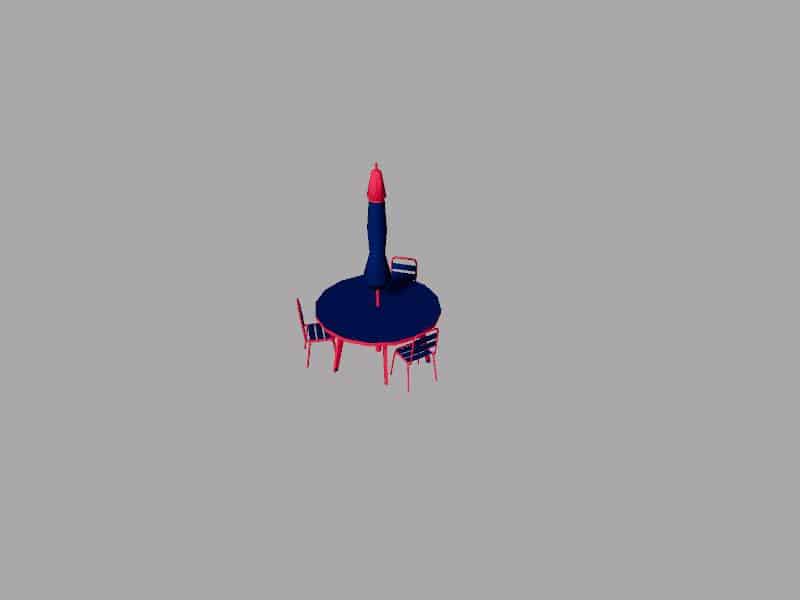
TABLE PARASOL PLIER PERONI v1.0 Mod
TABLE PARASOL PLIER PERONI v1.0 Mod We will offer you several versions of table terasses with umbrella. Farming Simulator 19 Best starting City, Farming Simulator 19 How to buy Seeds, Farming Simulator 19 How to edit a Tractor, Farming Simulator 19 How to fill Seeder, Farming Simulator 19 How to reset Vehicle, Farming Simulator 19 How to use Train, Farming Simulator 19 Where to get Water, Farming Simulator 19 Where to sell Bales, How to buy land in Farming Simulator 19, How to sell Wood Chips Farming Simulator 19
Wonderland Multifruit MP-ready v1.2.2.0 FS19
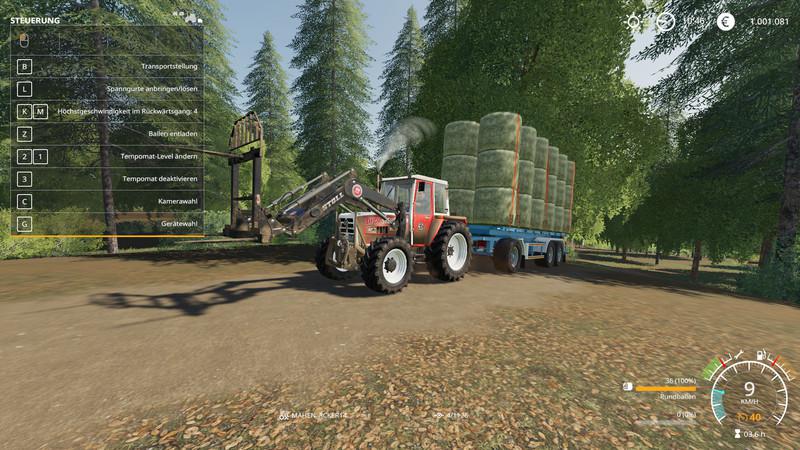
Wonderland Multifruit MP-ready v1.2.2.0 FS19 Welcome to the Wonderland V1.1 (MP) Version 1.2.2.0 Multifruit MP-ready Multiplayer capable Log bug fixed Details edited Nitrado server tested This is a Multi Fruit 4-fold map of the LS 2019 It is decorated with many details, 33 field missions, 19 forests, traffic and lots of pedestrians. The fields have something for everyone, because some are helper friendly and others are as curved as the time required. Since the LS 2019 sets mainly on Placeable Objects, I have some large areas discretely camouflaged as a meadow are provided. There are: 3 BGA’s with yard 2 yards 19 forests 1 big city 16 outlets 1 point of purchase for lime, fertilizer, manure and manure at the nursery. 33 field missions 1 hop plantation 1 sawmill 7 gas stations New types of fruit are: hop white cabbage Red cabbage rye Spelt carrots onion tobacco Changes V1.1: Log error corrected Objects can be placed again Traffic built in Pedestrian installed Added field missions Land made purchasable Some floating trees removed New waterplane of the river Many details built in (sidewalks, fences, gates, hydrants …) Silo fruits processed Some dirt roads embellished Fault of gas stations fixed. Edged border strip texture of the road Changes V1.2: Added: Lime, Compost, Fertilizer, Liquid Fertilizer, Seed Production, Pellet Production, Compound Feed Production, Pig Feed Production, Grass Drying, • 1 apple plantation • 1 pear plantation • 1 cherry plantation • 1 plum plantation Fruits: • flour • Sugar • Sand • Earth • gravel • compost • Apple • cherry • plum • pear • millet • pellets • mixed grain • alfalfa • sorghum millet • Poppy For errors or suggestions for improvement please contact me. Credits:Modell: MN99Textur: MN99Script: MN99Idee / Konzept: MN99Tester: MN99Sonstige:MN99 Tags: LS
- 15 per page
- 30 per page
- 45 per page
- 60 per page
-
See more per page
Bigger pages, fewer clicks - and no ads anywhere.
Go Pro