Farming Simulator 19 mods
55,710 results- 15 per page
- 30 per page
- 45 per page
- 60 per page
-
See more per page
Bigger pages, fewer clicks - and no ads anywhere.
Go Pro

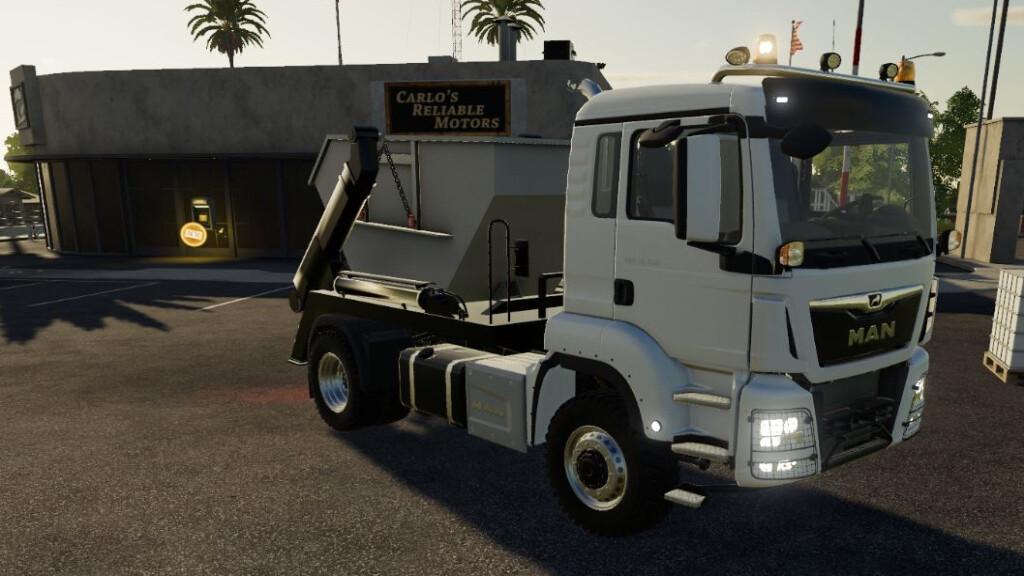
MAN TGS v18.500SkipPack FS19
MAN TGS v18.500SkipPack FS19 MAN TGS 18.500 4×4 Truck with skip mechanism. Price: 130000 € Power: 500 hp Lizard Skip Container Price: 1850 € Capacity: 6000L Credits:kotsiossp97
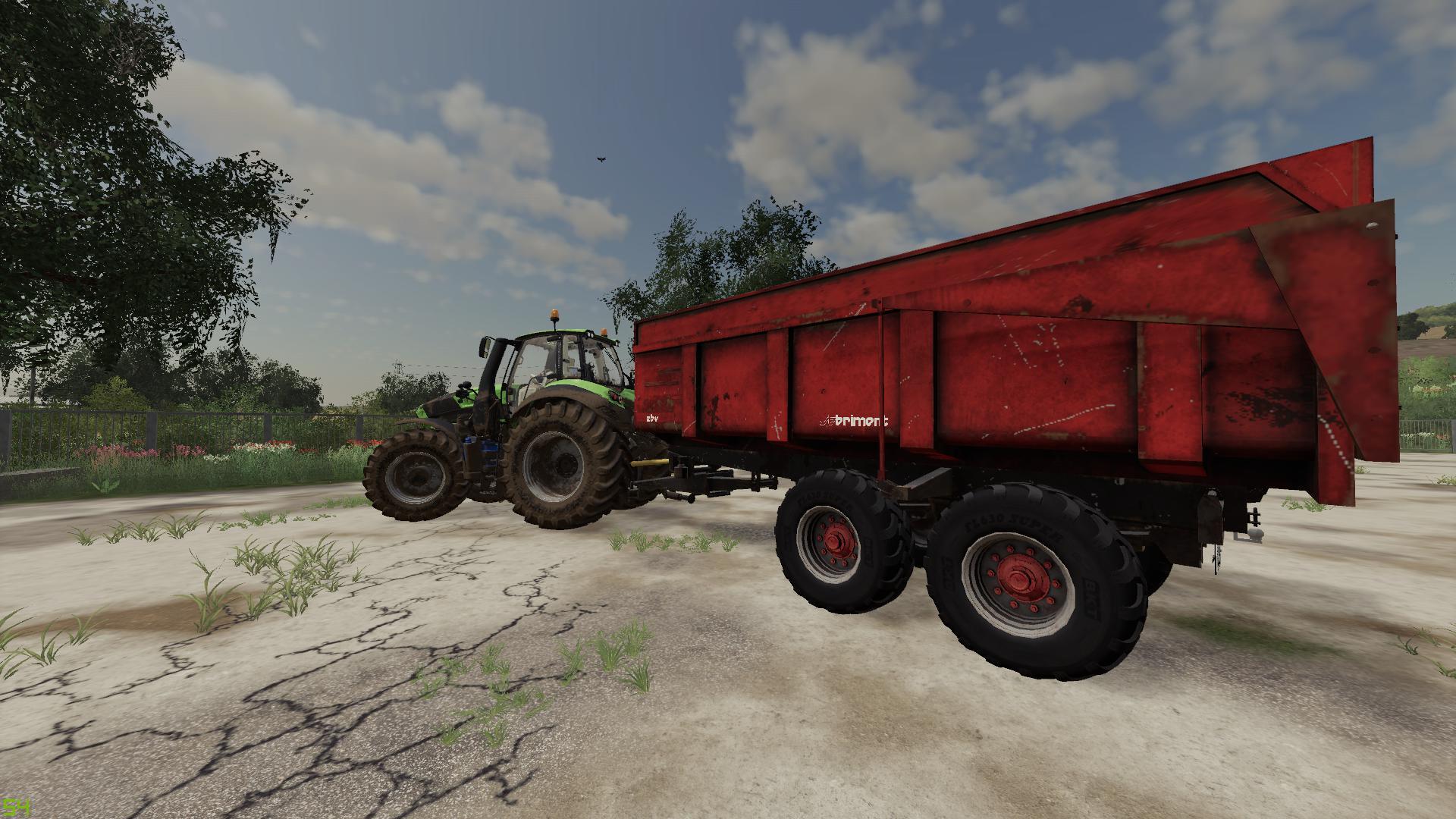
BRIMONT 15T V1.0 FS19
BRIMONT 15T V1.0 FS19 Voila la brimont 15 T PS Vielle benne reskiné et texture usé vous pouvais la modifier comme vous voulez , la benne na pas de phare ni de giro c’est un choix perso , donc libre a vous de les rajouté La benne dispose de deux config de roue , et de 3 types de chargement sans ridelle , ridelles acier, et ridelles en bois . la benne fonctionne très bien j’ai pas d’erreur dessus. Credits:team AgriModding
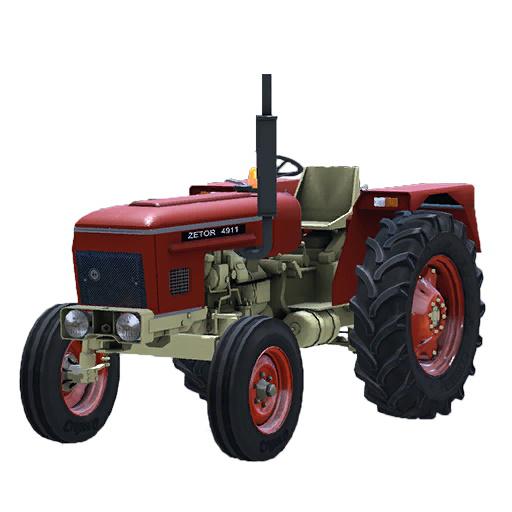
HMT 3511 v1.0 FS19
HMT 3511 v1.0 FS19 It is very famous indian tractor. It is best tractor. Power: 46 Maximum Speed: 28 Price: 8500 Dailyupkeep: 45 Brand: Zetor Category: tractorsS Credits:HMT 3511 Indian tractor

Sprayer Section Control v0.2.1.0 Mod
Sprayer Section Control v0.2.1.0 Mod This script is beta. It should not make any problems but there’s always the possibility that something could stop working. What is section control? Section control allows you to turn off certain parts (sections) of your sprayer if you don’t need the full working width. The sections can be controlled manually and automatically. The script works with fertilizer and herbicide. The HUD The HUD shows all sections of the sprayer. With the ON/OFF button you can switch between manual and automatic mode. Turning sections on or off is done by clicking on the red/yellow/green spray in the HUD. Colors RED: Section is turned off. YELLOW: Section is turned on, but sprayer is turned off. GREEN: Section is turned on and sprayer is on Keys LSHIFT + B to toggle HUD LCTRL + B to toggle mouse cursor (only when HUD is visible) What do you need? The script alone does not give you any functionality, you need adapted sprayers too. If Giants had made one workArea per section, this would not be necessary. But as there is only one workArea for the full working width this is not possible. How you make sprayers compatible Converting sprayers to work with section control is not difficult. You need some entries in the XML and one workArea per section in the i3D. Warning: The HUD is restricted to 13 sections. This means every spray nozzle as extra section will not work properly. i3D part The workAreas need to be set up around each spraying section, with a little overlap to the next section. It is also needed to create a testArea which is a little bigger by increasing the length in driving direction for 1m. Although the entries should be self-explaining I will explain them for you: All sections get linked to their workAreas and effect nodes here. workingWidth is the working width of this section. All section working widths combined should be equal to the total working width (24m in this example). This is used for calculating the spray usage. workAreaId is the index of the workArea in the part. The first workArea has index/id 1. effectNodeId is the index of the effect node in the part. Again, the first effectNode has index/id 1. If more than one effectNodes are used for one section, you can add them like this: effectNodeId=”1 2 3 4″ testAreaStartNode / WidthNode / HeightNode are indices to the corresponding i3D node. This is done via i3DMappings.

Courseplay v6.02.00052 Mod
Courseplay v6.02.00052 Mod Fixed AutoDrive course loading bug and other course editor issues. Initial release of the course editor. Added course editor translation entries to non-english translation files. Fixed AutoDrive course loading bug and others. CHANGES A save attempt is no longer attempted when using the save hotkey on an unsaved course. You can no longer launch the editor on an autodrive course. Fixed ‘unable to load autodrive course’ error.u For best course loading performance, set the hud to not load courses at startup, especially if you have a lot of large courses. If you load a saved course and it looks like it has the wrong edits, then clear the course and click the reload courses button, then load the course again. Now when generated courses that have a zero speed show the speed as ‘auto’ in the waypoint info panel. This tells you that courseplay will calculate the speed for that waypoint. If you change the speed with the hotkeys, it will show the actual speed. Reduce the speed to zero again and it will show ‘auto’. Now dragging is done with the courseplay primary mouse button, instead of always button 1 which is the left mouse button. If you change the courseplay primary mouse button mapping, you will need to restart the game for.
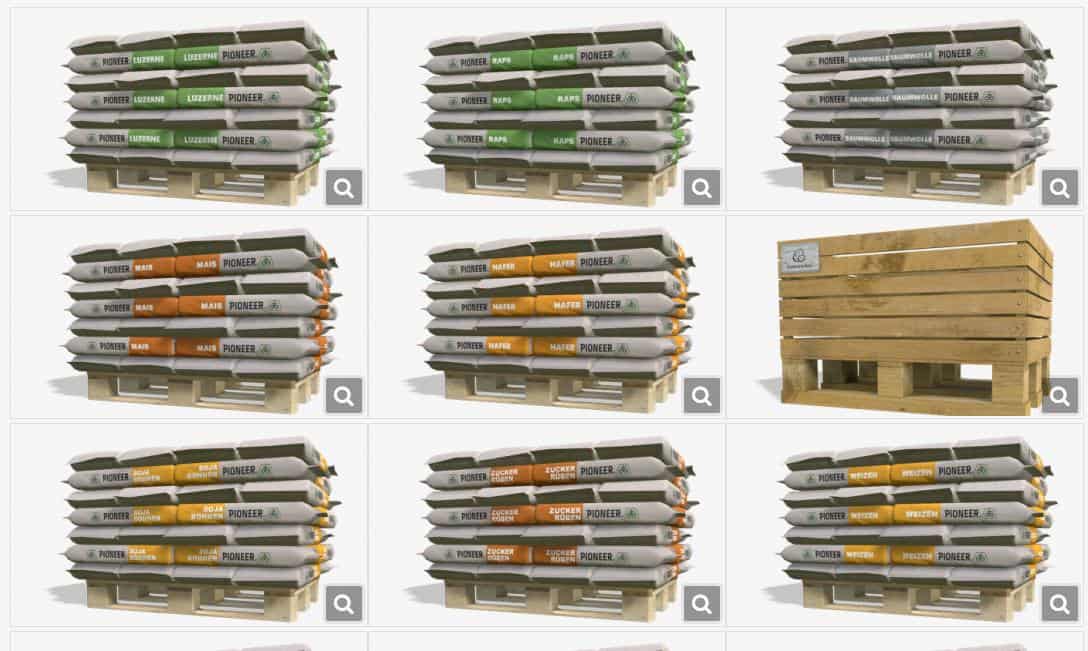
Realistic Seeder v2.0.1.0 Mod
Realistic Seeder v2.0.1.0 Mod One or the other may have already seen my Realistic Seeder Mod. This mod adds its own seed palettes for the following fruits (the English names of the fruits are always in the brackets. If they are registered with these on the map, then you can also use them): Version 2.0.1.0 Fixed problems with the following mods: TSX_Enhanced Vehicle Autodrive Seasons (There was straw pellets instead of straw in the animal overview) Improvements: If you put a full pallet on top of one that is no longer full, the upper pallet will no longer jump down after loading Fixed a warning when exiting the game (Warning: Deleting object ‘palletTrigger’ before all triggers are removed.) Alfalfa Barley (barley) Rapeseed (canola) Clover (clover) Cotton Grass Corn (maize) Millet (millet) Oats (oat) Oil radish (oilseedRadish) Potatoes (potato) Rye (rye) Soybeans Spelled (spelled) Sugarbeet Sunflower Wheat If you cannot sow a fruit on your map, then this palette is not in the shop either. If you fill a front tank or seeder with one of these seed pallets, then you can only sow the fruit for which the pallet was intended. Switching through the fruits then no longer works. But if you fill in the standard seeds, you can switch between the fruits as usual. If you empty the standard seeds, the BigBag no longer comes, but the Pioneer range. You can now also empty every seed drill and every front tank. As an example: The standard potato planter or the Lemken Azurit cannot be emptied as standard. This is fixed with my mod. Furthermore, when emptying, the first pallet is no longer created at the furthest possible point, but to the left. Each front tank can now also load both fertilizer and seeds. In the case of the potato machines, the laying animation stops if you lift it but leave it switched on. Otherwise they would fall off. If you have set a language other than German, the texts on the pallets and the store images are in English.

Fiat 1300 DT Super v2.0 FS19
Fiat 1300 DT Super v2.0 FS19 Characteristics: – Price: € 9500 – Power: 150 PS This mod has several options: – IC – Wheel option (Trelleborg, Mitas, Michelin, Kleber, Lizard) – Front linkage / mass option – Option cabin / without cabin – Choice of wheel color – full animated Credits:Xsoma
Mods pack plateau robust FS19
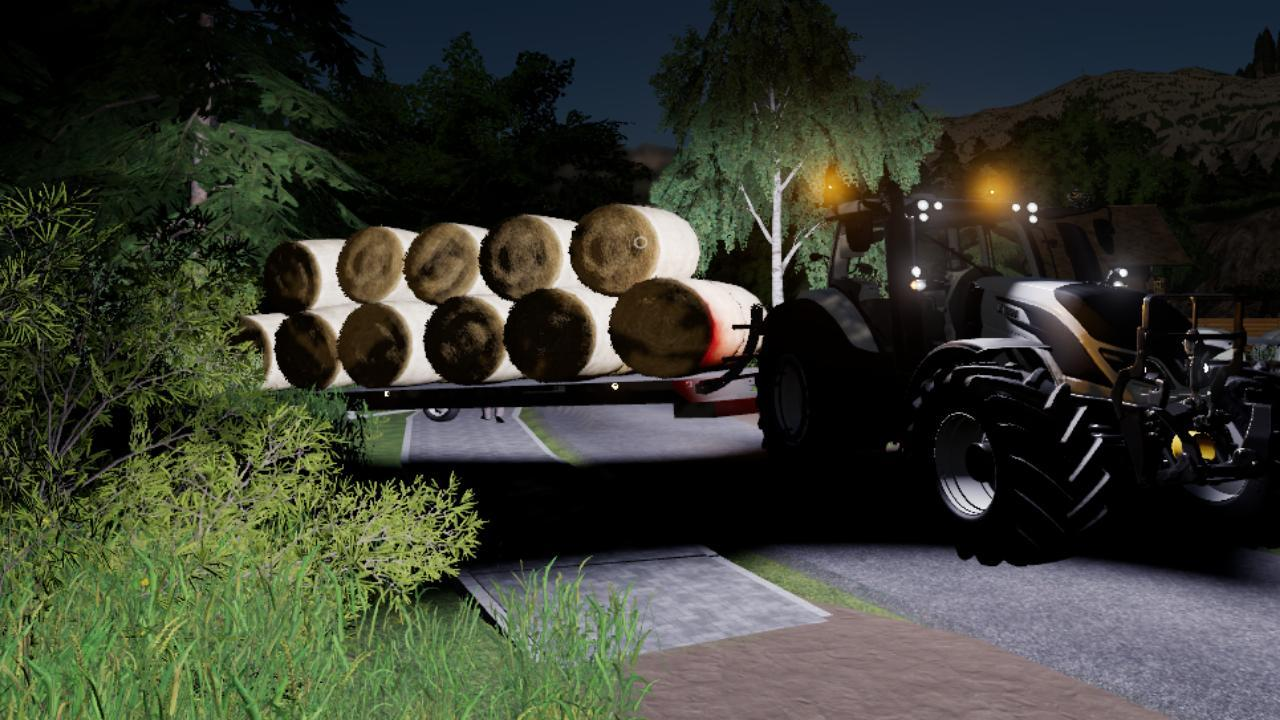
Mods pack plateau robust FS19 Here is a pack of semi-worn trays from robust which consists of: R500SMS:4900€ R600SMS:5900€ R700SMS:6900€ R800SMS:7900€ R800SMb9900€: R900SMb:11000€ It is a beta version if you find any errors, please let me know. Credits:landrayfarm, landraygame, Tags: FS19mods

Lemken Juwel 8 v1.0.0.0 Mod
Lemken Juwel 8 v1.0.0.0 Mod Full animation dirt/washable has minor weight problems the plow is clean and there are none error and warnings Log and i3d is clean!

Lemken Juvel 8 v1.0 FS19
Lemken Juvel 8 v1.0 FS19 Full animation dirt/washable has minor weight problems the plow is clean and there are none error and warnings Log and i3d is clean! Credits:Patrik_1141Michaelbjerg21978

Bob minion weight v1.0 FS19
Bob minion weight v1.0 FS19 Bob minion weight mod for Farming simulator 19 game, pc version. – Price: 1200 € – Weight: 1200 kg Category: Tools > Weights Credits:Farmer Steve, KULIBIN
Warfama Z586 v1.0 FS19
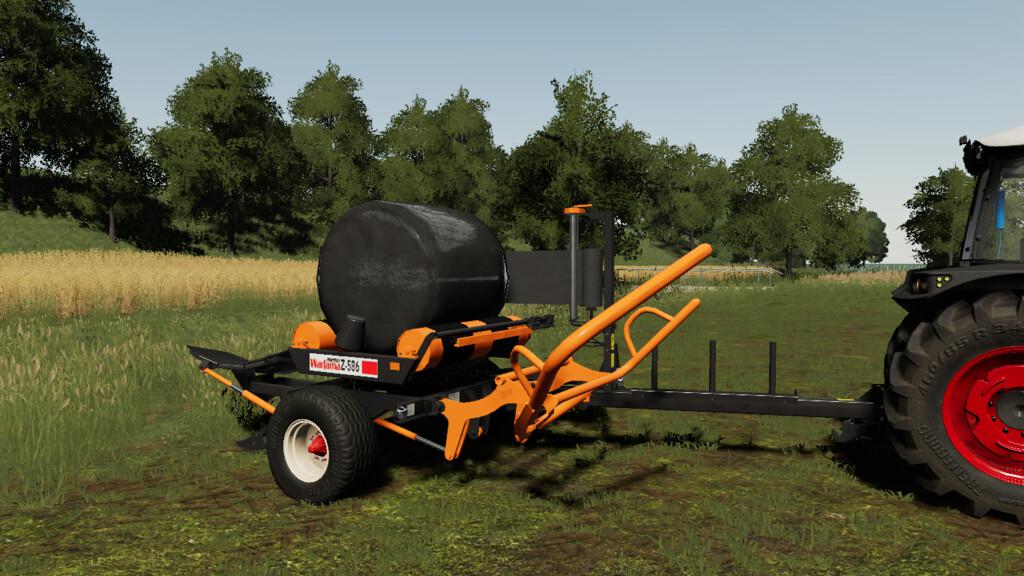
Warfama Z586 v1.0 FS19 Price: 8200€ Warfama / Ursus Z-586 is a Polish wrapping machine with small dimensions and low maintenance. Credits:EmemenS Mods
Lizard P46 v1.0 FS19
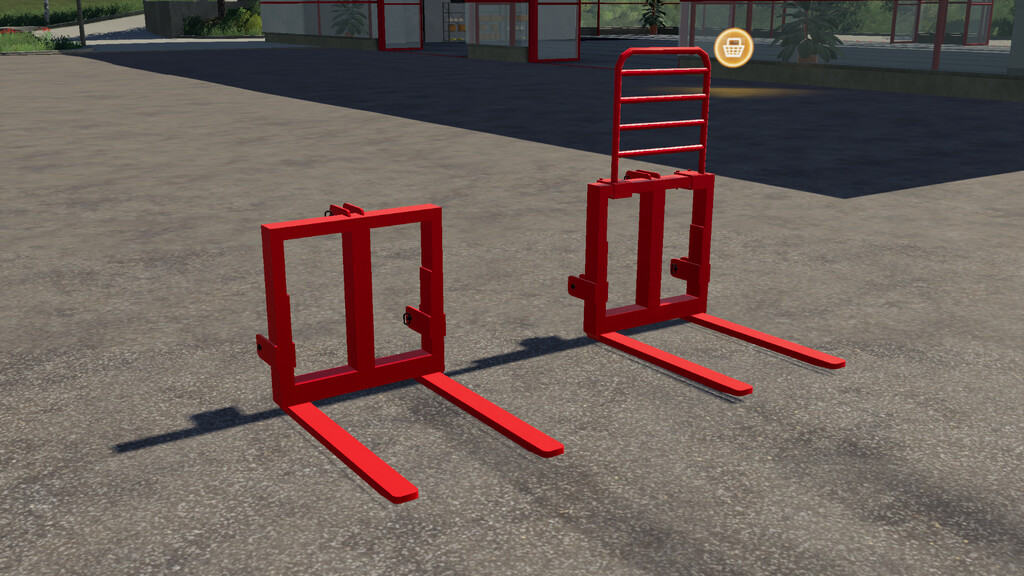
Lizard P46 v1.0 FS19 Price: 575 € configuration with and without frame color configuration Credits:Szasty
Seasons GEO: South Moravia v1.3 FS19
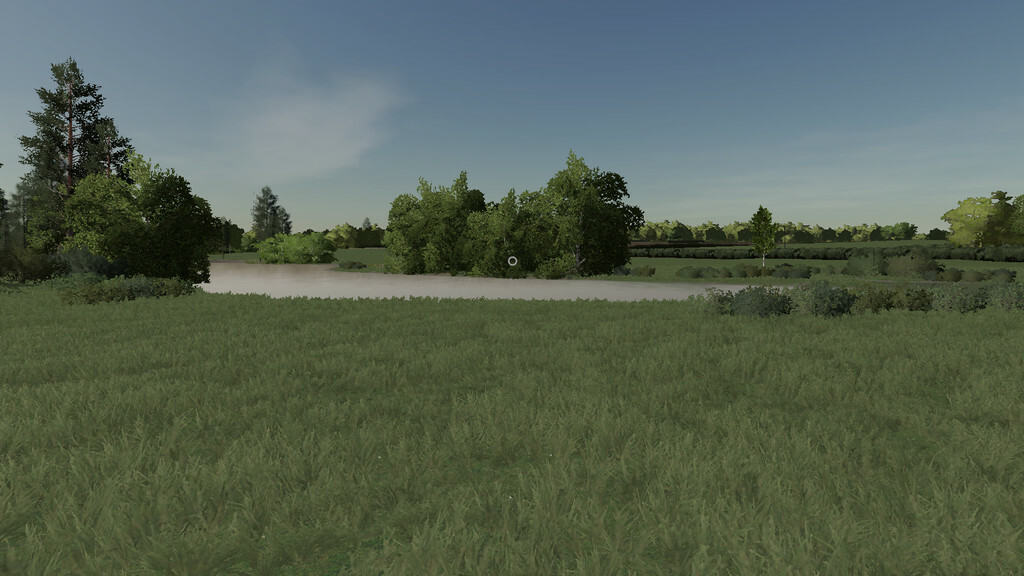
Seasons GEO: South Moravia v1.3 FS19 South Moravia is the warmest region in the Czech Republic. South Moravia is a region of wine, sun, folk traditions and hospitality. Here you’ll experience the sunniest days of the country, which is very favorable for the countless vineyards – sunflowers are also evidence of this warm climate. Weather is based on data from Mikulov. Update 1.0.0.1: -Fix inscription in icon Update 1.1.0.0: -animal husbandry is now governed by seasons 19 -minor adjustments to crop growth Update 1.2.0.0: -harvest time correction -Update 1.3.0.0: -more realistic canola growth Required Mods: https://www.farmingsimulator19mods.com/seasons-v1-2-0-0-fs19/ Credits:Zed84
- 15 per page
- 30 per page
- 45 per page
- 60 per page
-
See more per page
Bigger pages, fewer clicks - and no ads anywhere.
Go Pro