Farming Simulator 17 mods
20,766 results- 15 per page
- 30 per page
- 45 per page
- 60 per page
-
See more per page
Bigger pages, fewer clicks - and no ads anywhere.
Go Pro
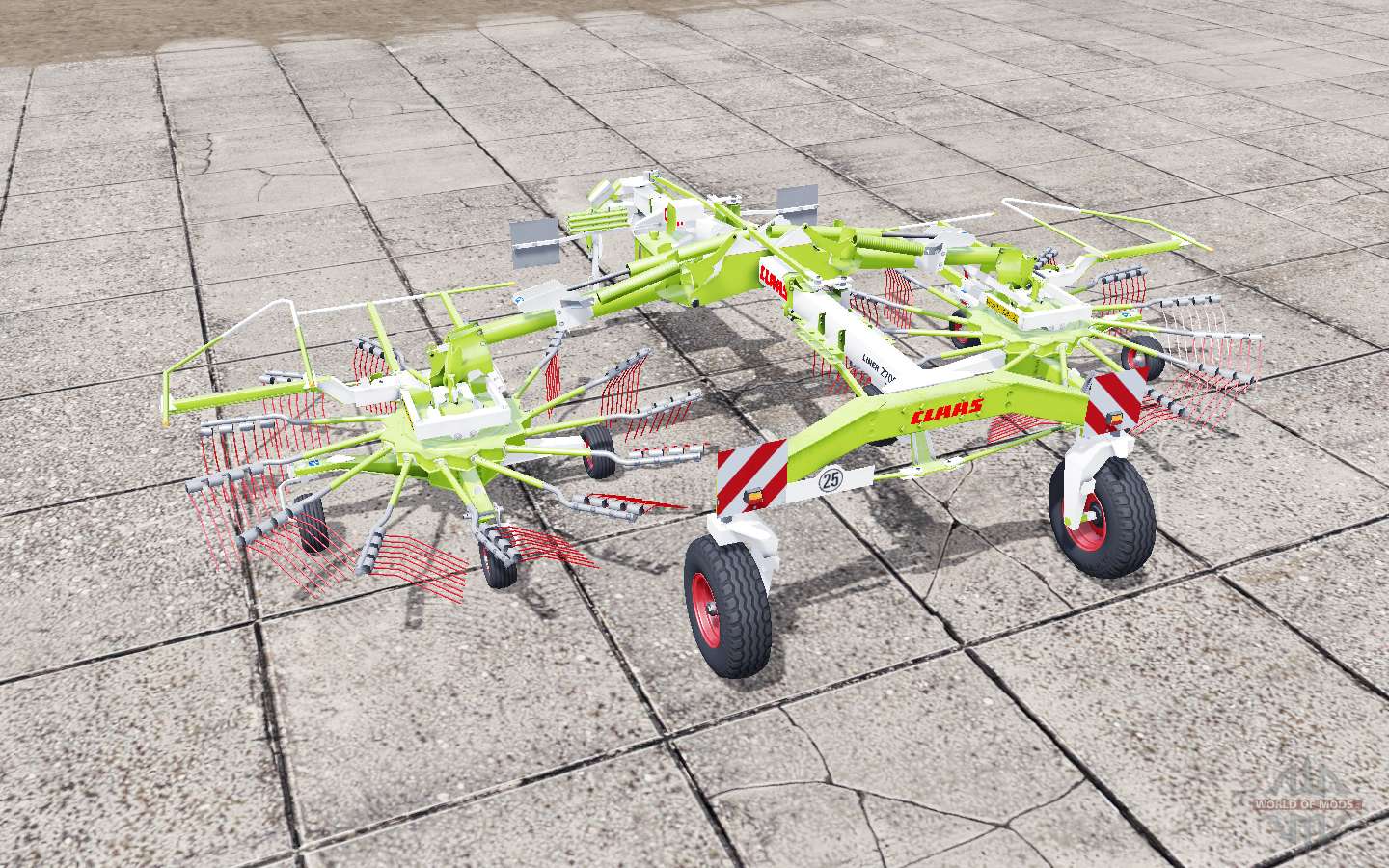
Claas Liner 2700 for Farming Simulator 2017
Semi-mounted twin-rotor windrower Claas Liner 2700 for Farming Simulator 17. The cost of rake the game, €: 18500 Maintenance of the windrower, €/day: 25 Working width, m: 8,2 Tested in game version 1.5.3.1 Download semi-mounted twin-rotor windrower Claas Liner 2700 for Farming Simulator 17 you can click on the links below on the page. Not well provided author? Mistakes in mod description? Contact us, buddy!
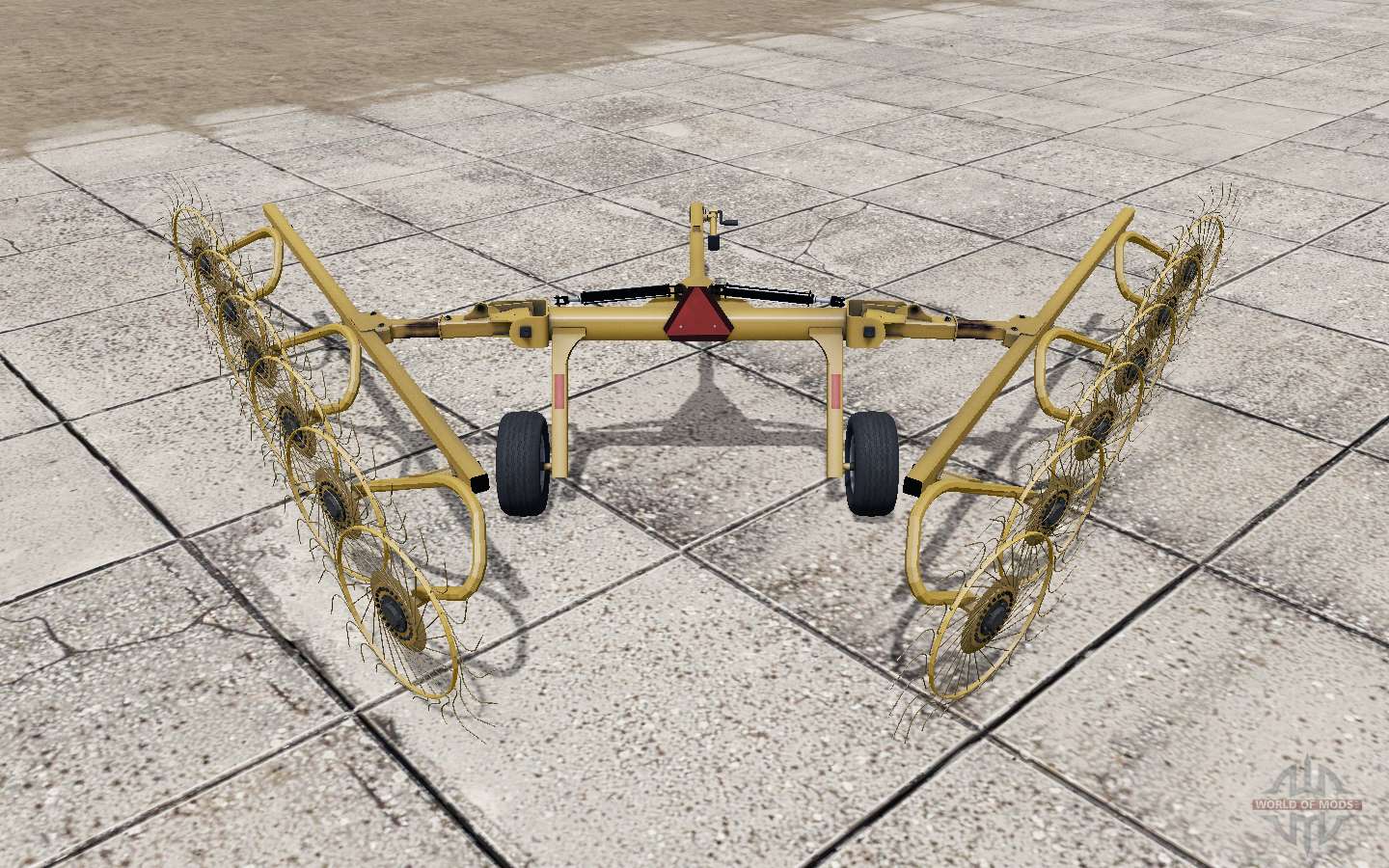
Vermeer VR1224 for Farming Simulator 2017
Swathers Vermeer VR1224 for Farming Simulator 17. The cost of rake the game, €: 15000 Maintenance of the windrower, €/day: 15 Tested in game version 1.5.3.1 Download the rake Vermeer VR1224 for Farming Simulator 17 you can click on the links below on the page. Not well provided author? Mistakes in mod description? Contact us, buddy!
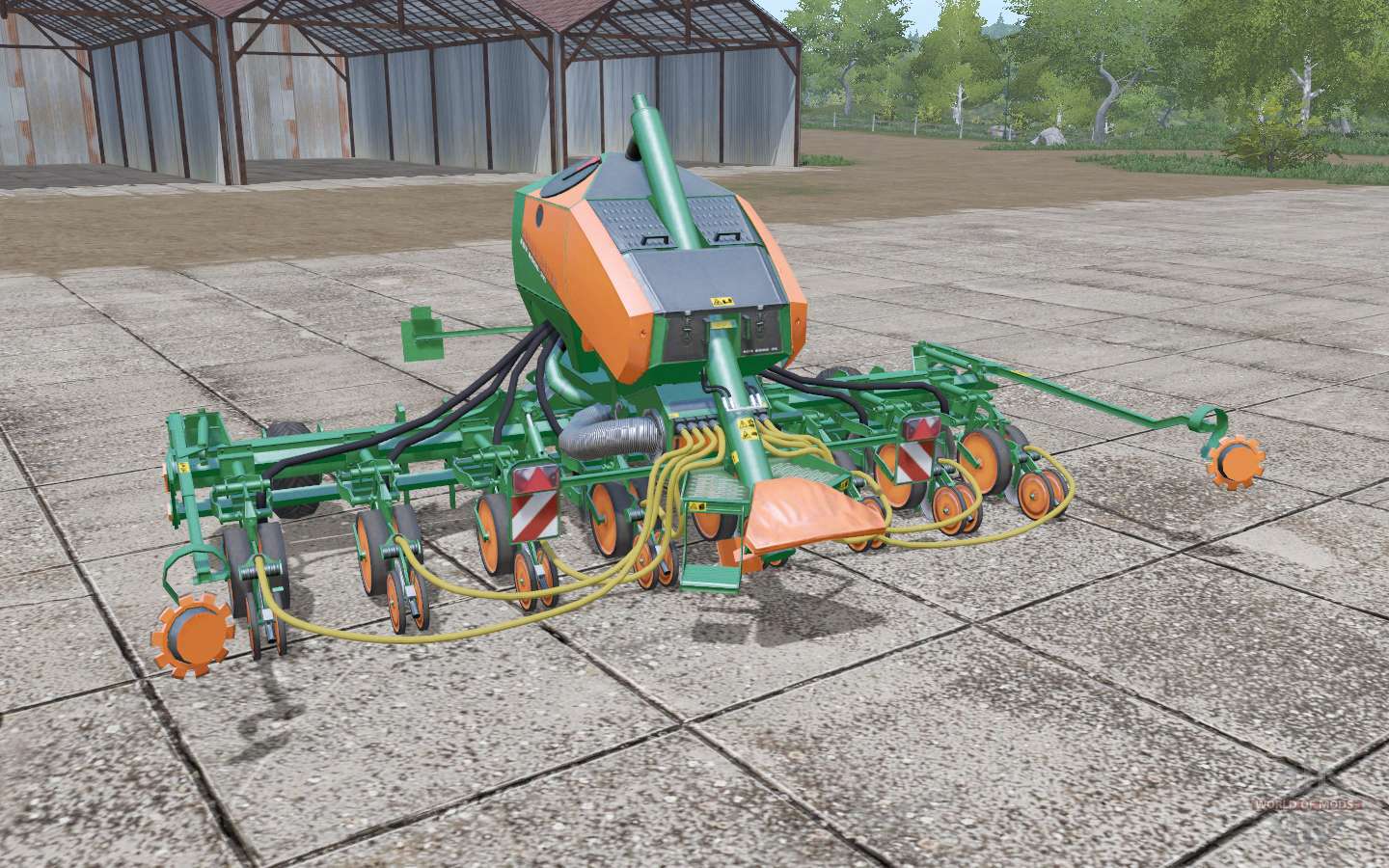
Amazone EDX 6000-2C for Farming Simulator 2017
Mounted seeder of exact seeding Amazone EDX 6000-2C for Farming Simulator 17. The cost of the seeder in the game, €: 58000 Maintenance drills, €/day: 100 The hopper volume for seed: 360 litres The volume of a bunker for fertilizer: 1100 litres The working width of the sowing, M.: 6 Tested in game version 1.5.3.1 Download hitch seeder of exact seeding Amazone EDX 6000-2C for Farming Simulator 17 you can click on the links below on the page. Not well provided author? Mistakes in mod description? Contact us, buddy!
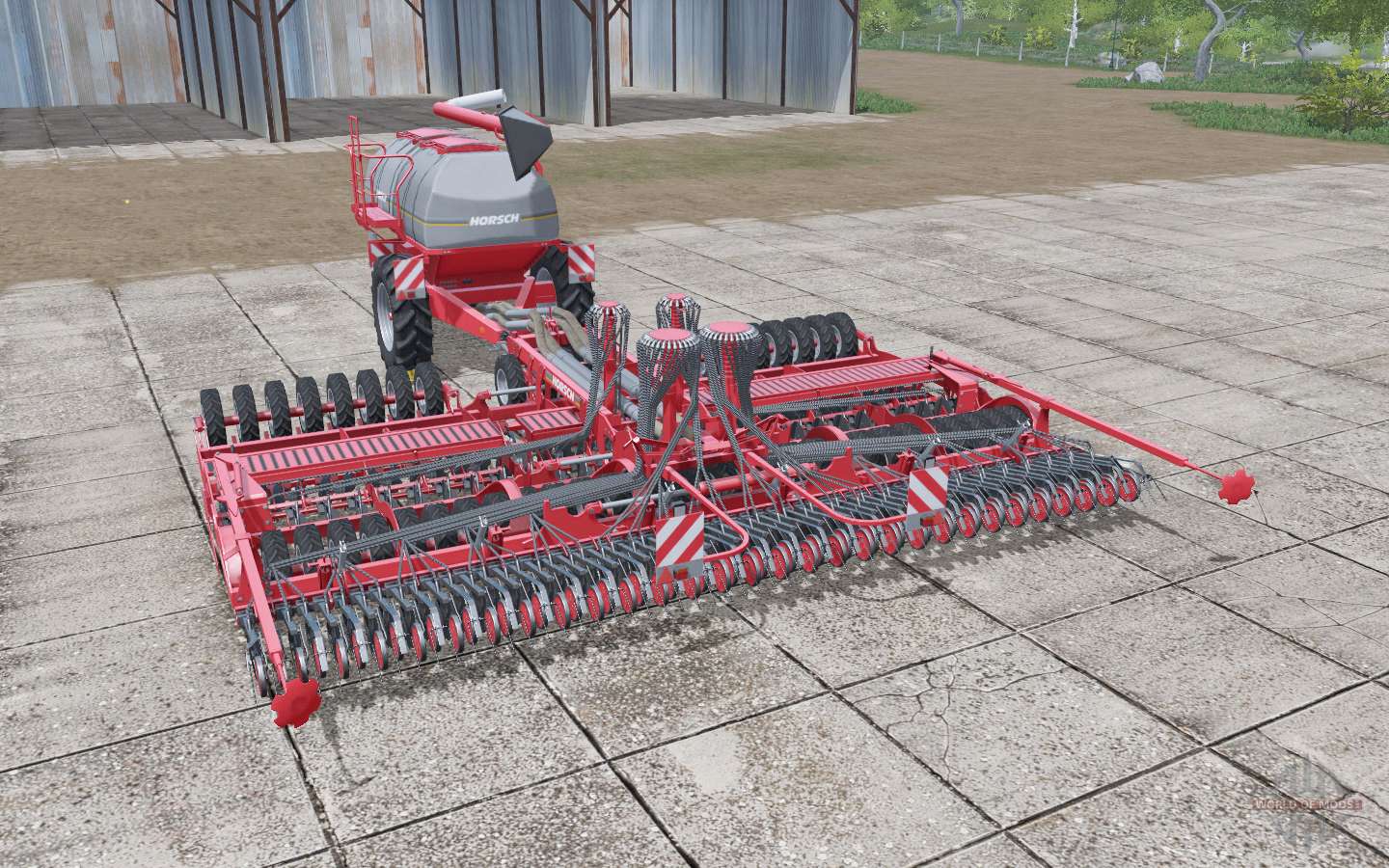
Horsƈh Pronto 9 SW for Farming Simulator 2017
Universal complex seeding Horsch Pronto 9 SW for Farming Simulator 17. The cost of the seeding system in the game, €: 91000 Maintenance of the seeding system, €/day: 220 The hopper volume for seed: 6000 liters The volume of a bunker for fertilizer: 6000 gallons The working width of the sowing m: 9 Tested in game version 1.5.3.1 Download pneumatic trailed seeder Horsch Pronto 9 SW for Farming Simulator 17 you can click on the links below on the page. Not well provided author? Mistakes in mod description? Contact us, buddy!
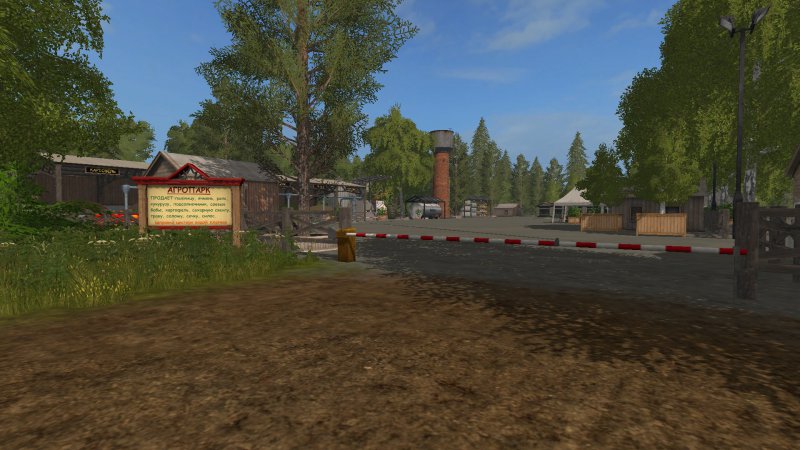
FS17 Map Region-18
FS17 Map Region-18 The map is made for fans of coreplay and rectangular fields. Cultures and animals are standard. Changes v1.0: Corrected: – Trees sit down on default equipment, then grow and normally sawn; – Spawn pallets for storage too edit; – Packed oil should normally spionida; – Cauliflower ribbon fixed; Trees near farmer from meadows can be cut, sawn on one now and no lag; – Drinking water on the scoreboard is shown on the fish farm.

FS17 T-4 Altai
FS17 T-4 Altai T-4A is a brand of tracked tractor, produced by Altai Tractor Plant. Produced from 1970 to 1998 (with partial modernization). – Power: 124 h/p – speed: 17 km/h – dashboard and fan animation – lighting – log clean
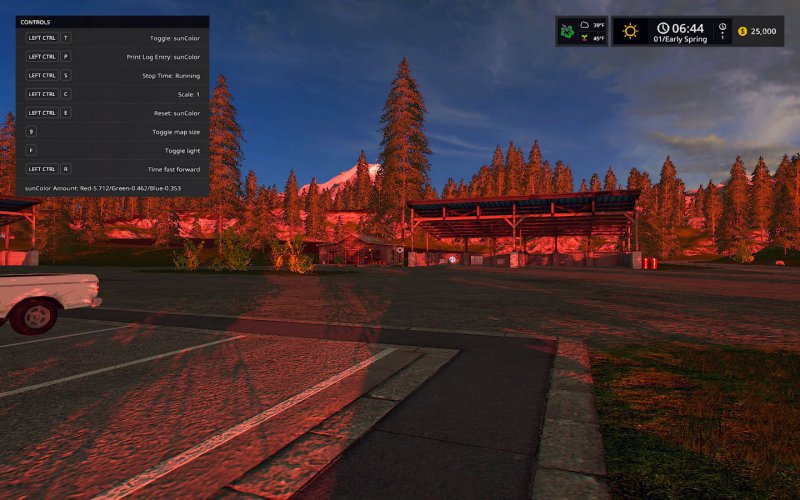
FS17 Map Colour Tool
FS17 Map Colour Tool This is NOT a ‘mod’ in the traditional sense. It is rather intended to be a ‘tool’ for those creating maps. That said, it does need to be in the mods folder in order to be used. Each map comes with settings that impact the gameplay environment. The ‘environment’ referred to here is with respect to things like light, sun colour, fog, and so forth. These settings are stored in each map in a file that has the name map01_environment.xml, or something similar. If the mapper wishes to alter map environment values, he must do so by altering the map’s environment xml file. Testing changes to the environment can be tedious, requiring changes to the xml file and reloading of the game, or reloading of the environment. With this mod tool, a mapper can now make dynamic changes in-game to the map’s environment, and see live how the changes impact what is seen by the player. The tool is intended to be used primarily alone, or only with the fast-forward mod, and/or the Season’s mod. It is also intended to be used only in single-player mode. Multiplayer mode has been deactivated as it’s assumed a mapper would make these kinds of adjustments in a single-player environment. This tool does not alter ALL items in the map’s environment file, but most of them, specifically, ambientColor, sunColor, volumeFog, distanceFog, and dustDensity. The Seasons mod alters substantially all of the settings in the map’s environment xml file, including these. If a map is to be made seasons-ready with respect to the map environment, the mapper will need to create a season xml file for the map. Input Bindings LEFT-CONTROL-T — Toggles between 5 map environment settings. LEFT-CONTROL-P — Prints current environment settings to player log. LEFT-CONTROL-E — Re-sets map environment setting to default values. LEFT-CONTROL-S — Toggles time to stop/start. LEFT-CONTROL-C — Toggles through adjustment scales. LEFT-CONTROL-UP/DOWN — Adjusts any density settings (distanceFog or dustDensity). KEYPAD 4-5-6 — Increases Red-Green-Blue colour values by scale amount. KEYPAD 1-2-3 — Decreases Red-Green-Blue colour values by scale amount. F1 — Standard help menu input binding; shows current toggle settings. A Brief Example: Suppose that a mapper wishes to make changes to the sun light, by making things brighter in-game. He would do so with the following steps: 1. The game is loaded up with the FS17_MapColour mod in the game’s mod folder. 2. Next he presses input binding LEFT-CONTROL-T until he sees in the F1 help menu that the toggle is set to sunColor. At the bottom of the F1 help menu, he will notice three colour settings impacting sunColor. The colour is made up of Red, Green, and Blue factors. On the default GoldCrest map, when a new game is started, these will show as sunColor Amount: Red-0.969/Green-0.719/Blue-0.518. He also notices that the time is 6:40. 3. The mapper decides that 6:40 is the exact time he wishes to make some adjustments. To focus on this particular time, he stops time from running by hitting the input binding LEFT-CONTROL-S. This will leave the time permanently at 6:40 am until he sets the time running again using the same toggle. 4. Now suppose the mapper wishes to make the environment brighter, but leave the sun colour alone. He next checks the scale of the change he?d like to make. According to the F1 help menu, the second item from the top shows a scale of 0.1. Pressing the input binding LEFT-CONTROL-C a few times, he toggles the scale until it says Scale: 1. 5. With that scale now set, the mapper uses the key pad input bindings to make the changes to the sun colour. He presses KEYPAD-4 once and notices at the bottom of the F1 help menu that Red is now set to 1.969, up from its previous value of 0.969. He will also notice a colour difference in what he sees in-game. The light will have a redder hue to it. He next presses KEYPAD-5 and KEYPAD-6 in turn, which increases the green and blue colours by 1. If the mapper accidentally increases any of the colours by more than desired, he can decrease the colours using KEYPAD-1 for red, KEYPAD-2 for green, and KEYPAD-3 for blue. The amounts will increase/decrease in the amount of the scale. 6. If at any time the mapper is dissatisfied with how the colours look, and wishes to just start over, he can press the input binding LEFT-CONTROL-E, and it will reset the colours to their default map settings for this particular time. 7. If the mapper is satisfied with his updates to the colours at the time of 6:40, and wishes to remember them for later, he can print his changes to the log for later reference by pressing the input binding LEFT-CONTROL-P. The log entry will mimic how the information is to be entered to the map?s environment xml file. 8. After examining sun colours, the mapper may next wish to adjust other settings, in which case he can toggle to them using the input binding LEFT-CONTROL-T. 9. Later on, when the mapper is done recording his changes, he can consult the log entries made, and use them to make updates to the map’s environment xml file. The above change, if implemented in the map, will impact the map’s light environment just prior to the time of 6:40am, and the time just following. These environment changes happen on a ‘curve’ (ie, they change gradually with the passage of time between a setting at one particular time, to the new setting at a later time… and then gradually to a new setting at a still later time), so if the mapper wishes different colour settings at other times of day, he will need to go through the above exercise at whatever times of day he wishes alterations to be made. The current settings impacting the map in its environment xml file should be studied in conjunction with changes made in-game for best effect, so as to know how to best use this tool. When adjusting distanceFog, an additional setting is available: density. In that case, not only can the colour of the fog be modified, but also the amount (density) of it. While colours are adjusted using the key pad input bindings previously described, density is increased or decreased (by the scale amount) using LEFT-CONTROL and the UP or DOWN arrows. Density is also the only setting available with respect to adjusting dustDensity, and regrettably, very little impact is noticed. But it, too, is adjusted using these input bindings. Colours are adjusted using the key pad, and densities are adjusted using the left control and the up/down arrows. Additional instructions, explanation (such as definitions for the meanings of ‘ambient’ versus ‘sun’ light, etc.), and other details are contained the mod’s Instructions.xml file. NOTE: It is extremely helpful if a mapper first has a working knowledge of the map environment file settings before using this tool. For anyone attempting to use this silly tool, it is strongly encouraged that they first read the instructions.xml file inside the mod. My apologies in advance for the length of the instructions included here, and in the xml file contained inside the mod, but if one doesn’t understand these settings, then this tool is of little use.
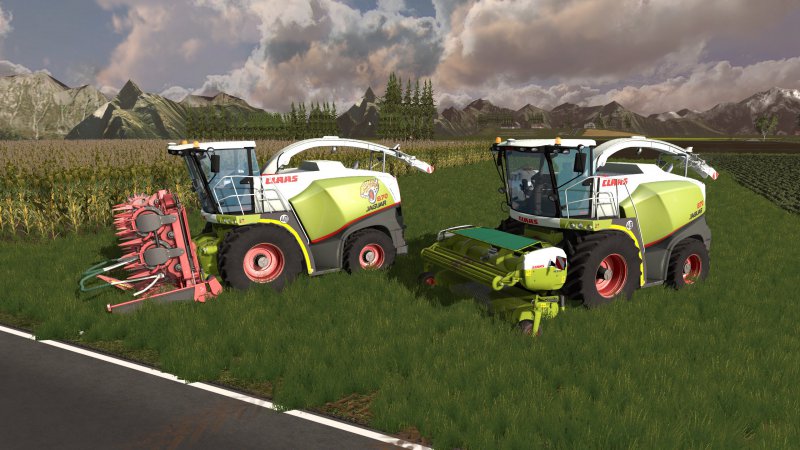
FS17 Claas Jaguar
FS17 Claas Jaguar Dies ist ein Claas Jaguar 800 Pack Dieses Pack besteht aus: – Claas Jaguar 800 – Kemper 390 Plus – Orbis 750 – Pickup 300 Tester: – Jonas – Flo – Lukas – Chris
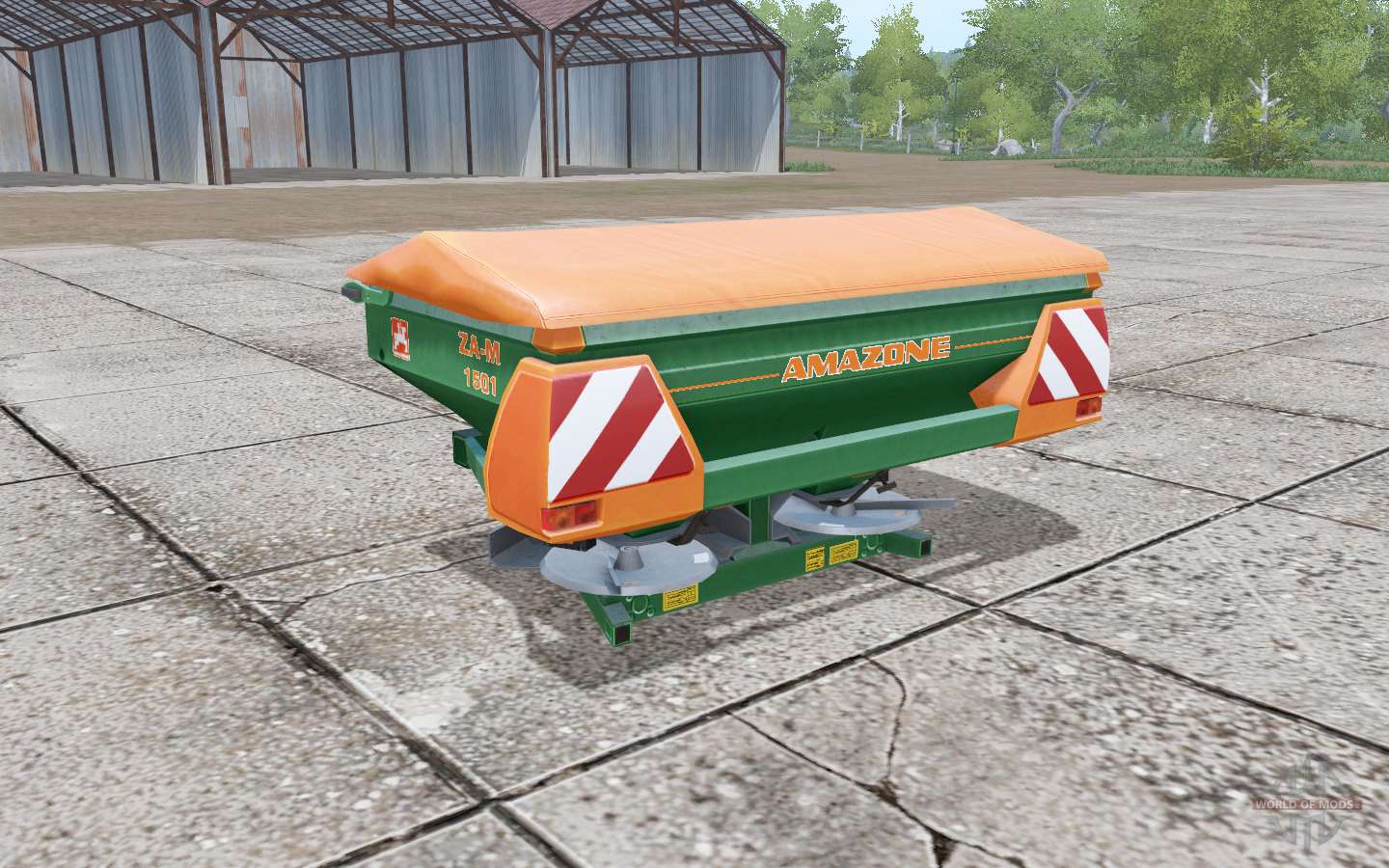
Amazⱺne ZA-M 1501 for Farming Simulator 2017
Hinged diffuser of mineral fertilizers AMAZONE ZA-M 1501 for Farming Simulator 17. The cost of the lens in the game, €: 37000 Maintenance of the lens, €/day: 80 Tank volume, l: 1500 Working width, m: 24 Tested in game version 1.5.3.1 Download hinged diffuser of mineral fertilizers AMAZONE ZA-M 1501 for Farming Simulator 17 you can click on the links below on the page. Not well provided author? Mistakes in mod description? Contact us, buddy!
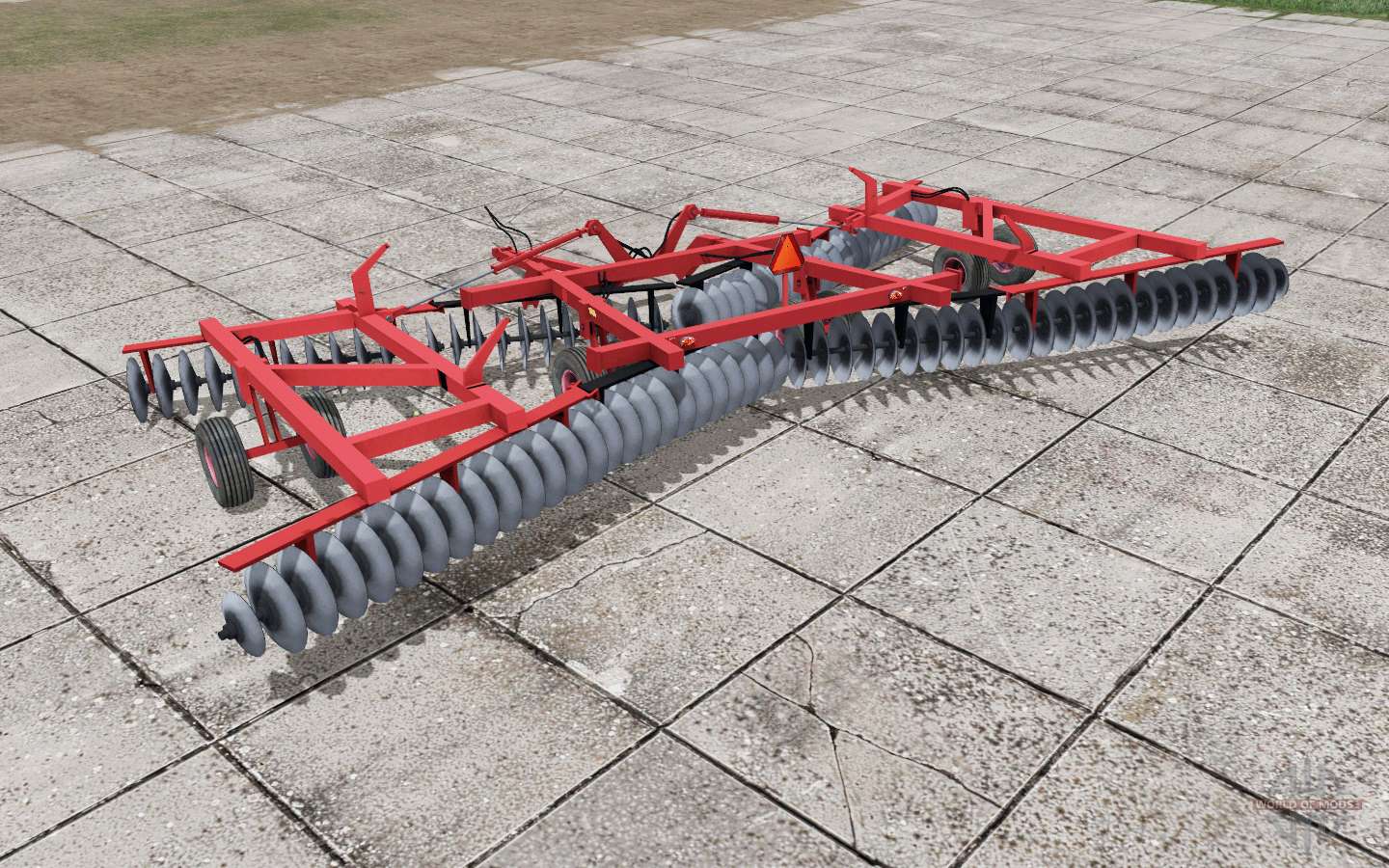
Raba-IH 10-490 for Farming Simulator 2017
Disc harrow Rába-IH 10-490 for Farming Simulator 17. Cost of harrows in the game, €: 51792 Maintenance of harrow, €/day: 5 The working width of the harrow, M.: 12 Tested in game version 1.5.3.1 Download disc harrow Rába-IH 10-490 for Farming Simulator 17 you can click on the links below on the page. Not well provided author? Mistakes in mod description? Contact us, buddy!
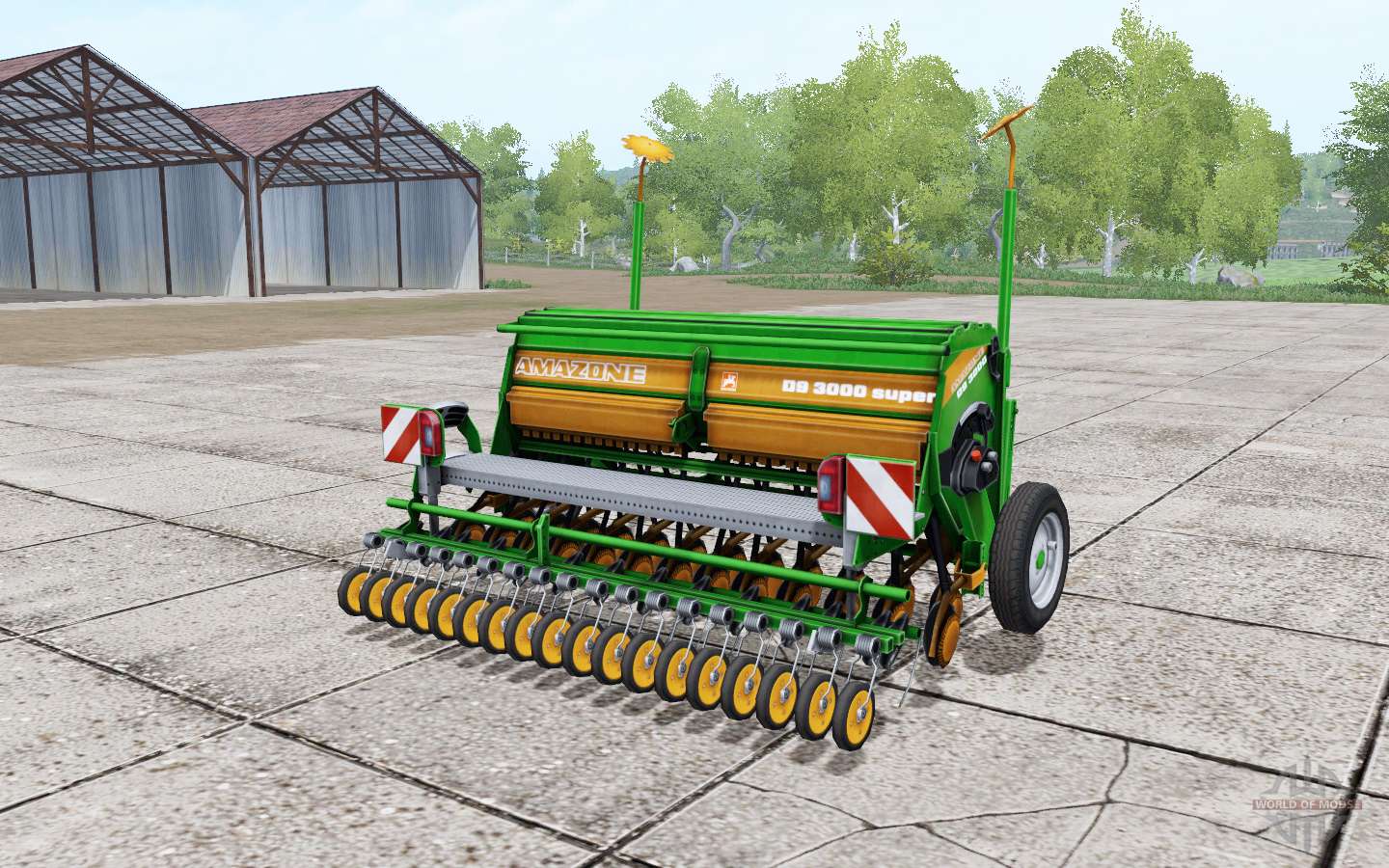
Amazⱺne D9 3000 Super for Farming Simulator 2017
Mounted seed drill Amazone D9 3000 Super for Farming Simulator 17. The cost of the seeder in the game, €: 20000 Maintenance drills, €/day: 60 The hopper volume for seed: 500 liters Sowing working width, m: 3 Tested in game version 1.5.3.1 Download hitch seeder Amazone D9 3000 Super Farming Simulator for 17, you can on the links located below on the page. Not well provided author? Mistakes in mod description? Contact us, buddy!
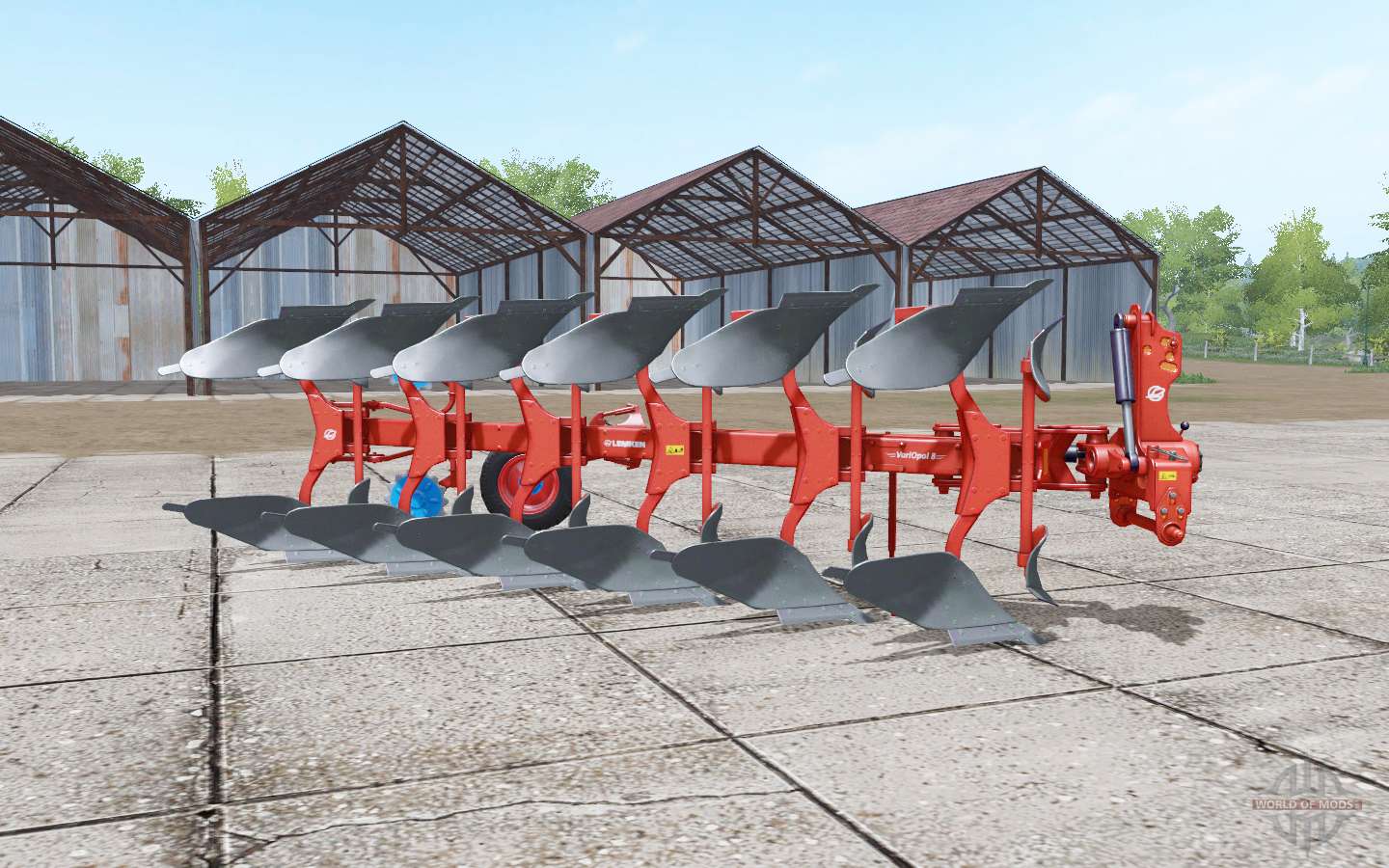
Lemken VariOpal 8 Red Edition for Farming Simulator 2017
Rotary plough Lemken VariOpal 8 for Farming Simulator 17. The cost of the plough in the game, €: 25350 Maintenance of the plow, €/day: 10 Furrow working width, m: 3 Tested in game version 1.5.3.1 Download rotary plough Lemken VariOpal 8 for Farming Simulator 17 you can click on the links below on the page. Not well provided author? Mistakes in mod description? Contact us, buddy!

Rauch Axera EMC for Farming Simulator 2017
Hinged diffuser of fertilizers Rauch Axera for Farming Simulator 17. The cost of the lens in the game, €: 15900 Maintenance of the lens, €/day: 15 Tank volume, l: 2000 Tested in game version 1.5.3.1 Download hinged diffuser of fertilizers Rauch Axera for Farming Simulator 17 you can click on the links below on the page. Not well provided author? Mistakes in mod description? Contact us, buddy!
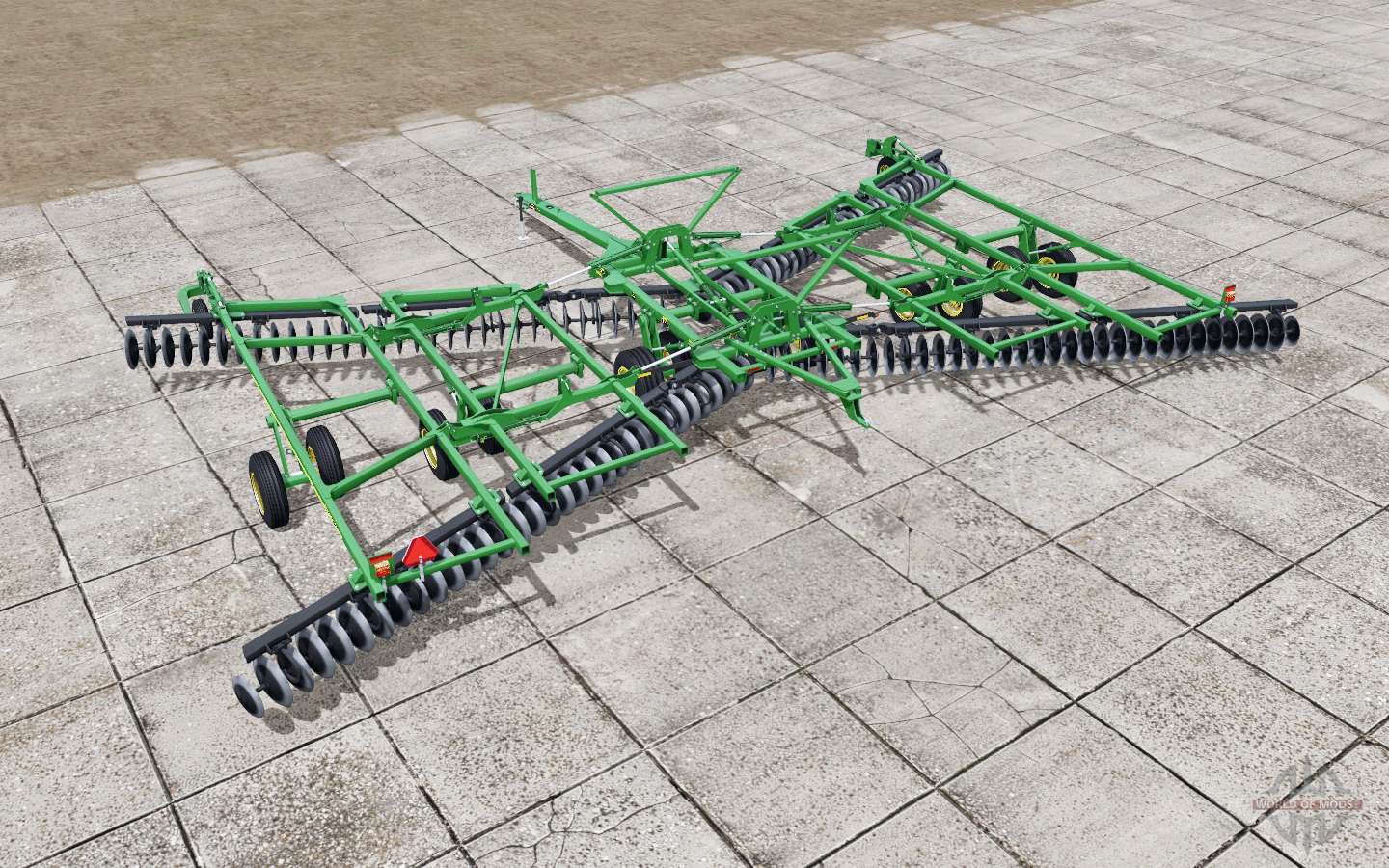
John Deere 2623 for Farming Simulator 2017
Disc harrow John Deere 2623 for Farming Simulator 17. Cost of harrows in the game, €: 109500 Maintenance of harrow, €/day: 35 The working width of the harrow, M.: 15,5 Tested in game version 1.5.3.1 Download disc harrow John Deere 2623 for Farming Simulator 17 you can click on the links below on the page. Not well provided author? Mistakes in mod description? Contact us, buddy!
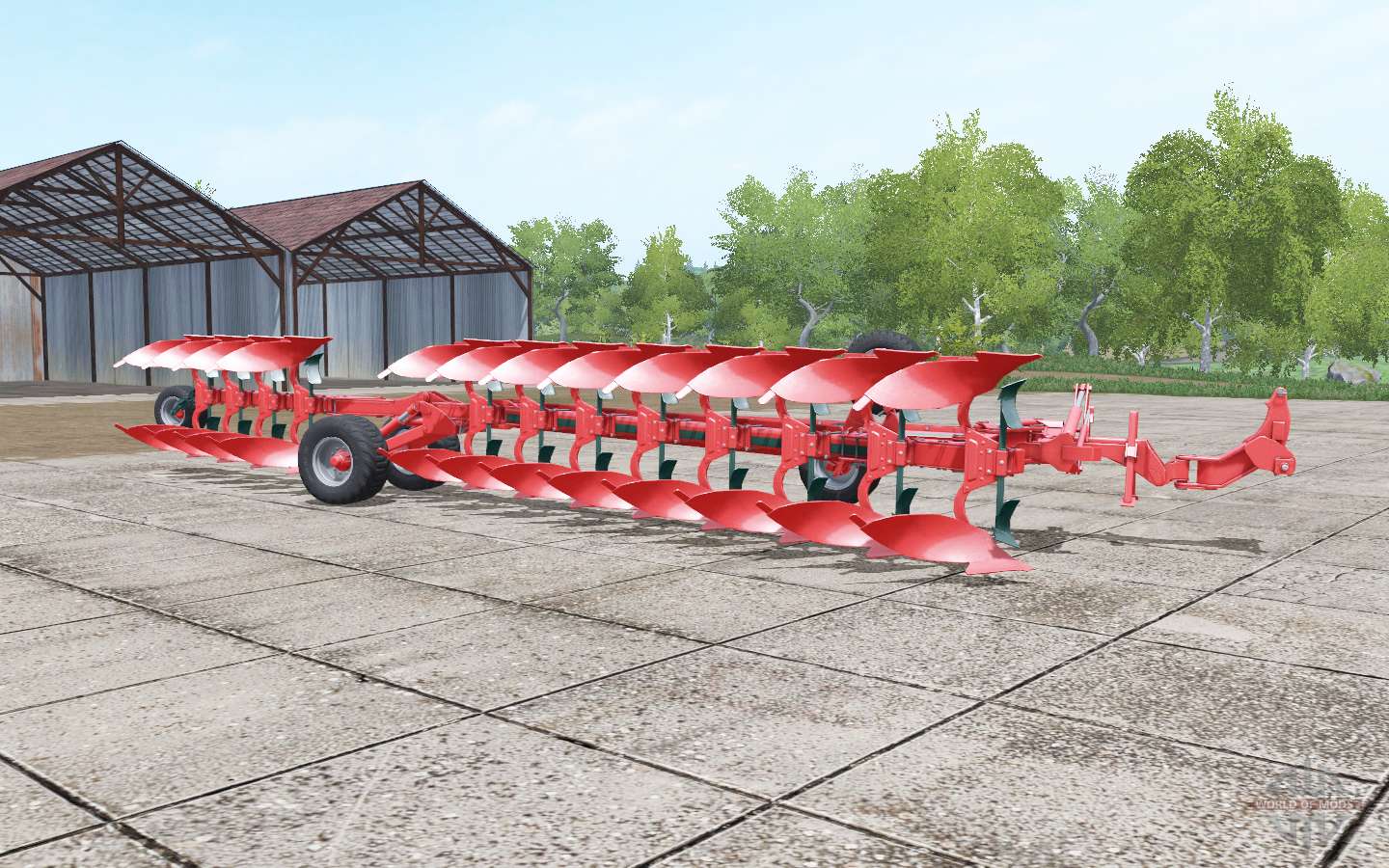
Vogel&Noot Heros 1000 for Farming Simulator 2017
Reversible plough Vogel&Noot Heros 1000 for Farming Simulator 17. The cost of the plough in the game, €: 81200 Maintenance of the plow, €/day: 25 The working width of the plough, m.: 6 Tested in game version 1.5.3.1 Download reversible plough Vogel&Noot Heros 1000 for Farming Simulator 17 you can click on the links below on the page. Not well provided author? Mistakes in mod description? Contact us, buddy!
- 15 per page
- 30 per page
- 45 per page
- 60 per page
-
See more per page
Bigger pages, fewer clicks - and no ads anywhere.
Go Pro