Euro Truck Simulator 2 mods
174,784 results- 15 per page
- 30 per page
- 45 per page
- 60 per page
-
See more per page
Bigger pages, fewer clicks - and no ads anywhere.
Go Pro

Test Track for Physics Evaluations v1.1
Test Track for Physics Evaluations v1.1 for Euro Truck Simulator 2 Test track for performance tests and to tweak physics parameters. SkidpadsTwo multi-lane skidpads; one is flat, and the other one has a negative camber.The middle lanes of the pads have a radius of 40m, and can be used for testing rollover limits. Mountain RoadsTwo extreme mountain roads for testing brake fade.One road is straight, with a decline of nearly 40%, and a length of about 1.5km,the other one is curved, with a decline of 20%, and a length of about 3.5km.This allows bringing up the brakes to extreme temperatures, to test their fading behavior. Static Tip-Over BankA straight bank, at different angles, allows the testing of static tip-over behavior, due to CG position and tire traction. Brake MeasurementsA straight and level braking area, with distance markers to determine brake performance. Speed BumpsMultiple speed bumps in a row allow chassis and suspension testing, as well as cargo damage. High-speed courseA traffic-free track section, with long straights, as well as an exit ramp, allows testing of high-speed maneuvers. In addition, there is a gas-station nearby, a hotel, a truck dealer and repair shop,and two shipping companies, to pick up trailers from. Copy testtrack.scs into your mod folder. (Normally it's "My Documents\Euro Truck Simulator 2\mod"). Open ETS2, and activate the map in the Mod Manager.USAGE: The track is located in Austria, between Linz and Wien, and you can get there either by following the signs (for "Kron Ring Teststrecke"), or by using these commands in the console: goto kronring (half way up the mountain) goto 19028,600,17101 (top of mountain) goto 17237,3,17101 (main area / skidpads) Help keep great mods coming by downloading officially Simple steps to install ETS2 Mods

Special Vehicles traffic v1.2
Special Vehicles traffic v1.2 for Ets2 1.31.x game version This mod adds fire brigade and ambulances from random events to the road traffic.This is a very early version (WIP) For now, vehicles appear without "blue lights", because I can not do it (if someone can "mine" vehicles with blue lights flashing, I will be very grateful for help)In the near future (if someone creates models with flashing lights) I will create new skins for vehicles, e.g. random Operating numbers, Military fire service, air fire brigade, etc.They already have Blue lights!Have fun testing, I am waiting for your suggestions and help Thanks to the help of sunnoco, -improved the speed of vehicles, -added sounds (without sirens while driving, but when you lock the vehicle, it will emit sirens). -I have fixed a problem with Fire Truck, from now on it appears in truck parking lots. Help keep great mods coming by downloading officially Simple steps to install ETS2 Mods

Ferry Connection for Map: Promods2.27-Southern Region7.2-ItalyDLC
Ferry Connection for Map: Promods2.27-Southern Region7.2-ItalyDLC in Ets2 1.31.x game version This mod add ferry connection between:Novorossiysk(Russia) and Constanta(Romania) – 9 hours in transitNovorossiysk and Messina(Italia) – 30 hours in transitMessina and Constanta – 22 hours in transit. Ports Novorossiysk, Constanta and Messina works both for import and export of goods and cargo.Pricing, travel time and distance are as close to real as possible Routes, using ferries, are correctly displayed in the game, on the map and are routed to RouteAdvisor. *Set with a higher priority than all maps. Tested on patch 1.31.2.5 with ProMods v2.27 and SRmap v7.2 (and + RusMap v1.8 + PL-Rebuilding v2.2) Help keep great mods coming by downloading officially Simple steps to install ETS2 Mods
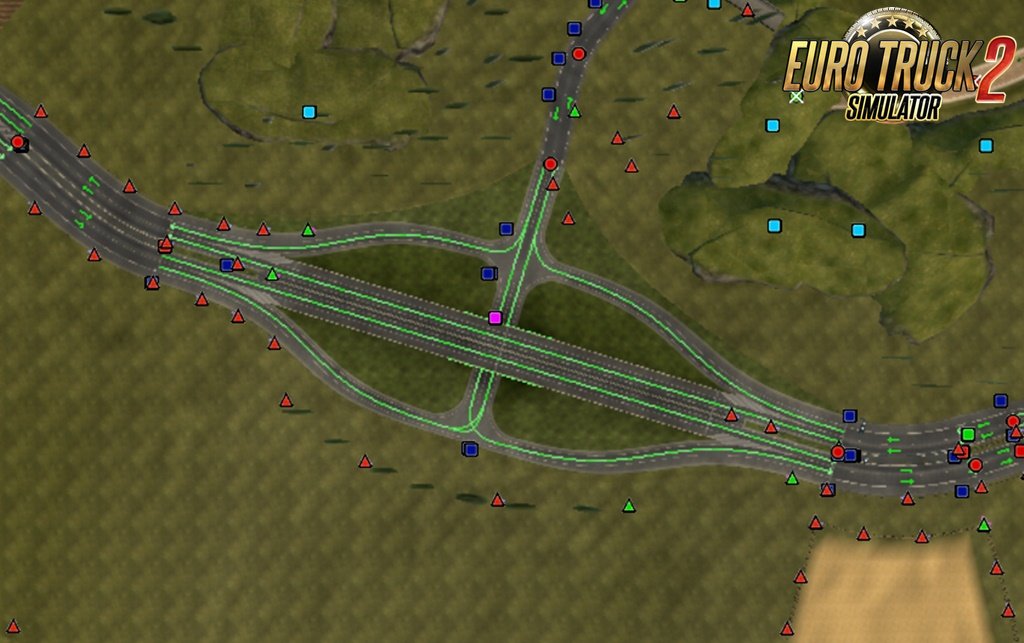
Realistic Russian higways v4.1 for Ets2
-Link 1.) Non-Promods, but compatible with Promods, -Link 2.) Promods version with Better traffic flow for Rusmap. Other Brainiac fashions, above all "Better traffic flow" on: https://www.promods.net/viewtopic.php?f=42&t=14202&p=138224 Help keep great mods coming by downloading officially Simple steps to install ETS2 Mods

Scania New Generation for AI Traffic v1.0 (1.31.x)
Scania New Generation for AI Traffic v1.0 (1.31.x) for Euro Truck Simulator 2 game. While I wait for SCS to adapt the Scania New Generation to the traffic in an official way, I have created this mod to at least appear this truck in the traffic, and have more variety on the roads, it is still in development and will have some defects in the model , is working on it, for as long as I hope you enjoy the mod! Compatible with all AI traffic packs (including those from Jazzycat), you just have to give this mod more priority so that the truck appears. Tested on game version 1.31.x Help keep great mods coming by downloading officially Simple steps to install ETS2 Mods

Virtual Speditor Program v1.99 by xyzan
INFOThis program is a Virtual Speditor, that alows you to add job to job list in Ets2 and Ats.To work properly it needs a Java and Visual C++ Redistributable 2012 Libraries (detailed info in ReadMe file)Progmam changes existing jobs to one we choose - origin, destination and cargo can be choosen (see picture below)Distance for job that calculates time and payment is fixed to 3000km. For short routes time would be to long, and for longer, to short... At this moment I'm unable to do it differently.This program will be very helpful when working for VTC, or when you want to visit unvisited parts of map.Program does not have build in cities or cargoes database - everything is read from your save file. That allows it to work for every map mod, and cargo mods.Most probably if you use mod for true company names, they will be displayed wrong in the program. This is due to nature of those mods - they just change displayed names, not the ones that ETS uses to save information in save file. New version 1.99:You don't need to change g_save_format anymore. Version 1.98 is using Snipers decoding tool, to read binary (format 0) save format.Version 1.99 is compatibile with Ets2 1.30, 1.31 and Ats 1.30, 1.31 If you are going to ask questions that were answered in ReadMe file, don't expect me to answer it again. Please, do not reupload. You can take it to other forums, but use original link - I have no money from that, just want to know number of downloads. Thanks Help keep great mods coming by downloading officially Simple steps to install ETS2 Mods
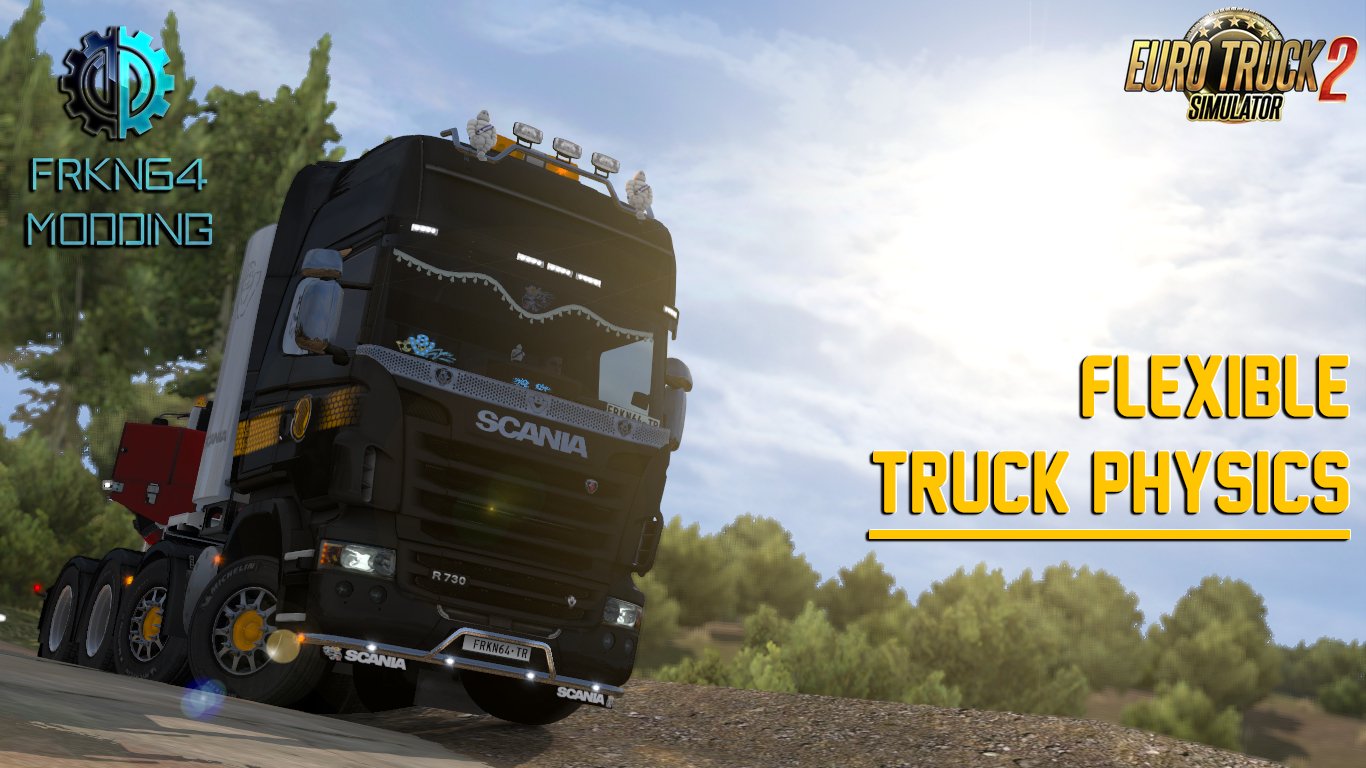
Flexible Truck Physics v1.8 by Frkn64 Modding (1.31.x)
Flexible Truck Physics v1.8 by Frkn64 Modding for Ets2 1.31.x game version Features mod:– More springable and softer truck suspensions– More shaky truck cab– More difficult overturning on curvy roads– Physics is better when you using your truck with a trailer.– Compatible with current ETS 2 trucks.– Also, compatible with these truck mods: – Ohaha’s Volvo FH 2013 – MADster’s MAN TGX Euro 6 – Updated support for 50keda’s DAF XF and MADster’s MAN TGX Euro 6– Removed support for RJL’s Scania R & R-4 and ohaha’s Volvo FH16 2013 New version 1.7 :- Fixed that the liftable axle doesn't turn on some trucks.- Small improvements. Please respect to labor by following these rules;– Don’t edit the mod files without permission.– Give the link of the official mod page from Frkn64modding.com as a download link while sharing the mod on other sites or Youtube(as a video) etc.– Don’t upload the mod to your Sharemods/Modsfile etc. account.Thanks in advance. Tested on game version 1.31.x Help keep great mods coming by downloading officially Simple steps to install ETS2 Mods

Clear Sky NO HDR weather mod for Ets2 by Piva
Help keep great mods coming by downloading officially Simple steps to install ETS2 Mods

HDR No Bloom Mod v1.0 by YanRed (1.31.x)
HDR No Bloom Mod v1.0 by YanRed (1.31.x) for Euro Truck Simulator 2 game. - HDR bloom further reduced- New weather graphic improved- Highway textures refined- Headlight light- raindrops- Street lights Tested on game version 1.31.x Help keep great mods coming by downloading officially Simple steps to install ETS2 Mods
![B73FLY's EDXP-EU v1.8.1 [1.31.x]](https://download-ets2.com/uploads/posts/2016-12/1481008849_1451567051_ets2_00003.png)
B73FLY's EDXP-EU v1.8.1 [1.31.x]
Help keep great mods coming by downloading officially Simple steps to install ETS2 Mods

Save Game Profile (No DLC Required) v1.0 (1.31.x)
Help keep great mods coming by downloading officially Simple steps to install ETS2 Mods

House – Near Cassino (IT) for Ets2
Help keep great mods coming by downloading officially Simple steps to install ETS2 Mods
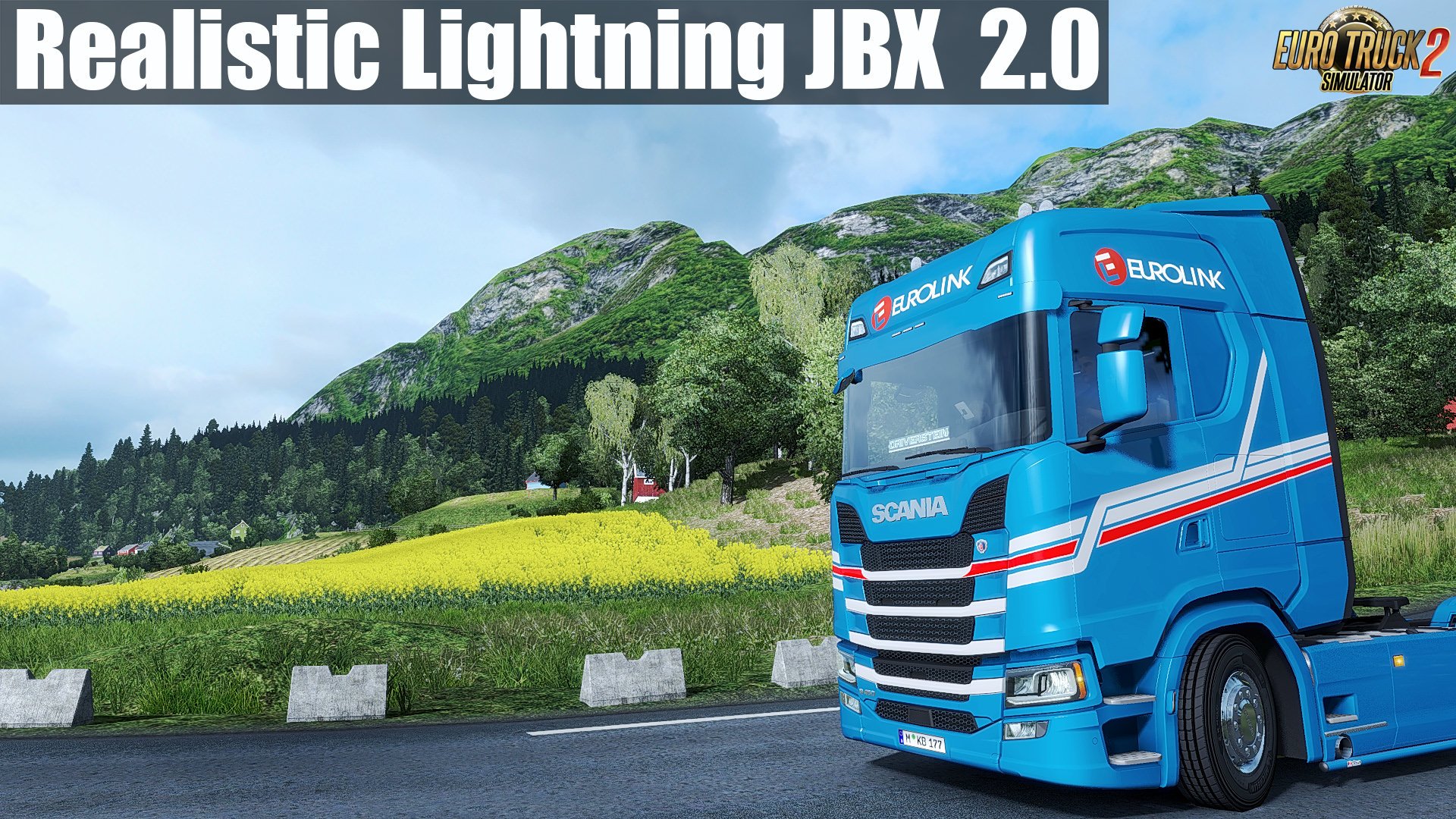
Realistic Lighting 2 JBX - Preset v2.0 (Reshade and SweetFX) (1.31.x)
Realistic Lighting 2 JBX - Preset v2.0 (Reshade and SweetFX) (1.31.x) for Euro Truck Simulator 2 game. This modification improves lighting, bloom, contrast, road textures, terrain, sidewalk, disables automatic exposure and other additional improvements for a better gaming experience. Recommendation: Avoid modifying the default brightness and contrast of the monitor*, play in Full HD (1920X1080) or higher and use the graphics settings that I recommend to get the best possible result in the game. Additional: Deactivate the graphic options of post-processing effects and any other adjustment that affects the quality of the environment, including anti-aliasing filter not recommended. The brightness or gamma settings must be by default in the games. in some games you have to adjust it to avoid excess brightness. Features mod:- Better Lighting- Better Color- Better Contrast- No Pure White- Sharpness and Focus- Realistic Color Temperature Adjustments and Improvements in Curves, DPX, LumaSharpen and Tonemap. Better ColorBetter ContrastLess BrightnessNo Pure White Important: Always use the modified file DPX.h (SweetFX v2.0) for the correct visual of the effect. Replace existing file Path: SweetFX\Shaders\DPX.h Adjustments required* in the Game - Anti-Aliasing (MLAA): OFF (*)- High Dynamic Range: ON (*)- Depth of Field (DOF): OFF (*)- Rays of Sunshine: ON (*)- Color Correction: ON (*)- Anisotropic Filtering: Maximum (*) I recommend playing in the best graphic quality + 400% Scaling + Full HD For better visual quality apply all the graphic settings I recommend. It affects the performance* #####Necessary settings for my Mod JBX (SCS) and Preset v1.9.6 (Config.cfg) uset r_gamma "1" (Important)uset r_cloud_shadows "0" (Optional)uset r_color_correction "1" (Important) Path: \Documents\American Truck Simulator\config.cfgPath: \Documents\Euro Truck Simulator 2\config.cfg #####Note: Exit the game before modifying config.cfg #####Warning: If you want to use any of my configurations, request it and leave my credit. JuanBonX Compatible: Con la mayoría de los juegos - With most games ****Disable FXAA for Other Games (Important) Tested on game version 1.31.x Help keep great mods coming by downloading officially Simple steps to install ETS2 Mods
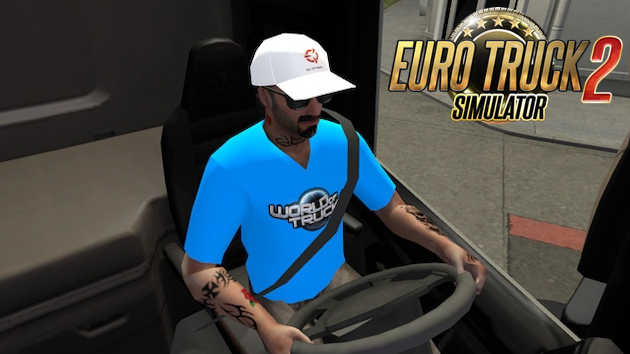
Custom driver skin WOT
Help keep great mods coming by downloading officially Simple steps to install ETS2 Mods
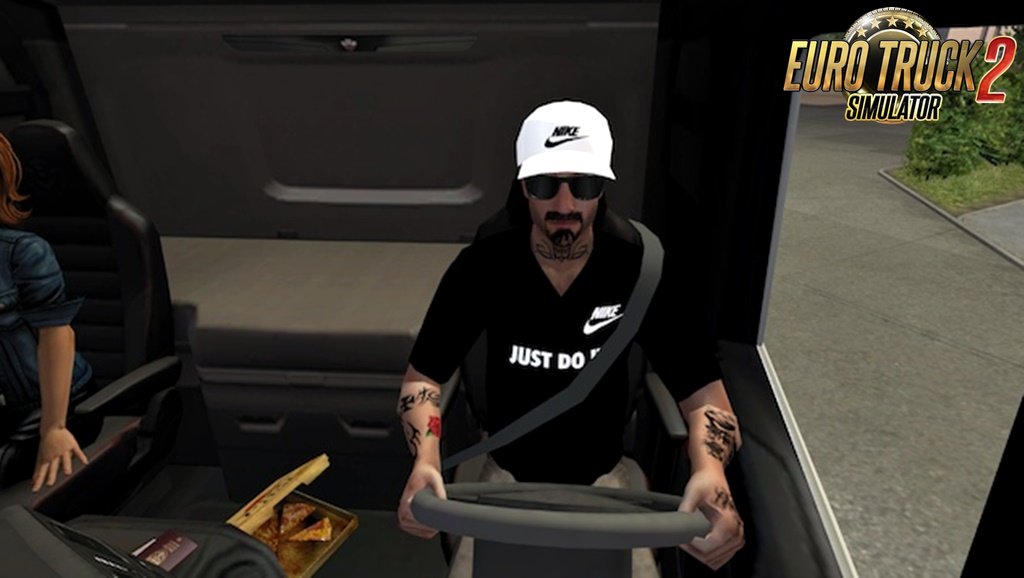
Custom driver skin NIKE
Help keep great mods coming by downloading officially Simple steps to install ETS2 Mods
- 15 per page
- 30 per page
- 45 per page
- 60 per page
-
See more per page
Bigger pages, fewer clicks - and no ads anywhere.
Go Pro