Euro Truck Simulator 2 mods
177,932 results- 15 per page
- 30 per page
- 45 per page
- 60 per page
-
See more per page
Bigger pages, fewer clicks - and no ads anywhere.
Go Pro
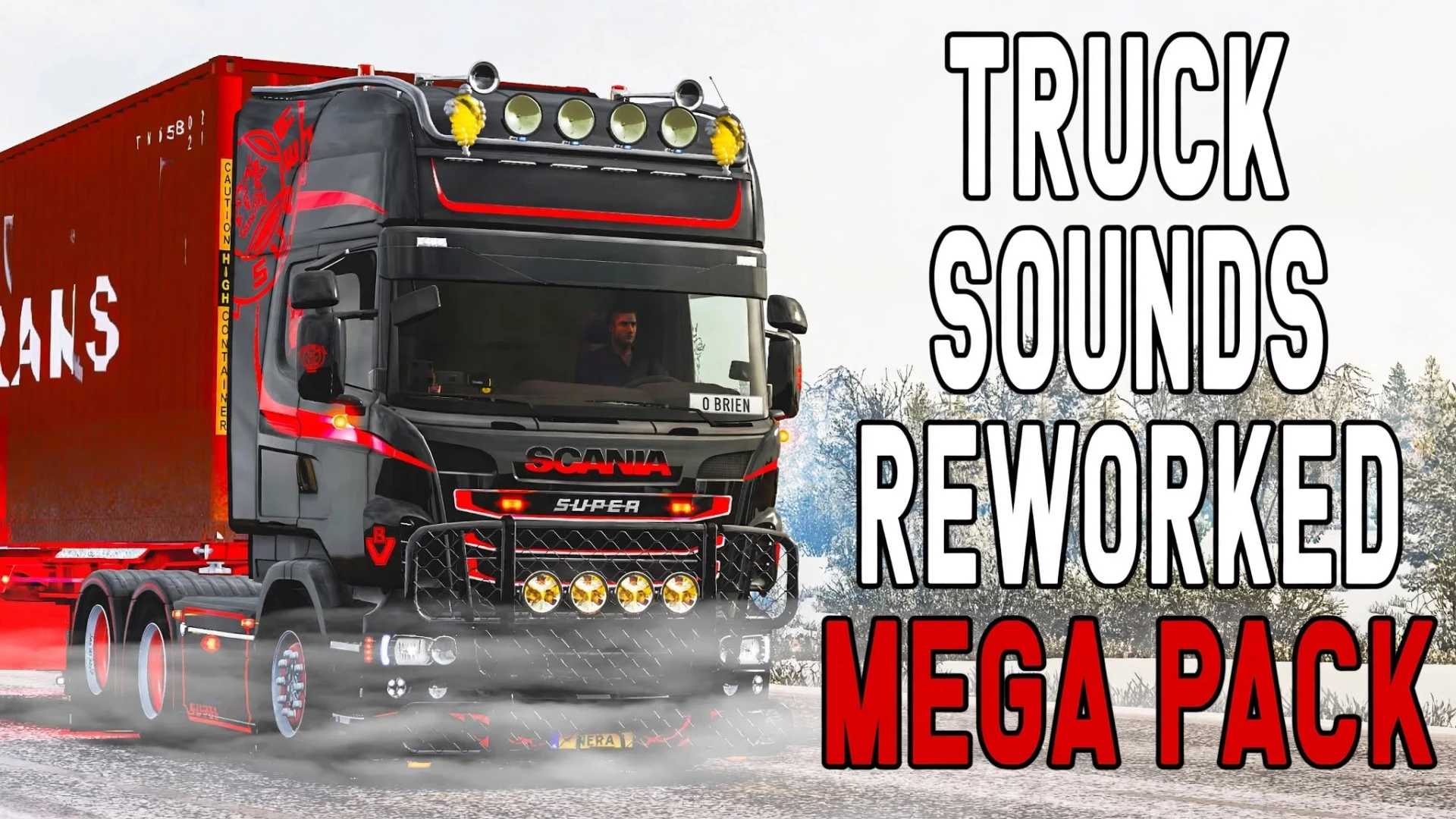
Mega pakiet przerobionych dźwięków ciężarówek 1.61 ETS2
Mega pakiet przerobionych dźwięków ciężarówek 1.61 ETS2 Cechy: 19 dźwięków silnika przerobionych z dźwięków SCS Do PPC i 6 rodzajów dźwięków retardera Nowe, specjalne silniki zapewniające precyzyjny dźwięk dla każdego silnika Specjalnie zaprojektowane tłumienie wewnętrzne zapewniające realistyczny dźwięk wewnątrz ciężarówki Nowe, ulepszone, niestandardowe tłumienie dźwięku zapewniające realistyczne tłumienie dźwięku z efektami pogłosu i zniekształcenia Nowe, ulepszone zniekształcenie wydechu połączone z orientacją dźwięku dla realistycznych efektów wydechu Dźwięk dla: DAF XF 105 firmy Vadik MAN TGX 2020 MAN TGX Euro 5 przerobiony przez Madstera MAN TGX Euro 6 firmy Madster Mercedes-Benz Antos 12 Mercedes-Benz Actros 2019 Mercedes-Benz Actros MP2 Black Edition firmy Dotec Renault Magnum firmy Knox Scania RJL (R, Streamline, seria T, seria 4) Scania R2012 od Freda RPIE Volvo FH16 2012 Wersja gry: 1.61
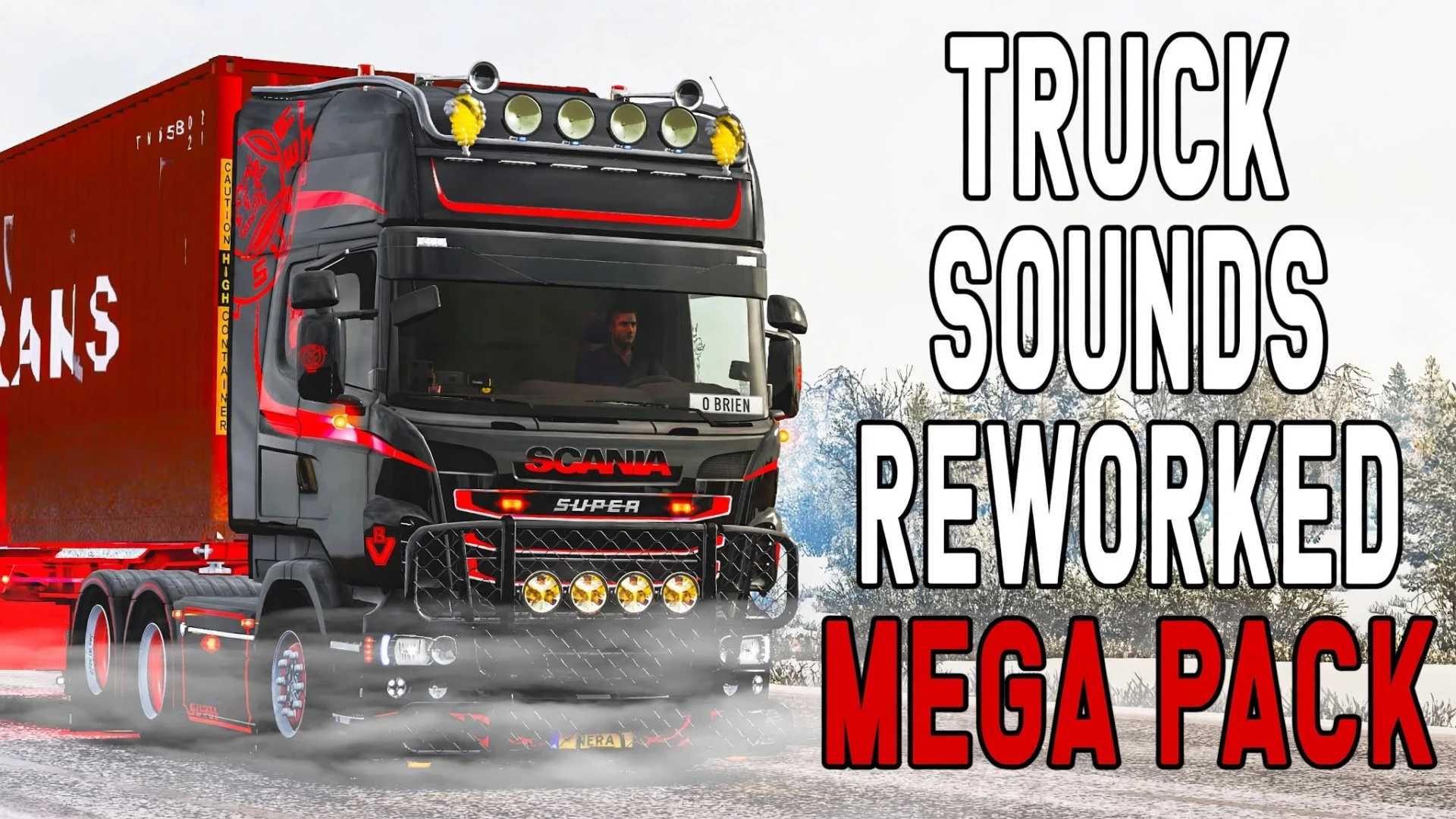
Pack de sons de camions retravaillés 1.61 pour ETS2
Pack de sons de camions retravaillés 1.61 pour ETS2 Caractéristiques: 19 sons de moteur retravaillés à partir des sons SCS Pour le PPC et 6 types de sons de retardateur Nouveaux moteurs spécifiques pour un son précis pour chaque moteur Atténuation interne personnalisée pour un son réaliste à l'intérieur du camion Nouvelle atténuation sonore personnalisée améliorée pour une atténuation réaliste avec effets de réverbération et de distorsion Nouvelle distorsion d'échappement améliorée combinée à une orientation sonore pour des effets d'échappement réalistes Son pour : DAF XF 105 par Vadik MAN TGX 2020 MAN TGX Euro 5 retravaillé par Madster MAN TGX Euro 6 par Madster Mercedes-Benz Antos 12 Mercedes-Benz Actros 2019 Mercedes-Benz Actros MP2 Black Edition par Dotec Renault Magnum par Knox Scania RJL (R, Streamline, série T, série 4) Scania R2012 par Fred RPIE Volvo FH16 2012 Version du jeu : 1.61

Yennefer GPS z Wiedźmina v1.0 ETS2
Yennefer GPS z Wiedźmina v1.0 ETS2 Dodaj do swojej ciężarówki nawigację GPS z głosem, inspirowaną Yennefer z Vengerbergu z uniwersum Wiedźmina. Twoja towarzyszka podróży poprowadzi Cię przez drogi Euro Truck Simulator 2 i American Truck Simulator, komentując trasę w swoim charakterystycznym stylu.

GPS de Yennefer de Witcher v1.0 ETS2
GPS de Yennefer de Witcher v1.0 ETS2 Ajoutez un système de navigation GPS à guidage vocal à votre camion, inspiré par Yennefer de Vengerberg de l'univers The Witcher. Votre compagne de voyage vous guidera sur les routes d'Euro Truck Simulator 2 et d'American Truck Simulator, en commentant le trajet dans son style inimitable.
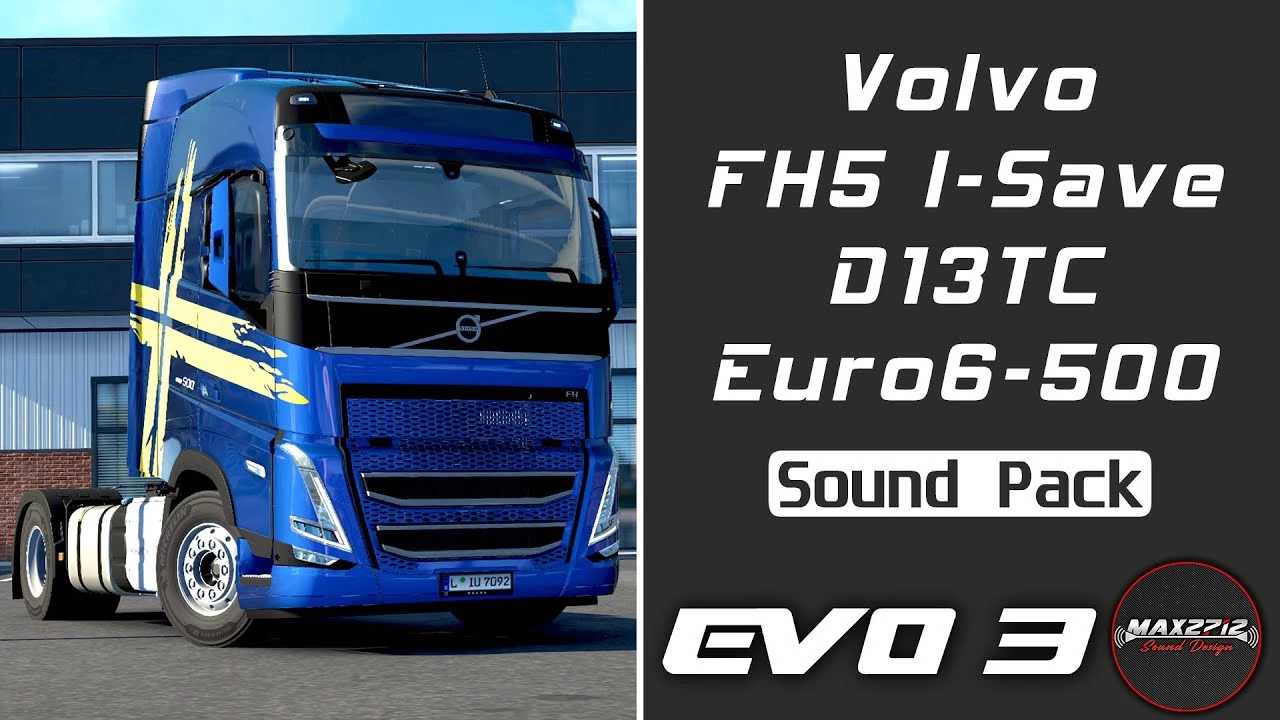
Pakiet dźwiękowy D13TC dla Volvo FH5 I-Save 500 z 2023 r. w wersji 1.3.3 i wersji 1.61 ETS2
Pakiet dźwiękowy D13TC dla Volvo FH5 I-Save 500 z 2023 r. w wersji 1.3.3 i wersji 1.61 ETS2 Pakiet dźwiękowy dla Volvo FH5 z systemem ETS2, składający się z próbek dźwiękowych o jakości studyjnej nagranych w Volvo FH5 I-Save 500 z 2023 roku, wyposażonym w seryjny silnik Volvo D13T500A Euro 6 o pojemności 12,8 l z technologią Turbo Compound. Wszystkie dźwięki FH5 zostały profesjonalnie nagrane przy użyciu sprzętu studyjnego, w tym dźwięki silnika, wnętrza, hamulców pneumatycznych, skrzyni biegów I-Shift i wiele innych! Pakiet dźwięków zastępuje oryginalne pliki dźwiękowe ETS2 dla silników D13x i D16x w następujących ciężarówkach: Volvo FH4 firmy SCS, Volvo FH5 firmy SCS, Volvo FH6 firmy SCS i Volvo FH 2022 firmy Sanax. Jest również kompatybilny z modelami Renault Range T marki SCS i Renault Range T Evo marki Gloover. Dodatkowy plik def „ Volvo.FH5.500.TC.engine.defs.xxx.scs” Kompatybilny z: ETS2 1.61 (wersja moda 1.3.3)
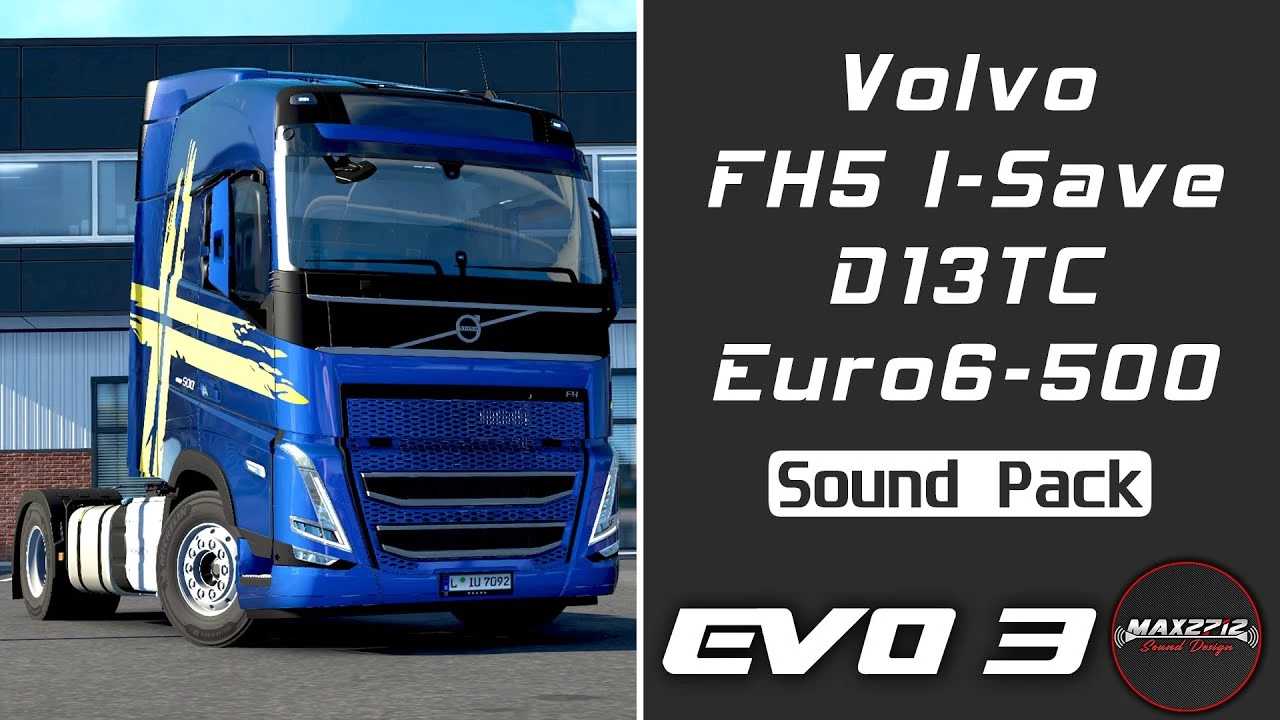
Pack de sons Volvo FH5 I-Save 500 D13TC v1.3.3 1.61 ETS2 (2023)
Pack de sons Volvo FH5 I-Save 500 D13TC v1.3.3 1.61 ETS2 (2023) Pack de sons pour le Volvo FH5 dans ETS2, composé d'échantillons sonores de qualité studio enregistrés sur un Volvo FH5 I-Save 500 de 2023, équipé d'un moteur Volvo D13T500A Euro 6 de 12,8 litres avec technologie Turbo Compound. Tous les sons du FH5 ont été enregistrés professionnellement avec du matériel audio de studio : moteur, ambiance sonore intérieure, aérofreins, boîte de vitesses I-Shift et bien plus encore ! Le pack de sons remplace les fichiers sonores originaux d'ETS2 pour les moteurs D13x et D16x des camions suivants : le Volvo FH4 de SCS, le Volvo FH5 de SCS, le Volvo FH6 de SCS et le Volvo FH 2022 de Sanax. Il est également compatible avec le Renault Range T by SCS et le Renault Range T Evo by Gloover. Fichier de définition supplémentaire « Volvo.FH5.500.TC.engine.defs.xxx.scs » Compatible avec : ETS2 1.61 (Mod Version 1.3.3)
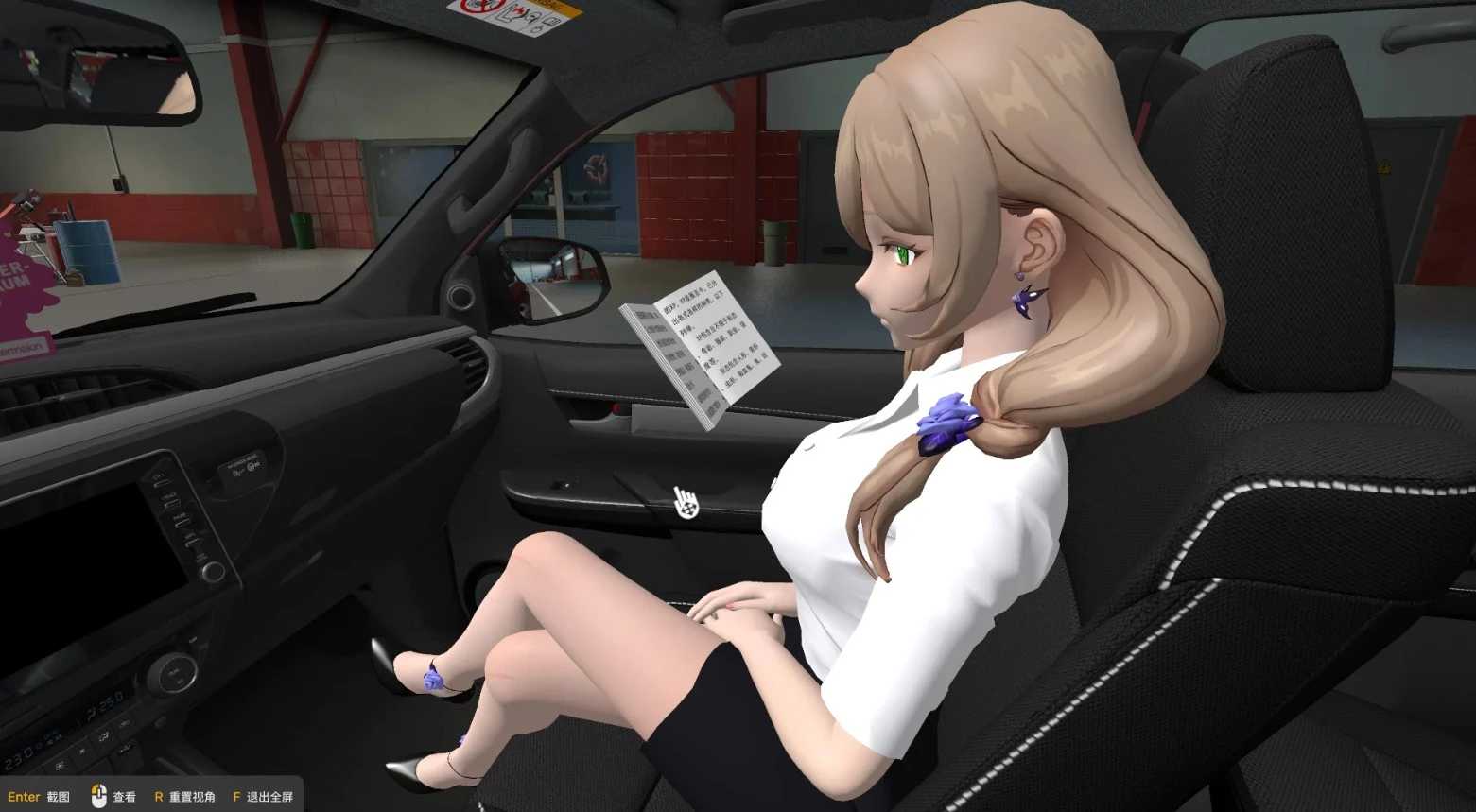
Toyota SW4 Genshin Companions Addon v1.0 ETS2
Toyota SW4 Genshin Companions Addon v1.0 ETS2 Uczyń pilotów Genshin Copilot kompatybilnymi z SUV-em Toyota SW4 SRX Do idealnego działania ETS2 wymagany jest SUV Toyota SW4 SRX i wszystkie modyfikacje Genshin Copilot.
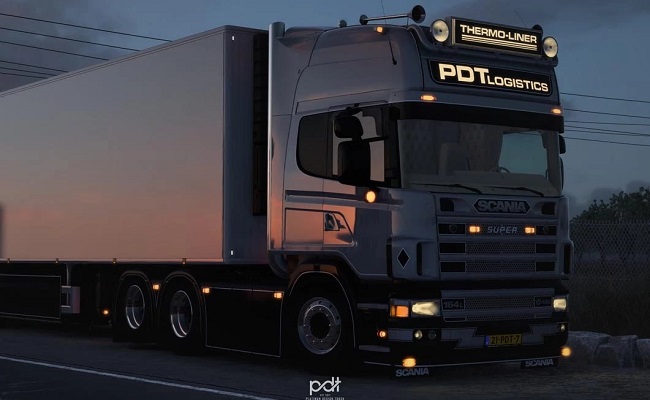
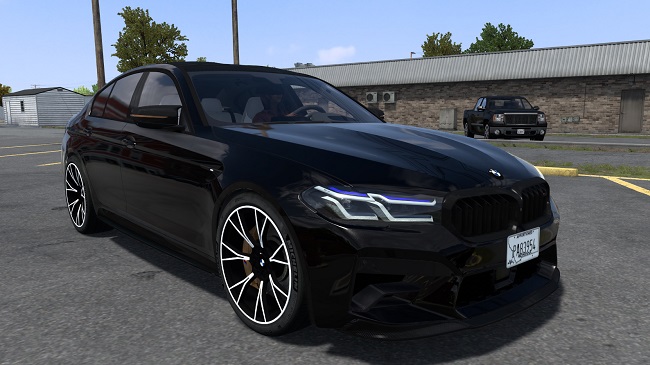

Stacje radiowe w Turcji – Livestream.sii v1.0 ETS2
Stacje radiowe w Turcji – Livestream.sii v1.0 ETS2 Ten mod dodaje kolekcję tureckich stacji radiowych do Euro Truck Simulator 2. Plik livestream.sii zawiera ręcznie utworzoną listę tureckich stacji radiowych, obejmującą muzykę popularną, pop, dance, elektroniczną, wiadomości i inne kanały radiowe z Turcji. Cechy: Tureckie stacje radiowe z różnych regionów Turcji Różnorodność gatunków muzycznych i formatów radiowych Łatwy w instalacji Współpracuje z systemem radia/strumieniowania w grze Ręcznie skompilowane i przetestowane łącza strumieni radiowych Instalacja: Zastąp lub dodaj plik livestream.sii do folderu konfiguracji ETS2: DokumentyEuro Truck Simulator 2 Przed instalacją zaleca się wykonanie kopii zapasowej oryginalnego pliku livestream.sii. Notatka: Strumienie radiowe są dostarczane przez ich nadawców. Niektóre stacje mogą czasami stać się niedostępne, jeśli nadawca zmieni adres URL lub serwer strumieniowania. Słuchaj tureckiego radia podczas podróży po Europie!
Physics Improwed Reaload V8.1
The mod includes only 4×2 chassis for the Scania NG (R-series). – Reworked cab physics/behavior. – Removed non-functional elements. Compatibility: 1.61.x. Credits: IBEE127I

Stations de radio turques – Livestream.sii v1.0 ETS2
Stations de radio turques – Livestream.sii v1.0 ETS2 Ce mod ajoute une collection de stations de radio turques à Euro Truck Simulator 2. Le fichier livestream.sii contient une liste créée manuellement de stations de radio turques, incluant de la musique populaire, de la pop, de la dance, de l'électronique, des actualités et d'autres chaînes de radio de Turquie. Caractéristiques: Stations de radio turques de différentes régions de Turquie Une variété de genres musicaux et de formats radio Facile à installer Compatible avec le système radio/streaming intégré au jeu Liens vers des flux radio compilés et testés manuellement Installation: Remplacez ou ajoutez le fichier livestream.sii à votre dossier de configuration ETS2 : DocumentsEuro Truck Simulator 2 Il est recommandé de sauvegarder votre fichier livestream.sii d'origine avant l'installation. Note: Les flux radio sont fournis par leurs diffuseurs respectifs. Certaines stations peuvent être temporairement indisponibles si le diffuseur modifie son URL de diffusion ou son serveur. Écoutez la radio turque en parcourant l'Europe en voiture !

Yet Another Rain Mod + Addons Pack v3.0 1.61
v3.0: – Slightly increased the number of raindrops in certain scenarios – Minor changes in rain behavior – Minor changes in the description – Updated mod preview Description: Load Order: > YARM: Particles Addon YARM: Pure Rain Addon Yet Another Rain Mod < (optional) Other rain mods Graphics, weather, lighting Manually Reworked: – Raindrop texture: smaller and denser droplets with increased resolution. – Falling rain streaks: more frequent, but less intrusive and distracting. – Raindrop settings: more beautiful, atmospheric, and detailed look while maintaining good visibility. – Behavior: almost all raindrops are dynamic, with a drying time of around 15 minutes of in-game time after the rain. Some drops keep moving after the rain stops, creating a stunning visual effect. – Side windows and windshield bounds: fully redone by hand. All 78 (78!!!) win_mask_l.dds and win_mask_r.dds files were manually redrawn using a graphics tablet, also every single glass config (50+) was edited. Now all windows on every truck are fully covered with raindrops. – Bug fixes: fixed various issues for certain trucks, except for the FH4/5/6 windshields (side windows work fine; I am already testing a fix for the windshields, and if successful, I will release it as a separate mod, so stay tuned). Compatibility: Fully compatible with all other mods. The mod replaces only three textures, the glass configs, and side window masks. It does not modify the weather system, sounds, or any other game files. Works without issues on version 1.61.x. Credits: Denis
Renault Range T Evo przeróbka 1.61 ETS2
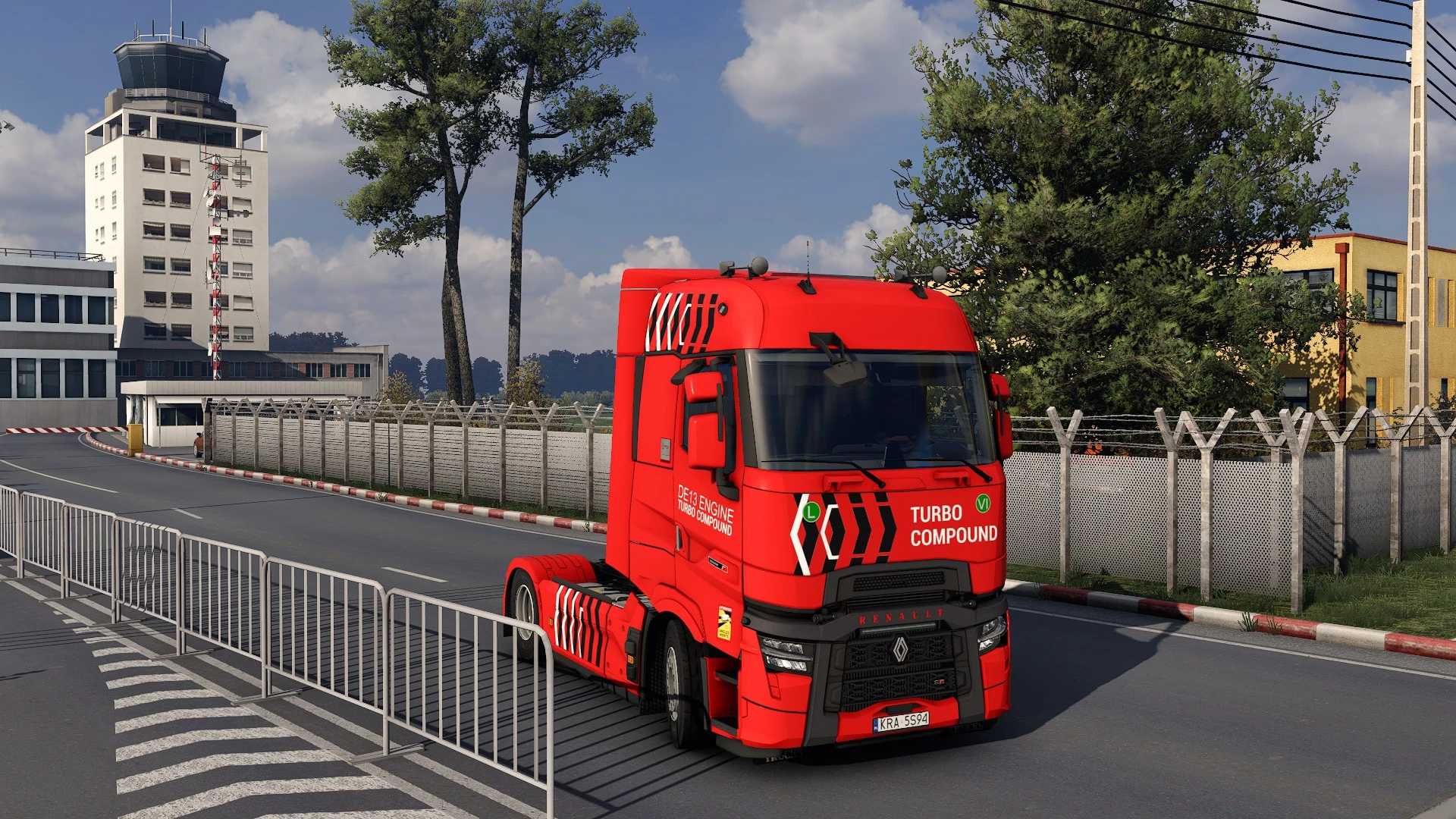
Renault Range T Evo przeróbka 1.61 ETS2 2 kabiny 8 podwozi + BDF 3 wnętrza Niestandardowe dźwięki silnika, wnętrza i ciężarówki Wsparcie dla Sebastiana swapbody Kompletne dodatki Megamod tuning + akcesoria Samodzielny można kupić u dealera modów Opis: Ten dodatek dodaje do gry Euro Truck Simulator 2 nowy, samodzielny model Renault Range T Evolution 21′. Ciężarówka ta została wykonana z dbałością o szczegóły i charakteryzuje się wysoką wydajnością. Dodatek ten przekształci znanego Range T od SCS Software w model, jaki powinien być, bez żadnych ograniczeń. Zawartość: Dostępnych jest wiele opcji personalizacji, zbyt wiele, aby je wszystkie wymienić. Aby zapoznać się z pełną zawartością, obejrzyj film w galerii powyżej. Instalacja: Rozpakuj plik .rar i umieść pliki .scs w folderze modów ETS2. Znajdziesz je tutaj: Dokumenty/Euro Truck Simulator2/mod Po umieszczeniu plików .scs w folderze modów możesz aktywować moda w edytorze modów.
Renault Range T Evo retravaillée 1.61 ETS2
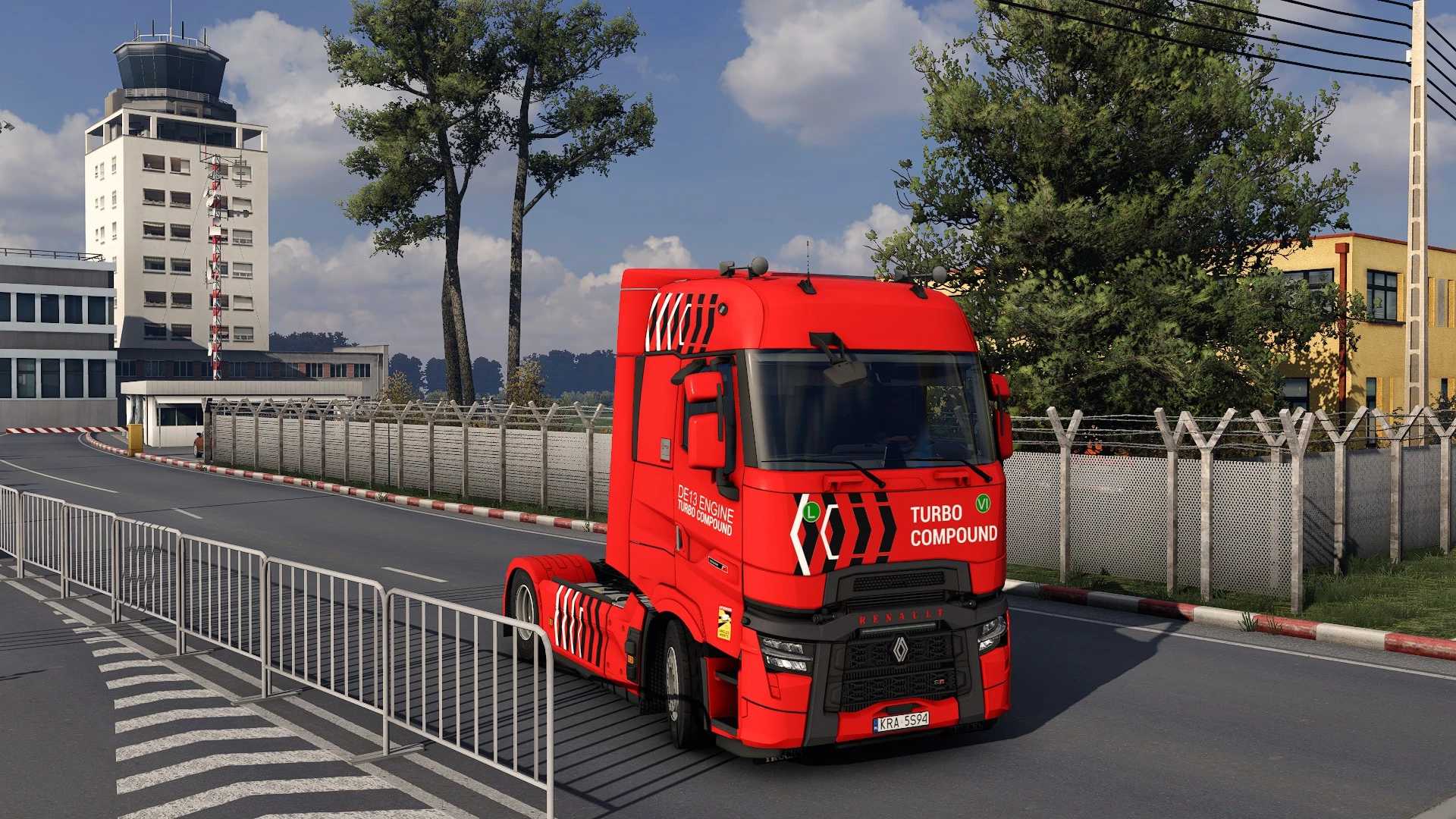
Renault Range T Evo retravaillée 1.61 ETS2 2 cabines 8 châssis + BDF 3 intérieurs Sons personnalisés du moteur, de l'intérieur et du camion Support pour la carrosserie interchangeable Sebastian Modules complémentaires complets Réglage Megamod + accessoires Le mod peut être acheté seul chez un revendeur spécialisé. Description : Ce module complémentaire ajoute un nouveau Renault Range T Evolution 21′ autonome à Euro Truck Simulator 2. Ce camion a été conçu avec soin et une grande attention aux détails, tout en offrant des performances optimales. Ce module complémentaire transforme le Range T de SCS Software en une version fidèle à la réalité, sans aucune limitation. Contenu : De nombreuses options de personnalisation sont disponibles, trop nombreuses pour être toutes listées. Pour en savoir plus, regardez la vidéo dans la galerie ci-dessus. Installation : Décompressez le fichier .rar et placez les fichiers .scs dans votre dossier de mods ETS2, que vous trouverez ici : Documents/Euro Truck Simulator 2/mod. Une fois les fichiers .scs placés dans le dossier de mods, vous pouvez activer le mod dans l’éditeur de mods.
- 15 per page
- 30 per page
- 45 per page
- 60 per page
-
See more per page
Bigger pages, fewer clicks - and no ads anywhere.
Go Pro