1 / 4
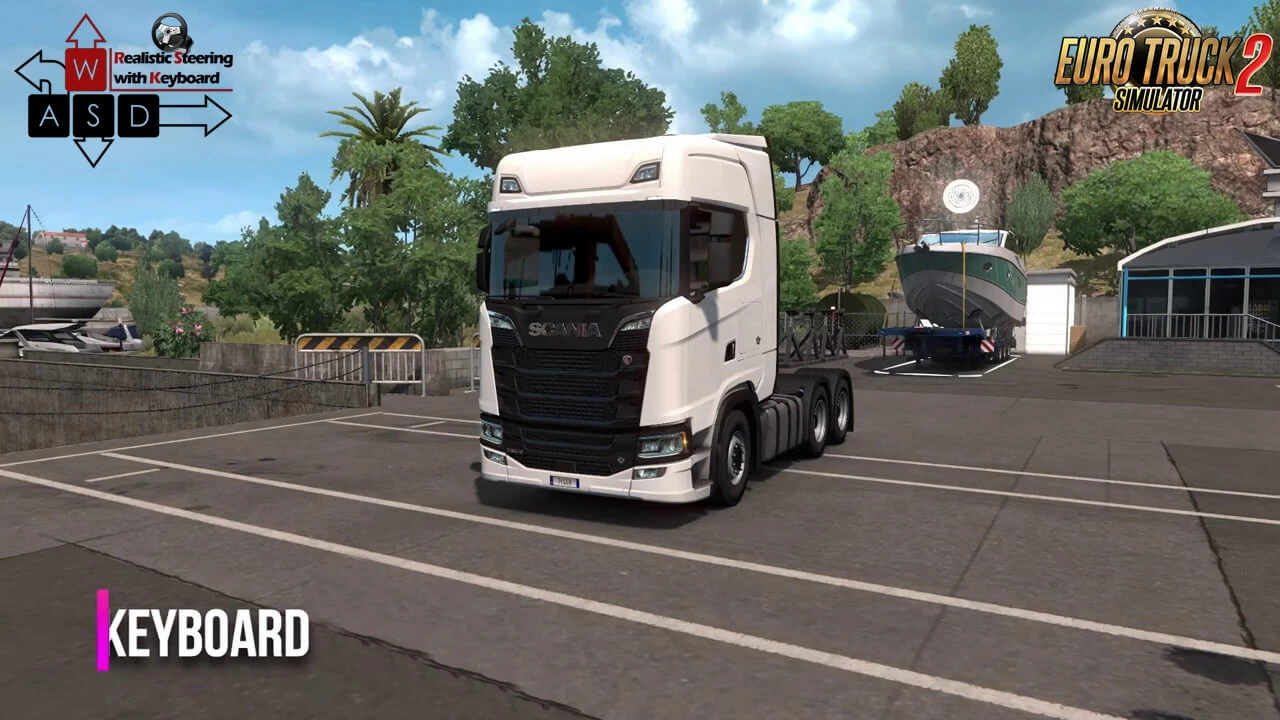
Realistic Steering with Keyboard v4.0.23 (1.62.x) for ETS2
🎮 Realistic Steering with Keyboard for ETS2 - improves truck handling and steering behavior for players who drive without a wheel, making keyboard steering feel smooth, stable, and realistic. It allows you to take high‑speed turns without instantly overturning the truck, even when using realistic suspension settings, offering a more natural and enjoyable driving experience.
Recommended settings:
– 🎯 More realistic steering response for keyboard users– 🚛 Smooth high‑speed turning without excessive rollover– 🛞 Works perfectly with realistic suspension physics– ⚙️ Recommended steering sensitivity: c_rsteersens 0.75– 🧩 Optional realistic suspension settings included– ✅ Fully compatible with ETS2 1.57
Note*: Write above setting in console (~) after load the profile.
Note**: Lower value means more realistic behavior but high risk of overturn
– 🔄 Adapted to the latest game patch 1.62
1. Download the mod from below / download section
2. Put it into your mod folder
3. Activate it on your mod profile
4. Type in console (~) after your profile loaded this command lines:
g_suspension_stiffness 0.2
g_cabin_suspension_stiffness 0
g_truck_stability 0.25
g_trailer_stability 0.25
*NOTE: If those values isn’t proper for yourself, feel free to change them.
5. *In game options, your Steering sensitivity should be set to middle*. This allow you to move your steering faster when your truck is under 30km/h. Also, it is better for parking and roundabouts.
✅ Tested on game version 1.62.x
Help keep great mods coming by downloading officially
Simple steps to install ETS2 Mods
Recommended settings:
– 🎯 More realistic steering response for keyboard users– 🚛 Smooth high‑speed turning without excessive rollover– 🛞 Works perfectly with realistic suspension physics– ⚙️ Recommended steering sensitivity: c_rsteersens 0.75– 🧩 Optional realistic suspension settings included– ✅ Fully compatible with ETS2 1.57
Note*: Write above setting in console (~) after load the profile.
Note**: Lower value means more realistic behavior but high risk of overturn
– 🔄 Adapted to the latest game patch 1.62
1. Download the mod from below / download section
2. Put it into your mod folder
3. Activate it on your mod profile
4. Type in console (~) after your profile loaded this command lines:
g_suspension_stiffness 0.2
g_cabin_suspension_stiffness 0
g_truck_stability 0.25
g_trailer_stability 0.25
*NOTE: If those values isn’t proper for yourself, feel free to change them.
5. *In game options, your Steering sensitivity should be set to middle*. This allow you to move your steering faster when your truck is under 30km/h. Also, it is better for parking and roundabouts.
✅ Tested on game version 1.62.x
Help keep great mods coming by downloading officially
Simple steps to install ETS2 Mods
Download Links
Report a problem
Realistic Steering with Keyboard v4.0.23 (1.62.x) for ETS2
Advertisement
Remove ads