American Truck Simulator mods
57,295 results- 15 per page
- 30 per page
- 45 per page
- 60 per page
-
See more per page
Bigger pages, fewer clicks - and no ads anywhere.
Go Pro
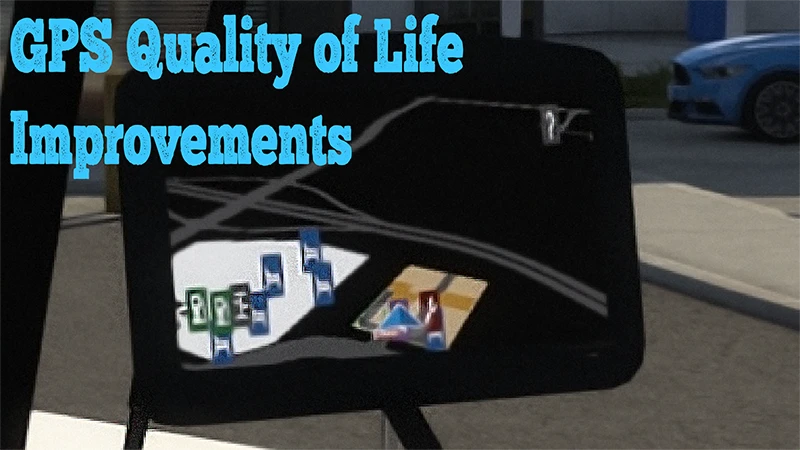
GPS Quality of Life Improvement
Ever get tired of missing exits and merging into warzone's because you didn't know what was coming ahead? Me too. So, I made a few small changes that made a pretty large impact on gameplay... The changes are: Camera angle for the 3D map is reduced, making further ahead roads narrower, and more detailed as they get closer. Icon sizes have been adjusted Player position is moved to the bottom of the GPS on default GPS's where possible, making it easier to see up the road. This currently only works for default accessory GPS's and default cabin GPS's. May work for any mod GPS's that use those texture files, depending on how they're set up On all GPS's the maximum view ahead distance is reached Road sizes for 3D map views is adjusted, making exits and ramps more clearly visible Mod support is in progress. If there is a GPS unit you'd like to see adjusted, let me know and I'll do my best, but be aware that some units use methods of setup that may make it impossible. It is reccomended to use with a map mod like this: https://steamcommunity.com/sharedfiles/filedetails/?id=2515078144 The mod changes several map related settings.
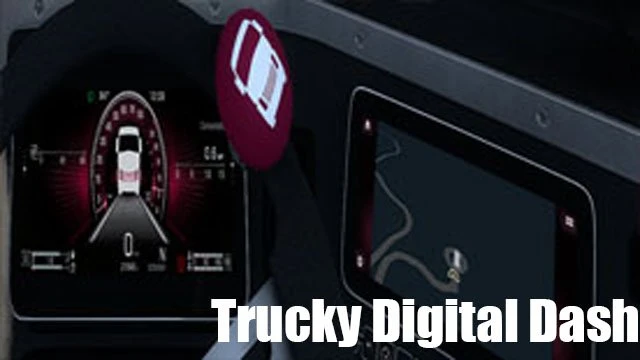
Trucky Digital Dash
Adds a custom display to represent Trucky on the Digital dash for the Western Star 57x and the Freightliner Cascadia

Enhanced camera settings (ATS)
I'm not happy with the camera's default settings. That's why I've been using camera mods for a long time. I made a camera mod for my own use and thought I'd share it. Unlike in my Extreme photo mode mods, I haven't touched the colours of the camera or anything like that. Main features: - Increased camera maximum distance (width and height) to 5 kilometers - Increased camera fly speed - Increased minimum and maximum FOV - Increased background blur as much as possible* - Increased maximum transition to background blur - Unlimited camera roll * It is difficult to explain clearly, but you cannot increase the amount of blur indefinitely. This is due to the way the SCS has implemented the blur. I have tested it several times and the value I use for the blur is practically the upper limit. Enhanced camera settings for ETS2: https://truckymods.io/euro-truck-simulator-2/ui/enhanced-camera-settings My Extreme photo mode mods: ATS: https://truckymods.io/american-truck-simulator/ui/extreme-photo-mode-ats ETS2: https://truckymods.io/euro-truck-simulator-2/ui/extreme-photo-mode-ets2

For Map Exploration/Customization -- Colored Background Map ATS
This mod adds definition for map exploration finding based on the ATS background map Colored for Americas This file is also customizable for players who are willing to customize background defs/colors Support: Please join our Discord server for discussions, updates and load order: https://discord.gg/PZJA3Z5Hae Please join our QQ server for game and modding discussions: 759259172 请加入我们的QQ群聊参加游戏以及模组讨论:759259172
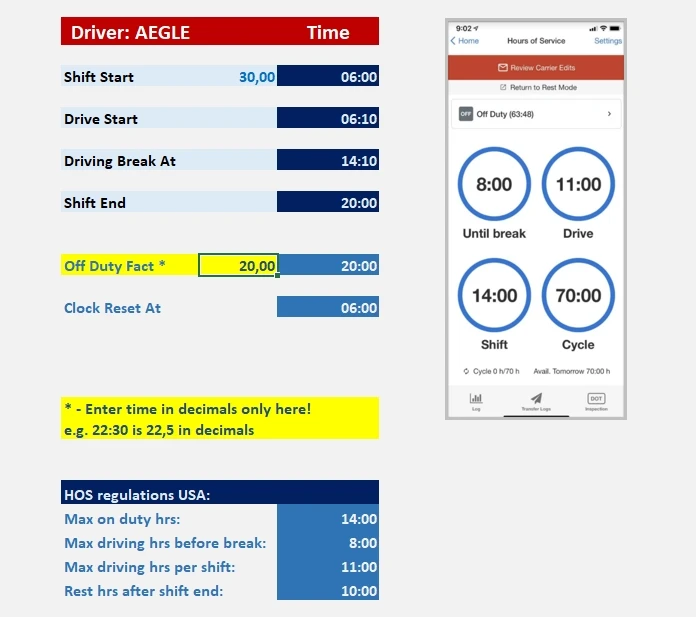
HOS and Route planning tool (excel file)
Prehistory The idea to create this tool came from GDC Logistics - Realistic Economy Mod from Steam workshop. It simulates real economy, prices & stuff, and has got a detailed manual on how trucking works in real life and a trip time planning 'formula'. I used this formula to create a more automated route time planning. I also saw some people using real EDL apps for their trucking, but then, a shift in ATS would be much smaller than in real life, so I figured for myself how it would work best for me in the game. So below is an explainer of how I add more realism to ATS gameplay with this 'tool'. I'll split it into 2 sections for more clarity. 1. TRIP TIME PLANNING - There are 2 tabs in the excel file dedicated to route planning. 1st one explains the logic of calculation (taken from GDC mod), 2nd is where you put your route length, average speed, # of stops and other driver's activities. These calculations allow to plan your trips better according to your Hours of Service statuses i.e. avoid delays in your deliveries, and avoid HOS violations. So what you'd do is enter values in corresponding cells and it will calculate approximate time you will be needing to complete your trip (taking rest breaks, fuel stops, loading / unloading time into account). 2. ELECTRONIC DRIVER'S LOG & HOURS OF SERVICE (EDL & HOS) This bit is set to replace ATS's default fatigue simulation. What I do here is switch it off in the gameplay settings, but monitor my HOS via this file and game time. There are several tabs covering USA / Alaska / Canada and Mexico HOS. As you might know, driver's shift in the US must not take more than 14hrs before 10 consecutive hrs or rest, out of which driving is allowed for only 11hrs during the shift. A driver must also take a 30min break after driven 8 consecutive hrs. Now real EDLs look different and have much more options, but I find my and ATS time much more condensed to follow all of US regulations. So I just mark my shift start time, drive start time (after I've started my shift and made pretrip inspection, planned further route, etc.), do a break after 8hrs of consecutive driving and make sure I shut down before the 14hrs clock runs out. To rest I use either console command g_set_time, or default trigger at truck/rest areas. I love this bit of the simulation, because it shows how trucking is not just about driving, but about safety also. So to make it work you just need to 'log' your hours by entering the 'Off duty fact' value. Note that the times must be entered in decimal format - e.g. 7hrs 15 minutes in decimals would be 7,25. The hours are used in 24 hr span (not am / pm). 3. PRETRIP AND POSTTRIP INSPECTION This includes a tab with inspection checklist. Use it to visually inspect your vehicles. Enjoy!
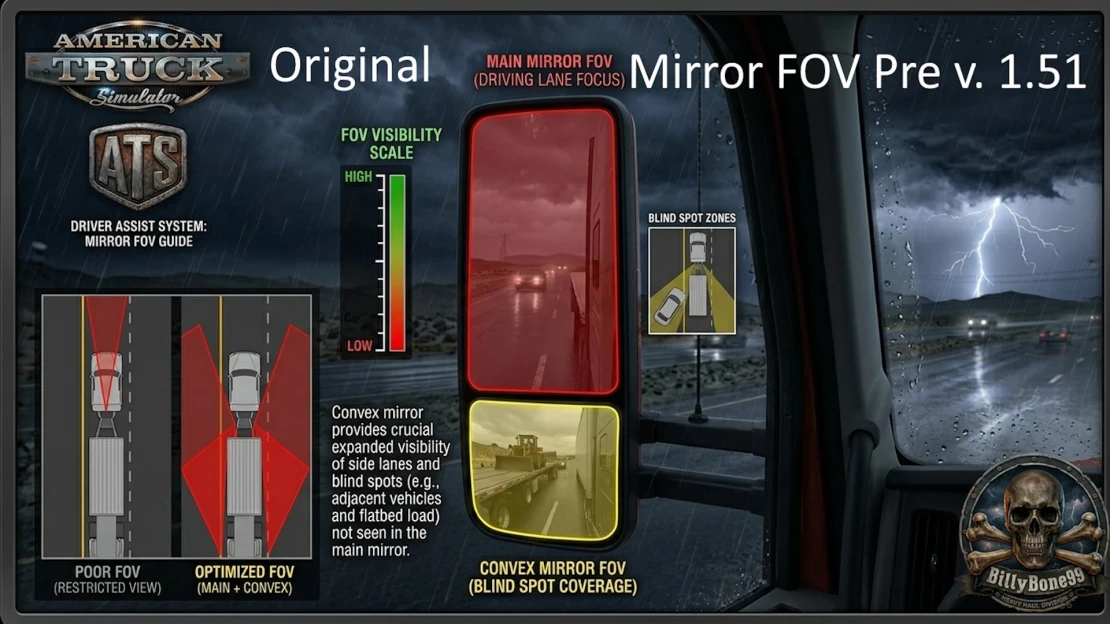
Original Mirror FOV
If you don't like the new FOV in your mirrors introduced in the 1.51 update. This adds back the Original FOV from before the 1.51 update.
![[OBSOLETE] Original Driver & Company Logos (ATS)](https://storage.truckymods.io/public/projects/149-original-driver-company-logos-ats/media/656c502ba9b8882dae8c1ffd4da5b22e.webp)
[OBSOLETE] Original Driver & Company Logos (ATS)
Restores Original Driver & Company Logos For Support/Map Combos/Reporting issues/VTC/Amazing Community, Check out GMC Logistics: https://discord.gg/schk245268
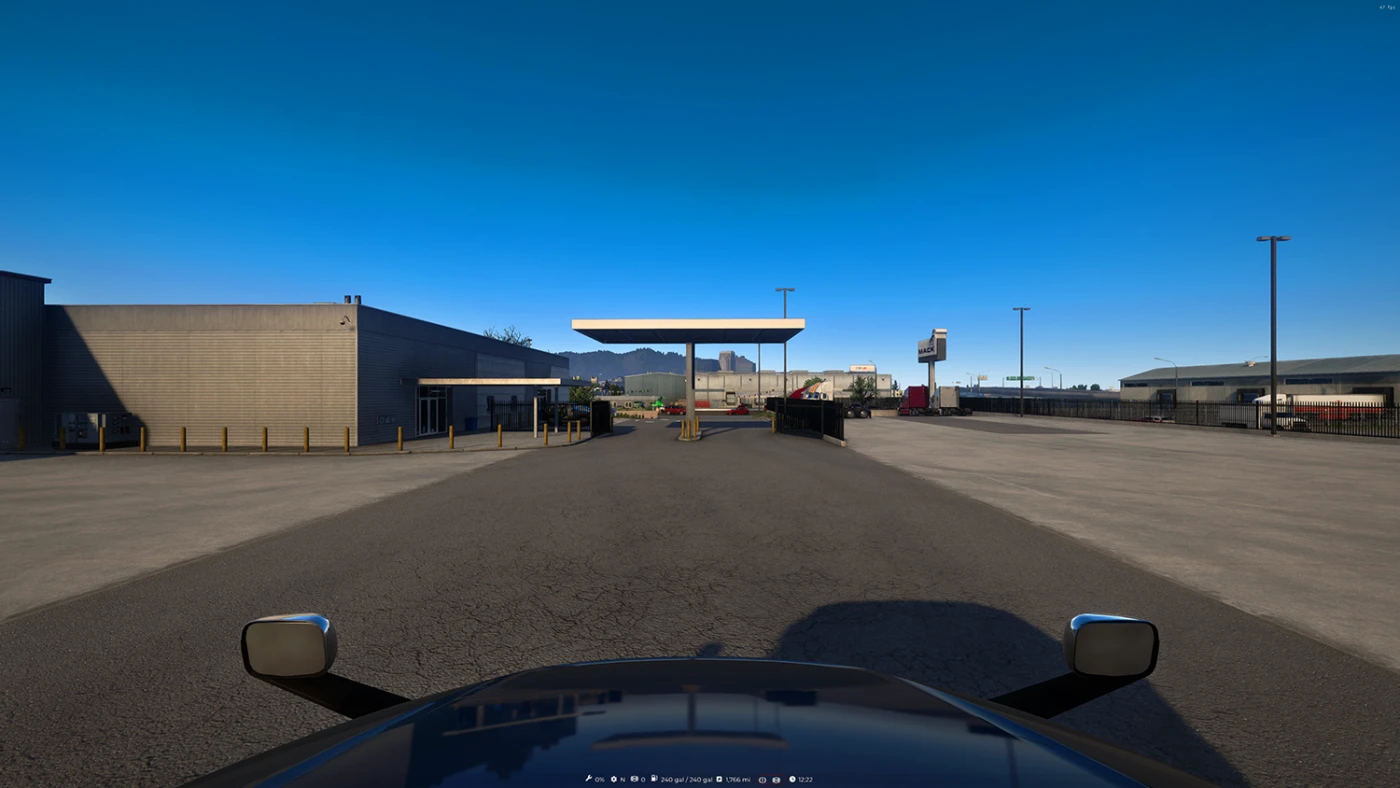
Hood Camera for ATS
Supports all SCS trucks + majority of modded trucks (there maybe some trucks that might need adjustments, just let me know if there are any to fix!) This replaces the wheel camera (7th camera) with the hood camera view with 100 POV! This is an exterior camera so remember that you won't hear interior sound effects just like any other default exterior camera. Credits to Aegle for making the 1.50 version for scs trucks
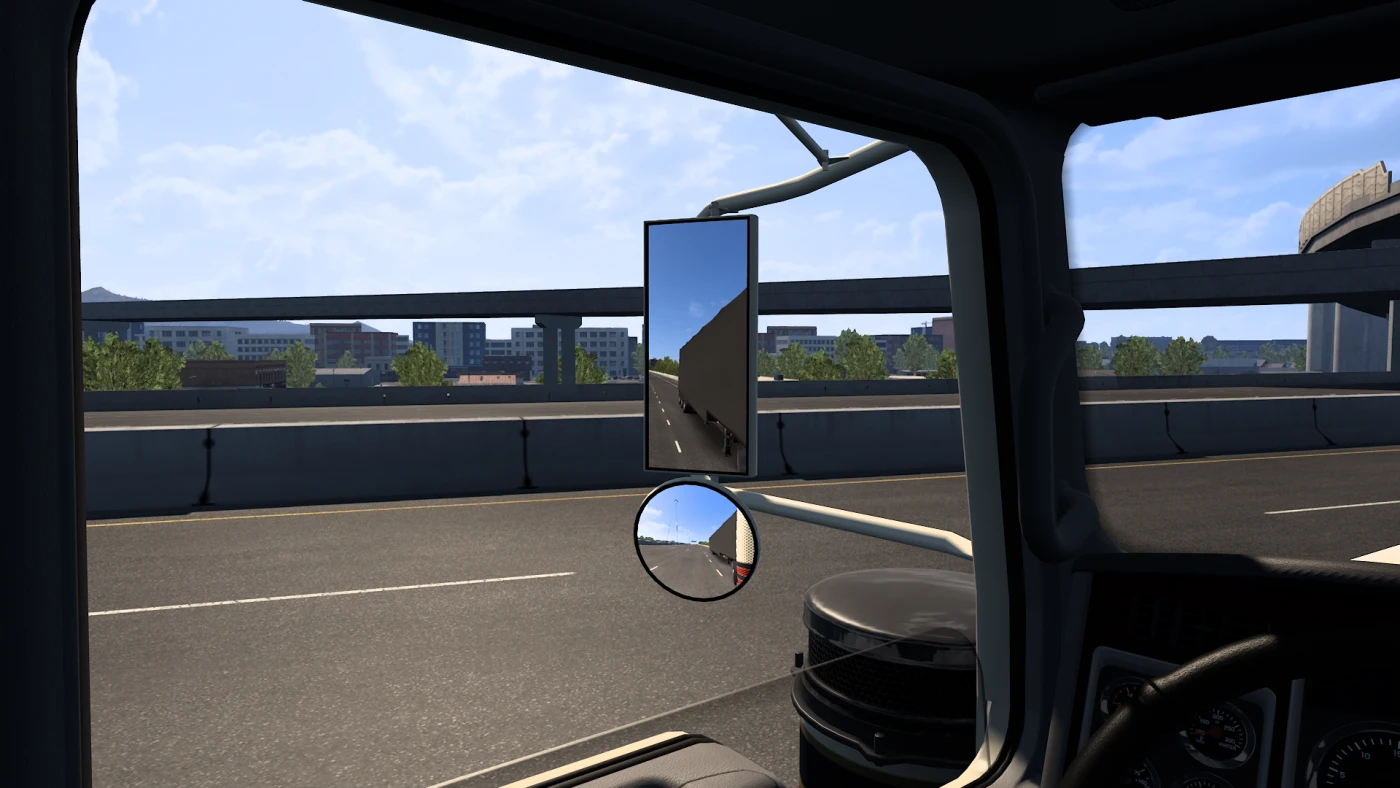
Mirror FOV Enhancement
Mirror FOV Enhancment All mirrors are effected. This mod should make it easier to see what is happening behind your truck. Reversing into parking spots or lane changing.
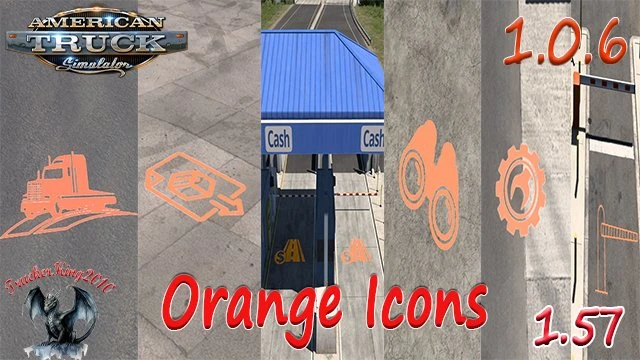
Orange Icons ATS
This mod will replace the base game Floating Icons to ones that are painted orange and are flat. This is still in Beta Mode im working on some small detail changes This Mod is Marked as Optional
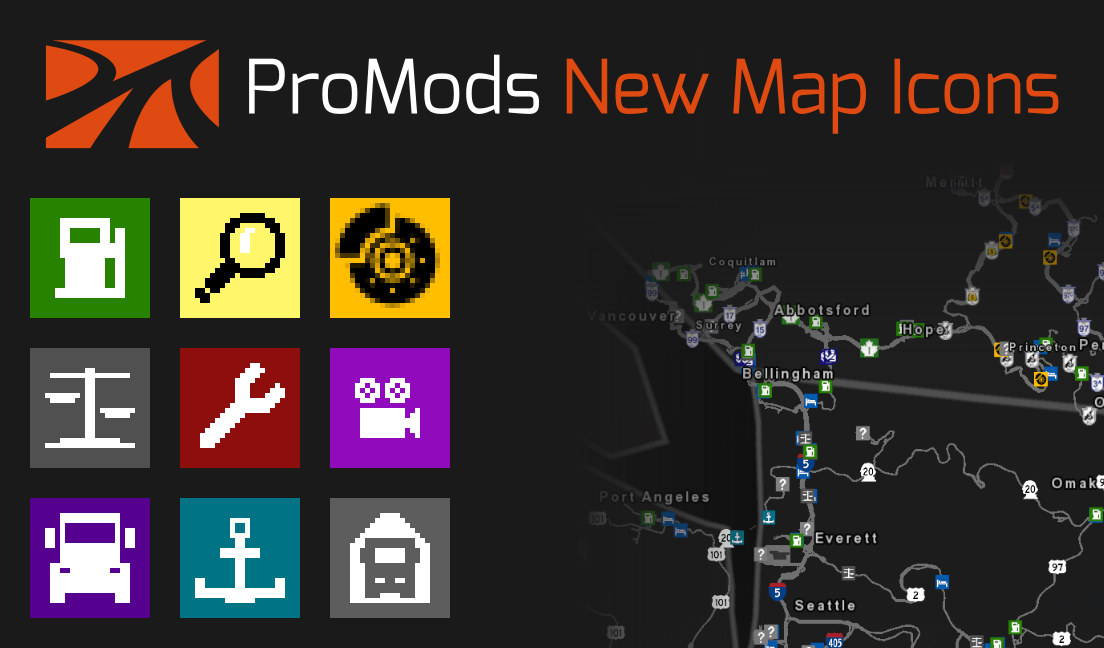
ProMods New Map Icons ATS
New map icons for ATS based mainly on the pre-1.41 ETS2 icon set. The entire base map icon set has been redesigned, including icons from the ProMods Canada map. The classic style of the pre-1.41 ETS2 icons has been implemented with inspiration from the post-1.41 icon set. This mod has no dependencies or requirements; it can be used in combination with any map mod. Load this mod above all map mods. This is an optional mod for Convoy mode. This mod may be incompatible with other UI mods that change the map icons. See the ETS2 version here: https://truckymods.io/euro-truck-simulator-2/ui/promods-new-map-icons-ets2
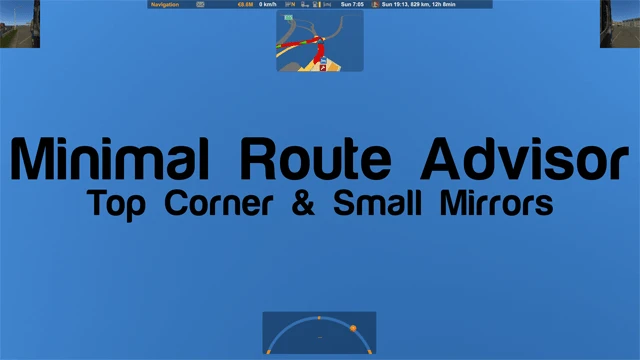
ATS | Minimal Route Advisor | Top Corner & Small Mirrors
Minimal Route Advisor | Top Corner & Small Mirrors Route manager has been moved to the top of the screen. Mini mirrors in the corners. All functions work with standard advisor keys. Adapted from Hemil's Route Advisor Mod Collections. For ATS v1.42 and UP (not tried in other versions) v1.2 -Reduced the size of virtual mirrors. v1.1.1 -Adapted to version 1.43.2.27s. (feb 24 update) v1.1 -Fixed a bug when using Convoy. Have fun! Steam Workshop Version
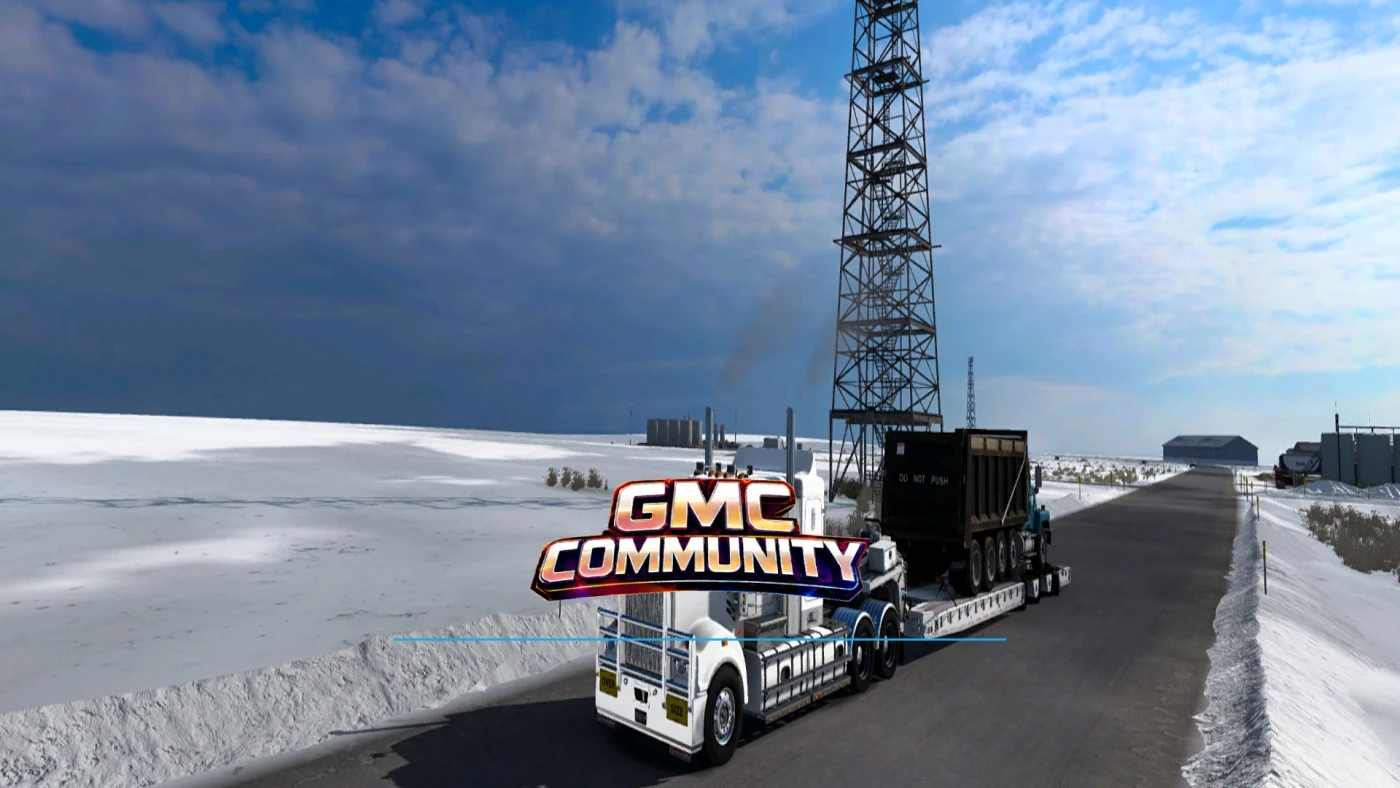
GMC Community - Company Loading Screen
This mod replaces photos and changes the UI of the loading screen. Note: Place it above all the mods under the background map Website - https://www.gmc-community.co.uk/
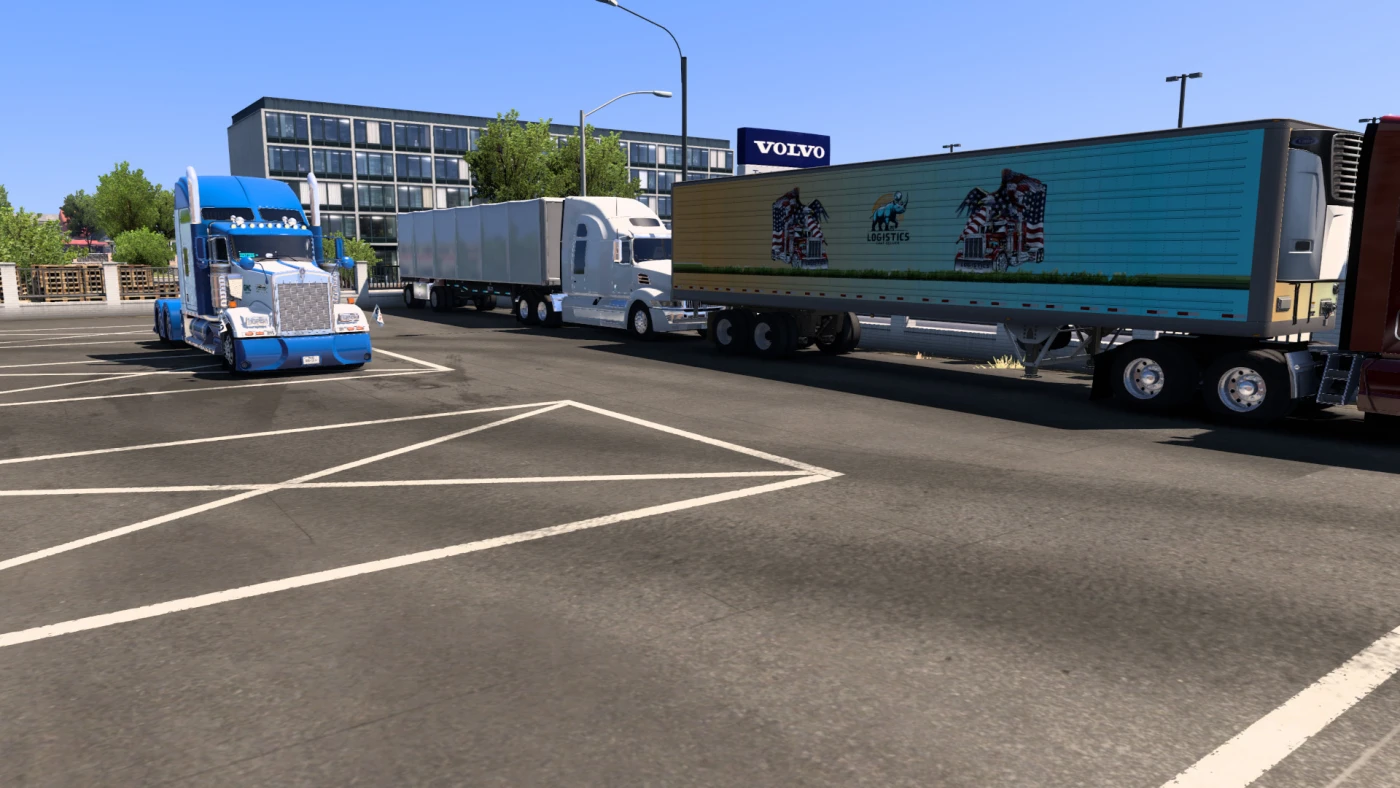
GMC Community - ATS Company Mod
Many thanks. GMC Community, Rhino Logistics, K.S.T Logistics, ATRANS Logistics, and Iron Stallion Logistics. This MOD replaces the default companies: 1. Bushnell with GMC Community 2. Namiq with GMC Community 3. Plaster and Sons with Iron Stallion Logistics 4. Sunshine Corps with ATRANS Logistics 5. USBB with Rhino Logistics 6. amlines with Union Pacific 7. Wallbert with Walmart Modifies: This MOD replaces the default companies: - [ logos, road signs, colour skins for box and tanker/cistern trailers, freight market icons, map company logos and advert billboards ] Website - https://www.gmc-community.co.uk/

Americas Colored Background Map for ATS
This mod adds a colored background map for ATS Features: Correctly show colors for underground warehouses (instead of white) Correctly place background map accordingly to Atlantic Canada and Alaska - North to the Future Show major rivers and lakes Show Hawaii and Palau Credit and Tools: SCS software for base state borders for USA DOWL for base province borders for Canada, Mexico, and Central America Cairam for background color inspiration Freeman646 for base country borders of South America, Russia, and Japan that appear in the map for the entirety of the world worldatlas.com for base borders of Brazil worldatlas.com and geology.com for background reference of South America mapofindia.com for map of Palau and Hawaii google maps and geology.com for enhancing borders geology.com for references for rivers and lakes Support: Please join our Discord server for discussions, updates and load order: https://discord.gg/PZJA3Z5Hae Please join our QQ server for game and modding discussions: 759259172 请加入我们的QQ群聊参加游戏以及模组讨论:759259172
- 15 per page
- 30 per page
- 45 per page
- 60 per page
-
See more per page
Bigger pages, fewer clicks - and no ads anywhere.
Go Pro